

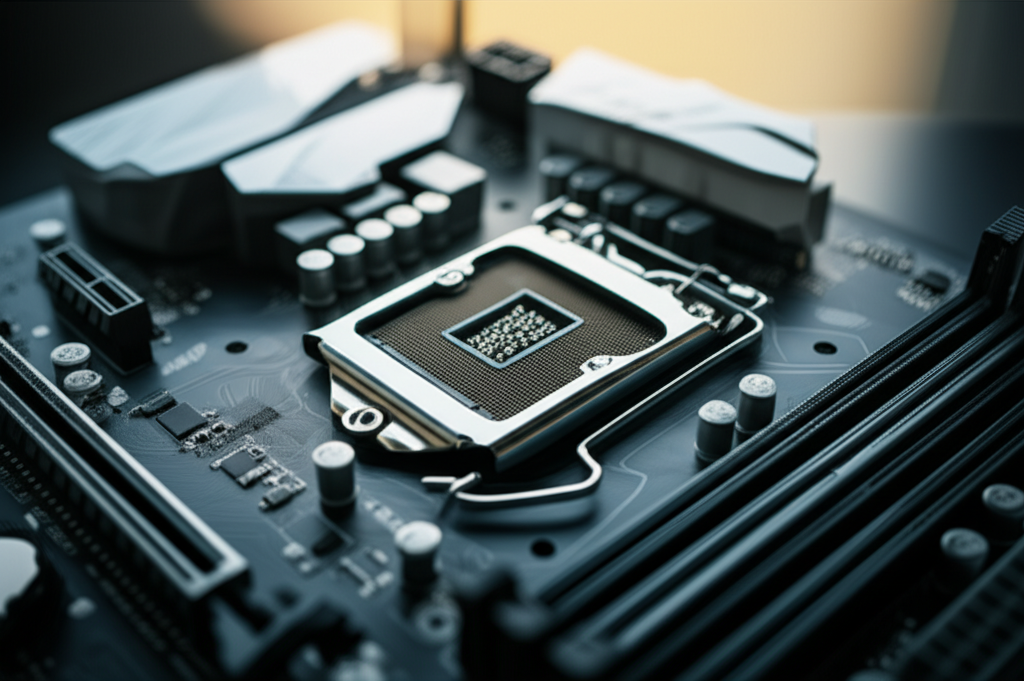
Motherboard power consumption is generally low, typically ranging from 10W to 30W for basic tasks, but can surge higher under heavy load. The actual amount depends on the motherboard’s chipset, components, and what your PC is doing.
Key Takeaways
- Motherboard power draw is surprisingly low for everyday use.
- Chipsets and integrated components significantly influence power needs.
- Gaming or heavy workloads increase motherboard power consumption.
- Understand your system’s power to optimize efficiency.
- High-end motherboards may consume slightly more power.
Motherboard Power Consumption: How Much Power Does a Motherboard Use?
Ever wondered how much electricity your computer’s motherboard actually uses? It’s a common question, especially if you’re trying to build a more energy-efficient PC or just curious about what’s happening under the hood. The truth is, pinpointing an exact number for “motherboard power consumption: how much” can be tricky because it varies. But don’t worry! This guide breaks down everything you need to know in a simple, step-by-step way. We’ll explain what affects your motherboard’s power draw and give you a clear picture of what to expect.
Understanding Your Motherboard’s Role in Power Usage
Think of your motherboard as the central nervous system of your PC. It connects all the vital components – your CPU, RAM, graphics card, storage drives, and more. While it doesn’t perform the heavy lifting like your CPU or GPU during intensive tasks, it still needs power to operate. This power enables it to manage data flow, communicate between components, and power its own built-in features, like audio or networking.
The amount of power your motherboard consumes isn’t a fixed number. It’s dynamic, changing based on what your computer is doing at any given moment. When your PC is idle, the motherboard sips power. But when you’re gaming, editing videos, or running complex simulations, the motherboard works harder to facilitate all that activity, leading to higher power consumption.
How Much Power Does a Motherboard Actually Use?
For most users, the answer to “motherboard power consumption: how much power does a motherboard use?” is surprisingly modest. In general, a motherboard itself, excluding the CPU, RAM, and other peripherals it powers, consumes between 10W and 30W during normal, everyday tasks like browsing the web or working on documents. This is a relatively small portion of your overall PC’s power draw.
However, this figure can increase significantly under load. When the CPU is under heavy strain, the motherboard’s voltage regulators and chipset are also working overtime. High-end motherboards with more robust power delivery systems (VRMs) and numerous integrated features might also have a slightly higher baseline power draw compared to their more basic counterparts. Still, even under full load, the motherboard’s direct consumption rarely exceeds 50W to 70W on its own, unless it’s powering very specific, high-draw peripherals directly.
Factors Influencing Motherboard Power Consumption
Several key factors determine how much power your motherboard will consume. Understanding these will help you grasp the variations you might see:
1. Chipset
The chipset is a crucial part of the motherboard that controls communication between the CPU, memory, and peripherals. Different chipsets have varying power requirements. Newer, more feature-rich chipsets often consume a bit more power than older or simpler ones. For instance, high-end chipsets designed for overclocking and extensive connectivity will naturally require more power to manage these advanced functions.
2. Integrated Components

Motherboards come with various built-in components that add to their power usage. These include:
- Audio Codec: The chip responsible for your sound.
- Network Interface Controller (NIC): For wired and wireless internet.
- USB Controllers: Managing your USB ports.
- SATA Controllers: For hard drives and SSDs.
- RGB Lighting and Fans: Many modern motherboards have customizable LED lighting and headers for case fans, all of which draw power.
The more features your motherboard has integrated, the more power it will consume. A motherboard with Wi-Fi 6E, advanced audio, and multiple M.2 slots will generally use more power than a bare-bones board.
3. Power Delivery System (VRMs)
The Voltage Regulator Module (VRM) delivers stable power to the CPU and other components. High-end motherboards have more robust VRMs with more phases, which can be more efficient at higher loads but might also have a slightly higher idle draw due to their complexity. These are essential for stable performance, especially when overclocking.
4. BIOS Settings and Overclocking
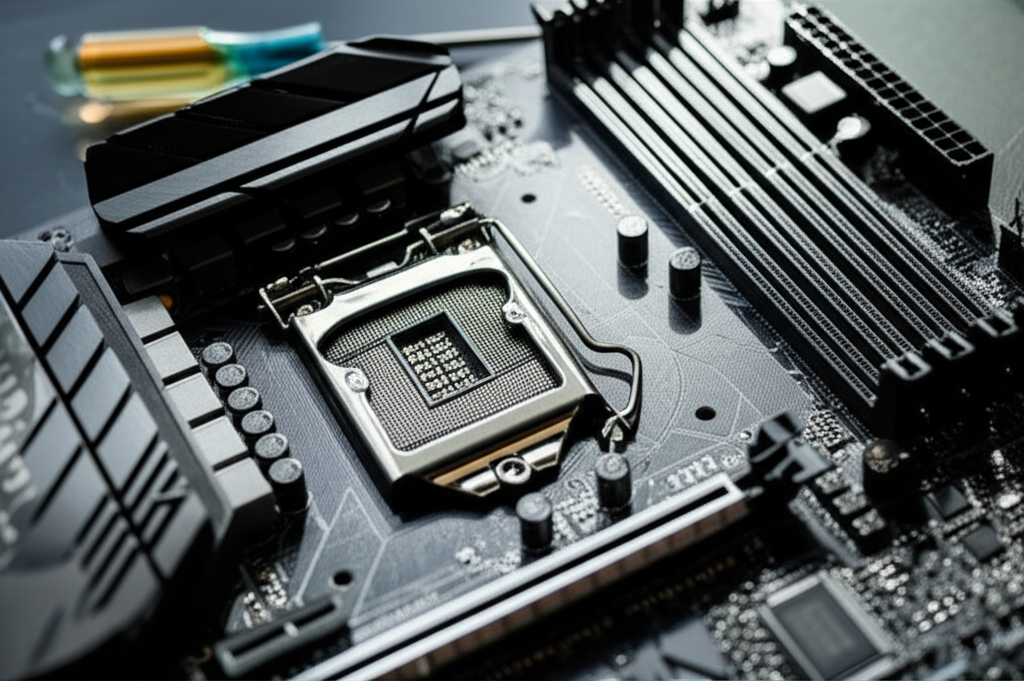
The BIOS (Basic Input/Output System) or UEFI (Unified Extensible Firmware Interface) controls many aspects of your motherboard’s operation. Settings related to power management, fan curves, and especially overclocking can significantly impact power consumption. Overclocking, by definition, pushes components to run faster than their rated speeds, which inherently requires more power and generates more heat.
5. Connected Peripherals
While not directly part of the motherboard’s own consumption, the motherboard provides power to many devices connected to it. This includes:
- Storage Devices: SSDs and HDDs draw power through SATA or M.2 connections.
- RAM Modules: DDR4 and DDR5 memory sticks require power.
- Expansion Cards: PCIe devices like sound cards or capture cards.
- USB Devices: Keyboards, mice, external drives, and webcams all draw power from USB ports.
The total power drawn by these connected devices contributes to the overall system power consumption, and the motherboard is the conduit.
Motherboard Power Consumption vs. Other Components
It’s helpful to put the motherboard’s power usage into perspective. Here’s a rough comparison of typical power draw for key PC components under load:
| Component | Typical Power Consumption (Under Load) | Notes |
|---|---|---|
| Motherboard (Core) | 10W – 70W | Excludes CPU, RAM, GPU. Varies with chipset, features, and load. |
| CPU (Processor) | 35W – 250W+ | Varies massively by model and workload (e.g., Intel Core i9 vs. AMD Ryzen 3). |
| GPU (Graphics Card) | 75W – 450W+ | The biggest power consumer in most gaming PCs. |
| RAM (Memory) | 3W – 10W per stick | Higher speeds and capacities can increase consumption slightly. |
| Storage (SSD/HDD) | 2W – 10W per drive | SSDs are generally more efficient than HDDs. |
| Peripherals (USB) | 0.5W – 10W per device | Varies greatly; high-power USB devices can draw more. |
As you can see, while the motherboard uses power, it’s usually not the main culprit for high energy bills. Your CPU and, especially, your GPU are the power-hungry components. For reliable data on specific component power draw, resources like TechPowerUp provide extensive reviews and benchmarks.
How to Measure Motherboard Power Consumption (Precisely)
Measuring your motherboard’s exact power consumption can be challenging because most simple power meters measure the entire system’s draw. However, you can get a good idea with these methods:
1. System-Wide Power Measurement (Estimating Motherboard Draw)
The easiest way is to use a Kill A Watt meter (or similar device) plugged into your wall outlet, with your PC plugged into the meter. This shows the total power your PC is consuming at any moment.
- Idle State: Measure power when your PC is on but not running any demanding applications.
- Light Load: Measure while browsing the web or using office software.
- Heavy Load: Measure while gaming or running a CPU/GPU benchmark.
To estimate motherboard draw, subtract the known power consumption of your CPU, GPU, RAM, and storage (often found in component reviews or specifications) from the total system draw. This is an approximation but can give you a reasonable range.
2. Specialized Software and Motherboard Monitoring
Some motherboards come with utility software that can provide insights into power delivery and component voltages. Tools like HWMonitor, HWiNFO, or even your motherboard manufacturer’s specific software can sometimes display current draw in amperes (A) and voltage (V) for various rails. By multiplying current by voltage, you can estimate power (Watts = Amps x Volts) for different parts of the system, including motherboard VRMs. However, these readings can sometimes be estimates rather than direct measurements.
Pro Tip: For the most accurate system-wide power readings, use a reliable plug-in power meter and take readings under consistent conditions. Ensure all power-saving features in your operating system and BIOS are either enabled (for efficiency testing) or disabled (for maximum load testing) to get comparable results.
3. Component-Specific Power Draw Benchmarks
Professional hardware reviewers often conduct detailed power consumption tests for CPUs and GPUs. Websites like AnandTech, Tom’s Hardware, and TechPowerUp provide charts showing the power draw of these components under various loads. By looking up reviews for your specific CPU and GPU models, you can find their power consumption figures and subtract them from your total system measurements for a better motherboard power estimate.
Motherboard Power Consumption: How Much Energy Is Wasted?
Energy inefficiency in a PC often comes from components converting electrical power into heat and work. Motherboards play a role here.
- VRM Efficiency: The VRMs on your motherboard are responsible for converting the 12V power from your PSU into the lower voltages required by the CPU and other components. These conversions are not 100% efficient; some energy is lost as heat. High-quality VRMs are more efficient, especially under heavy loads.
- Idle Power Draw: Even when your PC is idle, the motherboard and its connected components consume a baseline amount of power. This “vampire drain” can add up over time, though for just the motherboard, it’s typically quite low.
- Standby Power: When your PC is turned off but still plugged in, it consumes a small amount of power for features like Wake-on-LAN or power delivery to USB ports.
According to studies on energy efficiency in computing, even small improvements in component efficiency can lead to significant energy savings across millions of devices. For example, the U.S. Department of Energy’s ENERGY STAR program encourages manufacturers to implement power management features that reduce idle power consumption.
Comparing Motherboard Power Consumption Across Different Tiers
Motherboards can range from budget-friendly options to high-end enthusiast boards. This difference in price and features often correlates with power consumption.
| Motherboard Tier | Typical Idle Power (Motherboard Only) | Typical Load Power (Motherboard Only) | Key Features Affecting Power |
|---|---|---|---|
| Budget/Entry-Level | 8W – 15W | 15W – 30W | Basic chipsets, fewer VRM phases, minimal integrated I/O, no RGB. |
| Mid-Range | 10W – 20W | 20W – 45W | More capable chipsets, better VRMs, integrated Wi-Fi/Bluetooth, some RGB. |
| High-End/Enthusiast | 15W – 30W | 30W – 70W | Top-tier chipsets, robust VRMs for overclocking, extensive I/O, multiple M.2 slots, significant RGB lighting. |
These are approximate figures. A high-end motherboard might have a slightly higher idle draw due to more active chips and lighting, but its more efficient VRMs might perform better under heavy load compared to a budget board trying to power a demanding CPU.
Optimizing for Lower Motherboard Power Consumption
While the motherboard’s power draw is relatively small, you can take steps to minimize it further if energy efficiency is a priority:
- Disable Unused Features: In your BIOS/UEFI, disable integrated components you don’t use, such as unused network controllers, serial ports, or specific USB controllers.
- Manage RGB Lighting: Turn off or dim RGB lighting on your motherboard when not needed, or opt for motherboards with minimal or no RGB.
- Adjust Power Management Settings: Utilize Windows power plans (like “Balanced” or “Power Saver”) and configure aggressive sleep/hibernate settings for your PC.
- Enable CPU Power Saving Features: Ensure features like Intel SpeedStep or AMD Cool’n’Quiet are enabled in the BIOS to allow the CPU to downclock and reduce voltage when idle.
- Choose Efficient Components: When building or upgrading, select components known for their power efficiency. This includes the motherboard itself, but also the CPU and GPU.
Frequently Asked Questions (FAQ)
Q1: Does a more expensive motherboard use more power?
Not necessarily. While high-end motherboards often have more features and robust power delivery systems (which can contribute to slightly higher power draw), they are also often designed with more efficient components and power management technologies. A budget board pushing its limits might be less efficient than a well-designed premium board.
Q2: How much power does RGB lighting on a motherboard use?
RGB lighting on a motherboard typically uses a small amount of power, usually a few watts at most, even with several LEDs lit. However, if you connect many RGB strips or fans to motherboard headers, the collective draw can become more significant.
Q3: Will my motherboard’s power consumption affect my electricity bill significantly?
For most users, the motherboard’s direct power consumption will have a minimal impact on their electricity bill. The CPU and GPU are the primary drivers of high power usage, especially during gaming or intensive tasks.
Q4: Is it bad for my motherboard to draw a lot of power?
A motherboard drawing more power under load simply means it’s working hard to support your system’s components. As long as your power supply is adequate and cooling is sufficient, this is normal. Excessive power draw beyond designed limits, often due to severe overclocking without proper cooling, could potentially stress components over time.
Q5: What is the typical idle power consumption of a motherboard?
A typical motherboard consumes between 10W and 30W when the PC is idle, meaning it’s powered on but not running any demanding applications. Simpler boards may consume less, while feature-rich boards might consume slightly more.
Q6: Can I reduce my motherboard’s power consumption?
Yes, you can reduce it by disabling unused integrated features in the BIOS, managing RGB lighting, and optimizing power management settings in your operating system.
Conclusion
Understanding “motherboard power consumption: how much power does a motherboard use?” reveals that while it’s an essential component, its individual power draw is relatively modest compared to the CPU and GPU. For everyday tasks, you’re likely looking at 10W to 30W, with increases under heavy load. Factors like the chipset, integrated features, and VRM design all play a role, and high-end boards might consume slightly more but often offer better efficiency under stress. By being aware of these factors and employing simple optimization techniques, you can ensure your motherboard operates efficiently as part of your overall PC power strategy. Ultimately, the motherboard is a facilitator, and its power needs are intrinsically linked to the demanding tasks performed by the components it connects.
