

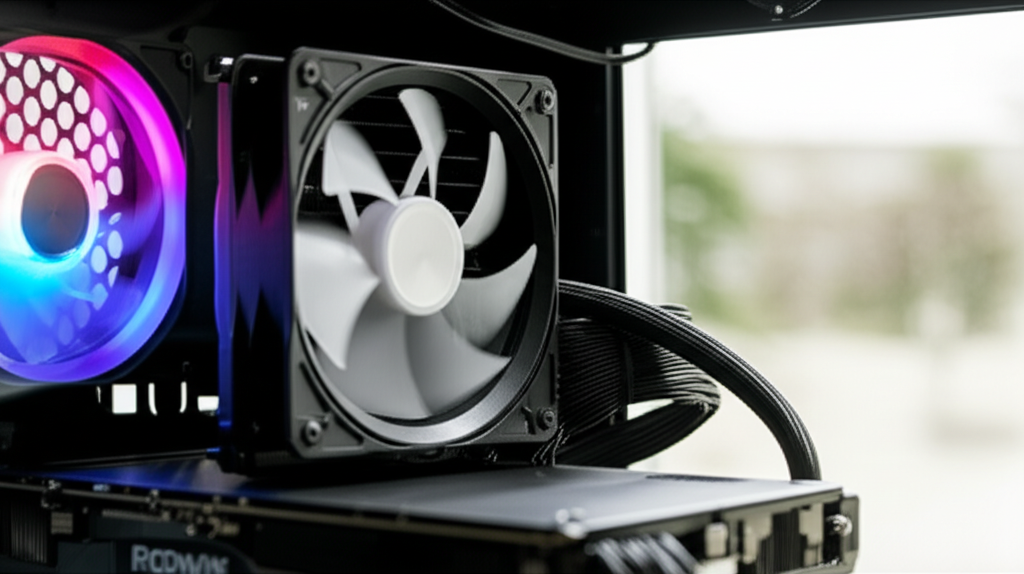
Yes, AIO coolers can be worth it for gamers and PC enthusiasts seeking better cooling performance and aesthetics, but they aren’t always necessary for everyone. Weighing their pros and cons against your specific needs and budget is key.
Key Takeaways
- Improve PC performance and lifespan with better cooling.
- Cool your PC effectively with AIOs for gaming or heavy tasks.
- Enhance your PC’s look with customizable AIO aesthetics.
- Avoid AIOs if on a tight budget or for basic computer use.
- Understand AIO maintenance and potential failure points.
Building or upgrading a PC can feel like navigating a maze, especially when it comes to keeping your powerful components cool. One popular solution you’ve likely encountered is the All-In-One (AIO) liquid cooler. But the big question remains: Are AIO coolers worth it? You see them in sleek gaming builds, but do they offer real benefits over traditional air coolers, or are they just for show? This guide will break down the pros and cons of AIO coolers, making it easy for you to decide if they’re the right choice for your next PC build or upgrade. Let’s dive in and demystify AIO cooling.
What Exactly Is an AIO Cooler?
Before we get into the worth of AIO coolers, let’s quickly understand what they are. An AIO cooler, short for All-In-One, is a type of CPU cooler that uses a liquid cooling system. Unlike custom liquid cooling loops that involve many separate parts, AIOs come pre-assembled and sealed. They consist of a few key components:
- The Pump: This is the heart of the AIO, circulating the coolant. It’s usually integrated into the water block that sits directly on the CPU.
- The Water Block: This metal plate makes contact with your CPU, absorbing its heat.
- Radiator: A finned metal component that dissipates heat from the coolant into the air.
- Fans: Mounted on the radiator, these fans push or pull air through the fins, speeding up heat dissipation.
- Tubing: Flexible or rigid tubes that connect the water block and the radiator, carrying the coolant back and forth.
The coolant flows from the radiator to the water block, picks up heat from the CPU, travels back to the radiator, and the fans cool the liquid before it loops back to the CPU. It’s a closed system, meaning you don’t typically need to add or remove anything.
The Pros: Why AIO Coolers Might Be Worth It
AIO coolers offer several attractive benefits that make them a popular choice for many PC builders. Let’s explore these advantages:
Superior Cooling Performance
One of the biggest reasons people opt for AIOs is their cooling power. Because liquid is much more efficient at transferring heat than air, AIOs can often achieve lower CPU temperatures than even high-end air coolers. This is especially important for:
- High-Performance CPUs: Modern processors, especially flagship models, can generate a lot of heat. AIOs can keep these CPUs running at their peak performance for longer periods without thermal throttling (when a CPU slows down to prevent overheating). For example, Intel’s latest Core i9 processors can reach high temperatures quickly, benefiting significantly from robust cooling.
- Overclocking: If you plan to push your CPU beyond its factory settings (overclocking), you’ll need exceptional cooling. AIOs provide the thermal headroom required for stable overclocking.
- Intensive Workloads: For tasks like video editing, 3D rendering, or running complex simulations, your CPU is under heavy load for extended durations. Better cooling ensures consistent performance and stability.
Studies by organizations like TechPowerUp often show AIOs outperforming top-tier air coolers in thermal tests, especially larger radiator sizes.
Aesthetic Appeal and Customization
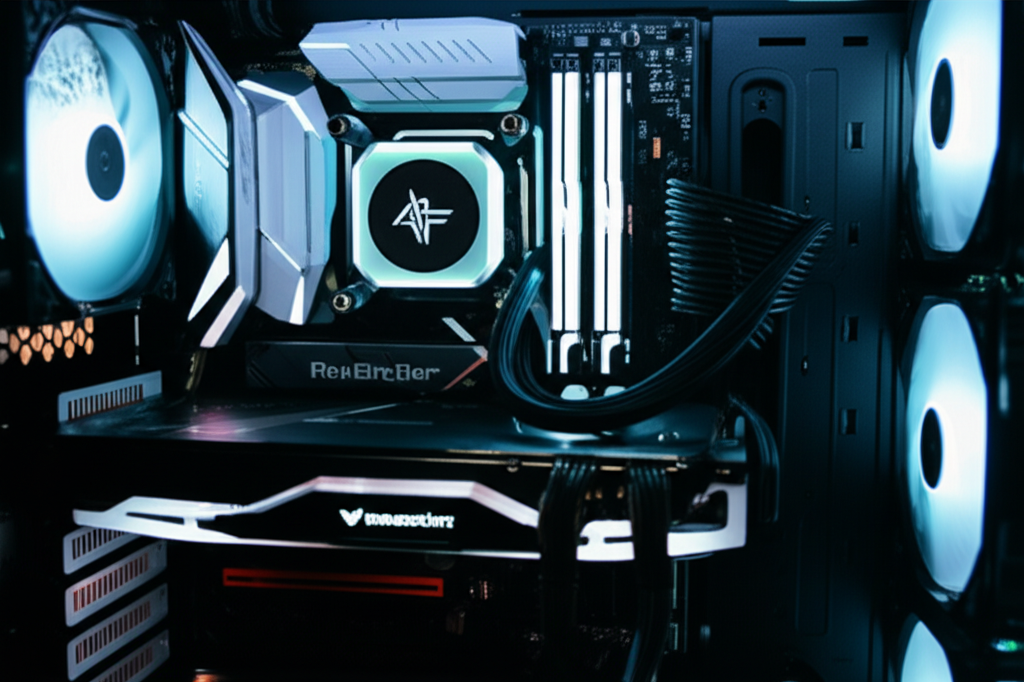
Let’s face it, PCs are often built for looks as much as performance. AIO coolers can dramatically enhance the visual appeal of your computer:
- Clean Look: Unlike large, bulky air coolers that can dominate the inside of your case, AIOs offer a more minimalist appearance around the CPU socket. The radiator and fans are typically mounted to the case, leaving the motherboard area looking cleaner.
- RGB Lighting: Many AIOs come with customizable RGB lighting on the pump, fans, and even the water block. This allows you to sync lighting effects with the rest of your PC components for a stunning visual setup.
- Customizable Radiator Placement: You can often mount the radiator in different locations within your PC case (top, front, or rear), which can help with overall case airflow and further customize the build’s look.
This visual element is a significant draw for many users who want their PC to be a centerpiece.
Quieter Operation (Potentially)
This one is a bit nuanced. At idle or under light loads, AIOs can be very quiet because the fans can spin at lower speeds when the coolant isn’t very hot. However, under heavy load, the fans on the radiator will spin up to dissipate the heat effectively. This can sometimes result in more noise than a large, high-quality air cooler that might not need to spin its fan as fast. But, compared to smaller, less efficient air coolers, AIOs can offer a quieter experience during everyday tasks.
The noise level depends heavily on the quality of the AIO’s fans and pump, as well as the specific fan curves you set in your motherboard’s BIOS or through software.
Improved Case Airflow
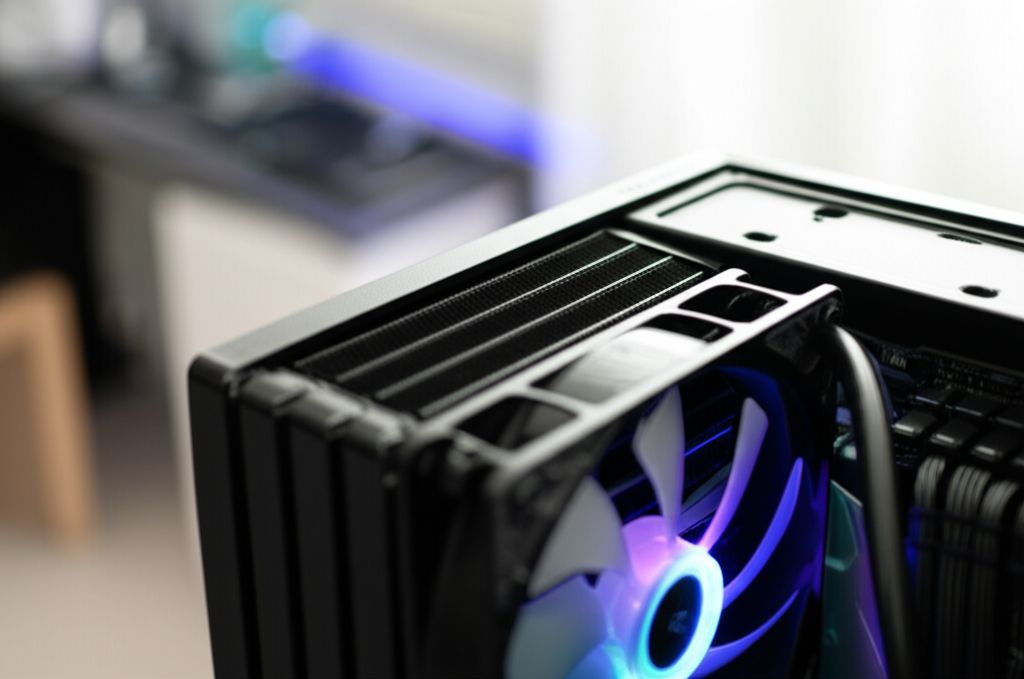
By moving the primary heat dissipation point away from the CPU socket and onto the case exterior (via the radiator), AIOs can sometimes contribute to better overall case airflow. Instead of a large heatsink blocking airflow directly above the CPU, a radiator mounted to the top or front of the case can act as an intake or exhaust point.
This can be particularly beneficial in smaller PC cases where space is limited, and traditional air coolers might impede airflow to other components like the RAM or motherboard VRMs.
The Cons: When AIO Coolers Might Not Be Worth It
While AIOs have compelling advantages, they also come with drawbacks that are crucial to consider. Understanding these cons will help you make a balanced decision.
Higher Cost
AIO coolers are generally more expensive than comparable air coolers. A decent 240mm AIO can cost as much as, or more than, a high-end air cooler that offers similar or even better cooling performance. Budget-friendly AIOs exist, but they often compromise on performance, build quality, or aesthetics compared to their premium counterparts.
For a basic PC that’s used for web browsing, office tasks, or light media consumption, the extra cost of an AIO is rarely justified. A stock cooler or an affordable aftermarket air cooler will suffice perfectly. For instance, a Noctua NH-D15, a top-tier air cooler, often rivals or surpasses many mid-range AIOs in performance and durability for a similar or lower price point.
Potential for Leaks and Component Failure
The biggest fear for anyone considering an AIO is a leak. While modern AIOs are designed with robust seals and materials to prevent this, the risk, however small, is still present. A leak can potentially damage other expensive components in your PC, such as the graphics card, motherboard, or power supply. These types of failures are rare, but they are a unique risk associated with liquid cooling systems compared to purely air-cooled setups.
Furthermore, AIOs have more moving parts than air coolers. The pump is a mechanical component that can eventually fail. While pumps are typically rated for tens of thousands of hours, they are a potential point of failure. When a pump fails, cooling performance drops dramatically, and without prompt intervention, it can lead to CPU damage.
The lifespan of an AIO is generally considered to be shorter than that of a high-quality air cooler, often around 3-5 years, due to the pump’s lifespan and the potential for coolant evaporation over time.
Maintenance and Complexity
While AIOs are marketed as “All-In-One” and require less initial setup than custom loops, they are still more complex than air coolers. Air coolers are essentially a heatsink and a fan. An AIO involves a pump, radiator, fans, and coolant in a closed loop – more can go wrong.
Although most AIOs don’t require user maintenance, some users choose to replace the stock fans on the radiator with quieter or higher-performance ones. Also, over several years, the coolant inside can degrade or evaporate, potentially reducing cooling efficiency, though this is usually beyond the typical lifespan warranty of most AIOs.
Radiator Size and Case Compatibility
AIOs come with radiators of different sizes, most commonly 120mm, 240mm, 280mm, or 360mm. The larger the radiator, the better the cooling potential. However, larger radiators require specific mounting points within your PC case. You need to ensure your case clearly supports the size of the AIO radiator you intend to purchase. Many smaller or budget cases might only support a single 120mm or 240mm radiator, limiting your cooling options.
You also need to consider clearance for the radiator and fans, especially if you’re mounting it at the top of the case, ensuring it doesn’t interfere with motherboard components or RAM.
Performance Can Be Similar to High-End Air Coolers
As mentioned earlier, while AIOs offer excellent cooling, the performance gap between a high-end AIO and a top-tier air cooler can be surprisingly small, especially for CPUs that aren’t excessively power-hungry or heavily overclocked. Many enthusiast-grade air coolers, like those from Noctua or be quiet!, are incredibly efficient and reliable. For many users, the slight temperature difference might not be worth the increased cost and potential risks associated with AIOs.
For example, research from sites like Gamers Nexus, a respected tech review site, frequently shows that the best air coolers can compete closely with many AIOs in thermal performance tests, particularly at similar price points when factoring in fan quality.
AIO Cooler vs. Air Cooler: A Quick Comparison
To help visualize the differences, here’s a table comparing AIO coolers and traditional air coolers:
| Feature | AIO Cooler | Air Cooler |
|---|---|---|
| Cooling Performance | Generally excellent, especially for high TDP CPUs and overclocking. | Excellent, especially high-end models. Can rival AIOs. |
| Cost | Higher | Lower to moderate, with high-end options comparable to mid-range AIOs. |
| Aesthetics | Sleeker around CPU socket, customizable RGB, cleaner look. | Can be bulky and visually dominant. Some have minimalistic designs. |
| Noise Level | Can be quiet at idle, louder under load depending on fans. Pump can add noise. | Generally quieter under light load. High-end fans can be very quiet under load. |
| Reliability & Lifespan | Potential for leaks, pump failure. Shorter typical lifespan (3-5 years). | Very reliable, fewer moving parts. Longer potential lifespan (5+ years). |
| Installation | Requires mounting radiator and fans, connecting pump. Can be complex. | Simpler, mounts directly to motherboard with heatsink and fan. |
| Case Compatibility | Requires specific radiator mounting points and clearance. | Requires clearance around CPU socket for heatsink size. |
| Maintenance | Sealed system, generally no user maintenance needed. | Primarily involves cleaning dust from heatsink fins. |
Who Should Consider an AIO Cooler?
Based on the pros and cons, an AIO cooler is likely a good investment if you fall into one of these categories:
- Enthusiast Gamers and Overclockers: If you’re pushing your CPU to its limits, whether for gaming or overclocking, the superior thermal performance of an AIO can provide a noticeable benefit in stability and sustained performance.
- Users with High-TDP CPUs: Processors like the Intel Core i9 series or AMD Ryzen 9 series generate substantial heat. An AIO can handle this heat load more effectively than many air coolers.
- Builders Prioritizing Aesthetics: If the visual aspect of your PC build is paramount and you want a clean, modern look with customizable RGB lighting, an AIO is a strong option.
- Users with Specific Case Constraints: In some small form factor (SFF) cases, a traditional large air cooler might not fit, but a smaller AIO radiator might. Or, you might want to relocate heat dissipation further from the CPU socket.
Who Might Be Better Off With an Air Cooler?
An air cooler is likely the more sensible choice if:
- You’re on a Budget: Air coolers offer excellent value for money, providing great performance without the premium price tag of AIOs.
- You Have a Mid-Range or Lower-End CPU: Most mid-range and lower-end CPUs don’t produce enough heat to warrant the expense and complexity of an AIO. A good air cooler will be more than sufficient.
- Reliability is Your Top Priority: Air coolers have a proven track record of extreme reliability and longevity with fewer points of failure.
- You Prefer Simplicity: If you want a “set it and forget it” solution with minimal fuss and maximum durability, an air cooler is the way to go.
- Your Case Doesn’t Support Larger Radiators: If your PC case has limited mounting options for radiators, a large air cooler might actually offer better performance.
For a standard PC used for everyday tasks, office work, or light gaming, an air cooler from brands like Noctua, be quiet!, or Cooler Master will provide excellent and reliable performance without breaking the bank.
Pro Tips for Choosing and Installing an AIO
If you’ve decided an AIO is right for you, here are some tips to make the most of your purchase:
- Research Fan Performance: The fans on an AIO radiator significantly impact noise and cooling. Look for reviews that test fan noise and effectiveness. Some AIOs come with excellent fans, while others benefit greatly from an upgrade.
- Check Radiator Size vs. Case Clearance: Always double-check your PC case’s specifications for radiator support (e.g., 120mm, 240mm, 280mm, 360mm) and confirm clearance for thickness, especially if mounting at the top. Websites like PCPartPicker can help you check compatibility.
- Consider Pump Noise: Some AIO pumps can produce a noticeable humming or buzzing sound. Reading reviews that specifically mention pump noise can save you from an annoying experience.
- Install Correctly: Follow the manufacturer’s instructions carefully. Ensure the water block is seated flush on the CPU, thermal paste is applied correctly, and all connections are secure. For the radiator, consider the best airflow direction for your case.
- Set Fan Curves: After installation, use your motherboard’s BIOS or manufacturer software to set custom fan curves. This allows you to balance cooling performance with noise levels based on your preferences.
Frequently Asked Questions (FAQ)
Q1: Do AIO coolers need maintenance?
A1: Most modern AIO coolers are sealed units and do not require routine maintenance from the user. The coolant is sealed inside. However, you should periodically clean dust from the radiator fins and fans to maintain optimal performance.
Q2: How long do AIO coolers typically last?
A2: The lifespan of an AIO cooler varies, but most manufacturers offer warranties typically ranging from 3 to 6 years. Due to the moving parts (pump) and potential for coolant degradation or evaporation over time, they are generally considered to have a shorter lifespan than high-quality air coolers, often around 3-5 years of active use.
Q3: Can an AIO cooler leak and damage my PC?
A3: While it’s a valid concern, the risk of AIO leaks is relatively low with reputable brands. Modern AIOs are built with high-quality seals and materials. However, leaks are a possibility and could indeed damage other components. It’s crucial to choose well-regarded brands and follow installation guidelines diligently.
Q4: Are AIO coolers significantly better than air coolers for gaming?
A4: For most gaming scenarios, the difference in performance between a high-end AIO and a top-tier air cooler is often minimal, sometimes only a few degrees Celsius. While an AIO might offer a slight edge, especially with very high-end CPUs or overclocking, a good air cooler is usually sufficient for excellent gaming performance and system stability.
Q5: Is a 120mm AIO cooler better than a stock air cooler?
A5: Generally, yes, a 120mm AIO will offer better cooling performance than a basic stock air cooler that comes with many CPUs. This is primarily due to the larger surface area of the radiator and the active coolant circulation. However, for CPUs that run hot, a high-end heatsink-style air cooler might still outperform a small 120mm AIO.
Q6: Do I need thermal paste for an AIO cooler?
A6: Yes, thermal paste is essential for any CPU cooler, including AIOs. It fills microscopic gaps between the CPU’s heat spreader and the cooler’s water block, ensuring efficient heat transfer. Most AIOs come with pre-applied thermal paste on the water block, but it’s good practice to have a tube of aftermarket thermal paste on hand, especially if you need to reinstall the cooler or want to use a premium compound.
Conclusion: Are AIO Coolers Worth It For You?
So, to circle back to our initial question: Are AIO coolers worth it? The answer, as with many tech questions, is “it depends.'”
For builders who prioritize top-tier cooling performance for demanding tasks, overclocking, or running high-TDP processors, and who also value a clean, customizable aesthetic, an AIO cooler can absolutely be worth the investment. They offer the cooling potential and visual flair that many enthusiasts seek in their builds.
However, if you’re on a tighter budget, building a standard PC for everyday use, or simply prioritizing absolute reliability and simplicity, a high-quality air cooler will likely serve you just as well, if not better, for less money and with fewer potential risks. The performance gap between the best air coolers and many AIOs isn’t always as dramatic as marketing might suggest.
Ultimately, the best cooler for your PC is the one that meets your specific needs for performance, budget, and aesthetics. By understanding the pros and cons outlined in this guide, you’re now well-equipped to make an informed decision and build a cool, powerful, and stylish PC that’s perfect for you.
