

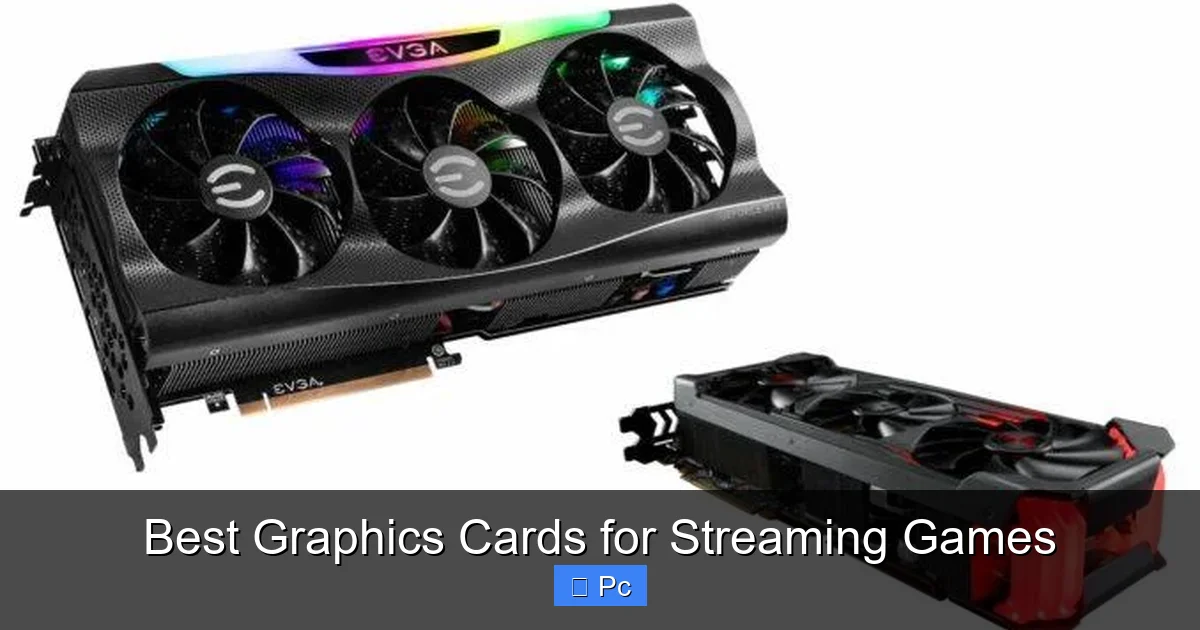
Choosing the right graphics card for streaming games can make or break your content quality and viewer experience. Whether you’re a beginner or a seasoned streamer, the right GPU ensures smooth gameplay, crisp visuals, and efficient encoding—all without overloading your system.
Key Takeaways
- NVIDIA GPUs dominate streaming: With dedicated NVENC encoders, NVIDIA cards like the RTX 4070 and 4080 offer superior streaming performance with minimal impact on frame rates.
- AMD is catching up fast: Newer RDNA 3 cards like the RX 7800 XT include improved encoders and strong gaming performance, making them solid choices for budget-conscious streamers.
- Encoding matters more than raw power: A GPU with a strong encoder (like NVENC or AMD’s AMF) is often more important than sheer FPS when streaming at high quality.
- 1080p vs. 4K streaming needs differ: For 1080p60 streams, mid-range cards suffice, but 4K or high-FPS streaming demands top-tier GPUs with ample VRAM and cooling.
- CPU and GPU must work together: Even the best GPU can struggle if your CPU can’t handle OBS, chat, and alerts—balance your build for optimal streaming performance.
- Future-proofing is key: Investing in a GPU with AV1 encoding support (like RTX 40-series or RX 7000) ensures compatibility with next-gen streaming platforms and lower bandwidth usage.
- Cooling and power matter: Streaming pushes GPUs harder—choose models with robust cooling solutions and ensure your PSU can handle the load.
📑 Table of Contents
- Why Your Graphics Card Is the Heart of Your Streaming Setup
- What Makes a Graphics Card Great for Streaming?
- Top NVIDIA Graphics Cards for Streaming in 2024
- Best AMD Graphics Cards for Streaming
- How to Choose the Right GPU for Your Streaming Needs
- Future-Proofing Your Streaming Rig
- Final Thoughts: Building the Ultimate Streaming PC
Why Your Graphics Card Is the Heart of Your Streaming Setup
If you’re serious about streaming games, you already know that a powerful PC is essential. But while many streamers focus on CPUs, RAM, and capture cards, the graphics card—or GPU—is often the unsung hero of a smooth, high-quality stream. It doesn’t just render your gameplay; it also handles encoding, which is the process of converting your video into a format that can be sent to platforms like Twitch, YouTube, or Facebook Gaming.
Think of your GPU as the engine in your streaming machine. Without a strong one, your stream might stutter, drop frames, or look blurry—even if your internet connection is perfect. And let’s be honest: no one wants to watch a stream that looks like it’s buffering in slow motion. A good graphics card ensures your gameplay runs smoothly while simultaneously encoding your stream in real time, so your audience gets a crisp, lag-free experience.
But here’s the catch: not all GPUs are created equal when it comes to streaming. Some are built for raw gaming performance, while others include specialized hardware for encoding video. The best graphics cards for streaming games strike a balance—delivering high frame rates in demanding titles while efficiently handling the extra workload of streaming. In this guide, we’ll break down exactly what to look for, which models stand out in 2024, and how to build a streaming rig that won’t let you down when the spotlight is on.
What Makes a Graphics Card Great for Streaming?
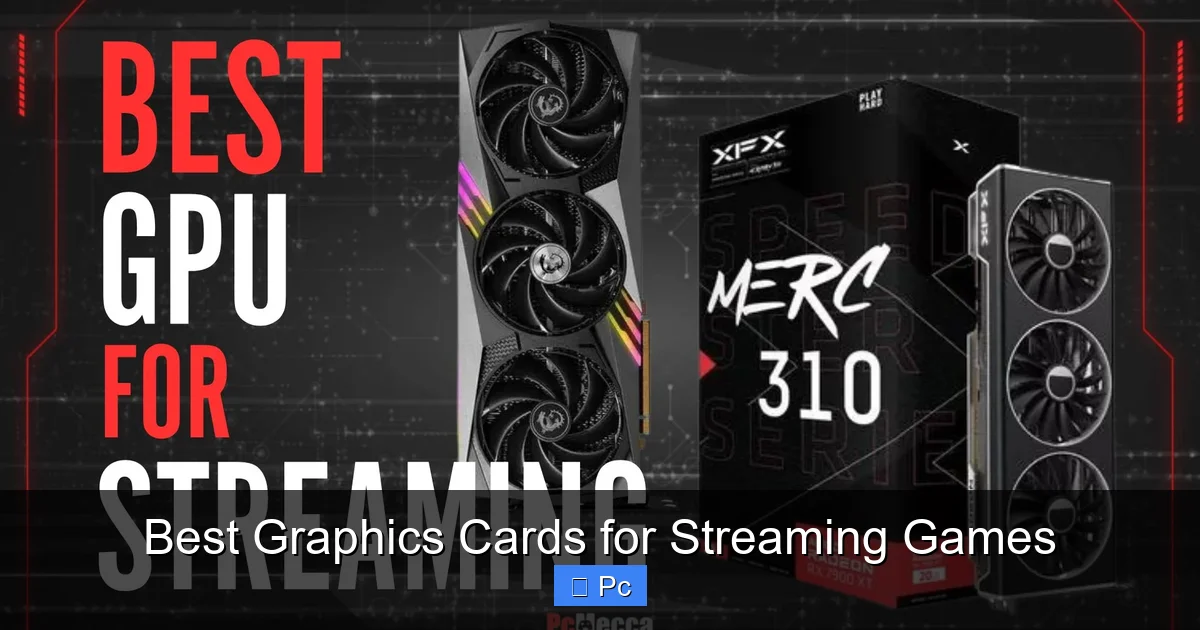
Visual guide about Best Graphics Cards for Streaming Games
Image source: pcmecca.com
When evaluating a GPU for streaming, it’s not just about how many frames per second (FPS) it can push in *Cyberpunk 2077* or *Elden Ring*. Streaming adds a second layer of work: encoding. This is where your GPU converts the visual output into a compressed video stream that can be uploaded to your chosen platform. The better the encoder, the less strain on your system and the higher the quality of your stream.
Hardware Encoding: NVENC vs. AMF
The two biggest players in the GPU world—NVIDIA and AMD—each have their own encoding technologies. NVIDIA uses **NVENC** (NVIDIA Encoder), while AMD relies on **AMF** (Advanced Media Framework). Over the years, NVENC has built a strong reputation for delivering high-quality streams with minimal performance hit. Even mid-range NVIDIA cards like the RTX 3060 include a powerful NVENC encoder that can handle 1080p60 streams with ease.
AMD has made significant strides with its RDNA 3 architecture, especially in the RX 7000 series. The newer AMF encoder in cards like the RX 7800 XT is much improved, offering better quality and efficiency than older AMD GPUs. However, it still lags slightly behind NVENC in terms of consistency and compatibility with streaming software like OBS Studio.
VRAM and Resolution Support
Another critical factor is **VRAM** (video memory). Streaming at higher resolutions—especially 1440p or 4K—requires more memory to store textures, frame buffers, and encoded video data. For 1080p streaming, 8GB of VRAM is usually sufficient, but if you plan to stream at 1440p or play modern games with high-resolution textures, aim for 12GB or more.
For example, the NVIDIA RTX 4070 comes with 12GB of GDDR6X memory, making it ideal for both high-FPS gaming and high-quality streaming. Meanwhile, the AMD RX 7900 GRE offers 16GB, giving it an edge in memory-intensive scenarios.
Power Efficiency and Cooling
Streaming is a sustained workload. Unlike a quick gaming session, you might be running your GPU at high load for hours. This means thermal performance and power efficiency matter more than ever. A GPU that runs hot or draws too much power can throttle performance, leading to dropped frames or system instability.
Look for models with robust cooling solutions—dual or triple-fan designs, large heatsinks, and efficient heat pipes. Brands like ASUS, MSI, and Gigabyte often offer “gaming” or “streaming” editions of popular GPUs with enhanced cooling and quieter operation.
Top NVIDIA Graphics Cards for Streaming in 2024
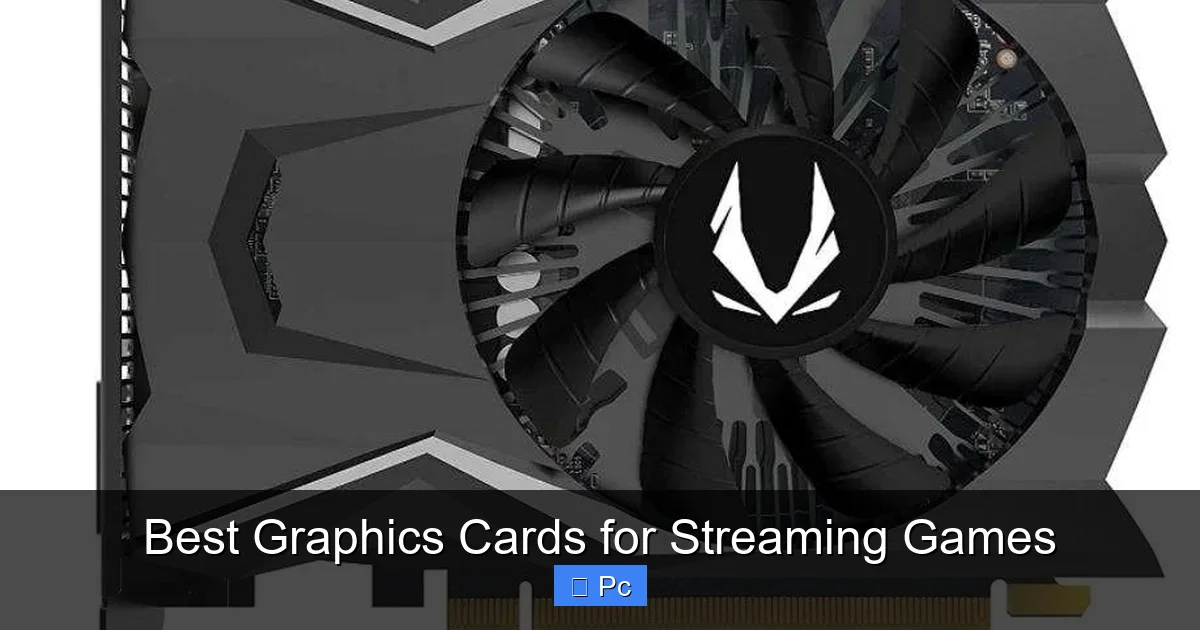
Visual guide about Best Graphics Cards for Streaming Games
Image source: gpurepublic.com
NVIDIA remains the gold standard for streaming, thanks to its mature NVENC encoder and strong driver support. If you’re building a new streaming PC or upgrading your current setup, here are the best NVIDIA options available today.
NVIDIA GeForce RTX 4070: The Sweet Spot for 1080p and 1440p Streaming
The RTX 4070 is arguably the best value GPU for streamers in 2024. It delivers excellent 1440p gaming performance while including a powerful 7th-generation NVENC encoder. This means you can stream at 1080p60 or even 1440p60 with minimal impact on your in-game FPS.
With 12GB of GDDR6X memory, it handles modern games and streaming software with ease. It’s also relatively power-efficient, drawing around 200W, so it won’t overload a modest 650W power supply. Whether you’re playing *Call of Duty: Modern Warfare III* or *Baldur’s Gate 3*, the RTX 4070 keeps your stream smooth and your gameplay responsive.
NVIDIA GeForce RTX 4080: Premium Performance for 4K Streaming
If you’re aiming for 4K streaming or high-FPS 1440p gameplay, the RTX 4080 is a powerhouse. It features the same advanced NVENC encoder as the 4070 but with significantly more CUDA cores and 16GB of GDDR6X memory. This makes it ideal for streamers who want to future-proof their setup.
The RTX 4080 can easily maintain 100+ FPS in most AAA titles at 1440p, even while encoding a high-bitrate stream. It’s also AV1 encoding capable, which is a game-changer. AV1 offers better compression than H.264 or H.265, meaning you can stream at higher quality using less bandwidth—perfect for viewers with slower connections.
One thing to note: the RTX 4080 is a larger card and requires a robust cooling system. Make sure your case has good airflow and your PSU is at least 750W (850W recommended).
NVIDIA GeForce RTX 4090: The Ultimate Streaming Beast
For professional streamers or content creators who demand the absolute best, the RTX 4090 is unmatched. With 24GB of GDDR6X memory and a massive 16,384 CUDA cores, it’s overkill for most—but perfect if you’re streaming 4K at 120Hz or running multiple applications simultaneously.
The 4090’s NVENC encoder handles 4K60 streaming with ease, and its AV1 support ensures your stream looks crisp even at lower bitrates. It’s also excellent for GPU-accelerated tasks like video editing or AI upscaling in OBS.
Downsides? Price and power. At over $1,600, it’s a significant investment, and it draws up to 450W under load. You’ll need a high-wattage PSU (850W minimum, 1000W ideal) and a well-ventilated case. But if you’re building a top-tier streaming rig, the RTX 4090 is hard to beat.
Best AMD Graphics Cards for Streaming
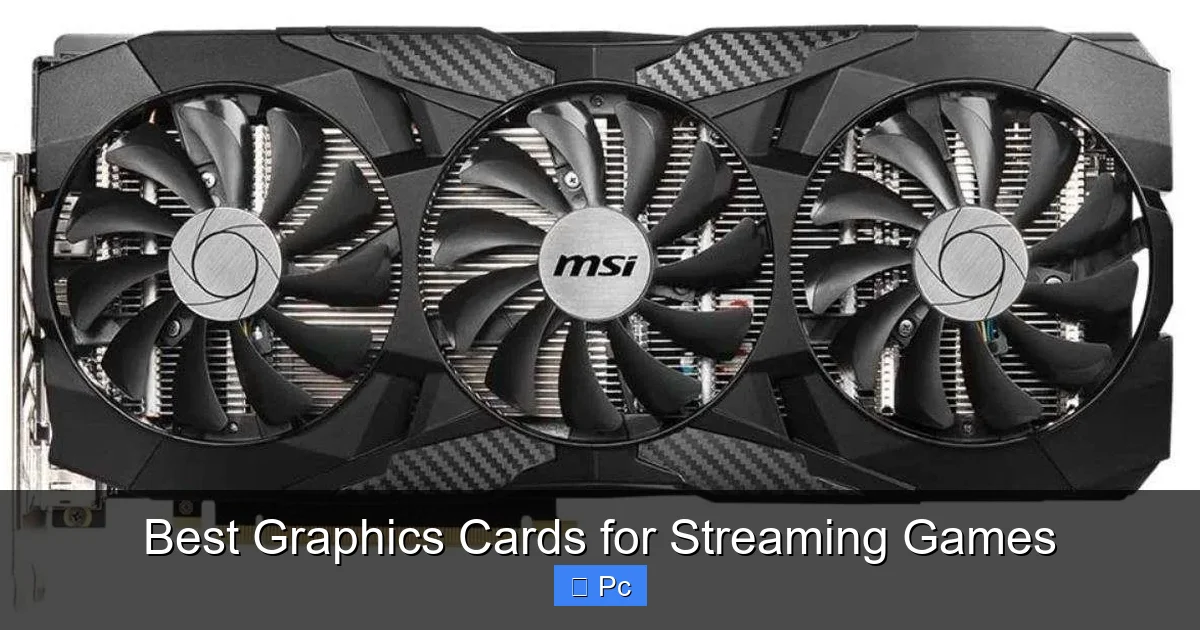
Visual guide about Best Graphics Cards for Streaming Games
Image source: gpurepublic.com
While NVIDIA leads in encoding, AMD has made impressive gains with its RDNA 3 architecture. If you prefer AMD or are working with a tighter budget, these cards offer excellent performance for streaming.
AMD Radeon RX 7800 XT: Great Value with Solid Encoding
The RX 7800 XT is one of the best AMD GPUs for streaming in 2024. It delivers strong 1440p gaming performance and includes an improved AMF encoder that’s much better than previous generations. While it doesn’t match NVENC in efficiency, it’s more than capable of handling 1080p60 or 1440p30 streams.
With 16GB of GDDR6 memory, it has plenty of headroom for high-resolution textures and streaming buffers. It’s also more power-efficient than older AMD cards, drawing around 263W. At a price point below the RTX 4070, it’s a compelling option for budget-conscious streamers who still want strong performance.
AMD Radeon RX 7900 GRE: A 16GB Powerhouse
For those who want more VRAM and don’t mind a slight premium, the RX 7900 GRE is a standout. It’s essentially a cut-down version of the flagship RX 7900 XTX but with 16GB of memory and strong 1440p performance.
Its AMF encoder supports AV1 encoding, a major upgrade over older AMD cards. This means you can stream using the more efficient AV1 codec, reducing bandwidth usage without sacrificing quality. It’s a great choice if you plan to stream on platforms that support AV1 (like YouTube) or want to future-proof your setup.
Keep in mind that AMD’s drivers and software support for streaming aren’t as polished as NVIDIA’s. You may need to tweak settings in OBS or use third-party plugins to get the best results.
AMD Radeon RX 7600: Budget-Friendly 1080p Streaming
If you’re just starting out and streaming at 1080p, the RX 7600 is a solid entry-level option. It’s affordable, power-efficient, and capable of handling modern games at high settings. Its AMF encoder can manage 1080p60 streams, though you may need to lower in-game settings to maintain smooth performance.
It’s not ideal for 1440p or high-FPS streaming, but for casual streamers or those on a tight budget, it’s a respectable choice. Just be aware that it only has 8GB of VRAM, which could become a bottleneck in newer titles.
How to Choose the Right GPU for Your Streaming Needs
With so many options, how do you pick the right graphics card? It depends on your goals, budget, and current setup.
Assess Your Streaming Resolution and Frame Rate
Are you streaming at 1080p60? 1440p60? Or aiming for 4K? Your target resolution and frame rate will heavily influence your GPU choice.
– For **1080p60 streaming**, a mid-range card like the RTX 4060 or RX 7600 is sufficient.
– For **1440p60**, aim for the RTX 4070 or RX 7800 XT.
– For **4K streaming**, you’ll need a high-end GPU like the RTX 4080 or 4090.
Consider Your CPU and Other Components
Your GPU doesn’t work in isolation. If you’re pairing a high-end GPU with a weak CPU, you’ll bottleneck your system. Streaming software like OBS relies heavily on the CPU for tasks like scene switching, audio mixing, and chat integration.
Aim for a balanced build. For example:
– RTX 4070 + Ryzen 7 7700X or Intel Core i7-13700K
– RTX 4080 + Ryzen 9 7900X or Intel Core i9-13900K
Also, ensure you have at least 16GB of RAM (32GB recommended for multitasking) and a fast SSD for quick game and software loading.
Don’t Forget About Software and Encoding Settings
Even the best GPU needs proper configuration. In OBS Studio, use the **NVENC (new)** encoder for NVIDIA cards or **AMD AMF** for AMD GPUs. Avoid software encoding (x264) unless you have a very powerful CPU—it’s inefficient and can cause performance drops.
Enable **psycho-visual tuning** and **look-ahead** in NVIDIA’s encoder settings for better stream quality. For AMD, use the latest Adrenalin drivers and experiment with bitrate settings to find the sweet spot between quality and performance.
Future-Proofing Your Streaming Rig
Technology evolves fast, and streaming is no exception. Platforms are adopting newer codecs like AV1, and games are becoming more demanding. Investing in a GPU with forward-looking features ensures your setup stays relevant for years.
AV1 Encoding: The Future of Streaming
AV1 is a next-generation video codec that offers up to 30% better compression than H.265. This means you can stream at higher quality using less bandwidth—ideal for viewers with limited internet speeds.
NVIDIA’s RTX 40-series and AMD’s RX 7000-series GPUs support AV1 encoding. If you plan to stream long-term, choosing a card with AV1 support is a smart move.
Ray Tracing and AI Features
While not directly related to streaming, features like ray tracing and AI upscaling (DLSS, FSR) can improve your in-game visuals and performance. A GPU that supports these technologies lets you stream more visually impressive content without sacrificing frame rates.
For example, DLSS 3 on NVIDIA cards can boost FPS in supported games, giving you more headroom for streaming. Similarly, AMD’s FSR 3 offers frame generation that can help maintain smooth gameplay.
Final Thoughts: Building the Ultimate Streaming PC
Choosing the best graphics card for streaming games isn’t just about picking the most expensive option. It’s about finding the right balance between gaming performance, encoding efficiency, and budget. NVIDIA still holds the edge with its superior NVENC encoder, but AMD is closing the gap with strong RDNA 3 offerings.
Whether you go with an RTX 4070 for 1440p streaming or an RX 7800 XT for great value, make sure your entire system is balanced. Pair your GPU with a capable CPU, sufficient RAM, and a reliable power supply. And don’t forget to optimize your streaming software settings for the best results.
Remember: your audience doesn’t just watch your gameplay—they experience it. A smooth, high-quality stream keeps viewers engaged and builds your community. With the right graphics card, you’re not just playing games—you’re creating content that stands out.
So, take your time, do your research, and invest in a GPU that will support your streaming journey for years to come. Whether you’re streaming to 10 viewers or 10,000, the right hardware makes all the difference.
Frequently Asked Questions
What is the best graphics card for streaming on a budget?
The NVIDIA GeForce RTX 4060 or AMD Radeon RX 7600 are excellent budget-friendly options for 1080p streaming. Both offer solid performance and efficient encoding, making them ideal for new streamers.
Can I stream with a GTX 1660 Super?
Yes, the GTX 1660 Super can handle 1080p30 or 720p60 streams using its older NVENC encoder. However, it lacks AV1 support and may struggle with newer games at high settings.
Is AMD or NVIDIA better for streaming?
NVIDIA is generally better for streaming due to its superior NVENC encoder and broader software support. However, AMD’s newer RX 7000 series cards are strong alternatives, especially for budget builds.
Do I need a capture card if I’m using a GPU for streaming?
No, if you’re streaming directly from your gaming PC, a capture card isn’t necessary. Modern GPUs handle encoding internally. Capture cards are only needed for console streaming or multi-PC setups.
What bitrate should I use for streaming with my GPU?
For 1080p60, use 6000–8000 kbps with NVENC or AMF. For 1440p60, aim for 9000–12000 kbps. Higher bitrates improve quality but require faster upload speeds.
Can I stream at 4K with a mid-range GPU?
Streaming at 4K requires a high-end GPU like the RTX 4080 or 4090. Mid-range cards can record 4K but struggle to stream it smoothly due to encoding and bandwidth demands.
