

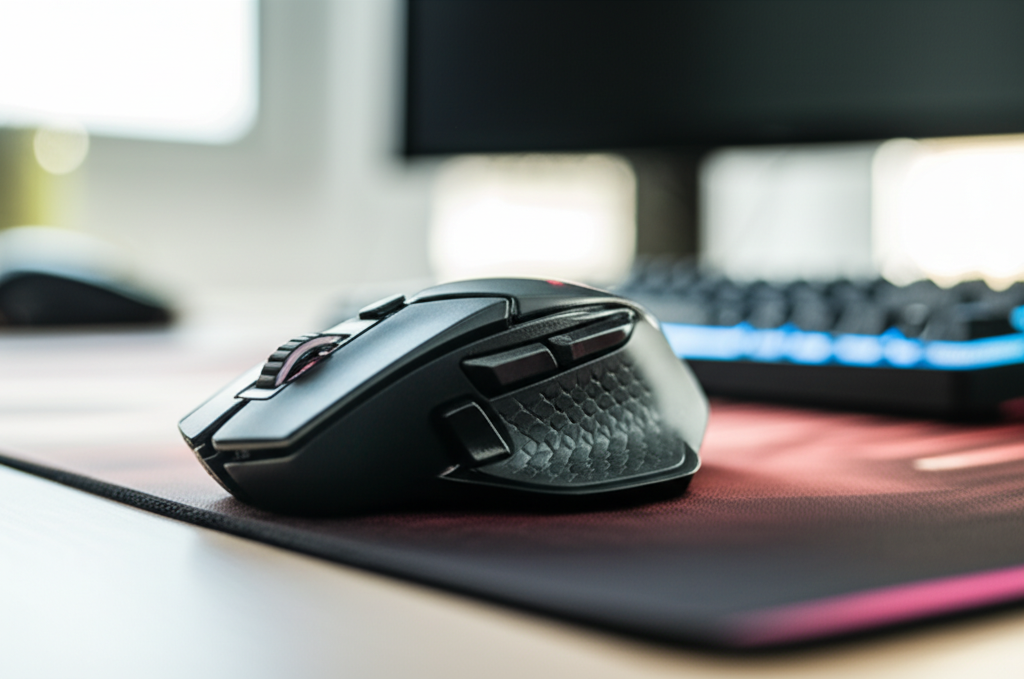
You should spend between $30 and $100 on a gaming mouse for a good balance of performance and features. Budget options ($20-$30) are acceptable for casual gaming, while premium mice ($100+) offer advanced tech for serious esports players. Consider your budget and gaming needs.
Key Takeaways
- Determine your budget for a comfortable spending range.
- Identify essential features like DPI, polling rate, and ergonomics.
- Explore different price tiers for varying performance levels.
- Read reviews to gauge real-world performance and durability.
- Prioritize comfort and grip for long gaming sessions.
- Consider wired vs. wireless connectivity based on preference.
Choosing the right gaming mouse can feel overwhelming, especially when you’re just starting with PC gaming. You see prices ranging from under $20 to well over $100, and it’s hard to know where your money is best spent. Is a cheaper mouse good enough? Do you really need to spend a fortune for a competitive edge? This guide will help you navigate the world of gaming mice and figure out exactly how much you should spend based on your needs and budget, making the process simple and clear.
Understanding Gaming Mouse Prices: A Breakdown
The price of a gaming mouse is primarily determined by the technology it packs, the build quality, and the brand’s reputation. Let’s break down what you can expect in different price ranges.
Entry-Level Gaming Mice ($20 – $40)
For beginners or casual gamers, this price range offers a significant upgrade over a standard office mouse. You’ll find mice with:
- Decent optical sensors that provide accurate tracking for most games.
- Adjustable DPI (dots per inch) settings, usually up to 3200 or 6400 DPI, allowing you to change cursor sensitivity.
- Programmable buttons, often 4-6, which can be useful for assigning in-game actions.
- Basic RGB lighting for aesthetics.
- Durable plastic construction, though they might lack premium materials.
- Comfortable, albeit often simpler, ergonomic designs.
These mice are perfect for someone dipping their toes into PC gaming or playing less demanding titles. You won’t get the bleeding-edge technology, but they offer a solid gaming experience. Brands like Redragon, Havit, and some entry-level Logitech or Razer models fall into this category.
Mid-Range Gaming Mice ($40 – $80)
This is often the sweet spot for many gamers, offering a great balance of performance, features, and price. In this range, you can expect:
- Higher-performance sensors, often with DPI settings up to 16,000 DPI or more, ensuring excellent precision.
- Faster polling rates (1000Hz is common), meaning less input lag as the mouse reports its position more frequently.
- More programmable buttons, potentially 8 or more, for complex macros.
- Better build quality with more durable materials and smoother scroll wheels.
- Enhanced ergonomics, with shapes designed for specific grip styles (palm, claw, fingertip).
- More advanced RGB lighting with customization options.
- Often, the choice between wired and reliable wireless options.
This range is ideal for dedicated gamers who play a variety of genres, including competitive titles. You’re getting a noticeable performance boost and better comfort without breaking the bank. Popular choices include many Logitech G, SteelSeries, and Corsair models.
High-End Gaming Mice ($80 – $150+)
For serious enthusiasts, esports professionals, or those who simply want the best, this price bracket delivers top-tier technology and features:
- State-of-the-art optical or laser sensors with exceptionally high DPI (20,000+), incredible tracking accuracy, and zero acceleration.
- Advanced wireless technology that rivals or surpasses wired performance in terms of latency and connection stability.
- Ultra-lightweight designs (under 70g) for faster movements, especially in FPS games.
- Premium build materials, such as textured grips, high-quality plastics, and even magnesium alloys.
- Extensive customization, including adjustable weight systems, swappable side panels, and advanced software for button mapping and profiles.
- Exceptional scroll wheel and button durability, often rated for millions of clicks.
- Sophisticated RGB lighting and comprehensive software suites for deep customization.
These mice are built for peak performance, comfort during marathon gaming sessions, and long-term durability. They are favored by competitive players who need every possible advantage. Think of the top-tier offerings from Logitech G (like the HERO series), Razer (like the Viper or Basilisk Ultimate), and Finalmouse.
What Features Actually Matter When Buying a Gaming Mouse?
Beyond price, several key specifications and features directly impact your gaming experience. Understanding these will help you justify spending more or identify a great value in a lower price bracket.
Sensor Performance: DPI and Polling Rate
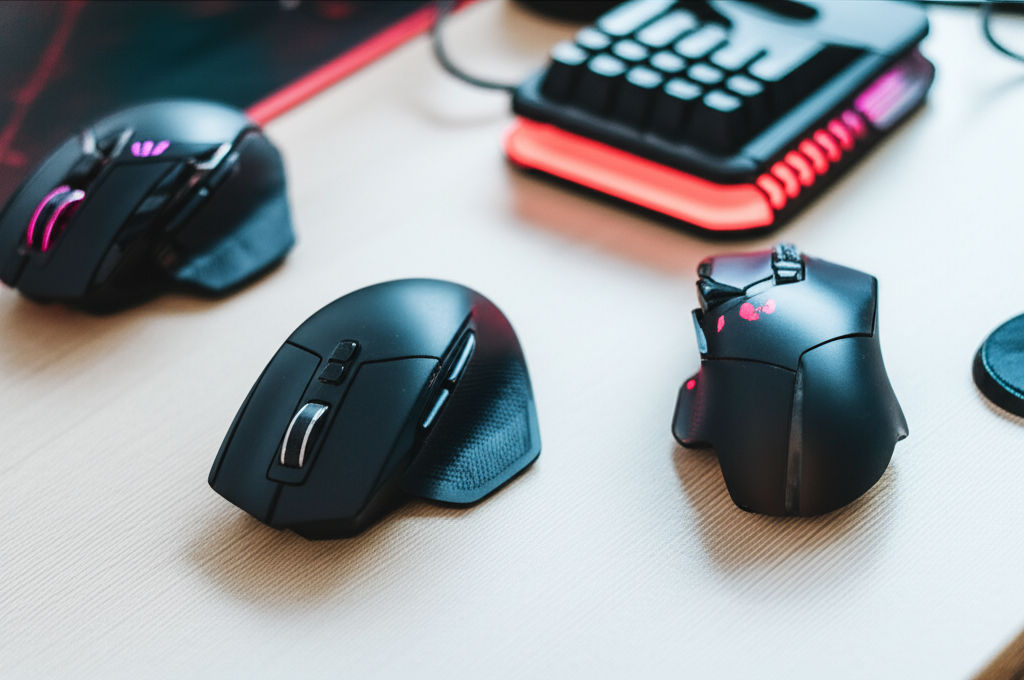
DPI (Dots Per Inch): This measures how sensitive your mouse is. A higher DPI means the cursor moves further on screen with less physical movement of the mouse. For gaming, adjustable DPI is crucial. Lower DPI (400-1600) is often preferred by professional FPS players for precise aiming, while higher DPI can be useful for navigating large monitors or fast-paced games. The best gaming mice allow you to quickly switch between DPI settings on the fly, often with a dedicated button.
Polling Rate: This refers to how often your mouse reports its position to your computer, measured in Hertz (Hz). A standard mouse might poll at 125Hz, sending an update every 8 milliseconds. Gaming mice commonly offer 500Hz (2ms delay) or 1000Hz (1ms delay). Higher polling rates result in smoother cursor movement and reduced input lag, which can be critical in fast-paced competitive games. Most modern gaming mice support 1000Hz, and some even offer higher rates.
According to Rtings.com, a reputable tech review site, the sensor’s ability to track consistently without acceleration or prediction is more important than simply having the highest DPI number.
Ergonomics and Grip Style
This is arguably the most important factor for comfort and control. How a mouse feels in your hand dictates how well you can use it for extended periods. There are three primary grip styles:
- Palm Grip: Your entire palm rests on the mouse, and your fingers lie flat on the buttons. This is the most common and generally requires a larger, more contoured mouse.
- Claw Grip: Your palm rests on the back of the mouse, but your fingers arch up. This provides more precise control for clicks. Medium-sized mice often work well.
- Fingertip Grip: Only your fingertips touch the mouse, with the palm not making contact. This allows for very quick movements and is often used with smaller, lighter mice.
Consider the shape, size, and weight of the mouse. Many manufacturers offer different shapes designed for right-handed or left-handed users. Some higher-end mice even offer modular components to customize the fit.
Wired vs. Wireless
Historically, wired mice were the only choice for serious gamers due to concerns about latency and battery life in wireless models. However, wireless technology has advanced dramatically. Modern wireless gaming mice from reputable brands offer performance that is virtually indistinguishable from their wired counterparts. They often use proprietary 2.4GHz wireless dongles for the lowest latency. The main trade-offs are:
- Price: High-performance wireless gaming mice are typically more expensive than their wired equivalents.
- Battery Life: While generally good, you do need to remember to charge them. Battery life can range from 30 hours to over 100 hours depending on features like RGB lighting.
- Convenience: The freedom from a cable can significantly improve your desk setup and movement.
If your budget allows and you value a clean desk setup, a high-quality wireless mouse is a fantastic option. Otherwise, a wired mouse in the same price bracket will often offer slightly better specs or feature set.
Build Quality and Durability
A gaming mouse is a tool that will see a lot of use. Higher-priced mice often use more robust materials, better switches (like Omron or Kailh), and more durable finishes that won’t wear off quickly. The scroll wheel and button mechanisms are also generally more reliable. A mouse that feels solid and well-built is likely to last longer. Reviews often highlight issues with creaking plastic or premature button failure, so it’s worth checking for longevity reports.
Extra Features and Software
Many gaming mice come with companion software that allows for:
- Customizing DPI steps and polling rates.
- Programming macros and button assignments.
- Adjusting RGB lighting effects.
- Creating different profiles for different games.
- Onboard memory to save profiles directly to the mouse.
While not essential for everyone, these software features can enhance your gaming experience and productivity. The quality and user-friendliness of this software can also be a deciding factor for some.
How Much Should I Spend? A Decision Guide
Let’s synthesize this information into actionable advice. Here’s a guide based on common gamer profiles:
The Casual Gamer
Budget: $20 – $40
If you play games occasionally for fun, like story-driven adventures or casual multiplayer matches, you don’t need to invest heavily. An entry-level gaming mouse will provide a noticeable improvement in precision and comfort over a standard mouse. Look for adjustable DPI and a few programmable buttons from reputable budget brands.
The Enthusiast Gamer
Budget: $40 – $80
This is for players who game several times a week, enjoy a variety of genres, and might dabble in competitive titles. You’ll benefit from a mid-range mouse with a superior sensor, faster polling rate, better ergonomics, and more customizable options. You can choose between excellent wired options or solid wireless performers in this bracket.
The Competitive Player / Esports Enthusiast
Budget: $80 – $150+
If you’re serious about improving your performance in competitive games like Valorant, CS:GO, or League of Legends, investing in a high-end gaming mouse is worthwhile. These mice offer the latest sensor technology, ultra-lightweight designs, top-tier wireless performance, and the most refined ergonomics. Every millisecond and every millimeter of precision counts at this level.
The Customizer
Budget: Varies, but likely $70+
If you love tweaking settings, adding macros, and having granular control over every aspect of your peripherals, look for mice with comprehensive software suites and advanced customization options. This often steers you towards the mid-to-high end of the market.
Comparing Gaming Mouse Price Tiers
Here’s a quick table summarizing the typical features you can expect at different price points:
| Price Range | Typical Sensor | Max DPI (Approx.) | Polling Rate | Programmable Buttons | Ergonomics | Connectivity | Durability |
|---|---|---|---|---|---|---|---|
| $20 – $40 (Entry) | Good Optical | 3,200 – 6,400 | 500Hz | 4-6 | Basic/Standard | Wired | Decent Plastic |
| $40 – $80 (Mid-Range) | High-Performance Optical/Laser | 10,000 – 16,000+ | 1000Hz | 6-8+ | Contoured/Ambidextrous | Wired or Reliable Wireless | Good Build Quality |
| $80 – $150+ (High-End) | State-of-the-Art Optical/Laser | 20,000+ | 1000Hz+ | 7-12+ | Advanced/Customizable | Premium Wireless or Lightweight Wired | Premium Materials, High Durability |
Pro Tip: Don’t Forget Grip Width and Length
When considering ergonomics, beyond just grip style, pay attention to the actual dimensions. A mouse that’s too wide might feel uncomfortable for smaller hands, while a mouse that’s too short can feel awkward for palm grippers. Always check the dimensions and compare them to mice you’ve used before if possible.
Where to Find Trustworthy Reviews
When you’ve narrowed down your choices, reading reviews is crucial. Look for detailed reviews from reputable sources.
- Tech Review Sites: Websites like Rtings.com, PCMag, TechRadar, and IGN often provide in-depth, objective reviews of gaming peripherals, including sensor testing and long-term usage reports.
- YouTube Tech Channels: Many channels specialize in gaming hardware. Linus Tech Tips, Gamers Nexus, RandomGaminginHD, and Optimum Tech offer detailed video reviews and comparisons.
- User Reviews: Check reviews on retailer sites (Amazon, Best Buy, Newegg), but be critical. Look for patterns in positive and negative feedback, especially concerning durability and software.
Pay attention to comments about sensor performance, button click feel, scroll wheel precision, build quality over time, and the effectiveness of the wireless connection if applicable. For example, Forbes regularly publishes roundups of the best gaming mice, offering insights into current market leaders.
FAQ: Your Gaming Mouse Questions Answered
Q1: Is a cheap gaming mouse really that bad?
Not necessarily “bad,” but it might have limitations. Cheap gaming mice often use less accurate sensors, have higher latency, poorer build quality, and less comfortable shapes. For casual players, they can be perfectly adequate, but for serious gaming, the investment in a mid-range mouse usually pays off in performance and enjoyment.
Q2: How much DPI do I actually need?
Most gamers don’t need the maximum DPI offered by high-end mice. Many professional esports players use DPI settings between 400 and 1600. What’s more important is having a sensor that tracks accurately and predictably, and the ability to adjust DPI to your preference. A mouse with adjustable DPI up to at least 3200-6400 is usually sufficient for most.
Q3: Should I get a wired or wireless gaming mouse?
For the absolute best performance and lowest price, wired is still a reliable choice. However, modern wireless gaming mice offer latency comparable to wired ones. If you prioritize a clean desk setup and freedom of movement and your budget allows, high-quality wireless mice are excellent.
Q4: What does “ergonomic” mean for a gaming mouse?
“Ergonomic” refers to the mouse’s design that aims to fit the natural shape of your hand and wrist, reducing strain during prolonged use. This often means contoured shapes, thumb rests, and specific curves designed for different grip styles, promoting comfort and better control.
Q5: How many programmable buttons do I need?
For basic gaming, 4-6 programmable buttons are usually enough for common actions like melee, grenade or ability shortcuts. MMO or MOBA players might prefer 8-12+ buttons, often found on specialized mice, to manage complex rotations and abilities.
Q6: Are expensive gaming mice worth the money?
For casual gamers, probably not. For enthusiast or competitive gamers who spend many hours playing and seek every possible advantage, yes, they can be worth it. The premium price typically covers cutting-edge sensor technology, superior build quality, advanced features, and often, top-tier wireless performance.
Conclusion: Finding Your Perfect Gaming Mouse
Deciding how much to spend on a gaming mouse boils down to understanding your own needs. There’s no single “right” answer, but by considering your budget, how seriously you game, and what features are most important to you, you can make an informed decision. For many, a solid mid-range mouse between $40 and $80 offers the best blend of performance, comfort, and value. However, whether you’re a beginner looking for an upgrade from a basic mouse or a seasoned player chasing milliseconds of advantage, there’s a gaming mouse out there that fits your criteria. Focus on sensor accuracy, ergonomics, and build quality, and you’ll likely find a mouse that enhances your gaming experience for years to come.
