


Looking for the best low power graphics cards without external power? These top-rated GPU options offer excellent performance for gaming and everyday tasks without demanding a separate power connector, making them perfect for budget builds and small form factor PCs.
Key Takeaways
- Upgrade your PC with quiet, efficient graphics.
- Enjoy gaming and multimedia without extra power.
- Find affordable, easy-to-install GPUs.
- Choose cards suitable for HTPCs and small PCs.
- Select models that boost your PC’s visual power.
Introduction
Building or upgrading a PC can feel a bit like assembling a puzzle. You want all the pieces to fit perfectly, and sometimes power requirements are the trickiest part. If you’re looking to boost your computer’s visual capabilities for gaming, content creation, or even just smoother everyday use, but you’re aiming for simplicity and efficiency, then you’re in the right place. Many powerful graphics cards require extra power connectors directly from your power supply. However, there are fantastic options known as the best low power graphics cards without external power that plug directly into your motherboard’s PCIe slot and draw all the power they need from there. This guide will walk you through finding the perfect one for your needs, making the process easy and stress-free.
Why Choose a Low Power Graphics Card Without External Power?
You might be wondering why you’d specifically seek out a graphics card that doesn’t need an extra power cable. There are several compelling reasons, especially for certain types of PC builds and users:
- Simplicity in Builds: Less cabling means a cleaner PC interior and a much easier installation process, especially for beginners.
- Power Supply Unit (PSU) Constraints: Not all power supplies come with the necessary PCIe power connectors. Opting for a card that doesn’t need them bypasses this potential roadblock entirely. This is common in pre-built systems or older machines.
- Smaller Form Factor PCs (SFF): In compact cases, space is at a premium. Eliminating extra power cables simplifies routing and improves airflow, which is crucial for heat management in small systems.
- Energy Efficiency: Low power cards generally consume less electricity. This can lead to slightly lower energy bills and less heat generated within your case, contributing to a quieter system.
- Cost-Effectiveness: Often, these cards are more budget-friendly, both in terms of initial purchase price and long-term energy consumption.
Understanding Graphics Card Power Requirements
Graphics cards, or GPUs (Graphics Processing Units), are the workhorses for anything visual on your computer. They handle everything from rendering your desktop to displaying complex game graphics and video editing. To do this, they need a significant amount of power.
Most modern, powerful graphics cards are designed to draw power from two sources:
- The PCIe Slot: The slot on your motherboard where the graphics card is installed provides a baseline amount of power (up to 75 watts).
- External Power Connectors: For cards that need more than 75 watts, manufacturers add 6-pin or 8-pin connectors that plug directly into your power supply unit (PSU). These provide significantly more power when needed.
The “best low power graphics cards without external power” are those that perform optimally using only the power provided by the PCIe slot, meaning they don’t have those additional 6-pin or 8-pin connectors. These are typically cards designed for basic display output, media consumption, light gaming, and entry-level productivity tasks.
How to Identify a Low Power Graphics Card Without External Power
Spotting these cards is quite straightforward once you know what to look for:
- Check the Specifications: Manufacturers will clearly list the power connectors required. If it says “No external power required” or “PCIe powered,” you’re on the right track.
- Look at the Card Itself: Physically, these cards will not have any 6-pin or 8-pin power connectors on the top or side edge.
- Review the TDP (Thermal Design Power): Cards that operate within the 75W limit of the PCIe slot are good candidates. While TDP isn’t a direct measure of power consumption, it’s a good indicator of a card’s power draw and heat output.
Top Low Power Graphics Cards Without External Power: Your Options
When searching for the best low power graphics cards without external power, you’re generally looking at entry-level to mid-range options that prioritize efficiency and compatibility over raw, cutting-edge performance. These cards are excellent for a variety of uses:
1. NVIDIA GeForce GTX Series (Older Generations)
While newer generations have more power-hungry models, certain cards from NVIDIA’s older GTX lineup are fantastic PCIe-powered options.
NVIDIA GeForce GTX 1650 (GDDR5 & GDDR6 Variants)
The GeForce GTX 1650, particularly the GDDR5 and some GDDR6 variants, stands out as a prime example. It offers a significant step up from integrated graphics and is capable of running many popular games at 1080p resolution at medium settings. Its official TDP hovers around 75W. While some overclocked or custom models might include a 6-pin connector, the vast majority of standard GTX 1650 cards are designed to run solely off the PCIe slot. This makes it one of the most sought-after choices for budget-friendly, low-power upgrades.
Why it’s great: Balances gaming performance with efficiency, widely available, and a strong choice for 1080p gaming on a budget.
NVIDIA GeForce GT 1030
For users who need a graphics boost for basic multimedia, everyday computing, or very light gaming (think esports titles at low settings), the GT 1030 is an ultra-low-power choice. Its TDP is typically under 30W, making it incredibly efficient and requiring absolutely no external power connector. It’s often found in HTPC (Home Theater PC) builds or as an upgrade for systems with very weak integrated graphics.
Why it’s great: Extremely low power consumption, silent operation possible (fanless models), very affordable.
2. AMD Radeon RX Series (Entry-Level)
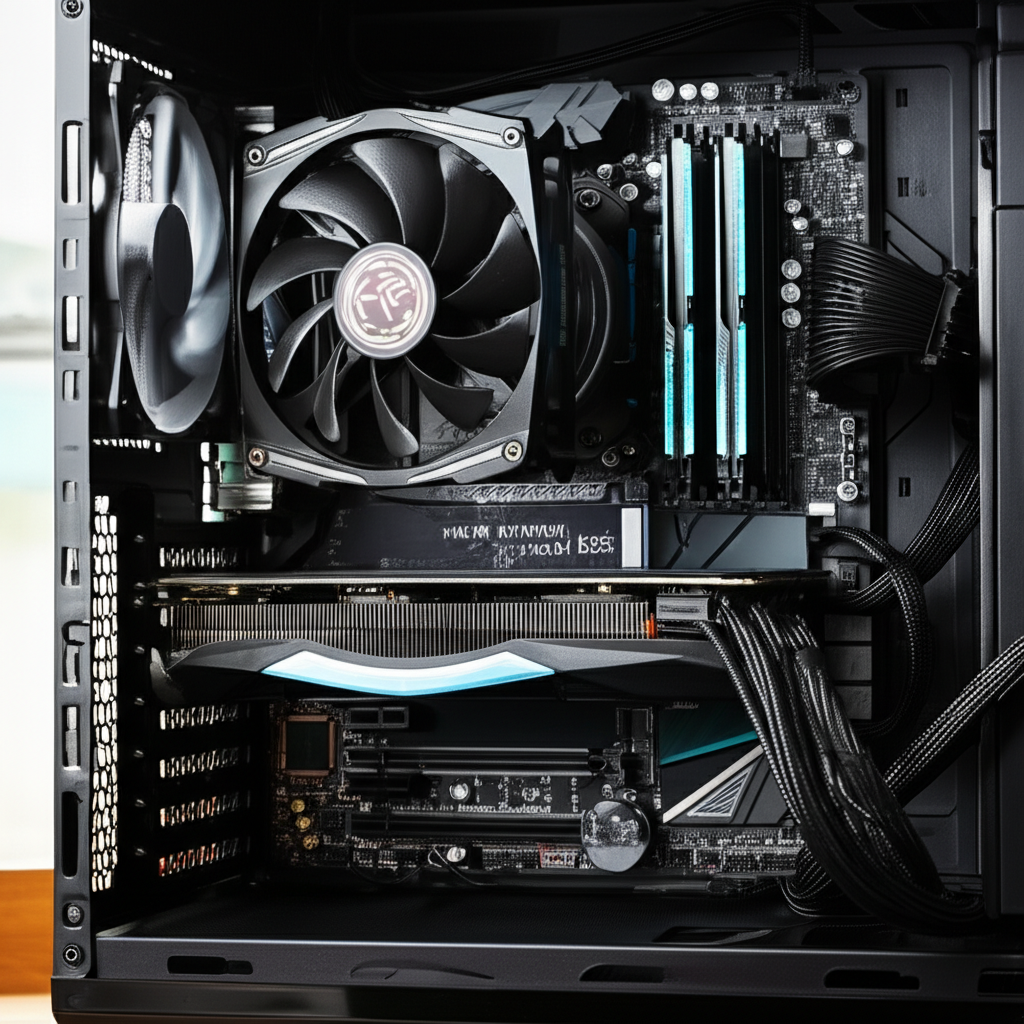
AMD also offers some efficient options that don’t require external power.
AMD Radeon RX 6400
The Radeon RX 6400 is a modern entry specifically designed for low-power systems. It features a 64-bit memory interface and a TDP of around 53W, meaning it comfortably operates within the PCIe slot’s limits. It’s a great option for 1080p gaming in esports titles or older AAA games at lower settings. Its compact size also makes it ideal for small form factor builds.
Why it’s great: Modern architecture, good for 1080p gaming, very low power draw, compact.
AMD Radeon RX 550
An older but still capable card, the RX 550 offers a decent performance uplift over integrated graphics. It has a TDP around 50W, making it a perfect fit for systems that don’t have external power connectors. It’s suitable for general use, media playback, and undemanding games.
Why it’s great: Solid performance for its power class, very energy efficient, budget-friendly.
3. Intel Arc A380 (with caveats)
Intel’s entry into the discrete GPU market, the Arc A380, is an interesting option. While many A380 cards are designed with a TDP around 75W and can run off the PCIe slot, some manufacturers do include a single 8-pin connector. It’s crucial to check the specific model’s specifications carefully. When chosen in a PCIe-powered variant, it offers competitive performance for its class, especially in entry-level gaming and content creation, benefiting from modern Xe-LPG architecture.
Why it’s great: Modern architecture, good for productivity and entry-level gaming, can be PCIe powered (check specs).
Comparison Table: Key Low Power GPUs
To help you visualize the differences, here’s a quick comparison of some of the best low power graphics cards without external power:
| Graphics Card | Architecture | Typical TDP | External Power Required? | Best For |
|---|---|---|---|---|
| NVIDIA GeForce GTX 1650 | Turing | ~75W | No (most models) | 1080p Gaming (Medium Settings), General Use |
| NVIDIA GeForce GT 1030 | Pascal | ~30W | No | Media Playback, Basic Tasks, Ultra-Light Gaming |
| AMD Radeon RX 6400 | RDNA 2 | ~53W | No | 1080p Gaming (Esports/Older Titles), SFF PCs |
| AMD Radeon RX 550 | Polaris | ~50W | No | General Use, HTPC, Light Gaming |
| Intel Arc A380 (PCIe variant) | Xe-LPG | ~75W | No (check specific model) | Entry-Level Gaming, Content Creation, Productivity |
How to Choose the Right Card for You
Selecting the best low power graphics card without external power depends heavily on your specific needs and what you want to accomplish with your PC. Consider these factors:
1. Your Budget
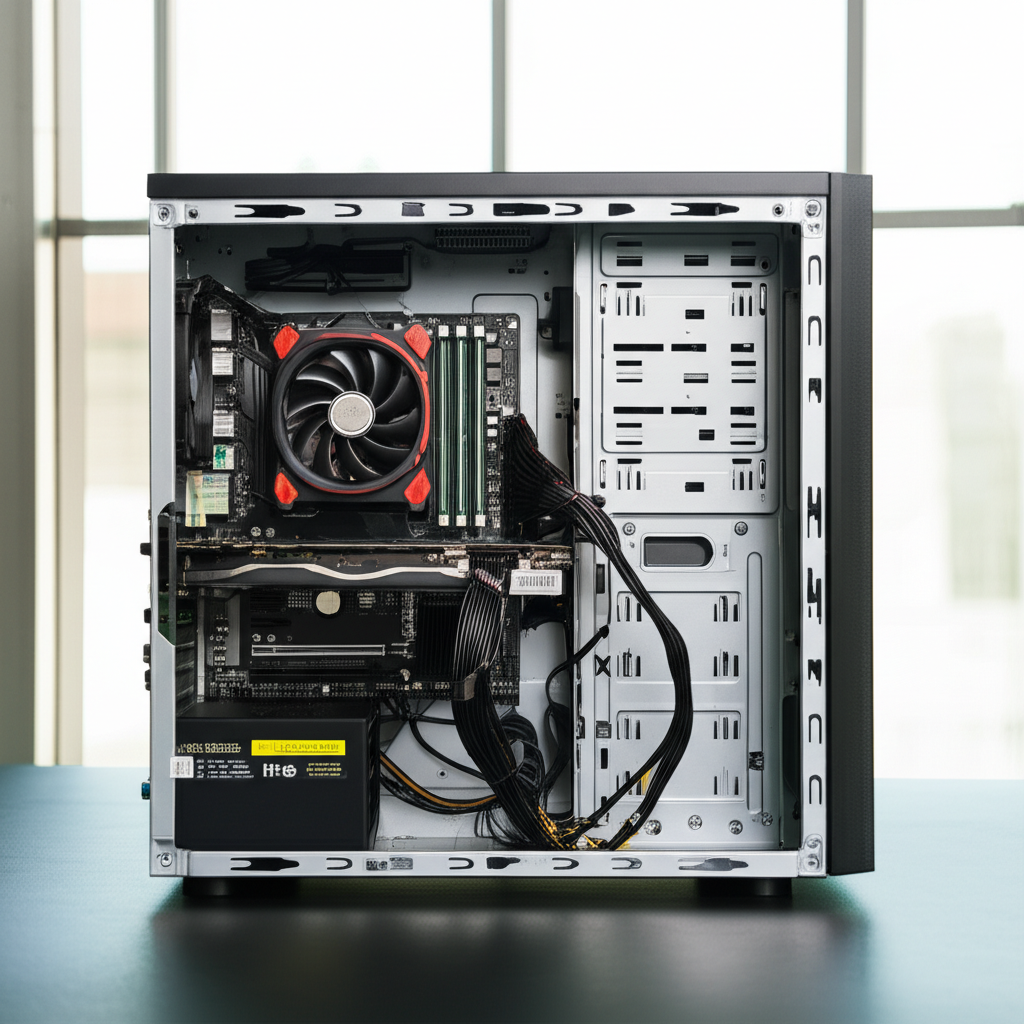
These cards are generally more affordable than their higher-end counterparts. The GT 1030 and RX 550 are usually the least expensive, while the GTX 1650 and RX 6400 offer more performance for a slightly higher price. The Intel Arc A380 can also be very competitive pricing-wise.
2. Your Primary Use Case
- Basic Computing & Media: If you just need better display output for your desktop, streaming videos, or light office work, the GT 1030 is more than enough.
- Light Gaming: For playing esports titles (like League of Legends, CS:GO, Valorant) or older popular games at 1080p with decent frame rates, the GTX 1650, RX 6400, or an A380 are excellent choices.
- Home Theater PC (HTPC): Low power, quiet operation, and good video decoding capabilities are key. The GT 1030 or RX 550 are superb for this.
- Small Form Factor (SFF) Builds: Compact cards that don’t require extra power are ideal for tight spaces. The RX 6400 is particularly well-suited due to its low profile and low power draw.
3. Your Existing PC Components
While these cards don’t need special power connectors, it’s always wise to ensure your motherboard has a compatible PCIe x16 slot. Most motherboards made in the last decade will have this. Also, check the physical dimensions of the card against your computer case to ensure it will fit, especially in smaller cases.
For example, if you have an older Dell or HP pre-built desktop with a basic power supply, upgrading to a GTX 1650 without external power is often a straightforward and impactful upgrade.
4. Performance Expectations
Be realistic. These cards are not designed for ultra settings in the latest AAA games. They offer a significant improvement over integrated graphics but are entry-level components. Research benchmarks for the specific games or applications you intend to use with the card you’re considering.
According to tech review sites like TechPowerUp, the GTX 1650 typically outperforms the RX 6400 in most gaming scenarios, though the RX 6400 is more power-efficient and modern.
Installation Guide: Upgrading Your Graphics Card (Step-by-Step)
Installing a new graphics card, especially one that doesn’t need external power, is one of the easiest PC upgrades you can perform. Follow these steps:
Step 1: Prepare Your PC
- Backup Important Data: While unlikely, it’s always good practice to back up critical files before making hardware changes.
- Download Drivers: Before you remove your old card (if any), visit the NVIDIA or AMD website and download the latest drivers for your chosen new graphics card. Save them to an easily accessible location, like your desktop.
- Shut Down and Unplug: Completely shut down your computer. Turn off the power switch on the back of your power supply and unplug the power cord from the wall.
- Ground Yourself: To prevent static discharge from damaging components, touch a metal part of your PC case before you start handling parts. An anti-static wrist strap is also recommended.
Step 2: Access the Graphics Card
- Open the PC Case: Most computer cases have screws on the back panel that hold the side panel in place. Remove these screws and carefully slide or swing the side panel open.
- Locate the Existing GPU (if any): The graphics card is usually the largest component plugged into the motherboard, often near the bottom. It will be in a long, reinforced slot called the PCIe x16 slot.
- Remove the Old Card (if necessary):
- Disconnect any monitor cables from the back of the old GPU.
- If your old GPU had an external power connector, unplug it from the PSU.
- There’s usually a small clip or lever at the end of the PCIe slot that secures the card. Press this down firmly to release the card.
- Unscrew the bracket holding the old GPU to the PC case at the back.
- Gently pull straight up to remove the old card from the slot.
Step 3: Install the New Graphics Card
- Prepare the Slot: Ensure the PCIe x16 slot is free. Remove any metal brackets on the back of your case that correspond to the new card’s display outputs (HDMI, DisplayPort).
- Insert the New Card: Align the new graphics card with the PCIe x16 slot. Press down firmly and evenly until the card clicks into place and the retention clip on the slot engages.
- Secure the Card: Screw the new card’s bracket to the PC case to keep it stable.
- Check for External Power (Should be none!): Double-check that your new card does not have any external power connectors, confirming it’s designed to run solely off the PCIe slot.
Step 4: Finalize and Boot Up
- Close the Case: Replace the side panel and secure it with its screws.
- Reconnect Peripherals: Plug in your monitor cable to the new graphics card’s outputs, and reconnect your keyboard, mouse, and power cord.
- Power On: Turn on your computer. You should see your system boot up.
- Install Drivers: Once Windows (or your OS) loads, run the driver installer file you downloaded earlier. Follow the on-screen instructions. You might need to restart your computer again after the driver installation is complete.
Pro Tip: Keep your old graphics card and its box in a safe place. You never know when you might need it as a diagnostic tool or for a future upgrade.
Common Questions About Low Power Graphics Cards
Q1: Can these cards handle modern games?
A: Some can! Cards like the GTX 1650 and RX 6400 are capable of playing many modern games at 1080p resolution with settings adjusted to medium or low. However, they are not designed for ultra settings or demanding ray tracing. For the absolute latest titles at max settings, you’d need a more powerful (and power-hungry) card.
Q2: What is TDP, and why is it important for these cards?
A: TDP stands for Thermal Design Power. It’s a guideline for the maximum amount of heat a component is expected to generate under typical workloads. For low-power cards without external power, a lower TDP (especially under 75W) ensures they can operate efficiently and safely using only the power provided by the PCIe slot.
Q3: Can I use one of these cards in a laptop?
A: Generally, no. These are designed for desktop computers with PCIe slots. Laptop graphics are integrated differently and are not typically user-upgradeable in this way.
Q4: Will my existing power supply be sufficient?
A: If you are replacing an integrated GPU or a very basic graphics card, and your new card requires no external power, then your existing power supply unit (PSU) will almost certainly be sufficient. They draw very little power compared to higher-end GPUs. However, always check the recommended PSU wattage for any new component, though it’s rarely an issue for these low-power cards.
Q5: Are there any fanless low power graphics cards?
A: Yes! The NVIDIA GT 1030 is commonly available in fanless variants, making it completely silent. Some other very low-power cards might also offer passive cooling solutions, which is ideal for extremely quiet builds or HTPCs.
Q6: Can I use two low power graphics cards (SLI/Crossfire)?
A: No. Technologies like SLI (NVIDIA) and CrossFire (AMD) are for high-performance cards to combine their power. Low-power cards that don’t require external power are not designed for these multi-GPU configurations and typically lack the necessary connectors or architecture for it.
Conclusion
Upgrading your PC’s visual performance doesn’t always require a massive power supply and a complicated setup. The best low power graphics cards without external power offer a fantastic balance of performance, simplicity, and efficiency. Whether you’re building a budget gaming rig, a compact HTPC, or simply looking for an easy upgrade to your existing machine, these PCIe-powered GPUs provide a tangible boost without the hassle of extra cables or power concerns.
By understanding your needs and carefully selecting from options like the NVIDIA GTX 1650, AMD RX 6400, or the efficient GT 1030, you can easily enhance your computing experience. Enjoy smoother visuals, better gaming, and a cleaner PC build!
