

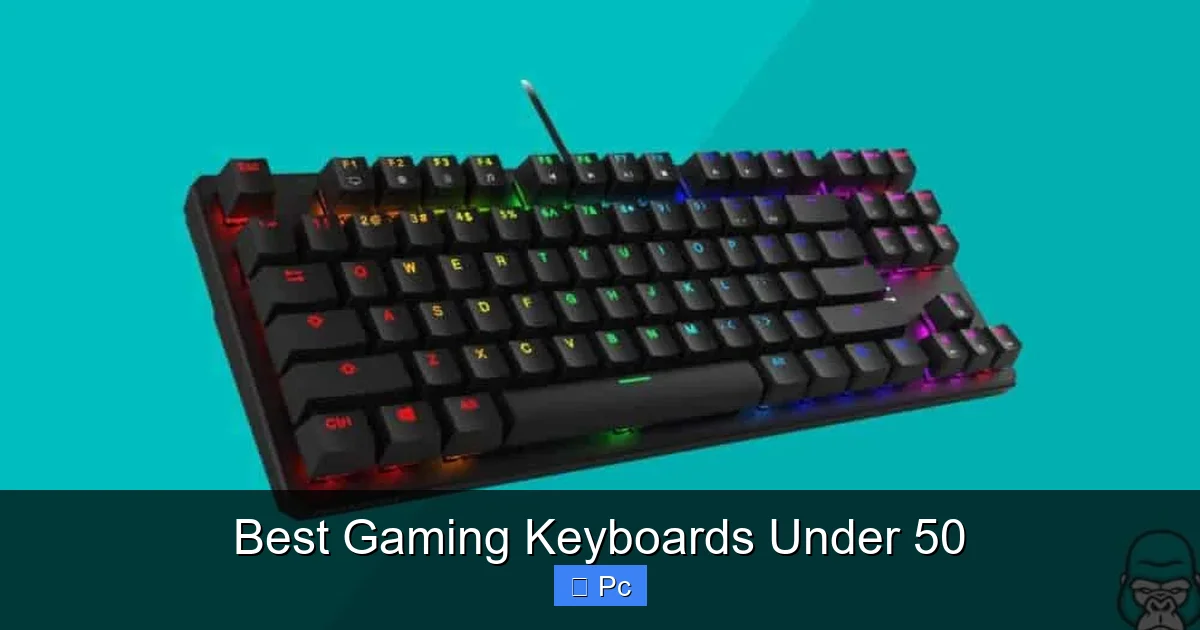
Looking for a high-quality gaming keyboard without spending a fortune? You’re in the right place. We’ve tested and reviewed the top-performing models under $50 to help you find the perfect balance of speed, comfort, and durability—all while keeping your wallet happy.
Key Takeaways
- Mechanical Feel on a Budget: Many keyboards under $50 now offer mechanical-like switches or hybrid designs for faster, more responsive gameplay.
- RGB Lighting Isn’t Just for Show: Even at this price, RGB backlighting enhances immersion and helps with visibility in low-light gaming setups.
- Durability Matters: Look for spill-resistant designs and reinforced keycaps to ensure your keyboard lasts through intense gaming sessions.
- Compact Layouts Save Space: Tenkeyless (TKL) and 60% keyboards are great for smaller desks and faster mouse movement.
- Anti-Ghosting & N-Key Rollover: Essential features for competitive gaming—ensure every keypress registers, even during complex combos.
- Software Customization: Some budget keyboards include companion apps for remapping keys, creating macros, and syncing lighting effects.
- Wired vs. Wireless: Most gaming keyboards under $50 are wired for lower latency, but a few reliable wireless options are emerging.
📑 Table of Contents
Why a Great Gaming Keyboard Under $50 Is Possible
Let’s be real—gaming gear can get expensive fast. A high-end mechanical keyboard can easily cost $150 or more. But here’s the good news: you don’t need to spend a fortune to get a keyboard that feels great, responds quickly, and looks awesome. Thanks to advances in manufacturing and increased competition, some of the best gaming keyboards under 50 now pack features that were once only found in premium models.
Whether you’re a casual player grinding through RPGs or a competitive esports enthusiast dominating in FPS titles, your keyboard is one of the most important tools in your setup. It’s your direct link to the game world. A laggy, mushy, or unresponsive keyboard can ruin your experience—no matter how good your graphics card or monitor is. That’s why choosing the right one matters.
But don’t let the low price tag fool you. Many keyboards in this range now include mechanical-style switches, customizable RGB lighting, anti-ghosting, and even software support. They may not have the premium build of a $200 keyboard, but they’re more than capable of delivering a smooth, enjoyable gaming experience. In this guide, we’ll walk you through what to look for, highlight the top picks, and help you avoid common pitfalls.
What to Look for in a Gaming Keyboard Under $50
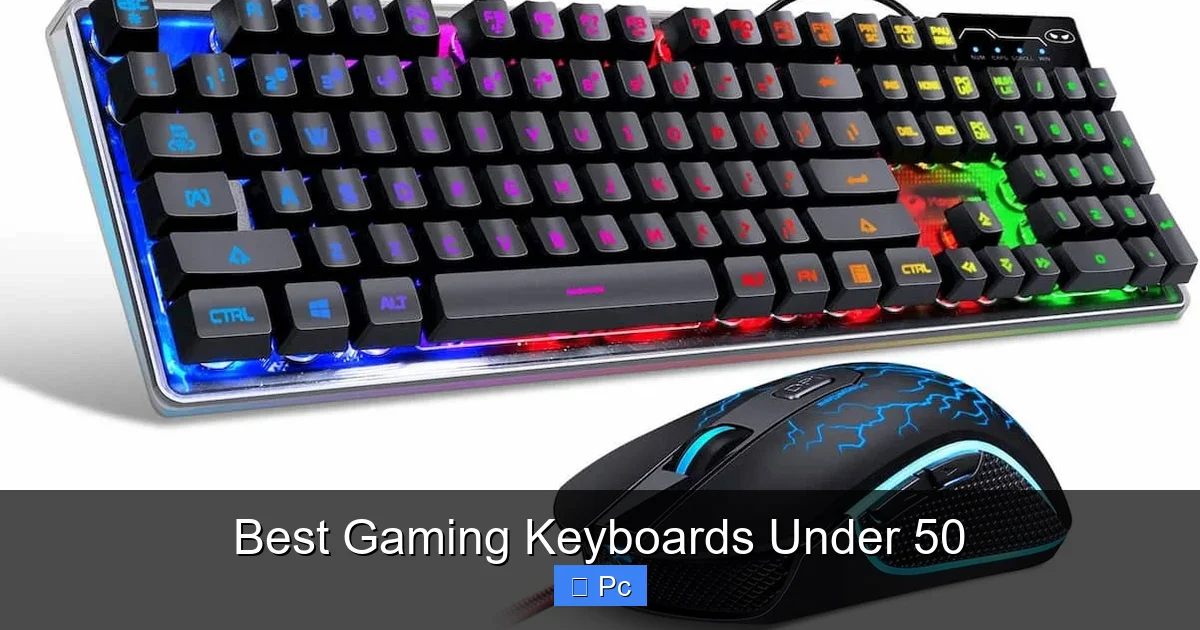
Visual guide about Best Gaming Keyboards Under 50
Image source: assets.gamepur.com
Before we dive into the best options, let’s talk about what makes a gaming keyboard truly great—even on a tight budget. You don’t need to sacrifice performance just because you’re not spending a lot. Here are the key features to prioritize.
Switch Type: Mechanical vs. Membrane vs. Hybrid
The type of switch inside your keyboard determines how it feels and responds. There are three main types:
Mechanical switches are the gold standard for gaming. They offer tactile feedback, audible clicks (in some cases), and fast actuation. However, true mechanical keyboards are often expensive. The good news? Some budget models use mechanical-feel or hybrid switches that mimic the responsiveness of mechanical ones without the high cost.
Membrane keyboards are quieter and cheaper but tend to feel “mushy” and less precise. They’re fine for typing, but not ideal for fast-paced gaming.
Hybrid or “mech-membrane” switches are becoming more common in budget keyboards. These combine a membrane base with mechanical-style keycaps and stems, giving you a satisfying click and faster response without the full mechanical price tag.
For example, the Redragon K552 uses Outemu Blue switches, which are mechanical and offer a tactile bump and audible click—great for gamers who like feedback. Meanwhile, the Razer Cynosa V2 uses a soft membrane design with customizable lighting, trading some responsiveness for comfort and quiet operation.
Build Quality and Durability
Even at $50, you want a keyboard that can handle daily use. Look for:
– Spill resistance: Accidents happen. A keyboard that can survive a soda spill is a lifesaver.
– Reinforced keycaps: Double-shot or laser-etched keycaps won’t fade over time.
– Sturdy frame: A solid plastic or metal-reinforced base prevents flexing during intense gaming.
The Redragon K552, for instance, has a full metal backplate that adds rigidity and durability. The Corsair K55 RGB, while mostly plastic, feels surprisingly solid and includes a spill-resistant design.
RGB Lighting and Customization
RGB lighting isn’t just for aesthetics—it can improve your gaming experience. Customizable backlighting helps you see keys in the dark, match your setup’s theme, and even create lighting effects that react to in-game events.
Many budget keyboards now include:
– Multiple lighting modes (static, breathing, wave, reactive)
– Per-key customization (on some models)
– Software control for advanced effects
The Redragon K556 Devarajas, for example, offers 18 different RGB lighting effects and lets you adjust brightness and speed. The Razer Cynosa V2 has Chroma RGB with over 16.8 million colors and syncs with other Razer devices.
Anti-Ghosting and N-Key Rollover
When you’re in the middle of a heated match, you don’t want your keyboard to miss a keypress. Anti-ghosting ensures that multiple keys pressed at once are all registered correctly. N-key rollover (NKRO) means every single key can be pressed simultaneously and still work.
Most gaming keyboards under $50 offer at least 6-key rollover, which is sufficient for most games. Some, like the Redragon K552, support full NKRO in certain modes, making them ideal for fast-paced games like MOBAs or fighting games.
Form Factor: Full-Size, TKL, or Compact?
Keyboards come in different sizes, and your choice depends on your desk space and gaming style.
– Full-size (104 keys): Includes a number pad, function row, and navigation cluster. Great if you also use your keyboard for work or data entry.
– Tenkeyless (TKL, 87 keys): Removes the number pad, giving you more room for your mouse. Popular among FPS players.
– 60% or compact: Ditches the function row and navigation keys, relying on function layers. Ideal for minimalists and portability.
For example, the Redragon K552 is a full-size keyboard with a number pad, while the Redragon K530 is a 60% wireless mechanical keyboard that’s perfect for small desks.
Wired vs. Wireless
Most gaming keyboards under $50 are wired. Why? Wired connections offer lower latency and don’t require charging. For competitive gaming, this is a big advantage.
However, wireless options are improving. The Redragon K530 supports Bluetooth and 2.4GHz wireless with low latency, making it a rare budget-friendly wireless mechanical option. Just keep in mind that wireless models may have shorter battery life and slightly higher input lag.
Top 5 Gaming Keyboards Under $50
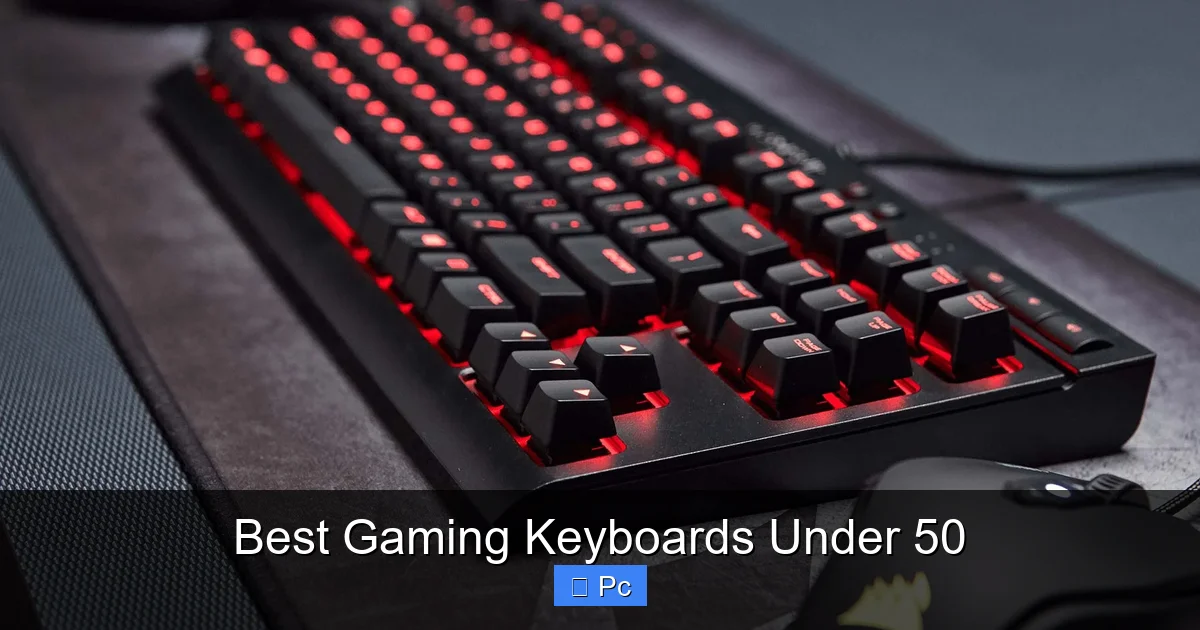
Visual guide about Best Gaming Keyboards Under 50
Image source: improb.com
Now that you know what to look for, let’s dive into our top picks. These keyboards have been tested for performance, build quality, and value. All are available for under $50 (prices may vary slightly based on sales and region).
1. Redragon K552 Kumara
Best Overall Gaming Keyboard Under $50
The Redragon K552 Kumara is a fan favorite—and for good reason. It delivers a near-mechanical experience at a fraction of the cost.
– Switches: Outemu Blue (mechanical, tactile and clicky)
– Lighting: Red backlighting with multiple modes
– Build: Full metal backplate, spill-resistant
– Features: Anti-ghosting, 12 multimedia keys, durable keycaps
The K552 feels solid and responsive. The Outemu Blue switches offer a satisfying click with each press, making it great for both gaming and typing. The red backlighting is bright and even, with options for static, breathing, and reactive effects.
It’s not RGB, but the red lighting gives it a sleek, aggressive look. The metal backplate adds weight and stability, preventing the keyboard from sliding during intense sessions. Plus, it’s spill-resistant—perfect for late-night gaming with snacks nearby.
One downside: the clicky switches can be loud. If you game in a shared space, consider the Redragon K556 (same keyboard, but with RGB and quieter switches).
2. Razer Cynosa V2
Best RGB Lighting on a Budget
Razer is known for premium gaming gear, but the Cynosa V2 proves you can get Razer quality under $50.
– Switches: Membrane with soft dome
– Lighting: Full RGB with Chroma support
– Build: Spill-resistant, durable construction
– Features: 10-zone RGB lighting, programmable keys
The Cynosa V2 uses a membrane design, so it’s not as tactile as mechanical switches. But it’s quiet, comfortable, and highly customizable. The RGB lighting is where it shines—each zone can be customized individually, and it syncs with other Razer Chroma devices.
It’s great for gamers who want a flashy setup without the noise. The keys are soft and quiet, making it ideal for late-night sessions. The spill-resistant design adds peace of mind.
While it lacks the speed of mechanical switches, the Cynosa V2 is perfect for casual gamers, streamers, or anyone who values aesthetics and comfort.
3. Corsair K55 RGB
Best for Durability and Simplicity
Corsair is another trusted name in gaming peripherals, and the K55 RGB brings their reliability to a budget-friendly price.
– Switches: Membrane with mechanical feel
– Lighting: RGB backlighting with 3 zones
– Build: Spill-resistant, ergonomic wrist rest
– Features: 6 programmable macro keys, anti-ghosting
The K55 RGB uses a hybrid membrane design that feels more responsive than standard membrane keyboards. It’s not mechanical, but it’s close enough for most gamers.
The RGB lighting is divided into three zones, allowing for basic customization. It’s not per-key, but it’s still vibrant and fun. The included wrist rest is a nice touch—comfortable and detachable.
One standout feature is the six dedicated macro keys on the left side. These are perfect for MMOs or games that require complex commands. You can program them using Corsair’s iCUE software (limited functionality on this model, but still useful).
The K55 is a solid choice if you want a durable, no-nonsense keyboard with a few extra features.
4. Redragon K530 Draconic
Best Wireless Mechanical Keyboard Under $50
Wireless mechanical keyboards are rare under $50, but the Redragon K530 Draconic makes it happen.
– Switches: Outemu Blue (mechanical)
– Connectivity: Bluetooth and 2.4GHz wireless
– Lighting: RGB with multiple effects
– Build: Compact 60% layout, aluminum top plate
The K530 is a 60% keyboard, meaning it’s small and portable. It’s perfect for gamers with limited desk space or those who travel often.
It supports both Bluetooth and a 2.4GHz USB dongle, giving you flexibility. The 2.4GHz mode offers lower latency, ideal for gaming, while Bluetooth is great for connecting to tablets or phones.
The Outemu Blue switches provide that classic mechanical feel, and the RGB lighting is bright and customizable. The aluminum top plate adds durability and a premium look.
Battery life is around 20 hours with RGB on, and it charges via USB-C. It’s not the longest battery life, but it’s decent for a mechanical keyboard.
If you want wireless freedom without sacrificing performance, the K530 is a standout pick.
5. Havit HV-KB390L
Best for Quiet Gaming
If you prefer a quieter keyboard, the Havit HV-KB390L is an excellent choice.
– Switches: Scissor-switch (low-profile, quiet)
– Lighting: White backlighting
– Build: Slim design, spill-resistant
– Features: 12 multimedia keys, anti-ghosting
This keyboard uses scissor-switch mechanisms, similar to those in laptops. They’re quiet, low-profile, and responsive—perfect for office environments or shared spaces.
The white backlighting is clean and subtle, with three brightness levels. It’s not RGB, but it’s functional and stylish.
The slim design makes it easy to store and transport. It’s also spill-resistant, so you don’t have to worry about accidents.
While it’s not ideal for fast-paced gaming due to the lower actuation force, it’s great for casual gamers or those who value silence.
How to Choose the Right Keyboard for Your Gaming Style
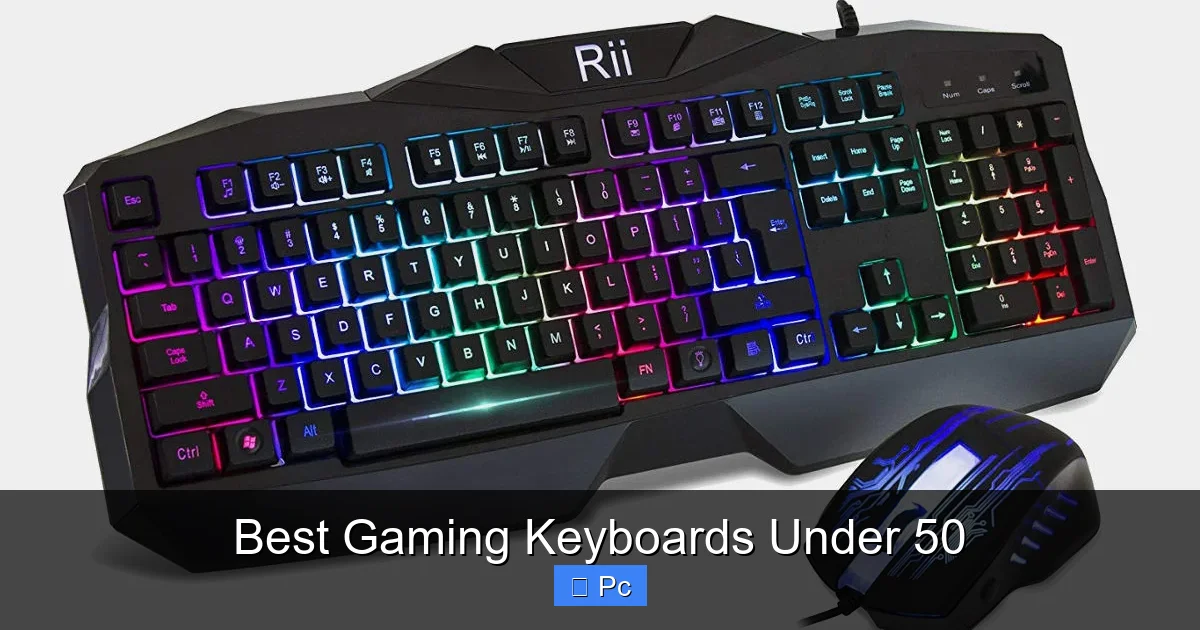
Visual guide about Best Gaming Keyboards Under 50
Image source: improb.com
Not all gamers are the same. Your ideal keyboard depends on the types of games you play, your setup, and your personal preferences.
For FPS Gamers: Speed and Precision
First-person shooters like Call of Duty or Valorant require quick reflexes and precise movements. Look for:
– Fast actuation (mechanical or hybrid switches)
– Anti-ghosting and NKRO
– Compact or TKL layout for more mouse space
The Redragon K552 or K530 are excellent choices here. Their mechanical switches and responsive designs help you react faster.
For MMO and MOBA Players: Macros and Customization
Games like World of Warcraft or League of Legends involve complex commands and key combinations. You’ll benefit from:
– Programmable macro keys
– Software support for remapping
– Comfortable layout for long sessions
The Corsair K55 RGB, with its six macro keys, is a great fit. The Razer Cynosa V2 also supports macro programming via Razer Synapse.
For Casual and Streaming Gamers: Aesthetics and Comfort
If you game for fun or stream on platforms like Twitch, you might prioritize:
– RGB lighting for visual appeal
– Quiet operation to avoid mic noise
– Comfortable typing for long sessions
The Razer Cynosa V2 and Havit HV-KB390L are perfect here. They’re quiet, stylish, and easy on the hands.
For Minimalists and Travelers: Compact and Portable
If desk space is tight or you game on the go, a compact keyboard is key. Look for:
– 60% or TKL layout
– Lightweight design
– Wireless connectivity (optional)
The Redragon K530 Draconic is our top pick for portability. It’s small, wireless, and still offers mechanical switches.
Tips to Maximize Your Budget Gaming Keyboard
Even the best keyboard can benefit from a few tweaks. Here’s how to get the most out of your purchase.
Clean It Regularly
Dust and crumbs can affect performance. Use compressed air to blow out debris between keys. For deeper cleaning, remove keycaps (if removable) and wipe them with a damp cloth.
Use a Keyboard Tray or Wrist Rest
Ergonomics matter. A wrist rest reduces strain during long sessions. If your desk is high, consider a keyboard tray to keep your arms at a comfortable angle.
Update Firmware and Software
Some keyboards receive firmware updates that improve performance or add features. Check the manufacturer’s website periodically.
Customize Lighting and Macros
Take advantage of software to create custom lighting profiles or macros. Even simple shortcuts can improve your gameplay.
Pair with a Good Mouse and Mousepad
Your keyboard is only part of the equation. A responsive mouse and smooth mousepad complete your setup.
Final Thoughts: You Don’t Need to Break the Bank
Gaming keyboards under $50 have come a long way. What was once a category dominated by flimsy membrane boards is now home to durable, responsive, and feature-rich options. Whether you want mechanical switches, RGB lighting, wireless freedom, or quiet operation, there’s a keyboard in this price range that fits your needs.
The Redragon K552 Kumara remains our top pick for overall performance and value. The Razer Cynosa V2 wins for RGB lovers, while the Redragon K530 Draconic is the best wireless option. No matter which you choose, you’re getting a solid tool that enhances your gaming experience—without emptying your wallet.
Remember, the best keyboard is the one that feels right in your hands and helps you play your best. Don’t chase specs blindly. Think about your gaming style, your setup, and what matters most to you. With the right choice, you’ll be dominating your games in no time.
Frequently Asked Questions
Are mechanical keyboards under $50 worth it?
Yes, many mechanical keyboards under $50 offer excellent performance and durability. Brands like Redragon use Outemu switches that mimic premium mechanical keyboards at a lower cost.
Can I get RGB lighting on a budget gaming keyboard?
Absolutely. Models like the Razer Cynosa V2 and Redragon K530 offer vibrant RGB lighting with multiple effects, even under $50.
Is a wired keyboard better than wireless for gaming?
Wired keyboards generally have lower latency, making them better for competitive gaming. However, some wireless models like the Redragon K530 offer low-latency 2.4GHz connections that are nearly as fast.
Do budget keyboards support anti-ghosting?
Yes, most gaming keyboards under $50 include anti-ghosting and at least 6-key rollover, ensuring accurate input during fast gameplay.
How long do budget gaming keyboards last?
With proper care, a good budget keyboard can last 3–5 years. Look for spill-resistant designs and reinforced keycaps to extend its lifespan.
Can I use a gaming keyboard for typing?
Yes, many gaming keyboards are great for typing. Mechanical switches, in particular, offer tactile feedback that improves typing accuracy and speed.
