

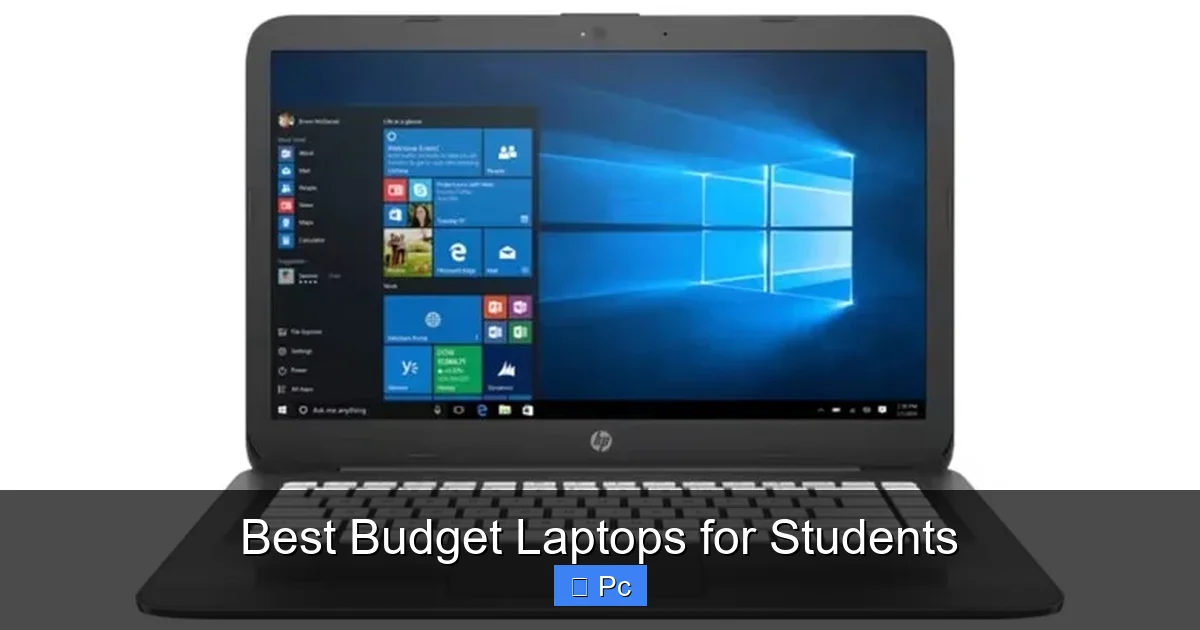
Finding the best budget laptops for students doesn’t mean sacrificing performance or durability. These affordable machines offer solid battery life, lightweight designs, and enough power for everyday tasks like note-taking, research, and video calls—all without breaking the bank.
Key Takeaways
- Prioritize battery life: Look for laptops with at least 8–10 hours of battery to last through back-to-back classes without charging.
- Choose the right processor: Intel Core i3/i5 or AMD Ryzen 3/5 offer the best balance of performance and price for student needs.
- 8GB RAM is the sweet spot: Enough for multitasking between browsers, documents, and video conferencing apps.
- SSD storage matters: A 256GB SSD ensures faster boot times and quick access to files compared to traditional hard drives.
- Portability counts: Aim for laptops under 3.5 pounds so you can carry them easily between dorms, libraries, and classrooms.
- Don’t overlook keyboard and trackpad quality: You’ll be typing a lot—comfort and responsiveness make a big difference over time.
- Consider future-proofing: A slightly higher upfront cost can save money long-term if the laptop lasts through all four years of college.
📑 Table of Contents
Introduction: Why Budget Laptops Are a Smart Choice for Students
Let’s be real—college is expensive. Between tuition, textbooks, rent, and coffee runs, your wallet is already feeling the squeeze. So when it comes to buying a laptop, you don’t want to drop $1,500 on a machine that might not even survive your freshman year. That’s where the best budget laptops for students come in.
These affordable devices are designed with real student life in mind. They’re lightweight enough to toss in your backpack, powerful enough to handle research papers and Zoom lectures, and durable enough to survive the occasional coffee spill (we’ve all been there). And the best part? You can find a reliable laptop for under $600—sometimes even under $500—without sacrificing the features you actually need.
But not all budget laptops are created equal. Some cut corners on build quality, while others skimp on battery life or processing power. That’s why it’s important to know what to look for. In this guide, we’ll walk you through everything you need to consider before buying, highlight some of the top models on the market, and help you avoid common pitfalls. Whether you’re a freshman starting your journey or a senior wrapping up your degree, there’s a budget-friendly laptop out there that fits your lifestyle and workload.
What to Look for in a Budget Laptop for Students
Visual guide about Best Budget Laptops for Students
Image source: slashgear.com
When shopping for the best budget laptops for students, it’s easy to get overwhelmed by specs and marketing jargon. But don’t worry—we’ll break it down into simple, practical criteria that matter most for student life.
Battery Life: Stay Powered Through the Day
One of the biggest pain points for students is running out of battery mid-lecture or during a late-night study session. That’s why battery life should be at the top of your checklist. Aim for a laptop that offers at least 8 to 10 hours of real-world usage. This means browsing the web, typing documents, watching videos, and joining video calls—not just idle time.
For example, the Acer Aspire 5 consistently delivers over 9 hours of battery life, making it a favorite among students who move between classes all day. Meanwhile, some ultra-thin models may look sleek but drain quickly under heavy use. Always check real-user reviews, not just manufacturer claims, to get an honest picture of battery performance.
Performance: Balancing Power and Price
You don’t need a gaming rig or a video editing powerhouse for most college tasks. But you do need a laptop that can handle multiple browser tabs, Word documents, PDFs, and video conferencing without slowing to a crawl.
Look for at least an Intel Core i3 or AMD Ryzen 3 processor. These offer excellent performance for everyday use and are commonly found in budget laptops. If your budget allows, stepping up to an Intel Core i5 or Ryzen 5 gives you extra headroom for multitasking and future-proofing.
Pair that with 8GB of RAM—this is the sweet spot for smooth performance. While 4GB might seem tempting to save money, it’s often not enough for modern applications and can lead to frustrating slowdowns. Similarly, avoid laptops with only 128GB of storage. A 256GB SSD is the minimum you should consider, as it provides faster load times and enough space for your OS, apps, and files.
Portability: Lightweight and Easy to Carry
Let’s face it—you’re going to be carrying this thing everywhere. From your dorm room to the library, across campus to the coffee shop, and back again. A heavy laptop might feel sturdy, but it’ll also feel like a brick after a few weeks.
Ideally, look for a laptop that weighs under 3.5 pounds. Many of the best budget laptops for students, like the Lenovo IdeaPad Flex 5, come in at around 3 pounds and still offer solid build quality. Also consider screen size: a 13- to 14-inch display strikes the perfect balance between usability and portability. Larger screens (15.6 inches) are great for multitasking but add weight and bulk.
Keyboard and Trackpad: Comfort Matters
You’ll be typing a lot—essays, emails, discussion posts, you name it. A comfortable, responsive keyboard can make a huge difference in your daily experience. Look for laptops with well-spaced keys, decent travel (the distance the key presses down), and minimal flex.
The HP Pavilion x360, for instance, has a surprisingly good keyboard for its price range, with quiet, tactile feedback. Avoid ultra-thin models that sacrifice key depth for slimness—they might look modern, but they’re often uncomfortable for long typing sessions.
Similarly, a reliable trackpad is essential. You don’t want to be constantly reaching for a mouse. Test the trackpad responsiveness if possible, or read reviews that mention its performance. Some budget laptops still use older, less accurate trackpads, so it’s worth paying attention to this detail.
Connectivity and Ports: Don’t Get Caught Without
Even in the age of wireless everything, having the right ports can save you a lot of hassle. Make sure your laptop has at least two USB-A ports (for flash drives, mice, etc.), one USB-C port (for newer devices and charging), an HDMI port (for connecting to projectors or monitors), and a headphone jack.
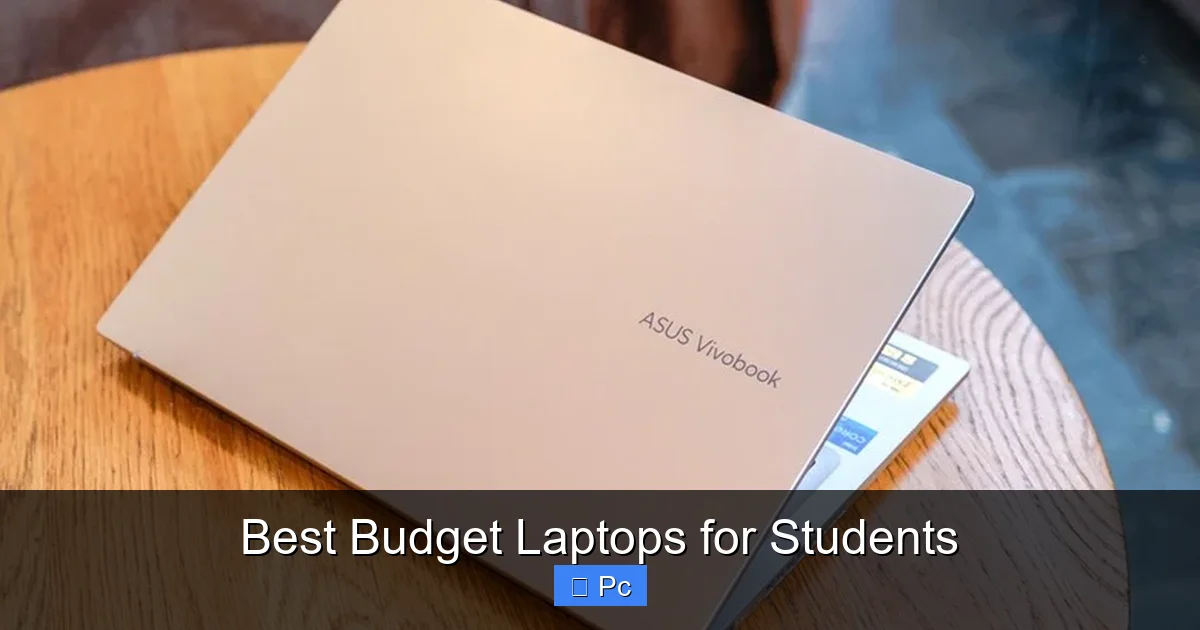
Some ultra-budget models skimp on ports to cut costs, leaving you dependent on dongles and adapters. For example, the ASUS VivoBook 15 includes a full suite of ports, making it easy to plug in peripherals without extra gear. If you plan to use external monitors or present in class, having HDMI or USB-C with video output is a must.
Top Budget Laptops for Students in 2024
Visual guide about Best Budget Laptops for Students
Image source: pctechtest.com
Now that you know what to look for, let’s dive into some of the best budget laptops for students currently on the market. These models offer the right mix of performance, portability, and price, making them ideal for college life.
Acer Aspire 5 – The All-Around Winner
The Acer Aspire 5 consistently ranks as one of the best budget laptops for students, and for good reason. Starting around $450, it offers an Intel Core i5 or AMD Ryzen 5 processor, 8GB of RAM, and a 256GB SSD. That’s a solid foundation for everything from writing papers to streaming lectures.
It also boasts a 15.6-inch Full HD display, which is great for multitasking—you can have your research open on one side and your essay on the other. Battery life is impressive, often lasting over 9 hours on a single charge. The keyboard is comfortable for long typing sessions, and the build quality feels sturdy despite the plastic chassis.
One downside? It’s a bit heavier than some ultrabooks at 3.97 pounds, so it’s not the most portable option. But if you don’t mind the extra weight, the Aspire 5 delivers excellent value for the price.
Lenovo IdeaPad Flex 5 – 2-in-1 Flexibility
If you want versatility, the Lenovo IdeaPad Flex 5 is a standout choice. This 2-in-1 laptop doubles as a tablet, letting you take notes with a stylus (sold separately) or watch videos in tent mode. It runs on an AMD Ryzen 5 processor, comes with 8GB of RAM and a 256GB SSD, and starts around $500.
The 14-inch touchscreen is bright and responsive, and the 360-degree hinge feels durable. At just 3.1 pounds, it’s easy to carry around campus. Battery life is solid at around 8–10 hours, depending on usage. The keyboard is well-designed, and the included fingerprint reader adds a nice touch of security.
The Flex 5 is perfect for students who want the flexibility of a tablet without paying tablet prices. Whether you’re sketching ideas in art class or annotating PDFs for law school, this laptop adapts to your needs.
HP Pavilion x360 – Stylish and Functional
The HP Pavilion x360 combines sleek design with student-friendly features. Available with Intel Core i3 or i5 processors, 8GB of RAM, and a 256GB SSD, it’s a reliable workhorse for everyday tasks. The 14-inch Full HD touchscreen is vibrant, and the 2-in-1 design lets you fold it into tablet or stand mode.
At 3.5 pounds, it’s lightweight enough for daily commutes, and the aluminum lid gives it a premium feel. Battery life averages around 8 hours, which is decent but not exceptional. However, the keyboard is one of the best in this price range—comfortable, quiet, and responsive.
One thing to note: some configurations come with only 128GB of storage, so make sure to choose the 256GB model if possible. Overall, the Pavilion x360 is a great choice if you want a laptop that looks good and performs well without breaking the bank.
ASUS VivoBook 15 – Ports and Performance
If you’re tired of hunting for adapters, the ASUS VivoBook 15 is a breath of fresh air. This laptop comes packed with ports: USB-C, USB-A, HDMI, and even a microSD card reader. It’s powered by an Intel Core i3 or i5, with 8GB of RAM and a 256GB SSD, all starting around $450.
The 15.6-inch display is bright and colorful, though it’s not touch-enabled. At 3.75 pounds, it’s on the heavier side, but the extra ports make it worth considering if you use external devices often. Battery life is around 7–8 hours, which is acceptable but not outstanding.
The keyboard is comfortable, and the laptop includes a fingerprint sensor for quick login. It’s a no-frills machine that focuses on practicality—perfect for students who value functionality over flashy features.
Dell Inspiron 14 – Reliable and Durable
Dell’s Inspiron 14 is a solid, no-nonsense laptop built to last. With options for Intel Core i3 or i5 processors, 8GB of RAM, and a 256GB SSD, it handles student workloads with ease. The 14-inch Full HD display is crisp, and the laptop weighs just 3.3 pounds, making it easy to carry.
Battery life is around 8 hours, and the build quality feels sturdy—important if you’re prone to dropping things (we won’t judge). The keyboard is well-spaced and comfortable, and the trackpad is responsive. Dell also offers good customer support, which can be a lifesaver if something goes wrong.
One downside: the design is a bit plain compared to some competitors. But if you prioritize reliability and performance over aesthetics, the Inspiron 14 is a dependable choice.
Budget Laptop Myths Debunked

Visual guide about Best Budget Laptops for Students
Image source: dockuniverse.com
There are a lot of misconceptions about budget laptops, especially when it comes to students. Let’s clear up some of the most common myths so you can make an informed decision.
Myth 1: “Budget Laptops Are Slow and Unreliable”
This used to be true—back when budget laptops came with weak processors, tiny hard drives, and barely any RAM. But modern budget laptops have come a long way. With SSDs, efficient processors, and 8GB of RAM, many affordable models perform just as well as mid-range laptops for everyday tasks.
For example, the Acer Aspire 5 boots up in under 10 seconds and handles multiple browser tabs, Word documents, and video calls without breaking a sweat. As long as you avoid the very cheapest models (under $300), you can expect solid performance.
Myth 2: “You Can’t Upgrade a Budget Laptop”
While some ultra-thin laptops are sealed shut, many budget models still allow for upgrades. The Lenovo IdeaPad Flex 5, for instance, lets you add more RAM or swap out the SSD if needed. This can extend the laptop’s lifespan and save you money in the long run.
Always check the manufacturer’s website or user manuals to see what’s upgradeable. Even if you don’t plan to upgrade now, knowing you can in the future adds value.
Myth 3: “All Budget Laptops Have Terrible Screens”
Not true! Many budget laptops now come with Full HD (1920×1080) displays, which are sharp and bright enough for reading, writing, and watching videos. The HP Pavilion x360 and ASUS VivoBook 15 both offer excellent screen quality for the price.
That said, avoid models with 1366×768 resolution—they look pixelated and make text harder to read. Stick with Full HD, and you’ll be much happier.
Myth 4: “You Need a Mac or High-End PC for College”
Unless you’re studying graphic design, engineering, or video production, you don’t need a high-end machine. Most college work—writing, research, presentations, and online classes—can be handled perfectly by a good budget laptop.
In fact, many students find that a reliable Windows laptop offers better software compatibility and more affordable repair options than a MacBook. Plus, you can always connect an external monitor or use cloud storage if you need more screen space or storage.
Tips for Extending the Life of Your Budget Laptop
Investing in a budget laptop is just the first step. To get the most out of your purchase, follow these practical tips to keep it running smoothly for years.
Keep It Clean
Dust and crumbs can clog vents and keyboards, leading to overheating and performance issues. Use a can of compressed air to clean the keyboard and vents every few months. Wipe the screen with a microfiber cloth and avoid harsh chemicals.
Use a Protective Case
A simple sleeve or backpack with padding can prevent scratches, dents, and worse—cracks. Even a minor drop can damage internal components, so protect your investment.
Update Software Regularly
Keep your operating system and apps updated to ensure security patches and performance improvements. Enable automatic updates if possible, but always back up your data first.
Avoid Overcharging
Leaving your laptop plugged in 24/7 can degrade the battery over time. Try to unplug it once it reaches 80–90% charge, and let it drain to around 20% before recharging. This helps maintain battery health.
Backup Your Data
Use cloud storage (like Google Drive or OneDrive) or an external hard drive to back up important files. This protects your work in case of hardware failure, theft, or accidental deletion.
Conclusion: Finding the Right Balance
Choosing the best budget laptops for students isn’t about finding the cheapest option—it’s about finding the right balance of performance, portability, and price. You don’t need to spend a fortune to get a laptop that handles your academic workload, lasts through your degree, and fits your lifestyle.
Focus on the essentials: at least 8GB of RAM, a 256GB SSD, a decent processor, and 8+ hours of battery life. Prioritize comfort in the keyboard and trackpad, and don’t overlook port selection and build quality. Models like the Acer Aspire 5, Lenovo IdeaPad Flex 5, and HP Pavilion x360 offer excellent value and reliability.
Remember, a budget laptop isn’t a compromise—it’s a smart choice. It frees up money for textbooks, meals, or that spring break trip you’ve been dreaming about. And with the right care, it can serve you well beyond graduation.
So take your time, read reviews, and choose a laptop that feels right for you. Your future self—and your wallet—will thank you.
Frequently Asked Questions
What is the best budget laptop for students under $500?
The Acer Aspire 5 and ASUS VivoBook 15 are excellent choices under $500. Both offer solid performance, 8GB of RAM, 256GB SSDs, and good battery life, making them ideal for everyday student tasks.
Do I need a touchscreen for college?
Not necessarily. While touchscreens can be helpful for note-taking or drawing, most students get by just fine with a traditional laptop. If you want flexibility, consider a 2-in-1 like the Lenovo IdeaPad Flex 5.
Can a budget laptop handle video calls and online classes?
Yes! Most budget laptops come with built-in webcams and microphones, and their processors are more than capable of handling Zoom, Google Meet, and other video conferencing apps without lag.
How long do budget laptops typically last?
With proper care, a good budget laptop can last 4–5 years—plenty of time to get through college. Regular maintenance, software updates, and avoiding physical damage can extend its lifespan.
Should I buy a Chromebook instead?
Chromebooks are affordable and great for web-based tasks, but they rely heavily on internet access and don’t support full Windows or Mac apps. If you need Microsoft Office, Adobe apps, or offline functionality, a Windows laptop is a better fit.
Is 4GB of RAM enough for a student laptop?
4GB is the bare minimum and can lead to slowdowns when multitasking. For a smoother experience, especially with multiple browser tabs and apps open, 8GB of RAM is strongly recommended.
