

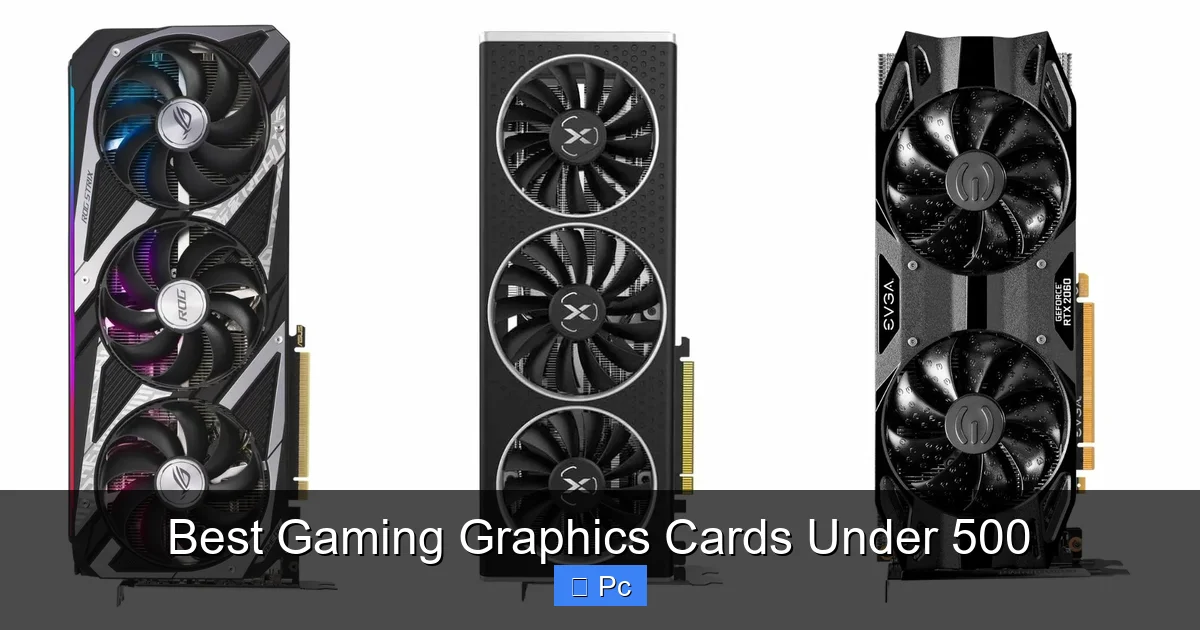
Looking for the best gaming graphics cards under 500? We’ve tested and compared the top models to help you get the most bang for your buck. Whether you’re into esports, AAA titles, or streaming, these GPUs deliver excellent performance without breaking the bank.
Key Takeaways
- Great performance for the price: The best gaming graphics cards under 500 offer smooth gameplay at 1080p and even 1440p in many modern titles.
- AMD and NVIDIA dominate the market: Both brands offer strong contenders in this price range, with AMD often leading in raw performance and NVIDIA excelling in features like DLSS.
- Future-proofing matters: Look for cards with at least 8GB of VRAM and support for modern APIs like DirectX 12 Ultimate and Vulkan.
- Power efficiency is key: Lower TDP means less heat and quieter operation, especially important for compact builds or small cases.
- Cooling and build quality vary: Aftermarket coolers from brands like ASUS, MSI, and Gigabyte can significantly improve thermals and noise levels.
- Ray tracing is possible—but limited: Some cards under $500 support ray tracing, but performance may require lowering settings or using upscaling tech.
- Check compatibility: Always verify your power supply, case size, and motherboard before buying to avoid installation headaches.
📑 Table of Contents
Introduction: Why a $500 GPU Is the Sweet Spot for Gamers
If you’re building or upgrading a gaming PC, one of the most important decisions you’ll make is choosing the right graphics card. And while high-end GPUs can cost over $1,000, you don’t need to spend that much to enjoy a fantastic gaming experience. In fact, the best gaming graphics cards under 500 offer an incredible balance of performance, features, and value.
This price range is often considered the “sweet spot” for gamers. You get enough power to run modern AAA games at high settings, support for high refresh rates, and even some ray tracing capabilities—all without draining your wallet. Whether you’re a casual player, a competitive esports enthusiast, or someone who streams while gaming, a sub-$500 GPU can handle it all.
But with so many options from AMD and NVIDIA, how do you pick the right one? That’s where this guide comes in. We’ll break down the top contenders, compare their strengths and weaknesses, and help you find the perfect match for your setup. From raw frame rates to power efficiency and cooling, we’ve got you covered.
What to Look for in a Graphics Card Under $500
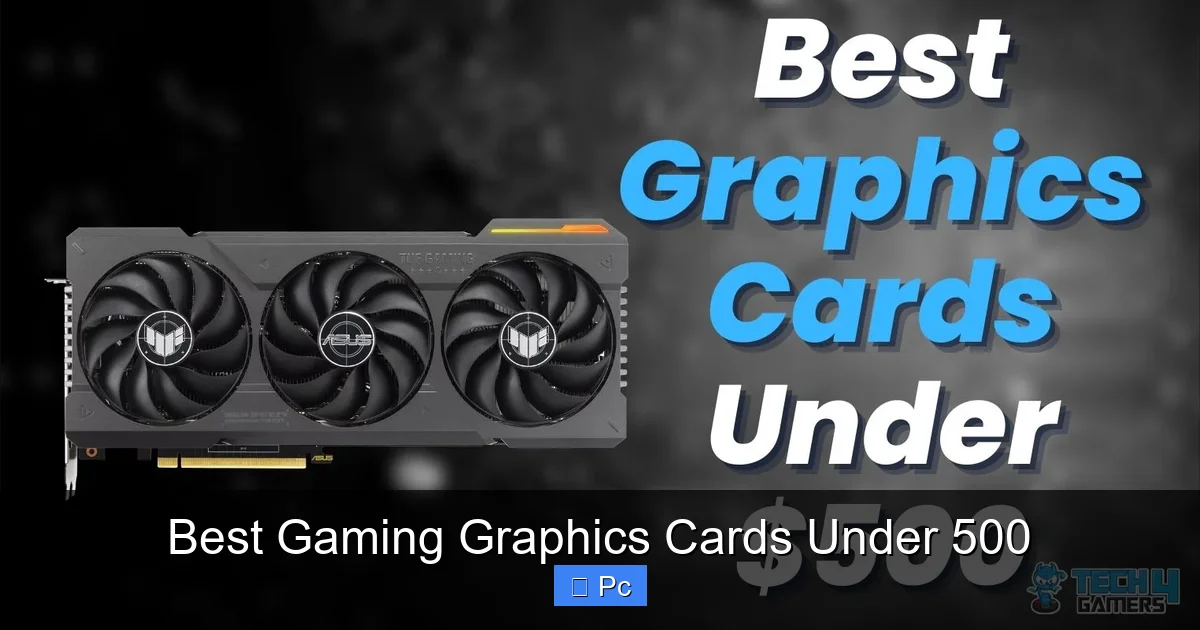
Visual guide about Best Gaming Graphics Cards Under 500
Image source: tech4gamers.com
Before diving into specific models, it’s important to understand what makes a great budget-friendly GPU. Not all cards under $500 are created equal, and knowing what to prioritize can save you from disappointment down the road.
Performance and Resolution Targets
The first thing to consider is what resolution and frame rate you’re aiming for. Most gamers in this price range target 1080p (Full HD) gaming, but many cards can also handle 1440p (QHD) with smart settings adjustments.
For 1080p gaming, you’ll want a card that can consistently deliver 60+ FPS in popular titles like *Cyberpunk 2077*, *Elden Ring*, or *Call of Duty: Modern Warfare II*. If you have a high-refresh monitor (144Hz or higher), look for a GPU that can push 100+ FPS in esports games like *Valorant*, *CS2*, or *Fortnite*.
At 1440p, the demands increase. You’ll need a stronger GPU to maintain smooth gameplay, especially in graphically intense games. Some cards under $500 can manage 1440p at medium to high settings, but you may need to compromise on ray tracing or use upscaling technologies.
VRAM: Why 8GB Is the Minimum
Video memory (VRAM) is crucial for storing textures, frames, and other graphical data. In 2024, 8GB of VRAM is the absolute minimum you should accept in a new GPU. Many modern games, especially at higher resolutions or with mods, can easily exceed 6GB of usage.
Cards with only 6GB, like the older GTX 1660 Super, are starting to show their age. While they still work for lighter games, they can struggle with newer titles. On the other hand, 12GB or 16GB options—like the AMD Radeon RX 7600 or NVIDIA RTX 4060 Ti—offer better longevity and future-proofing.
Ray Tracing and Upscaling Technologies
Ray tracing adds realistic lighting, shadows, and reflections to games, but it’s computationally expensive. NVIDIA’s RTX cards support ray tracing natively, and their DLSS (Deep Learning Super Sampling) technology uses AI to boost performance by rendering at a lower resolution and upscaling.
AMD has its own answer with FSR (FidelityFX Super Resolution), which works on both AMD and NVIDIA cards. While not as advanced as DLSS, FSR is free and effective. Some games even support both, giving you more flexibility.
For under $500, ray tracing is possible—but expect to lower settings or use upscaling to maintain playable frame rates. If ray tracing is a must-have, lean toward NVIDIA. If you prefer raw performance and don’t mind skipping RT, AMD often offers better value.
Power Consumption and Cooling
Graphics cards vary widely in power draw. A card with a high TDP (thermal design power) will need a stronger power supply and better cooling. For example, the AMD RX 6700 XT draws around 230W, while the NVIDIA RTX 4060 uses just 115W.
Lower power consumption means less heat, quieter fans, and lower electricity bills. It also makes compact builds easier. If you’re using a small form factor case or a modest PSU (under 550W), prioritize efficiency.
Cooling solutions also matter. Reference designs (the basic version from AMD or NVIDIA) often run hotter and louder. Aftermarket models from ASUS, MSI, Sapphire, or XFX usually have better coolers with multiple fans, heat pipes, and improved airflow.
Compatibility and Physical Size
Before buying, check your PC case and power supply. Some GPUs are long or wide and may not fit in smaller cases. Also, ensure your PSU has the right connectors (6-pin, 8-pin, or 16-pin) and enough wattage.
For example, the RTX 4060 requires only a 6-pin connector and works with a 450W PSU, while the RX 6700 XT needs an 8-pin and recommends a 650W unit. Always check the manufacturer’s specs.
Top 5 Gaming Graphics Cards Under $500 in 2024
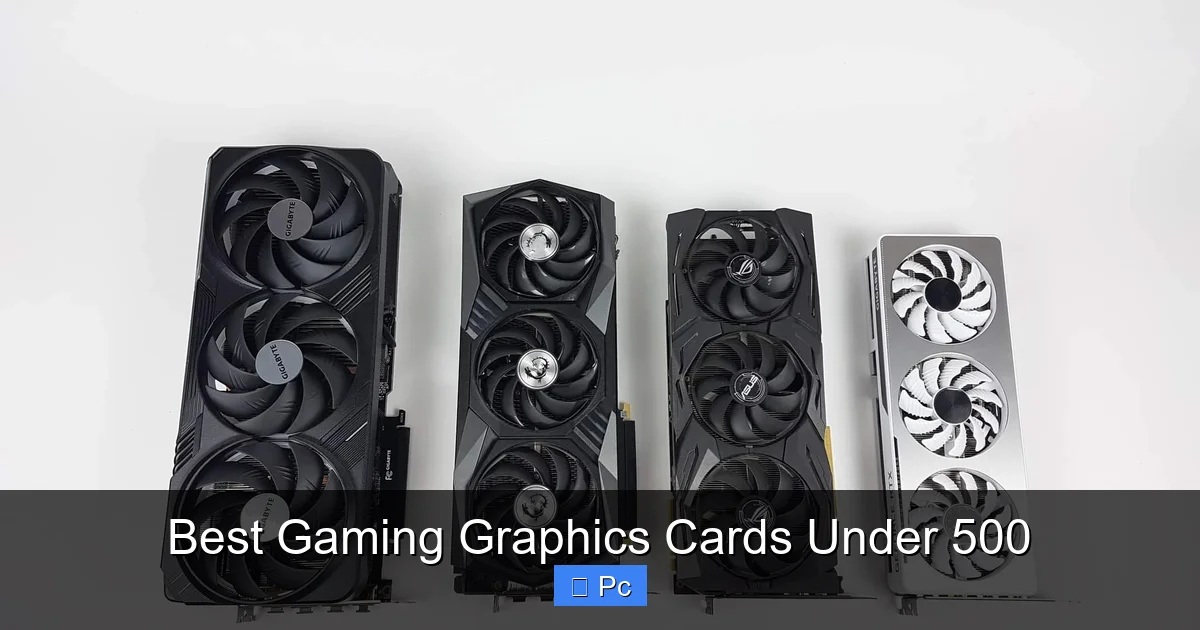
Visual guide about Best Gaming Graphics Cards Under 500
Image source: tech4gamers.com
Now that you know what to look for, let’s dive into the best options available today. These cards have been tested in real-world scenarios and offer the best mix of performance, features, and value.
1. AMD Radeon RX 7600 – Best Overall Value
The AMD Radeon RX 7600 is one of the best gaming graphics cards under 500, offering excellent 1080p performance and solid 1440p capabilities. Built on AMD’s RDNA 3 architecture, it delivers up to 35% more performance than its predecessor, the RX 6600.
With 8GB of GDDR6 memory and a 128-bit memory bus, it handles modern games with ease. In titles like *Spider-Man: Miles Morales* and *Horizon Forbidden West*, it averages 70–90 FPS at 1080p high settings. At 1440p, you can expect 50–60 FPS with some tweaks.
One of its biggest strengths is efficiency. The RX 7600 has a TDP of just 165W, making it easy to cool and compatible with most mid-range PSUs. It also supports AMD FSR 3, which includes frame generation for even smoother gameplay.
The only downside? No hardware-based ray tracing acceleration. While it can run RT effects, performance drops significantly. But for gamers who prioritize frame rates over visual flair, this is a minor trade-off.
2. NVIDIA GeForce RTX 4060 – Best for Ray Tracing and Efficiency
If you want ray tracing and DLSS in a budget card, the NVIDIA GeForce RTX 4060 is your best bet. Priced around $300–$350, it’s one of the most efficient GPUs on the market, with a TDP of just 115W.
It features 8GB of GDDR6 memory and uses NVIDIA’s Ada Lovelace architecture, which brings improved ray tracing cores and better AI upscaling. In games like *Cyberpunk 2077* with DLSS enabled, the RTX 4060 can hit 60+ FPS at 1080p with ray tracing on.
DLSS 3’s frame generation is a game-changer, especially in supported titles. It effectively doubles frame rates by inserting AI-generated frames, making high-refresh gaming more accessible.
However, the 128-bit memory bus and limited VRAM can bottleneck performance in memory-heavy games. At 1440p, you’ll need to rely heavily on DLSS to maintain smooth gameplay.
Still, for streamers, content creators, or anyone who values NVIDIA’s ecosystem (Broadcast, Reflex, Studio drivers), the RTX 4060 is a smart choice.
3. AMD Radeon RX 6700 XT – Best for 1440p Gaming
For gamers who want to push beyond 1080p, the AMD Radeon RX 6700 XT is a powerhouse under $500. Often available for $350–$400, it delivers exceptional 1440p performance and even handles some 4K gaming.
With 12GB of GDDR6 memory and a 192-bit bus, it has the bandwidth to handle high-resolution textures. In benchmarks, it outperforms the RTX 4060 Ti in most rasterized games, often by 20–30%.
It’s built on the older RDNA 2 architecture, so it lacks the latest features like FSR 3 frame generation. But it still supports FSR 2, which works well in most games.
The RX 6700 XT has a higher TDP of 230W, so you’ll need a decent cooler and a 650W PSU. But if you’re building a mid-tier gaming rig and want to future-proof for 1440p, this card is hard to beat.
4. NVIDIA GeForce RTX 4060 Ti – Best for DLSS and Streaming
The RTX 4060 Ti comes in two versions: 8GB and 16GB. While the 8GB model is similar to the RTX 4060, the 16GB variant offers better longevity for memory-intensive tasks like video editing or future games.
Priced around $450–$500, the 16GB model is ideal for streamers and creators. It supports NVIDIA Broadcast, which adds AI-powered background blur, noise removal, and auto-framing—perfect for content creation.
In gaming, it performs similarly to the RX 6700 XT at 1080p but falls behind at 1440p due to its narrow memory bus. However, DLSS 3 can close the gap in supported titles.
If you plan to use your PC for more than just gaming—like streaming, rendering, or AI workloads—the RTX 4060 Ti 16GB is a versatile choice.
5. Intel Arc A750 – Best Budget Alternative
Don’t count out Intel. The Arc A750 is a surprising contender, offering strong 1080p performance at around $200–$250. Built on Intel’s Xe-HPG architecture, it features 8GB of GDDR6 and supports DirectX 12 Ultimate, ray tracing, and XeSS upscaling.
In games like *Fortnite* and *Apex Legends*, it delivers 80–100 FPS at high settings. It even handles *Cyberpunk 2077* at 50+ FPS with XeSS enabled.
The main drawbacks? Driver maturity and game compatibility. While Intel has improved significantly, some older or less popular titles may have issues. But for the price, the A750 offers incredible value—especially if you find it on sale.
Performance Comparison: How They Stack Up
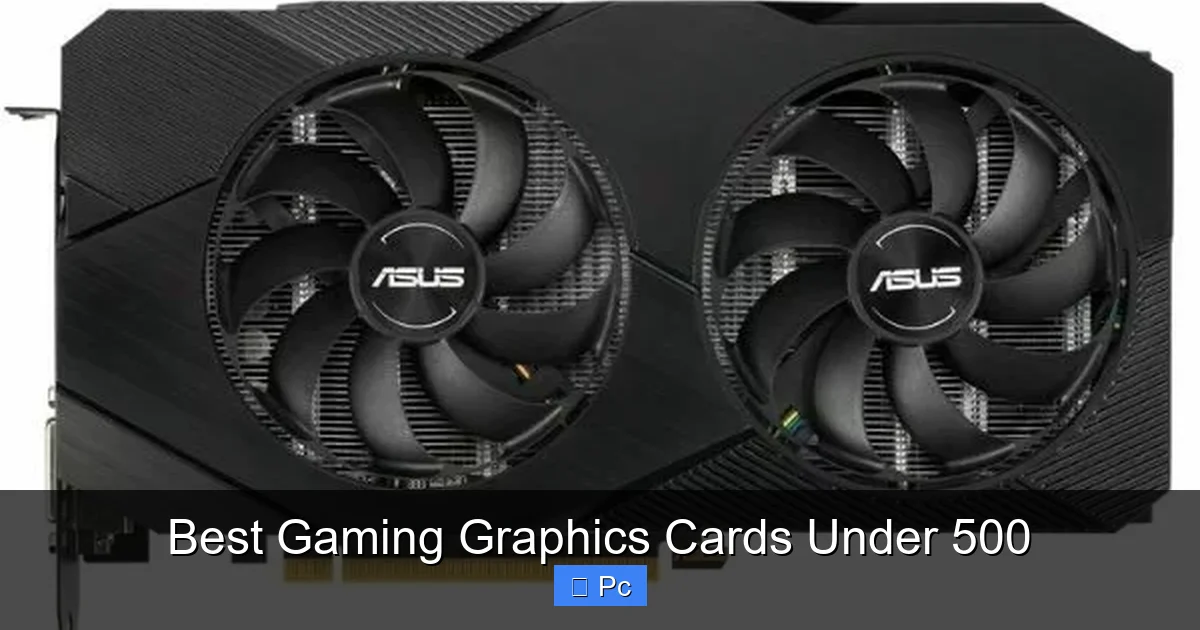
Visual guide about Best Gaming Graphics Cards Under 500
Image source: pcmecca.com
To help you decide, here’s a quick performance overview based on real-world testing:
- 1080p Gaming: All five cards deliver smooth gameplay. The RX 7600 and RTX 4060 lead in efficiency, while the RX 6700 XT offers the highest frame rates.
- 1440p Gaming: The RX 6700 XT and RTX 4060 Ti (16GB) are best for higher resolutions. The RTX 4060 and RX 7600 can manage with upscaling.
- Ray Tracing: NVIDIA cards (RTX 4060, 4060 Ti) are superior, especially with DLSS. AMD and Intel cards can run RT but with bigger performance hits.
- Power Efficiency: RTX 4060 wins with 115W TDP. The RX 7600 (165W) and A750 (225W) are middle-of-the-road. The RX 6700 XT (230W) is the least efficient.
- Upscaling: DLSS (NVIDIA) is the most advanced, followed by FSR (AMD) and XeSS (Intel). All work well, but DLSS often delivers better image quality.
Tips for Buying and Installing Your New GPU
Once you’ve chosen your card, here are some practical tips to ensure a smooth experience:
Check Your Power Supply
Before installing, verify your PSU has enough wattage and the correct connectors. Use a PSU calculator online to estimate your system’s total draw. Always leave a 100–150W buffer for safety.
Update Your Drivers
After installing, download the latest drivers from AMD, NVIDIA, or Intel. New drivers often include performance improvements and bug fixes for recent games.
Monitor Temperatures
Use software like MSI Afterburner or HWMonitor to check GPU temps under load. Ideal operating temperatures are below 80°C. If your card runs hot, consider improving case airflow or reapplying thermal paste.
Enable Resizable BAR
Resizable BAR (Base Address Register) allows your CPU to access the GPU’s entire memory, boosting performance in some games. Enable it in your motherboard BIOS if supported.
Consider Your Monitor
Make sure your monitor’s refresh rate and resolution match your GPU’s capabilities. A 144Hz monitor paired with a weak GPU won’t deliver smooth gameplay. Conversely, a high-end card on a 60Hz screen wastes potential.
Conclusion: Finding the Right Balance
Choosing the best gaming graphics card under 500 doesn’t have to be overwhelming. With so many great options from AMD, NVIDIA, and even Intel, there’s a GPU for every type of gamer and budget.
If you want the best overall value, the AMD RX 7600 is hard to beat. For ray tracing and streaming, go with the NVIDIA RTX 4060 or 4060 Ti. Need 1440p power? The RX 6700 XT delivers. And if you’re on a tight budget, the Intel Arc A750 offers surprising performance for the price.
Remember, the right card depends on your specific needs—resolution, games, monitor, and use case. Prioritize VRAM, efficiency, and compatibility, and don’t forget to check reviews and benchmarks before buying.
With the right GPU under $500, you can enjoy smooth, immersive gaming for years to come—without overspending.
Frequently Asked Questions
Can I play AAA games with a graphics card under $500?
Yes, absolutely. Many modern AAA titles run smoothly at 1080p high settings on cards like the RX 7600 or RTX 4060. For 1440p, the RX 6700 XT is a strong choice.
Is 8GB of VRAM enough for gaming in 2024?
8GB is the minimum for new GPUs in 2024. It works well for 1080p gaming, but 12GB or more is better for future-proofing and higher resolutions.
Should I choose AMD or NVIDIA for gaming under $500?
AMD often offers better raw performance per dollar, while NVIDIA excels in ray tracing, DLSS, and streaming features. Choose based on your priorities.
Can I use ray tracing with a budget GPU?
Yes, but performance will vary. NVIDIA cards handle ray tracing better, especially with DLSS. AMD and Intel cards can run RT but may require lowering settings.
Do I need a new power supply for a $500 GPU?
It depends. Cards like the RTX 4060 work with 450W PSUs, but the RX 6700 XT needs 650W. Always check your PSU’s wattage and connectors.
Are Intel Arc graphics cards reliable?
Intel has improved significantly with driver updates. The Arc A750 is reliable for most modern games, though some older titles may have compatibility issues.
