

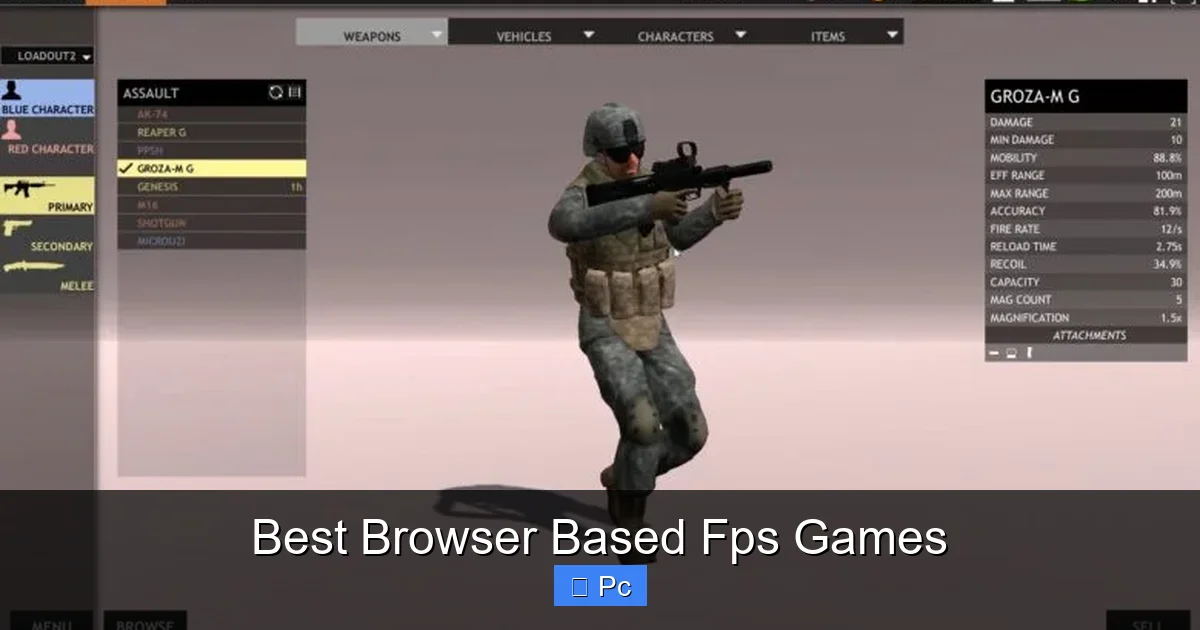
Looking for fast-paced, no-download action? Browser based FPS games deliver thrilling multiplayer combat, stunning graphics, and instant playability—all from your web browser. Whether you’re into team deathmatches, tactical shooters, or sci-fi battles, these games prove you don’t need high-end hardware or long installs to enjoy top-tier first-person shooter action.
If you’ve ever wanted to jump into a high-octane firefight without waiting for a 50GB download or worrying about your PC’s specs, then browser based FPS games are your new best friend. These web-powered shooters bring the adrenaline rush of first-person combat straight to your browser—no installation, no laggy load times, no stress. Just open a tab, pick your weapon, and dive into the action.
What makes browser based FPS games so appealing is their accessibility. Whether you’re on a school computer, a borrowed laptop, or just don’t want to clutter your hard drive with another game, these titles let you play instantly. And don’t let the “browser” label fool you—many of these games feature polished graphics, responsive controls, and deep gameplay mechanics that rival downloadable titles. From fast-paced arena shooters to tactical team-based combat, the variety is impressive.
Key Takeaways
- No Downloads Required: Play instantly in your browser—no installations, no waiting. Just click and start shooting.
- Cross-Platform Compatibility: Works on Windows, Mac, Chromebooks, and even some tablets with a keyboard and mouse.
- Free-to-Play Models: Most browser FPS games are completely free, with optional in-game purchases for cosmetics or boosts.
- Active Multiplayer Communities: Join thousands of players worldwide in real-time matches across various game modes.
- Low System Requirements: Runs smoothly on older PCs and laptops, making them ideal for casual and competitive gamers alike.
- Diverse Game Styles: From realistic military sims to futuristic arenas, there’s a browser FPS for every taste.
- Regular Updates & Events: Many games receive frequent content drops, seasonal events, and balance patches to keep gameplay fresh.
📑 Table of Contents
Why Browser Based FPS Games Are Taking Off
The rise of browser based FPS games isn’t just a trend—it’s a shift in how we think about gaming. With advancements in web technologies like WebGL, HTML5, and WebAssembly, developers can now create rich, interactive experiences that run smoothly in modern browsers. This means you can enjoy high-quality visuals, real-time physics, and multiplayer networking without needing a gaming console or a high-end PC.
One of the biggest drivers behind this growth is convenience. Traditional PC shooters often require lengthy downloads, system checks, and updates before you can even play. Browser games eliminate all that friction. You can start playing in under a minute, making them perfect for quick gaming sessions during a lunch break, between classes, or while waiting for a friend to join a voice call.
Another factor is the rise of cloud gaming and streaming tech. While not all browser FPS games use cloud rendering, many leverage optimized code and lightweight engines to deliver smooth performance even on modest hardware. This opens up competitive gaming to a much wider audience—students, casual players, and even professionals looking for a quick match during downtime.
Accessibility and Inclusivity
Browser based FPS games are inherently more inclusive. Since they don’t require powerful GPUs or large storage space, they’re playable on older machines, Chromebooks, and even some tablets with external input devices. This democratizes access to competitive gaming, allowing people from all backgrounds to participate.
Moreover, many of these games are designed with quick matchmaking in mind. You don’t need to form a squad or schedule a session—just jump into a public match and start playing. This lowers the barrier to entry for new players who might feel intimidated by the complexity of traditional FPS titles.
Free-to-Play and Monetization
Most browser based FPS games operate on a free-to-play model, supported by optional in-game purchases. These typically include cosmetic items like weapon skins, character outfits, and emotes—things that don’t affect gameplay but let you personalize your experience. Some games also offer battle passes or premium currency for faster progression.
Importantly, the best browser FPS games avoid pay-to-win mechanics. Instead, they focus on fair competition and skill-based matchmaking. This ensures that players succeed based on reflexes, strategy, and teamwork—not how much they’ve spent.
Top Browser Based FPS Games to Try in 2024
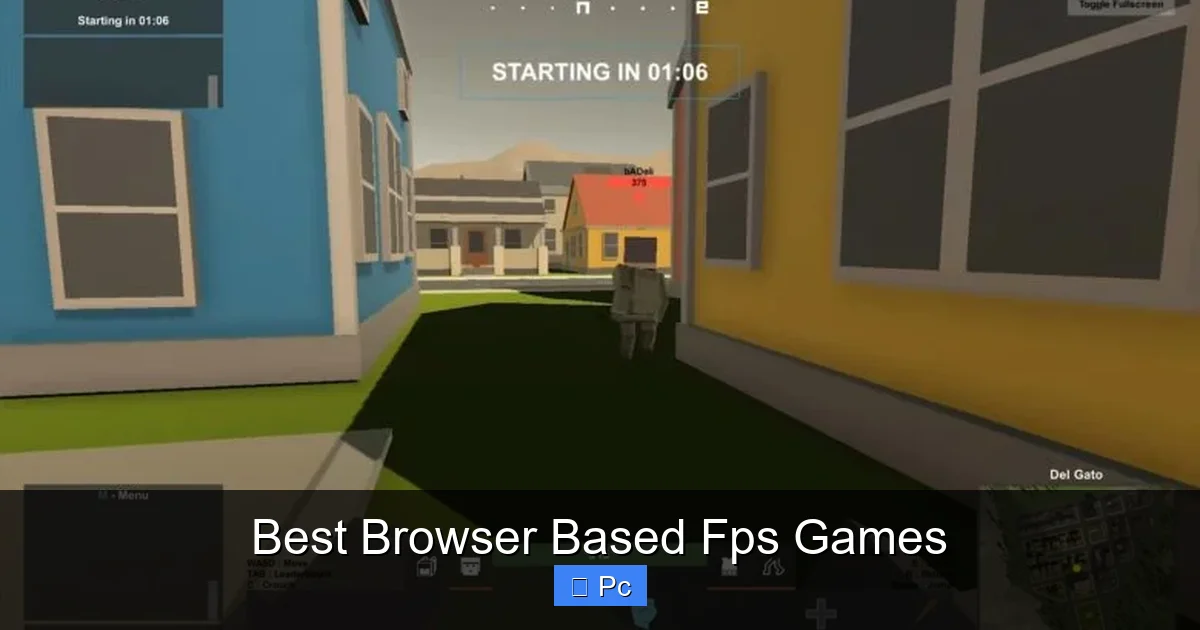
Visual guide about Best Browser Based Fps Games
Image source: norsecorp.net
With so many options available, it can be tough to know where to start. To help you out, we’ve rounded up some of the best browser based FPS games currently dominating the scene. These titles offer a mix of gameplay styles, visual quality, and community engagement, ensuring there’s something for every type of shooter fan.
Krunker.io
Krunker.io is arguably one of the most popular browser based FPS games today. Known for its fast-paced, low-latency gameplay, Krunker delivers a retro-inspired aesthetic with modern mechanics. The game features a variety of modes, including Team Deathmatch, Free-for-All, and Capture the Flag, all playable in crisp 3D environments.
What sets Krunker apart is its customizability. Players can create and share their own maps, mods, and game modes using the in-game editor. This has led to a thriving community of creators who constantly expand the game’s content. Plus, Krunker runs smoothly even on older devices, thanks to its lightweight engine.
Surviv.io (Now ZombsRoyale.io)
Originally known as Surviv.io, this battle royale shooter made a huge splash when it launched. Though the original game is no longer active, its spiritual successor, ZombsRoyale.io, carries on the legacy with improved graphics and gameplay. Up to 100 players drop onto a shrinking map, scavenging for weapons and gear while fighting to be the last one standing.
ZombsRoyale.io retains the top-down perspective of its predecessor but adds more dynamic movement, better loot distribution, and seasonal events. It’s a great choice if you enjoy the tension of battle royale but prefer shorter, more frequent matches than games like Fortnite or Apex Legends.
Warmerise: Red vs Blue
For fans of tactical shooters, Warmerise offers a more strategic experience. This team-based FPS emphasizes coordination, map control, and objective play. Matches are typically 5v5, with modes like Bomb Defusal and Team Deathmatch. The game features realistic weapon handling, bullet drop, and recoil, making it a favorite among players who enjoy precision and planning.
Warmerise also includes a progression system where you unlock new weapons, attachments, and cosmetics as you level up. The community is active and welcoming, with regular tournaments and clan competitions. Plus, the game’s clean UI and intuitive controls make it easy to pick up, even for newcomers.
Diep.io
While not a traditional FPS, Diep.io deserves a mention for its unique blend of shooting, strategy, and progression. In this top-down arena shooter, you control a tank and battle other players in real-time. As you destroy shapes and opponents, you earn XP to upgrade your tank’s stats—speed, health, bullet damage, and more.
Diep.io’s simple mechanics hide deep strategic potential. Different tank builds encourage varied playstyles, from aggressive rushers to defensive snipers. The game’s minimalist art style and fast-paced matches make it perfect for quick gaming sessions. It’s also completely free, with no ads or paywalls.
Shell Shockers
Looking for something quirky and fun? Shell Shockers turns the FPS formula on its head by casting players as weapon-wielding eggs. Yes, eggs. With a variety of guns—from shotguns to rocket launchers—you battle it out in colorful, cartoonish arenas.
Despite its silly premise, Shell Shockers offers surprisingly solid gameplay. Movement is smooth, shooting feels responsive, and the game supports both casual and ranked modes. It’s a great choice for players who want a lighthearted break from serious shooters, or for families looking for a kid-friendly multiplayer game.
Krush.io
Krush.io is a newer entry in the browser FPS space, but it’s quickly gaining traction. Inspired by classic arena shooters like Quake and Unreal Tournament, Krush.io focuses on fast movement, power-ups, and high-speed combat. Players can dash, double-jump, and use special abilities to outmaneuver opponents.
The game features multiple modes, including Team Deathmatch, Domination, and King of the Hill. Maps are designed for verticality and flow, encouraging aggressive play and quick reflexes. With regular updates and a growing player base, Krush.io is one to watch.
How to Get the Best Experience Playing Browser FPS Games
Visual guide about Best Browser Based Fps Games
Image source: norsecorp.net
Even though browser based FPS games are designed to be accessible, a few tweaks can significantly improve your experience. Whether you’re aiming for higher FPS, better responsiveness, or smoother gameplay, these tips will help you get the most out of your sessions.
Optimize Your Browser Settings
Start by using a modern, high-performance browser like Google Chrome, Microsoft Edge, or Firefox. These browsers offer the best support for WebGL and HTML5, which are essential for running 3D games smoothly.
Disable unnecessary extensions and background tabs, as they can consume memory and CPU resources. You can also enable hardware acceleration in your browser settings—this allows the GPU to handle graphics rendering, reducing strain on the CPU.
Use a Wired Connection
While many browser FPS games are playable over Wi-Fi, a wired Ethernet connection provides more stable latency and faster data transfer. This is especially important in competitive matches where milliseconds matter. If you must use Wi-Fi, ensure you’re close to the router and on a 5GHz band for better performance.
Adjust In-Game Settings
Most browser FPS games offer graphics and performance settings. Lowering the resolution, turning off shadows, and reducing particle effects can boost frame rates on older devices. Some games also let you cap the FPS to match your monitor’s refresh rate, preventing screen tearing.
Additionally, customize your controls. Remap keys for movement, shooting, and abilities to suit your preferences. Using a mouse with adjustable DPI can also improve aiming precision.
Play During Off-Peak Hours
Server load can affect matchmaking times and lag. Playing during off-peak hours—early mornings or weekdays—can result in faster matchmaking and smoother gameplay. You’ll also face less competition, which is great for practicing new strategies.
Join Communities and Clans
Many browser FPS games have active Discord servers, Reddit communities, and in-game clans. Joining these groups can help you find teammates, learn tips, and stay updated on events. Some communities even host private tournaments with prizes.
The Future of Browser Based FPS Games
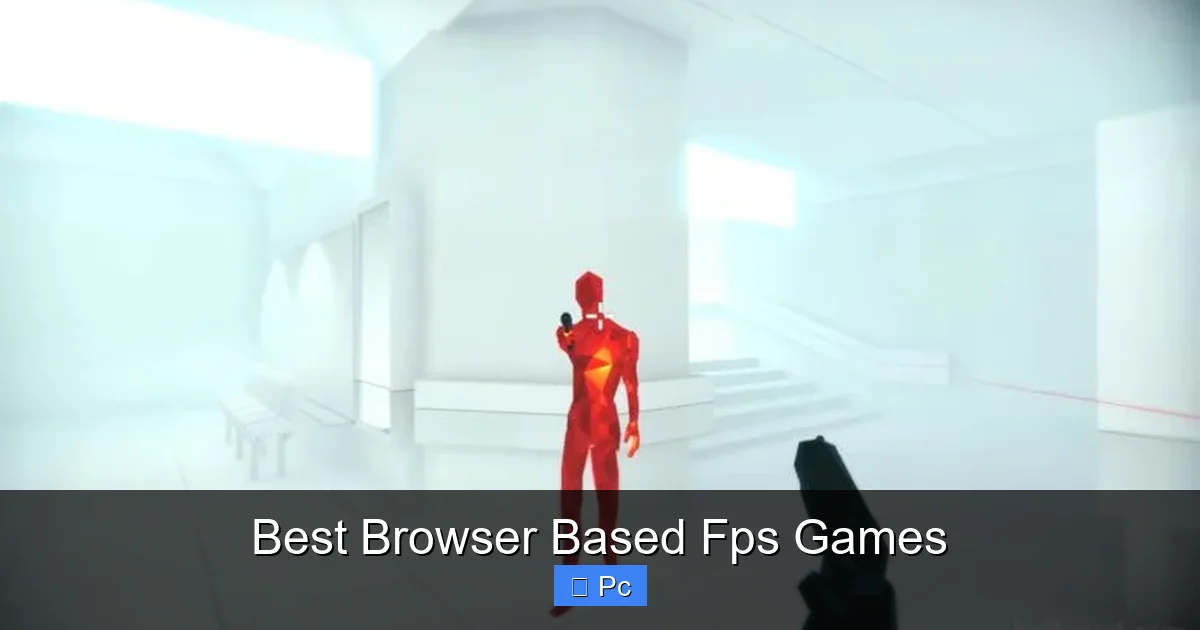
Visual guide about Best Browser Based Fps Games
Image source: norsecorp.net
As web technology continues to evolve, the potential for browser based FPS games is enormous. We’re already seeing games with near-native performance, advanced physics, and real-time voice chat—all running in a browser. The line between web and downloadable games is blurring fast.
One exciting development is the integration of WebXR, which could bring VR and AR experiences to browser-based shooters. Imagine playing a tactical FPS in virtual reality, all from a simple web link. While still in early stages, this technology hints at a future where immersive gaming is accessible to everyone.
Another trend is the rise of blockchain and NFTs in gaming. Some browser FPS games are experimenting with digital ownership, allowing players to earn and trade unique in-game items. While controversial, this could create new economies and reward systems within games.
Cloud gaming platforms like NVIDIA GeForce NOW and Google Stadia have also shown that high-quality gaming can be streamed over the internet. As bandwidth improves and latency decreases, we may see browser FPS games that leverage cloud rendering for even better visuals and performance.
Challenges and Limitations
Despite the progress, browser based FPS games still face challenges. Security is a concern—since games run in the browser, they’re more vulnerable to cheating and exploits. Developers must implement robust anti-cheat systems and regular updates to maintain fair play.
Another limitation is monetization. While free-to-play models work well, some players are wary of in-game purchases. Transparency and ethical design are crucial to building trust and retaining players.
Finally, not all games are created equal. Some browser FPS titles suffer from poor optimization, weak communities, or lack of updates. It’s important to research and choose games with active development and positive player feedback.
Tips for New Players: How to Improve Fast
If you’re new to browser based FPS games, don’t worry—everyone starts somewhere. With a few smart strategies, you can quickly improve your skills and start dominating the leaderboards.
Learn the Maps
Map knowledge is one of the most important skills in any FPS. Learn common spawn points, chokepoints, and high-ground positions. This will help you anticipate enemy movements and control key areas.
Most browser FPS games have a few core maps that rotate frequently. Spend time exploring them in practice modes or casual matches.
Practice Aiming and Movement
Aim training is essential. Use in-game practice modes or third-party aim trainers to improve your accuracy. Focus on tracking moving targets and flick shots.
Movement is just as important. Learn to strafe, crouch, and use cover effectively. In games like Krush.io, mastering advanced movement like wall-jumping can give you a huge edge.
Communicate with Your Team
In team-based modes, communication can make or break a match. Use voice chat or text to call out enemy positions, coordinate attacks, and share resources. Even simple callouts like “enemy behind you” can save lives.
If your game doesn’t have built-in voice chat, consider using Discord or another VoIP service.
Watch and Learn
Watch gameplay videos or streams of top players. Pay attention to their positioning, weapon choices, and decision-making. Many browser FPS games have YouTube channels or Twitch streams where pros share tips and strategies.
Stay Calm Under Pressure
It’s easy to get frustrated after a losing streak, but staying calm helps you think clearly. Take breaks if you’re feeling tilted, and remember that every match is a learning opportunity.
Conclusion
Browser based FPS games have come a long way from simple flash-based shooters. Today, they offer rich, engaging experiences that rival traditional PC games—all without the hassle of downloads or high system requirements. Whether you’re into fast-paced arena combat, tactical team play, or quirky egg battles, there’s a browser FPS out there for you.
The best part? You can start playing right now. No installs, no waiting, no excuses. Just open your browser, pick a game, and jump into the action. With active communities, regular updates, and constantly evolving gameplay, these games prove that great shooters don’t need to be complicated—or expensive.
So why wait? Grab your mouse, find a comfortable spot, and dive into the world of browser based FPS games. The battlefield is calling.
Frequently Asked Questions
Are browser based FPS games really free?
Yes, most browser based FPS games are completely free to play. They generate revenue through optional in-game purchases like cosmetics, battle passes, or premium currency. You can enjoy full gameplay without spending a dime.
Do I need a powerful PC to play browser FPS games?
Not at all. These games are designed to run on low-end hardware, including older laptops and Chromebooks. As long as you have a modern browser and a stable internet connection, you’re good to go.
Can I play browser FPS games on a Mac or Chromebook?
Absolutely. Browser based FPS games work on any device with a compatible web browser, including Mac, Windows, Linux, and Chromebooks. Just make sure your browser is up to date.
Are browser FPS games safe to play?
Generally, yes—especially if you play on reputable sites. Stick to well-known platforms and avoid downloading files from untrusted sources. Most games run in a secure sandbox within your browser.
Do browser FPS games have anti-cheat systems?
Many do, but the level of protection varies. Popular games like Krunker.io and Warmerise use server-side validation and behavior monitoring to detect cheaters. Still, no system is perfect, so report suspicious players when you see them.
Can I play browser FPS games with friends?
Yes! Most games support private matches, friend invites, and party systems. You can team up with friends, create custom games, or join the same server for coordinated play.
