

Setting up a dual monitor workspace can dramatically boost your productivity, whether you’re multitasking between spreadsheets, coding, designing, or just keeping your email and browser side by side. But not all 24-inch monitors are created equal—especially when you’re pairing two for a seamless experience. That’s why we’ve tested and reviewed the best 24-inch monitors for dual setups, focusing on display quality, ergonomics, connectivity, and value. From sleek office workhorses to gaming-ready powerhouses, these picks deliver crisp visuals, reliable performance, and features that make side-by-side use smooth and comfortable. Whether you’re building a home office or upgrading your workstation, this list has something for every need and budget.
Quick Product Comparison
Our Top 5 Best 24 Inch Monitors For Dual Setup Reviews – Expert Tested & Recommended
1. Dell 24-inch FHD Monitor with 100Hz Refresh Rate, Eye Comfort, and Adjustable Stand
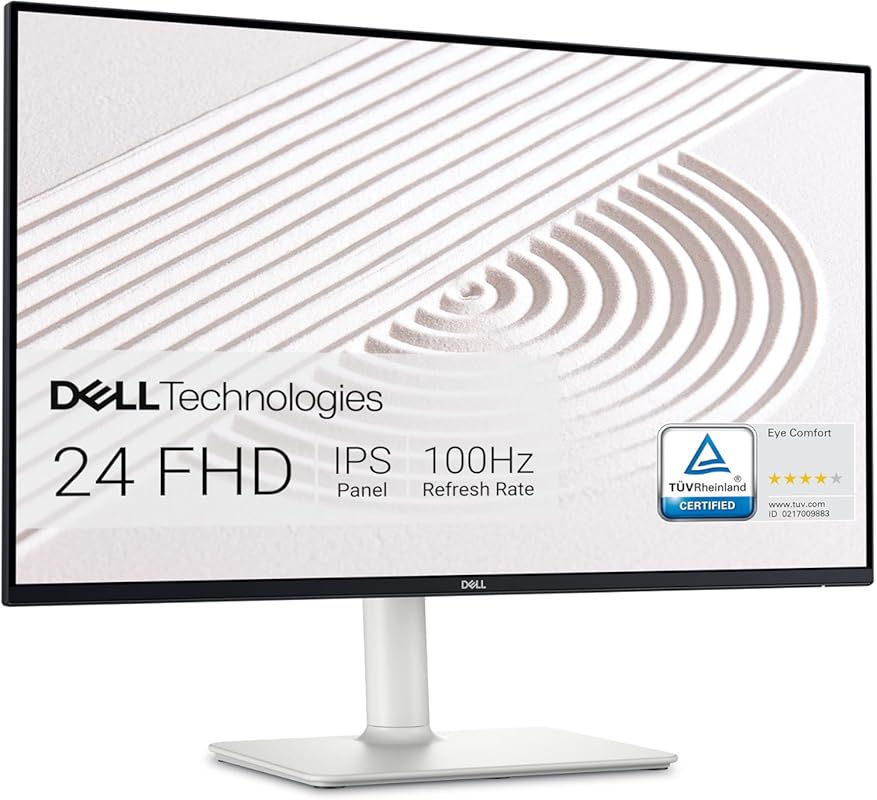
This Dell 24-inch FHD monitor is a standout for dual setups thanks to its sleek design, vibrant display, and thoughtful ergonomics. With a 100Hz refresh rate and ultrathin bezels, it delivers smooth visuals and a near-seamless multi-monitor experience. Built-in dual 5W speakers add convenience without cluttering your desk.
Key Features That Stand Out
✓ 100Hz refresh rate for smoother scrolling and reduced motion blur
✓ In-plane switching (IPS) panel with 99% sRGB color coverage
✓ Fully adjustable stand with tilt, swivel, pivot, and height adjustment
✓ Integrated dual 5W speakers with customizable audio profiles
✓ TÜV Rheinland certified for eye comfort with ComfortView technology
Why We Recommend It
This monitor strikes the perfect balance between performance and comfort, making it ideal for long workdays. The adjustable stand ensures you can align both screens perfectly in a dual setup, while the thin bezels minimize visual distractions. Dell’s reputation for durability means you’re investing in a monitor that will last.
Best For
Professionals and remote workers who want a reliable, high-quality display for productivity, multitasking, and light creative work.
Pros and Cons
Pros:
- Crisp Full HD clarity with wide viewing angles
- Ergonomic stand allows perfect alignment in dual setups
- Built-in speakers save desk space and reduce cable clutter
- Eye comfort features reduce strain during extended use
Cons:
- No USB-C connectivity (HDMI and DisplayPort only)
- Speakers are decent but not ideal for high-quality audio
Customer Reviews
Customer Review: “Gosh, where to even begin? I’ve been using Dell Monitors for over a decade now – regardless of what brand PC system I was using. I’ve always found Dell monitors to be a cut above, given what you spend. Over the past week, one of the audio components that I had on a shelf directly above my previous monitor started acting up—so having built-in speakers on this new Dell was a lifesaver!”
Customer Review: “This monitor is an amazing value for all of its features! Clarity is excellent. Vivid bright colors with very clear images, and great sound built in. Could not be more impressed! Very easy to connect, simply plug in and go.”
2. Samsung 24-inch IPS Monitor with 100Hz Refresh Rate and Eye Care Features
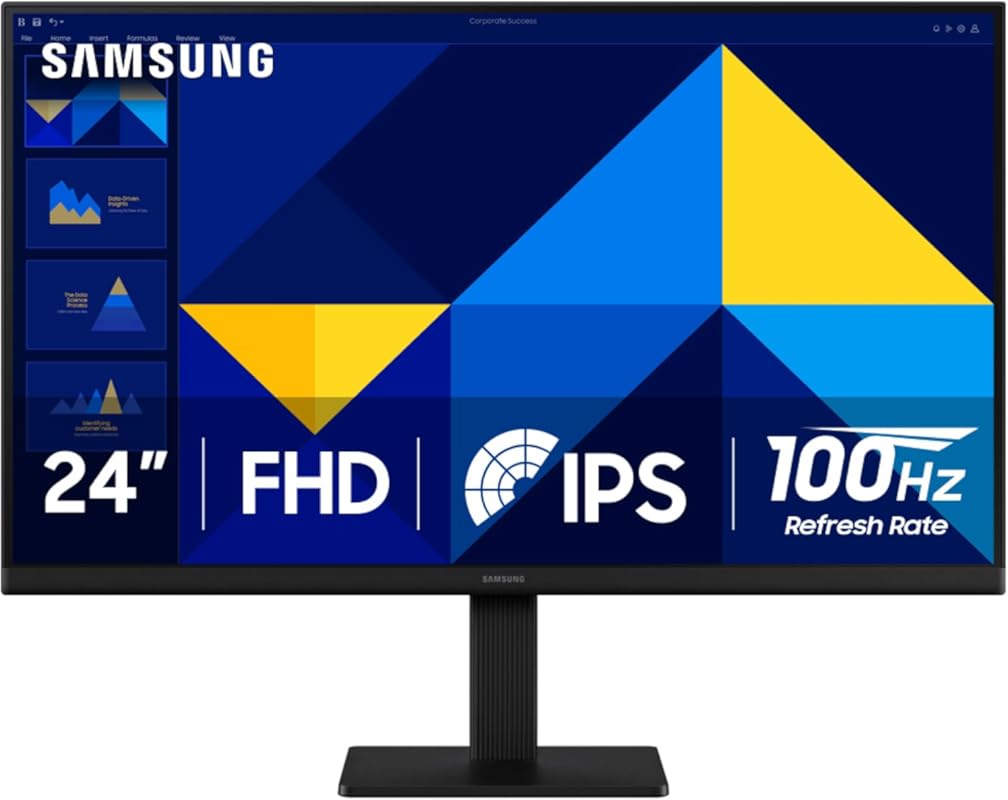
Samsung’s 24-inch IPS monitor brings vivid colors, smooth performance, and eye-friendly tech to your dual setup. With a 100Hz refresh rate and AMD FreeSync, it’s great for both work and casual gaming. The borderless design makes pairing two of these feel almost like a single screen.
Key Features That Stand Out
✓ IPS panel with accurate, consistent colors across wide viewing angles
✓ 100Hz refresh rate reduces lag and motion blur
✓ AMD FreeSync for tear-free visuals during dynamic content
✓ Eye Care technology with flicker-free backlight and blue light filter
✓ Game Mode instantly optimizes contrast and color for gaming
Why We Recommend It
This monitor delivers excellent color accuracy and smooth motion handling, making it versatile for office tasks, streaming, and light gaming. The thin bezel design ensures minimal distraction when used in a dual setup, and Samsung’s eye care features help reduce fatigue during long sessions.
Best For
Users who want a balanced monitor for mixed use—productivity, media consumption, and occasional gaming—without sacrificing visual quality.
Pros and Cons
Pros:
- Vibrant, true-to-life colors thanks to IPS technology
- 100Hz refresh rate enhances smoothness in videos and games
- Borderless design creates a seamless dual-monitor look
- Eye comfort features support long-term use
Cons:
- Stand is tilt-only—no height or swivel adjustment
- No built-in speakers
Customer Reviews
Customer Review: “The Samsung 32-Inch Flat Monitor is a sleek essential for anyone who wants clarity, comfort, and versatility in their screen setup. With a borderless display, 75Hz refresh rate, and AMD FreeSync, it’s ideal for everything from gaming and streaming to editing and virtual learning.”
Customer Review: “22” is a very good monitor for Arcade and Pinball Display, it is very light weight and thin, best IPS panel you could find for the price!”
3. Philips 24-inch Frameless FHD Monitor with 100Hz, Eye Care, and VESA Mount
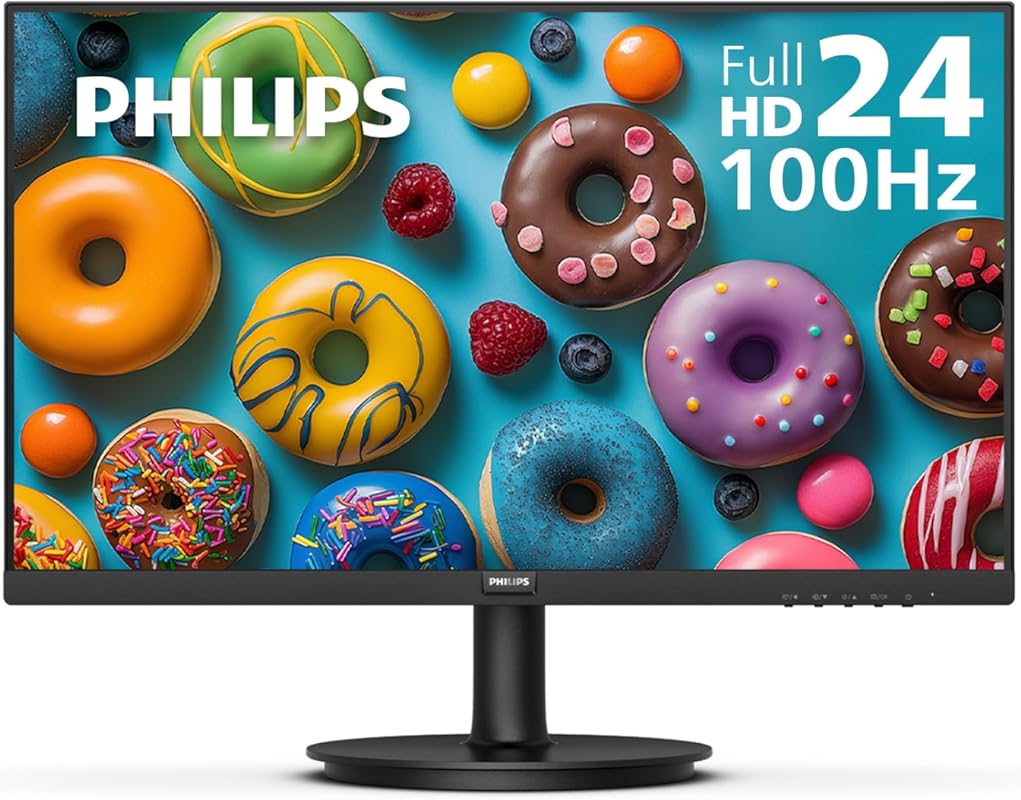
Philips delivers incredible value with this 24-inch frameless monitor, offering 100Hz refresh rate, crisp Full HD visuals, and VESA mount compatibility—all at a budget-friendly price. The VA panel provides deep blacks and high contrast, making it great for movies and everyday tasks.
Key Features That Stand Out
✓ Frameless design for a modern, seamless dual-monitor look
✓ 100Hz refresh rate ensures smooth motion in videos and games
✓ VA panel with high contrast ratio (3000:1) for deeper blacks
✓ 178° wide viewing angle prevents color shift
✓ VESA mount compatible (100x100mm) for flexible mounting
Why We Recommend It
If you’re building a dual setup on a budget, this Philips monitor offers premium features usually found in pricier models. The frameless design and VESA compatibility make it easy to mount side by side, and the 100Hz refresh rate adds noticeable smoothness over standard 60Hz displays.
Best For
Students, home office users, and budget-conscious buyers who want a clean, modern dual-monitor setup without overspending.
Pros and Cons
Pros:
- Excellent value for money with premium features
- Frameless design enhances dual-monitor aesthetics
- High contrast ratio improves image depth and clarity
- VESA mount ready for custom stands or arms
Cons:
- Basic stand with limited adjustability (tilt only)
- No built-in speakers
Customer Reviews
Customer Review: “The 100Hz refresh rate makes everything look incredibly smooth, especially during long work sessions or casual gaming. Its Full HD display is crisp, and the thin design saves so much desk space. It’s been reliable every single day without any dead pixels. For the price, the quality is unbeatable.”
Customer Review: “Love it! The size is perfect, the picture is bright and clear, and the frameless design looks beautiful on my desk. For the price, this monitor is amazing. Exactly what I needed for work.”
4. Samsung 24-Inch Odyssey G3 Series FHD Gaming Monitor, 1ms, 180Hz, AMD FreeSync, Adjustable Stand
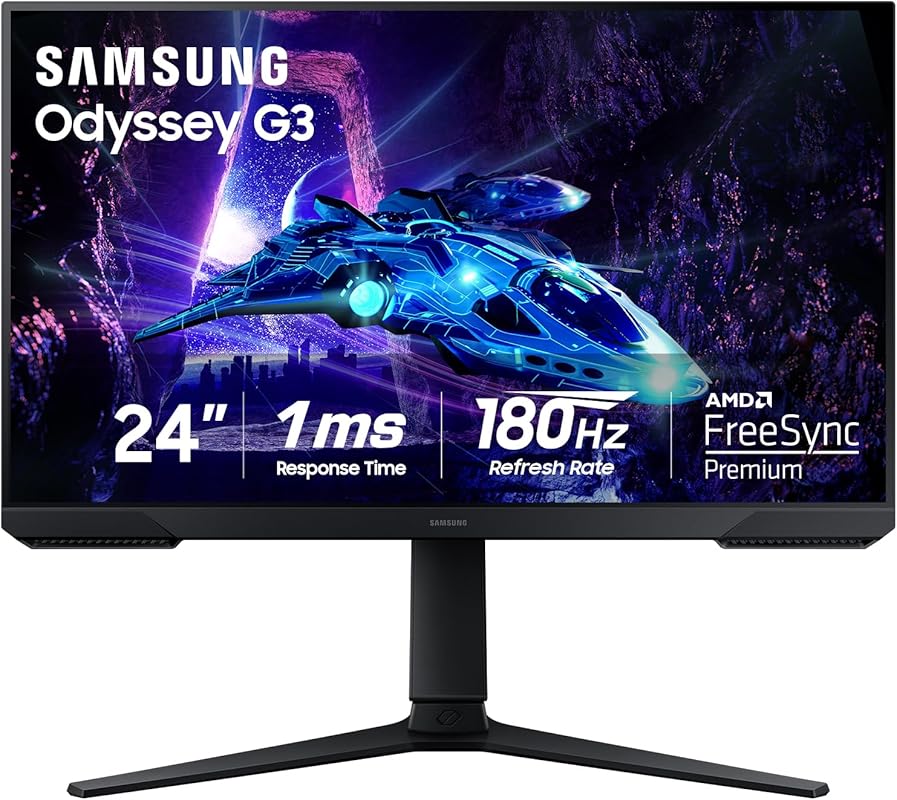
Built for speed and precision, the Samsung Odyssey G3 is a gaming-first monitor that also excels in dual setups. With a 180Hz refresh rate, 1ms response time, and fully adjustable stand, it’s perfect for competitive gamers and multitaskers alike who demand fluid motion and ergonomic flexibility.
Key Features That Stand Out
✓ 180Hz refresh rate for ultra-smooth gameplay and scrolling
✓ 1ms MPRT response time eliminates ghosting
✓ AMD FreeSync prevents screen tearing
✓ Fully adjustable stand with height, tilt, swivel, and pivot
✓ Black Equalizer enhances visibility in dark game scenes
Why We Recommend It
This monitor is a powerhouse for anyone who wants high performance in a dual setup. Whether you’re gaming on one screen and streaming on the other, or just want buttery-smooth window dragging, the 180Hz refresh rate makes a noticeable difference. The ergonomic stand ensures perfect alignment with your second monitor.
Best For
Gamers, streamers, and power users who want high refresh rates and responsive performance in a dual-monitor configuration.
Pros and Cons
Pros:
- 180Hz refresh rate delivers incredibly smooth visuals
- Fully adjustable stand supports optimal dual-screen alignment
- 1ms response time reduces motion blur
- AMD FreeSync ensures tear-free gaming
Cons:
- No built-in speakers
- Design is more gamer-oriented (may not suit minimalist setups)
Customer Reviews
Customer Review: “Plug and play, changed the refresh rate, getting 270 fps. Easy to put together and light, I am disabled and was able to attach the stand. Daughter put on desk and zoom zoom zoom I can see again! Resolution is crisp, Very happy with my purchase. Would buy again. Love the flat screen not curved and the adjustable stand.”
Customer Review: “This was my first time ever upgrading to an actual gaming monitor from just playing on a TV. And let me say it continues to be an amazing experience. The quality and sturdy build are amazing, the height adjustment and the fact you can have it horizontal or vertical is amazing.”
5. Dell 24-inch Dual Monitor Bundle with FHD, 100Hz, USB-C, and Ergonomic Stands
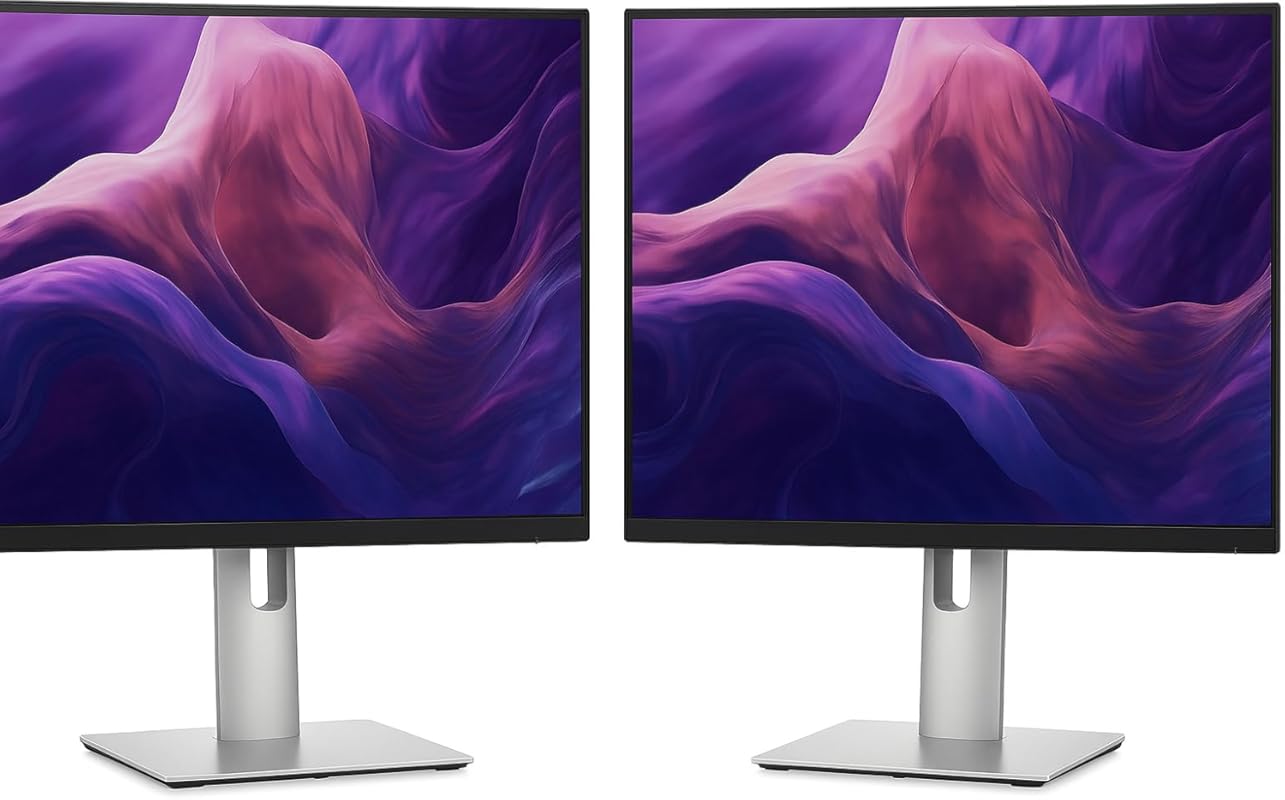
This Dell bundle includes two 24-inch P2425H monitors, pre-matched for a perfect dual setup. With USB-C connectivity, 100Hz refresh rate, and fully ergonomic stands, it’s a plug-and-play solution for professionals who want consistency and convenience right out of the box.
Key Features That Stand Out
✓ Includes two identical monitors for perfect color and size matching
✓ USB-C connectivity with power delivery (up to 90W)
✓ 100Hz refresh rate for smoother visuals
✓ Fully adjustable ergonomic stands (tilt, swivel, pivot, height)
✓ TÜV Rheinland certified for eye comfort
Why We Recommend It
If you want a hassle-free dual setup with no guesswork, this bundle is a smart choice. Both monitors are calibrated to match, and the USB-C support simplifies connectivity—especially for laptop users. It’s ideal for offices, remote workers, or anyone upgrading from a single screen.
Best For
Professionals, remote workers, and businesses looking for a ready-to-use dual-monitor solution with modern connectivity and ergonomic flexibility.
Pros and Cons
Pros:
- Two identical monitors ensure perfect alignment and color matching
- USB-C with power delivery simplifies laptop docking
- Ergonomic stands allow precise positioning
- 100Hz refresh rate improves overall smoothness
Cons:
- Higher upfront cost than buying single monitors
- Bundle may include cables that don’t work with all devices (e.g., newer MacBooks)
Customer Reviews
Customer Review: “Once I found the right cords, they worked great! The cords that came with it didn’t work at all. New MacBook 2025.”
Customer Review: “After the original set up, I tried to move the monitors, and one stopped working. Something broke and it would not even power up.”
Complete Buying Guide for Best 24 Inch Monitors for Dual Setup
Essential Factors We Consider
When choosing the best 24-inch monitors for a dual setup, we focus on several key factors. Display quality is paramount—look for IPS or VA panels with Full HD resolution and good color accuracy. Refresh rate matters too; 100Hz or higher reduces motion blur and makes multitasking feel smoother. Ergonomics are crucial for alignment—fully adjustable stands let you match height, tilt, and angle perfectly. Bezel thickness affects the seamless look; thinner bezels create a more immersive experience. Finally, connectivity (HDMI, DisplayPort, USB-C) ensures compatibility with your devices.
Budget Planning
You can find excellent 24-inch monitors for dual setups across a range of budgets. Entry-level options like the Philips model start around $120–$150 each, while premium picks like the Dell or Samsung Odyssey can run $200–$250 per unit. If you’re buying two, consider bundles like Dell’s dual-pack for better value. Remember to factor in stands, mounts, or cables if they’re not included. Investing in matching models ensures consistency in color and performance.
Final Thoughts
A well-chosen dual monitor setup can transform your workflow, whether you’re coding, designing, managing data, or just staying organized. The monitors on this list offer a mix of performance, comfort, and value—so you can pick based on your priorities. Prioritize ergonomics and display quality to avoid neck strain and eye fatigue, and don’t overlook features like USB-C or VESA mounts if you plan to upgrade your setup later.
Frequently Asked Questions
Q: Can I use two different 24-inch monitors in a dual setup?
A: Yes, but for the best experience, we recommend matching models. Different brands or panel types (e.g., IPS vs. VA) can have slight color, brightness, or response time differences that become noticeable side by side.
Q: Do I need a special graphics card for dual monitors?
A: Most modern laptops and desktops support dual monitors via HDMI, DisplayPort, or USB-C. Check your device’s video outputs—two ports are usually sufficient. No dedicated GPU is needed unless you’re gaming or doing heavy graphics work.
Q: What’s the ideal distance between dual monitors?
A: Position the screens so the inner edges are about 1–2 inches apart. Align the tops and tilt them slightly inward (5–10 degrees) to reduce neck strain and create a more natural viewing arc.
Q: Are 24-inch monitors too small for dual setups?
A: Not at all. 24-inch is the sweet spot for most desks—big enough for productivity, but compact enough to fit two side by side without overwhelming your space. Many professionals prefer this size for ergonomics and focus.
Q: Should I get monitors with built-in speakers?
A: It depends. Built-in speakers save space and reduce cable clutter, but audio quality is usually basic. If you use headphones or external speakers, skip them to save cost.
Ready to double your screen real estate? Any of the monitors on this list will give you a smooth, comfortable, and productive dual setup. Whether you’re working, gaming, or just staying organized, the right pair of 24-inch displays can make all the difference. Click the links above to check current prices and grab the best deal for your needs!
