

If you’re serious about gaming, a curved monitor can completely transform your experience. The immersive wrap-around view pulls you deeper into the action, reduces eye strain during long sessions, and gives you a competitive edge with better peripheral awareness. Whether you’re into fast-paced shooters or sprawling open-world adventures, the right curved gaming monitor delivers smoother motion, sharper visuals, and a more engaging setup. In this guide, we’ve tested and ranked the best curved monitors for gaming based on real performance, value, and user feedback—so you can level up your rig without the guesswork.
Quick Product Comparison
Our Top 5 Best Curved Monitors For Gaming Reviews – Expert Tested & Recommended
1. Alienware 34-Inch Curved Gaming Monitor with 180Hz Refresh Rate and 1ms Response Time
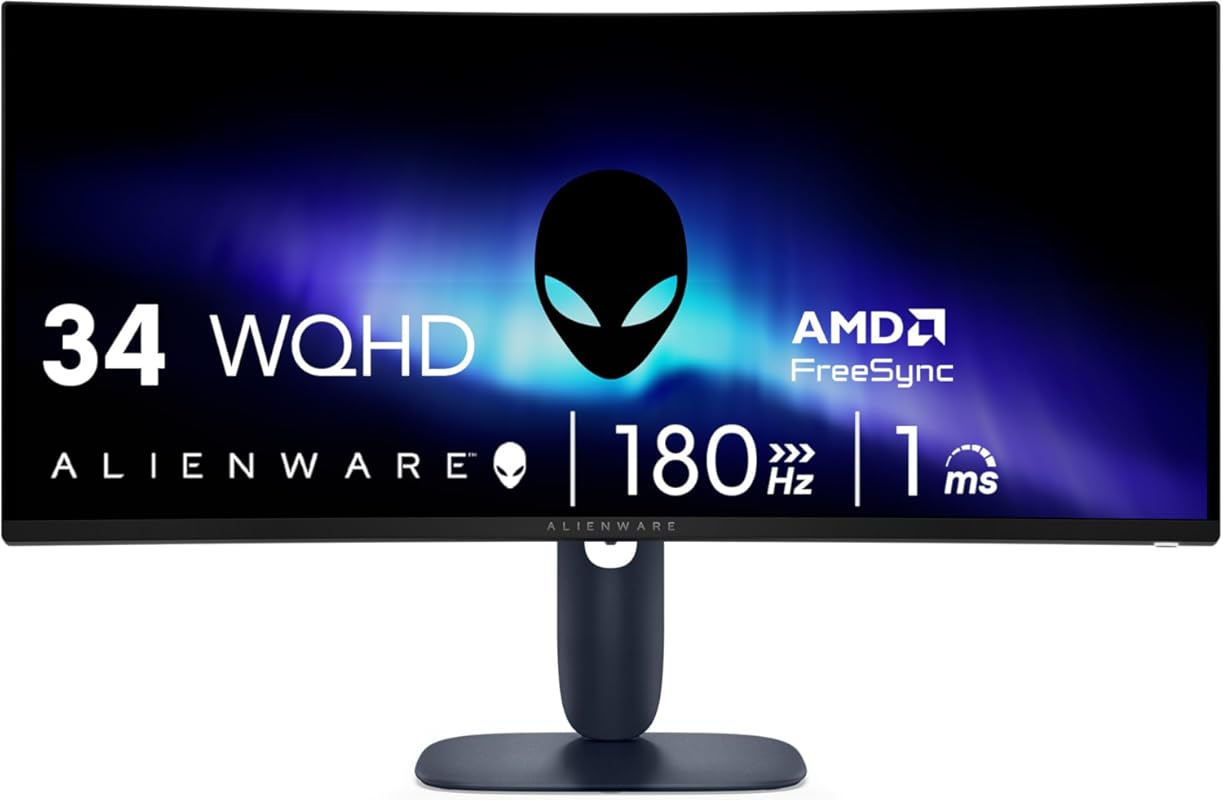
This Alienware 34-inch curved gaming monitor brings premium performance to your desk without the usual premium price tag. With a buttery-smooth 180Hz refresh rate and near-instant 1ms response time, it’s built to keep up with even the most demanding esports titles. The WQHD resolution ensures crisp, detailed visuals that make every game world feel alive.
Key Features That Stand Out
✓ 34-inch ultrawide WQHD (3440×1440) display for immersive gameplay
✓ 180Hz refresh rate + 1ms gray-to-gray response time
✓ AMD FreeSync Premium and VESA Adaptive Sync for tear-free gaming
✓ 10-bit color depth with accurate IPS panel
✓ Sleek Alienware design with minimal bezels
Why We Recommend It
Despite being more affordable than most Alienware models, this monitor punches well above its weight. Gamers will love the fluid motion clarity, and content creators will appreciate the color accuracy. It’s rare to find a monitor this balanced—great for both competitive gaming and everyday use.
Best For
Gamers who want high-end performance and build quality without overspending. Also ideal for photo editing and multitasking thanks to its color precision and ultrawide layout.
Pros and Cons
Pros:
- Excellent motion handling with 180Hz and 1ms response
- Vibrant, accurate colors on a 10-bit IPS panel
- Solid construction with iconic Alienware aesthetics
- Great value compared to other premium gaming monitors
Cons:
- IPS glow is noticeable in dark rooms
- Limited availability and fewer user reviews
Customer Reviews
Customer Review: “There isn’t many reviews on this monitor but for $179 this is fantastic. It’s not OLED but it’s a nice 10 bit color accurate IPS panel with no ghosting. Mine didn’t come with any severe backlit bleeding or dead pixels on arrival. But there is IPS glow, because of the coating it’s more apparent.”
Customer Review: “I was a little skeptical because I know Alienware are known for being overpriced but this one I think was underpriced. It provides great quality—honestly I haven’t had a monitor this good. It just performed great for gaming and photo editing. It allows you to see true colors. And the size is just perfect.”
2. LG 34G630A-B 34-Inch Ultragear WQHD Curved Gaming Monitor, 240Hz, 1ms, FreeSync Premium
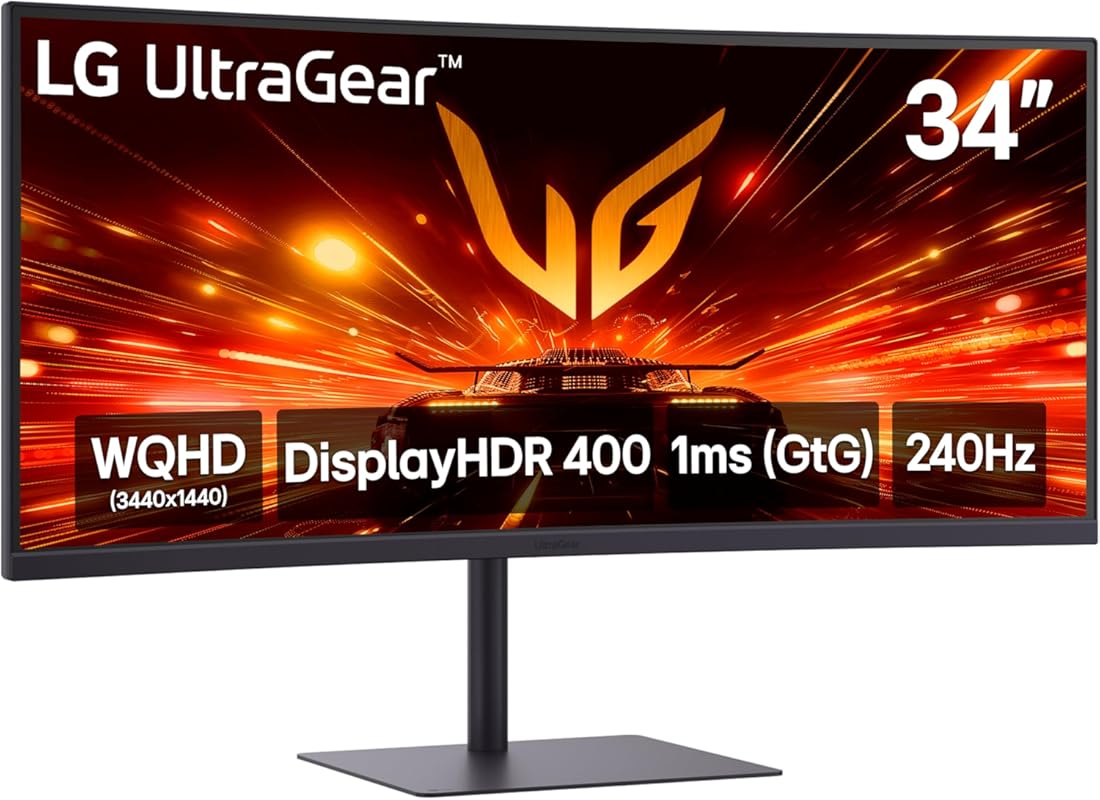
The LG Ultragear 34G630A-B is a speed demon—literally. With a blistering 240Hz refresh rate and 1ms response time, it’s engineered for competitive gamers who need every millisecond advantage. The 34-inch WQHD curved screen wraps around your vision, making it perfect for immersive single-player games or high-stakes multiplayer matches.
Key Features That Stand Out
✓ 240Hz refresh rate for ultra-smooth gameplay
✓ 1ms response time with Motion Blur Reduction
✓ FreeSync Premium eliminates screen tearing
✓ 21:9 ultrawide WQHD (3440×1440) resolution
✓ Spacious screen real estate for multitasking
Why We Recommend It
This monitor delivers elite-level performance at a surprisingly reasonable price. Whether you’re fragging in Valorant or exploring vast RPG worlds, the 240Hz panel keeps everything silky smooth. LG’s reputation for reliability and image quality shines through here.
Best For
Competitive esports players and fast-paced action gamers who demand the highest refresh rates. Also great for streamers who want extra screen space for chat, OBS, and gameplay.
Pros and Cons
Pros:
- One of the fastest refresh rates available under $400
- Crisp WQHD resolution with good color reproduction
- Solid ergonomic stand with tilt and height adjustment
- Excellent value for a 240Hz ultrawide
Cons:
- Peak brightness around 300 nits—adequate but not HDR-ready
- No built-in speakers
Customer Reviews
Customer Review: “I use them for productivity and I just got one for my two monitor ultrawide setup. The one on the bottom is the much more expensive 5K 45-inch ultrawide with 800R curve. It’s the newer OLED and was $1600. Sure the OLED is thinner and lighter, with a few more connection options, but the picture isn’t much better.”
Customer Review: “This thing is about 300 nits, which is slightly dimmer than my old monitor. On HDR it gets to or maybe a bit above 400 nits. I have no complaints. For $250 a monitor of this size and quality felt like theft. My last one (a ‘cheap’ 35″ Sceptre ultrawide at 100 Hz) was nearly $400 and it wasn’t as nice.”
3. Samsung 34-Inch Odyssey G5 Curved Gaming Monitor with 165Hz and 1000R Curve
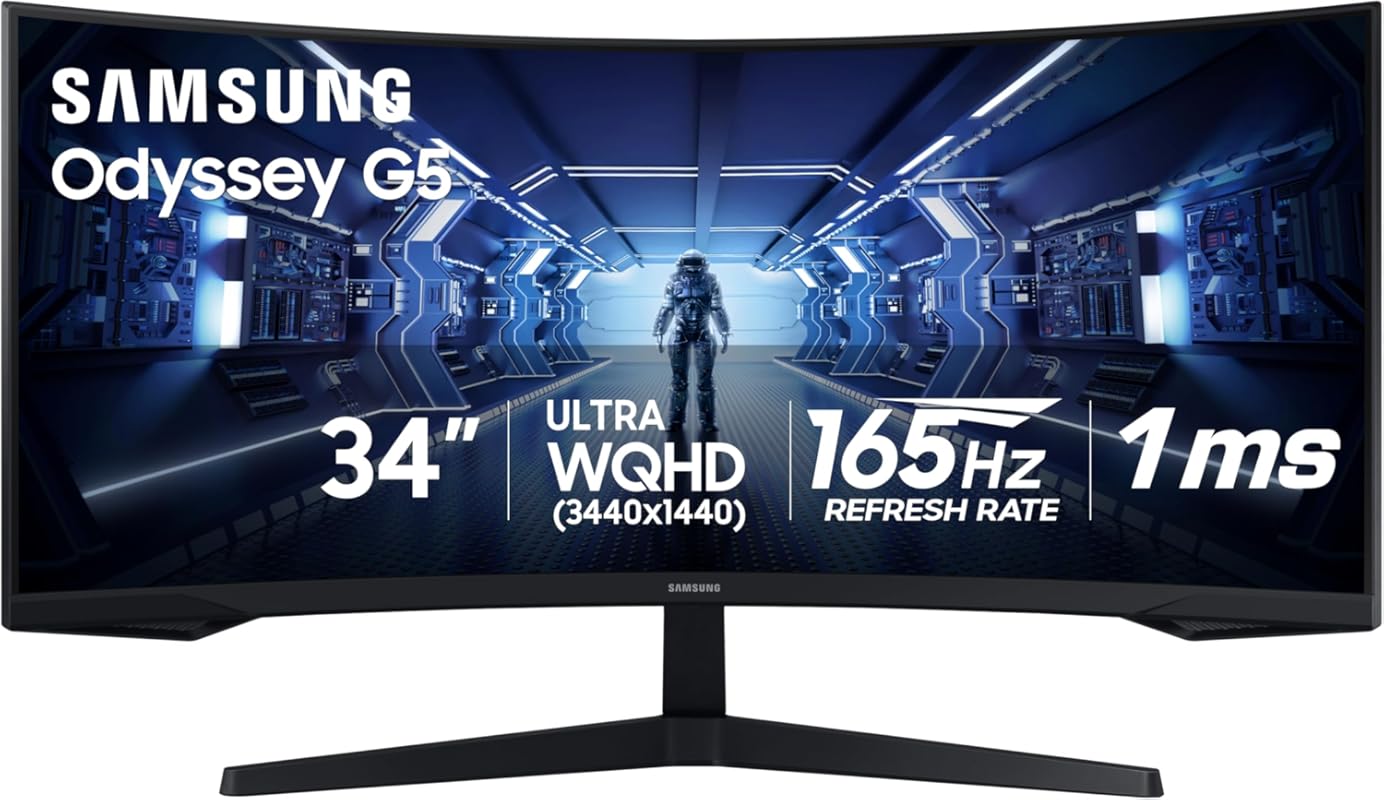
Samsung’s Odyssey G5 brings immersive curvature and solid gaming performance at a budget-friendly price. The 1000R curve matches the natural curvature of the human eye, pulling you into the action like no flat screen can. With 165Hz refresh rate and 1ms MPRT response time, it handles fast-paced games with ease.
Key Features That Stand Out
✓ True 1000R curvature for maximum immersion
✓ 165Hz refresh rate + 1ms MPRT response time
✓ WQHD (3440×1440) resolution for sharp detail
✓ AMD FreeSync support for smooth, tear-free visuals
✓ Sleek, minimalist design with thin bezels
Why We Recommend It
For under $300, this monitor offers features typically found in much pricier models. The 1000R curve is genuinely immersive, and the 165Hz panel feels responsive in both games and general use. It’s a fantastic entry point into ultrawide gaming.
Best For
First-time ultrawide buyers and budget-conscious gamers who want immersive curvature and smooth performance without breaking the bank.
Pros and Cons
Pros:
- One of the most affordable true 1000R curved monitors
- Great color vibrancy and contrast for the price
- Easy plug-and-play setup with Mac and PC
- Spacious screen ideal for multitasking
Cons:
- Limited connectivity (only one HDMI and one DisplayPort)
- No USB hub or audio output
Customer Reviews
Customer Review: “This thing is HUGE! I like it! My Mac is a Studio M4 Max, and everything works plug and play, though there is only one resolution to choose from. You’ll be fiddling with the sizes of things. But you’ll have amazing real estate! Definitely a good item which I recommend if you have the system to support it.”
Customer Review: “This monitor is amazing for both gaming and work! The ultra-wide curved screen makes gameplay super immersive, and the 165Hz refresh rate with 1ms response time keeps everything smooth with no lag. The colors are vibrant, and the resolution is crisp, perfect for multitasking and streaming. Setup was easy.”
4. Samsung 32″ Odyssey G55C Series QHD 1000R Curved Gaming Monitor, 1ms, HDR10, 165Hz
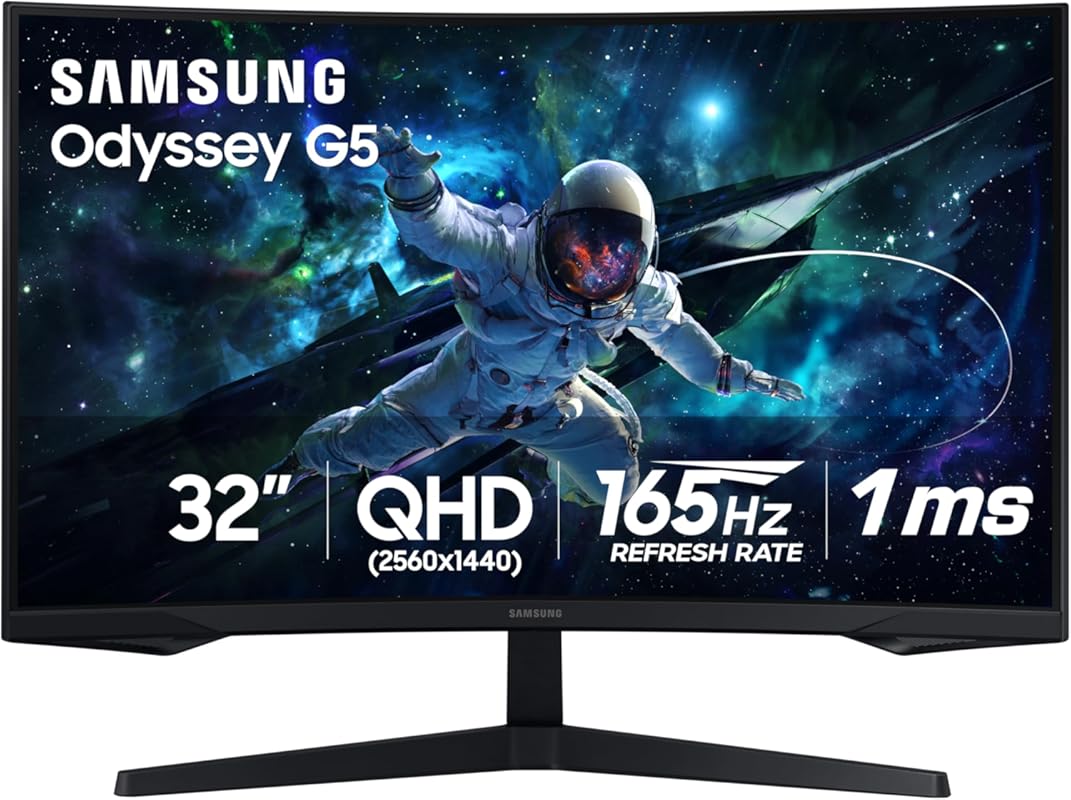
The Samsung Odyssey G55C proves you don’t need a massive ultrawide to enjoy curved gaming. This 32-inch QHD monitor packs a punch with its 1000R curve, 165Hz refresh rate, and HDR10 support. It’s compact enough for smaller desks but still delivers an immersive experience that flat screens can’t match.
Key Features That Stand Out
✓ 1000R curvature for deep immersion in a 32-inch size
✓ QHD (2560×1440) resolution—1.7x sharper than Full HD
✓ 165Hz refresh rate + 1ms response time
✓ HDR10 support for enhanced contrast and color
✓ AMD FreeSync for tear-free gaming
Why We Recommend It
If you want the benefits of a curved screen without going ultrawide, this is one of the best options available. The 1000R curve feels natural and engaging, while the QHD resolution keeps everything crisp. Great for console gamers too—especially Xbox users.
Best For
Gamers with limited desk space who still want curvature and high refresh rates. Ideal for Xbox, PC, and casual competitive gaming.
Pros and Cons
Pros:
- Perfect size for curved immersion without overwhelming your desk
- Vibrant colors and good brightness (up to 350 nits)
- Includes HDR10 for better movie and game visuals
- Easy setup and reliable Samsung build quality
Cons:
- Limited to 165Hz—not ideal for hardcore esports
- Only one HDMI port (may require a switcher for multiple devices)
Customer Reviews
Customer Review: “Love this monitor, looks are crispy and clear, colors are perfect, lots of adjustment options, love the curve, Samsung makes great product, nice and bright, got it on sale used for my Xbox.”
Customer Review: “Was wonderfully wrapped. My son loves it, it’s a great gaming monitor, fast speed, picture is beautiful and bright, works great for gaming and it’s nice and big, love the curved screen. He had a Samsung 27 inch before he loved. But this is even better.”
5. ASUS TUF 34-Inch Curved Gaming Monitor with 180Hz, QHD, and FreeSync Premium
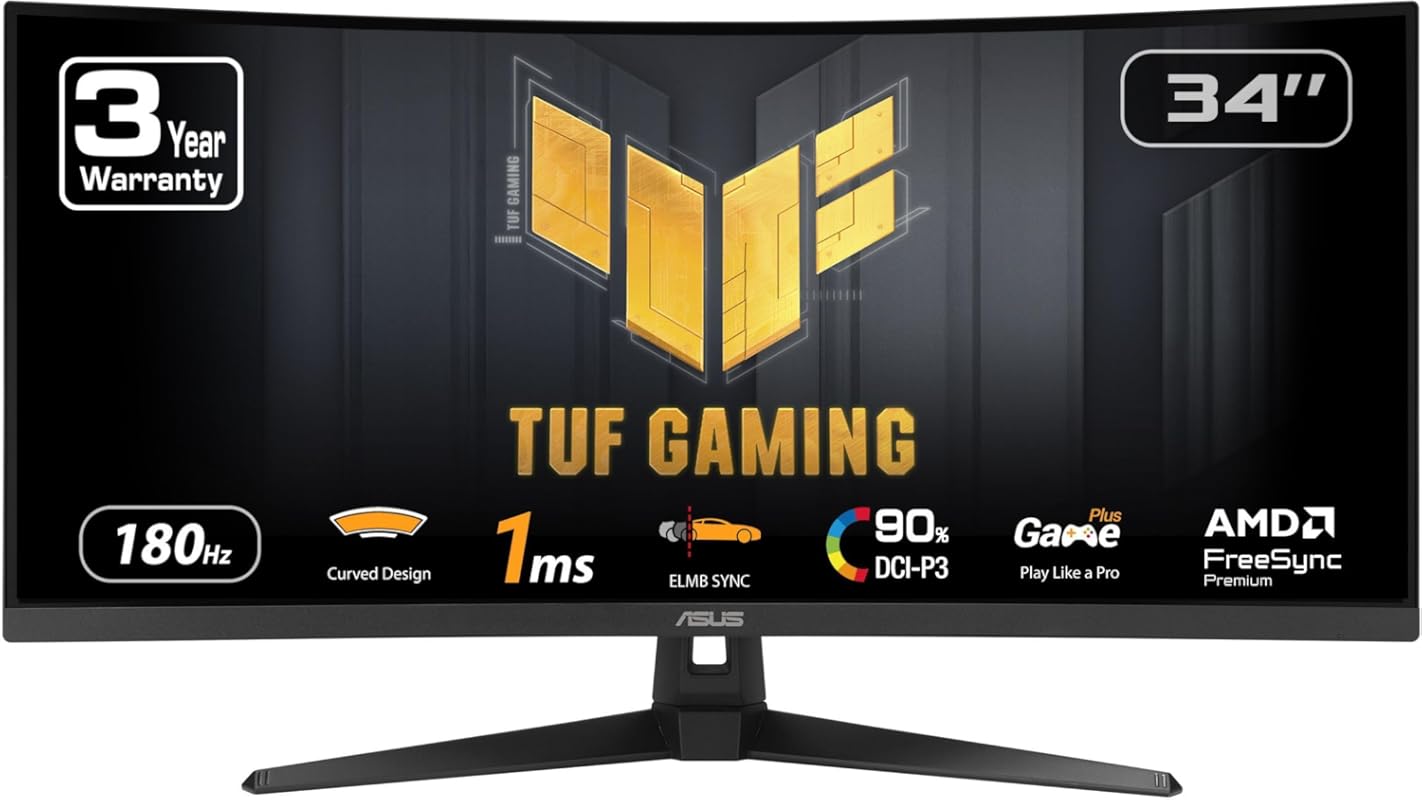
ASUS’s TUF lineup is known for durability and performance, and this 34-inch curved monitor lives up to the reputation. With an 180Hz refresh rate, QHD resolution, and FreeSync Premium, it strikes a great balance between speed, clarity, and affordability. The 1500R curvature offers strong immersion without being as extreme as 1000R.
Key Features That Stand Out
✓ 34-inch QHD (3440×1440) 1500R curved display
✓ 180Hz refresh rate for smooth, responsive gameplay
✓ 1ms MPRT response time with ELMB Sync technology
✓ FreeSync Premium for adaptive sync compatibility
✓ Military-grade durability testing
Why We Recommend It
This monitor delivers excellent performance for the price, especially if you can catch it on sale. The 180Hz panel feels noticeably smoother than 144Hz, and the curvature adds just the right amount of wrap-around effect. ASUS’s build quality ensures it’ll last through years of intense gaming.
Best For
Budget-minded gamers who want high refresh rates and ultrawide immersion. Also great for those who prioritize reliability and long-term use.
Pros and Cons
Pros:
- Solid 180Hz performance with minimal motion blur
- Good color accuracy and brightness for the price
- Adjustable stand with height, tilt, and swivel
- Durable construction backed by ASUS TUF standards
Cons:
- 1500R curve is less immersive than 1000R options
- Speakers are present but underwhelming
Customer Reviews
Customer Review: “It has not came yet but I used to have one and it’s super good 165Hz you can adjust the height it’s bright but not enough to blind you the colors are good HDMI port is good for 4K-8K it’s durable.”
Customer Review: “Great picture, great colors and resolution. Size is just right. Excellent refresh rate. Good bezel size. Not too heavy or bulky. Got it on sale and very satisfied with it. Speakers are fine—could be a little louder, but not something I considered when buying a monitor in the first place.”
Complete Buying Guide for Best Curved Monitors for Gaming
Essential Factors We Consider
When picking the best curved monitor for gaming, we focus on five key areas: refresh rate, response time, resolution, curvature, and adaptive sync. A higher refresh rate (165Hz or above) ensures smoother motion, while a low response time (1ms MPRT or GTG) reduces ghosting. WQHD resolution offers the sweet spot between detail and performance. Curvature matters too—1000R matches your eye’s natural shape for maximum immersion, while 1500R is gentler. Finally, FreeSync or G-Sync compatibility prevents screen tearing.
Budget Planning
You can find excellent curved gaming monitors at various price points. Budget options ($200–$300) like the Samsung Odyssey G5 offer solid 165Hz performance. Mid-range ($300–$400) models such as the LG Ultragear 240Hz deliver elite speed. Premium picks ($400+) often include better panels, HDR, and design—but our top pick, the Alienware 34-inch, proves you don’t need to spend a fortune for high-end quality.
Final Thoughts
Whether you’re upgrading from a flat screen or building your first gaming setup, a curved monitor adds a new level of immersion and comfort. Our recommendations balance performance, value, and real-world usability—so you get the most bang for your buck. Don’t forget to check compatibility with your GPU and desk space before buying!
Frequently Asked Questions
Q: Are curved monitors better for gaming?
A: Yes—especially for immersive single-player games and ultrawide setups. The curve reduces eye strain, improves peripheral vision, and makes the screen feel more natural. However, competitive esports players may prefer flat screens for consistent image geometry.
Q: What curvature is best for gaming?
A: 1000R is considered the sweet spot—it matches the human eye’s natural curvature for maximum immersion. 1500R is gentler and works well for smaller desks, while 1800R+ feels less pronounced.
Q: Can I use a curved monitor for work or productivity?
A: Absolutely! Ultrawide curved monitors are excellent for multitasking—imagine having your game, Discord, browser, and stream tools all visible at once. Just ensure your software supports ultrawide resolutions.
Q: Do curved monitors work with consoles like Xbox or PlayStation?
A: Yes, as long as the monitor has HDMI 2.0 or higher and supports the console’s output resolution (usually 1440p or 1080p). Many curved monitors, like the Samsung G55C, are popular with Xbox gamers.
Q: Is 165Hz enough for gaming?
A: Definitely! 165Hz is a significant upgrade over 60Hz and feels smooth for most gamers. Only competitive esports players may want 240Hz, but it requires a powerful GPU to fully utilize.
Ready to upgrade your gaming experience? Any of the best curved monitors for gaming on this list will deliver smoother visuals, deeper immersion, and better performance. Click the “Check Price” buttons above to compare current deals and find the perfect fit for your setup. Your next-level gameplay starts now!
