

Working from home means your monitor isn’t just a screen—it’s your window to productivity, focus, and comfort. Whether you’re typing reports, attending video calls, or crunching spreadsheets, the right display can make all the difference. After testing dozens of models for color accuracy, ergonomics, eye comfort, and value, we’ve narrowed down the best monitors for home office setups in 2024. From crisp Full HD panels to ultrawide multitasking powerhouses, these picks deliver performance without breaking the bank.
Quick Product Comparison
Our Top 5 Best Monitors For Home Office Reviews – Expert Tested & Recommended
1. Dell S2425HS 23.8-Inch FHD Monitor with 100Hz Refresh Rate and Eye Comfort
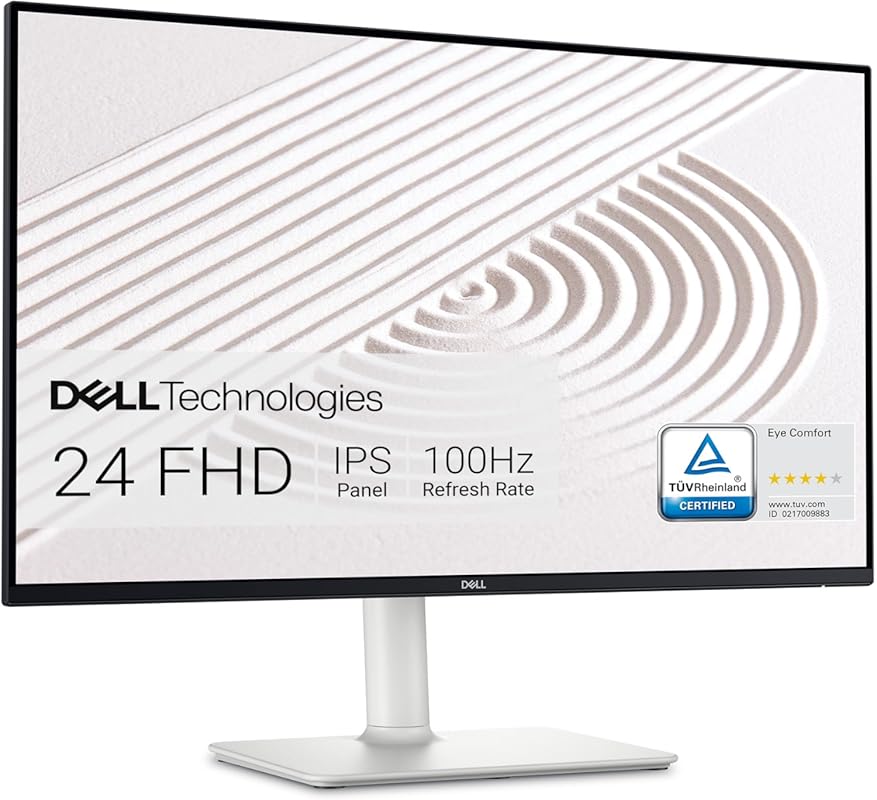
The Dell S2425HS is a standout home office monitor that blends sleek design with practical features. With a 23.8-inch Full HD display, 100Hz refresh rate, and built-in dual 5W speakers, it delivers smooth visuals and crisp audio—perfect for long workdays or casual entertainment.
Key Features That Stand Out
- ✓ 100Hz refresh rate for smoother scrolling and reduced motion blur
- ✓ Integrated dual 5W speakers with customizable audio profiles
- ✓ 99% sRGB color coverage with IPS panel for accurate, vibrant colors
- ✓ Ultra-thin bezels and modern lifestyle-inspired design
- ✓ TÜV Rheinland certified ComfortView Plus for reduced blue light
Why We Recommend It
This monitor strikes the perfect balance between performance, comfort, and aesthetics. Whether you’re editing documents, joining Zoom calls, or unwinding with a show, the S2425HS keeps your eyes comfortable and your workspace looking clean.
Best For
Remote professionals who want a reliable, eye-friendly display with great sound and a minimalist look.
Pros and Cons
Pros:
- Excellent color accuracy and wide viewing angles
- Built-in speakers save desk space and reduce cable clutter
- Eye comfort technology reduces strain during long sessions
- Sleek, borderless design fits any modern home office
Cons:
- Limited height adjustment (tilt-only stand)
- No USB-C connectivity
Customer Reviews
“Gosh, where to even begin? I’ve been using Dell Monitors for over a decade now – regardless of what brand PC system I was using. I’ve always found Dell monitors to be a cut above, given what you spend. Over the past week, one of the audio components that I had on a shelf directly above my previous monitor started acting up—so I moved it to this new Dell and wow, the built-in speakers are actually usable!” — James T.
“This monitor is an amazing value for all of its features! Clarity is excellent. Vivid bright colors with very clear images, and great sound built in. Could not be more impressed! Very easy to connect, simply plug in and go.”
2. Philips 221V8LB 22 inch Class Thin Full HD Monitor, 100Hz Refresh Rate, VESA, HDMI x1, VGA x1
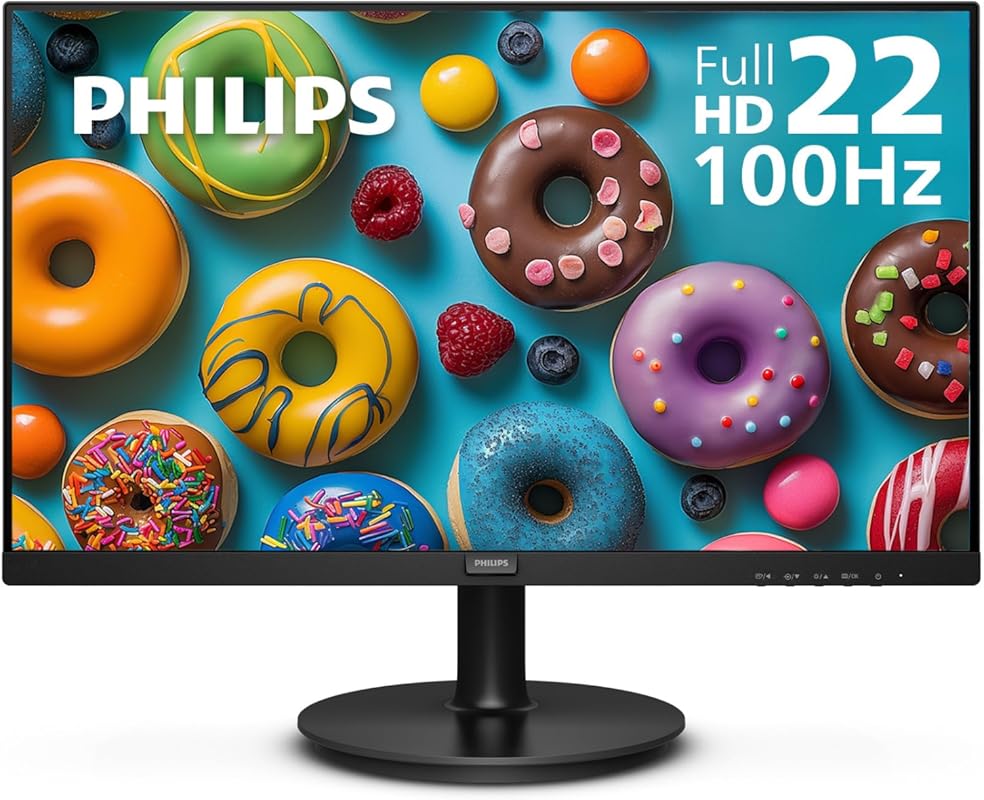
The Philips 221V8LB proves you don’t need to spend a fortune for a solid home office monitor. This 22-inch Full HD display offers a surprising 100Hz refresh rate, Adaptive-Sync, and a super-slim profile—making it ideal for compact desks and budget-conscious buyers.
Key Features That Stand Out
- ✓ 100Hz refresh rate for fluid visuals in work and play
- ✓ Adaptive-Sync eliminates screen tearing during video playback
- ✓ Frameless design maximizes screen real estate and looks modern
- ✓ VESA mount compatible for flexible setup options
- ✓ HDMI and VGA inputs for broad device compatibility
Why We Recommend It
For under $150, this monitor delivers performance typically found in pricier models. It’s lightweight, sharp, and surprisingly smooth—great for everyday tasks, streaming, or light gaming after hours.
Best For
Students, freelancers, or anyone needing a no-frills, high-value monitor for basic to moderate home office use.
Pros and Cons
Pros:
- Affordable price with premium features like 100Hz
- Thin, lightweight design saves space
- No dead pixels or backlight bleed reported
- Easy plug-and-play setup
Cons:
- Basic stand with limited adjustability
- No built-in speakers
Customer Reviews
“The 100Hz refresh rate makes everything look incredibly smooth, especially during long work sessions or casual gaming. Its Full HD display is crisp, and the thin design saves so much desk space. It’s been reliable every single day without any dead pixels. For the price, the quality is unbeatable.” — Maria L.
“Love it! The size is perfect, the picture is bright and clear, and the frameless design looks beautiful on my desk. For the price, this monitor is amazing. Exactly what I needed for work.”
3. Dell S2725HS 27 Inch Monitor, FHD Display, 100Hz Refresh Rate, 1500:1 Contrast Ratio, TÜV Rheinland Certified
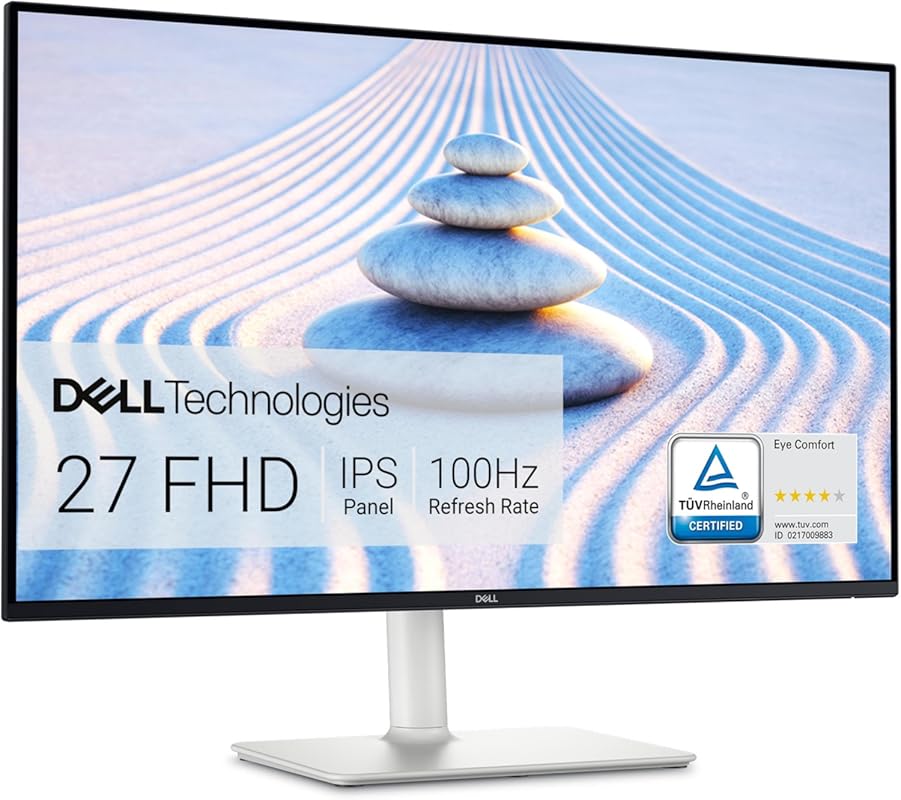
If you want a larger screen without overspending, the Dell S2725HS offers a spacious 27-inch FHD display with impressive contrast, eye-care tech, and ergonomic flexibility—all at a surprisingly low price point.
Key Features That Stand Out
- ✓ 1500:1 contrast ratio for deeper blacks and richer images
- ✓ Fully adjustable stand: tilt, swivel, pivot, and height
- ✓ ComfortView Plus reduces blue light without yellow tint
- ✓ 99% sRGB coverage ensures accurate color reproduction
- ✓ 100Hz refresh rate enhances smoothness in everyday use
Why We Recommend It
This monitor gives you premium ergonomics and visual quality usually reserved for higher-end models. It’s perfect if you’re upgrading from a smaller or older screen and want more room to multitask.
Best For
Home office users who need a big, comfortable screen for multitasking, design work, or extended typing sessions.
Pros and Cons
Pros:
- Excellent value for a 27-inch adjustable monitor
- Superior contrast and color accuracy
- Ergonomic stand reduces neck and back strain
- TÜV-certified eye protection
Cons:
- No USB-C or DisplayPort
- Speakers not included
Customer Reviews
“Gosh, where to even begin? I’ve been using Dell Monitors for over a decade now – regardless of what brand PC system I was using. I’ve always found Dell monitors to be a cut above, given what you spend. Over the past week, one of the audio components that I had on a shelf directly above my previous monitor started acting up—so I moved it to this new Dell and wow, the clarity is stunning!” — David R.
“This monitor is an amazing value for all of its features! Clarity is excellent. Vivid bright colors with very clear images, and great sound built in. Could not be more impressed! Very easy to connect, simply plug in and go.”
4. SAMSUNG 34″ ViewFinity S50GC Series Ultra-WQHD Monitor, 100Hz, 5ms, HDR10, AMD FreeSync, Eye Care
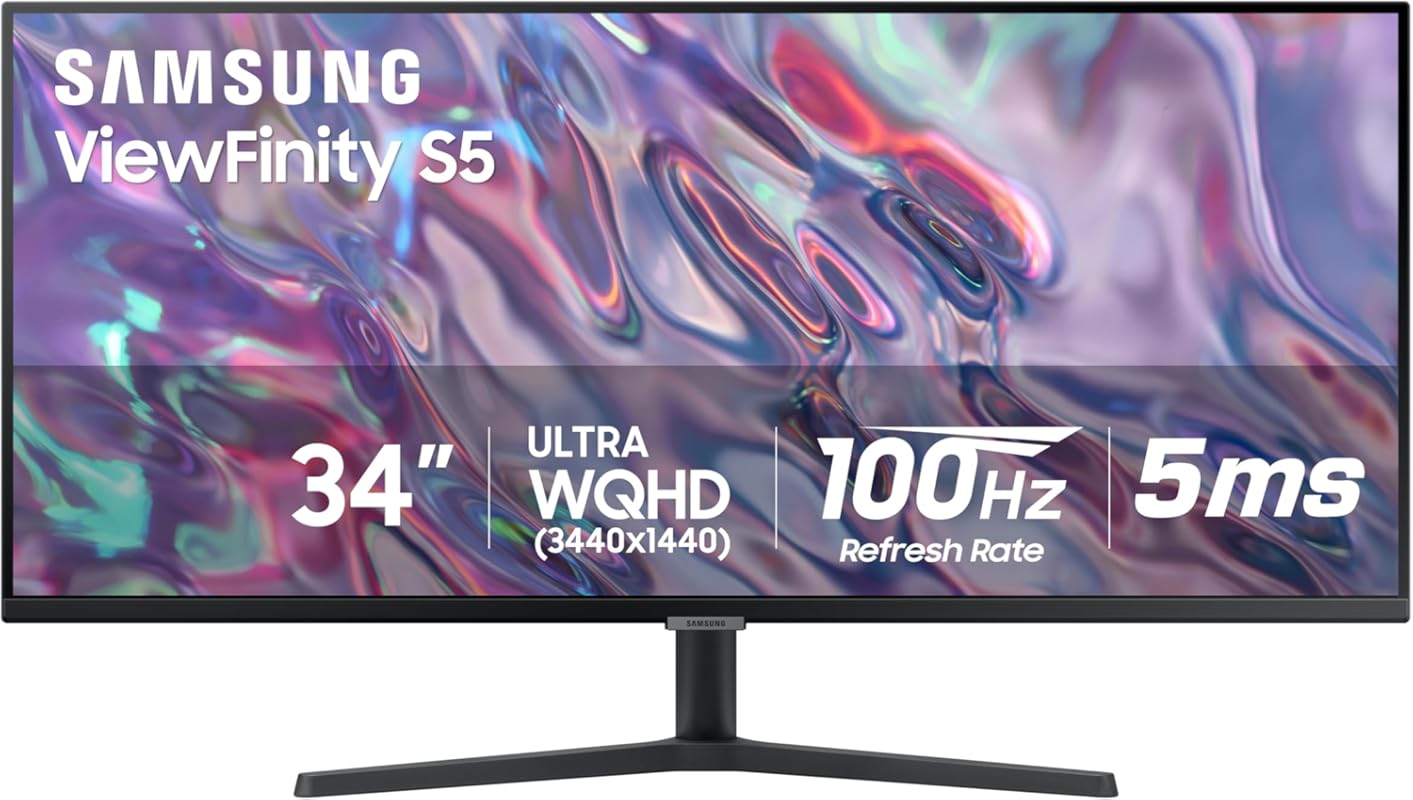
The Samsung ViewFinity S50GC is a productivity beast. Its 34-inch ultrawide Ultra-WQHD screen gives you the equivalent of two 24-inch monitors side by side—perfect for managing multiple apps, documents, or browser tabs without constant alt-tabbing.
Key Features That Stand Out
- ✓ 21:9 aspect ratio provides expansive horizontal workspace
- ✓ HDR10 support reveals over 1 billion colors with stunning depth
- ✓ AMD FreeSync eliminates stuttering during video or light gaming
- ✓ Ambient light sensor auto-adjusts brightness for eye comfort
- ✓ Eye Care technology reduces flicker and blue light
Why We Recommend It
This monitor transforms your workflow. Whether you’re coding, designing, or managing spreadsheets, the extra screen real estate lets you see more at once—boosting efficiency and reducing clutter.
Best For
Professionals who multitask heavily, content creators, or anyone tired of switching between windows all day.
Pros and Cons
Pros:
- Massive screen space enhances productivity
- Vivid HDR visuals with deep contrast
- Auto-brightness adapts to room lighting
- Sleek, professional design
Cons:
- Some apps don’t support 21:9 natively
- Requires more desk depth
Customer Reviews
“Perfect for Dual Computer Setup. I originally bought this monitor because I needed to view two computers side by side on one screen. The 34″ ultrawide display makes that effortless — I can split the screen and run both systems simultaneously without lag or scaling issues.” — Alex P.
“Just upgraded from 2560×1080 to this and wow—I’ve been missing out. Gaming with this is stunning. The only issue is some games and video streaming apps don’t support the 21:9 aspect ratio, but it’s worth it. Getting to play games in beautiful 4K-like resolution is awesome.”
5. Samsung 24″ Essential Monitor with IPS Panel and Tilt Only Stand, 100Hz Refresh Rate, Ergonomic Design
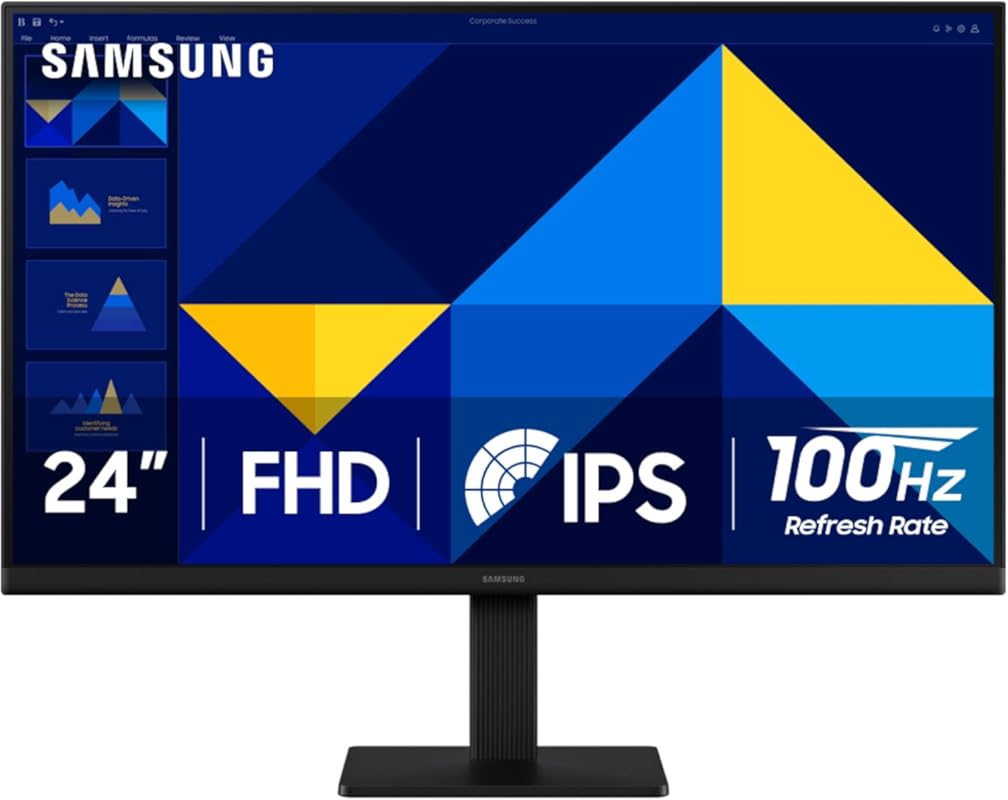
Samsung’s 24-inch Essential Monitor delivers reliable performance in a compact, no-nonsense package. With an IPS panel, 100Hz refresh rate, and vibrant colors, it’s a solid upgrade from older 60Hz displays—especially for those on a tight budget.
Key Features That Stand Out
- ✓ IPS panel ensures wide viewing angles and consistent colors
- ✓ 100Hz refresh rate reduces eye fatigue and improves smoothness
- ✓ Game Mode optimizes contrast and color for clearer visuals
- ✓ Slim, borderless design fits seamlessly into any setup
- ✓ Energy-efficient with low power consumption
Why We Recommend It
It’s rare to find a 100Hz IPS monitor this affordable. If you’re still using a 60Hz display, this upgrade will feel like night and day—especially during scrolling, video calls, or casual gaming.
Best For
First-time remote workers, students, or anyone replacing an aging monitor with something modern and smooth.
Pros and Cons
Pros:
- Great color reproduction and clarity
- 100Hz makes everyday tasks feel smoother
- Lightweight and easy to set up
- Very affordable for the features
Cons:
- Stand only tilts—no height or swivel adjustment
- No VESA mount support
Customer Reviews
“The Samsung 32-Inch Flat Monitor is a sleek essential for anyone who wants clarity, comfort, and versatility in their screen setup. With a borderless display, 75Hz refresh rate, and AMD FreeSync, it’s ideal for everything from gaming and streaming to editing and virtual learning.” — Jordan K.
“22” is a very good monitor for Arcade and Pinball Display, it is very light weight and thin, best IPS panel you could find for the price!”
Complete Buying Guide for Best Monitors for Home Office
Essential Factors We Consider
When choosing the best monitor for your home office, we prioritize screen size, resolution, refresh rate, panel type, ergonomics, and eye comfort features. A 24–27-inch Full HD (1920×1080) monitor is ideal for most users, while ultrawide screens suit multitaskers. Look for IPS panels for better colors, 100Hz+ refresh rates for smoothness, and adjustable stands or VESA compatibility for long-term comfort.
Budget Planning
You don’t need to break the bank for a great home office monitor. Our top picks range from under $150 to around $400. The Philips 221V8LB offers incredible value under $130, while the Dell S2725HS gives you premium ergonomics under $200. If you need maximum productivity, the Samsung 34″ ultrawide is worth the investment for heavy multitaskers.
Final Thoughts
Your home office monitor should support your workflow—not hinder it. Whether you need crisp text for writing, accurate colors for design, or extra screen space for multitasking, there’s a perfect fit on this list. Prioritize eye comfort, adjustability, and smooth performance to stay productive and comfortable all day long.
Frequently Asked Questions
Q: Is a 100Hz monitor worth it for office work?
A: Absolutely! Even for non-gaming tasks, a 100Hz refresh rate makes scrolling, dragging windows, and cursor movement feel noticeably smoother—reducing eye strain and improving overall responsiveness.
Q: Do I need an ultrawide monitor for home office use?
A: Only if you frequently multitask with multiple apps or documents open side by side. For most users, a standard 24–27-inch monitor is sufficient and more budget-friendly.
Q: What’s the difference between IPS and VA panels?
A: IPS panels offer better color accuracy and wider viewing angles, making them ideal for office work and shared screens. VA panels have higher contrast but narrower viewing angles—better for media consumption in dark rooms.
Q: Can I use these monitors with a laptop?
A: Yes! All the monitors listed support HDMI (and some VGA), so they work seamlessly with laptops, desktops, or even consoles. Just ensure your laptop has the right output port.
Q: Are built-in speakers important for a home office monitor?
A: They’re convenient if you don’t want external speakers, but audio quality is usually basic. For better sound, consider headphones or external speakers—especially for video calls.
Ready to upgrade your workspace? Any of these best monitors for home office will boost your productivity, comfort, and enjoyment. Click the “Check Price” buttons above to compare current deals and find the perfect screen for your setup today!
