

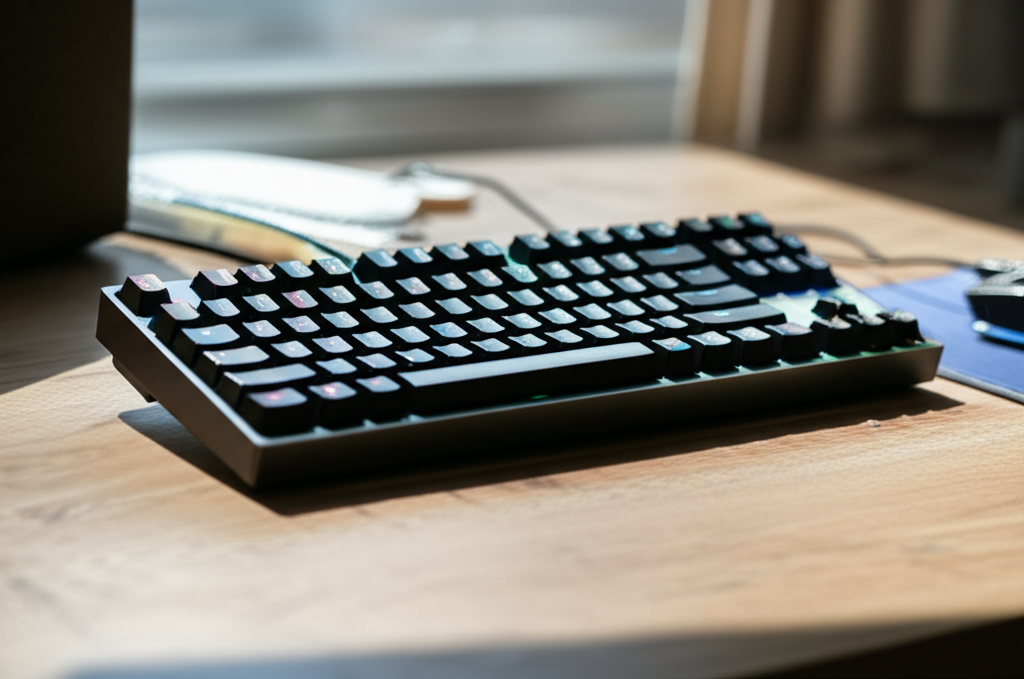
Royal Kludge RK96 Review: Wireless, Hot-Swappable, and RGB-Packed for an Ultimate Typing Experience.
Key Takeaways
- Discover the Royal Kludge RK96’s versatile wireless connectivity.
- Learn about its easy hot-swappable mechanical switches.
- Explore the vibrant RGB lighting options and customization.
- Evaluate its build quality and typing comfort for everyday use.
- Understand who the RK96 is best suited for.
Royal Kludge RK96 Review: Wireless, Hot-Swappable, and RGB-Packed for an Ultimate Typing Experience
Are you tired of tangled wires cluttering your desk, or perhaps dreaming of a keyboard that feels as good as it looks? You’ve probably seen many keyboards pass by, but the Royal Kludge RK96 stands out with its promise of wireless freedom, customizable mechanical switches, and dazzling RGB effects. It can feel overwhelming to navigate the world of mechanical keyboards, especially when you’re just starting. But don’t worry! This guide will walk you through everything you need to know about the Royal Kludge RK96, making it easy to decide if it’s the right keyboard for you. Get ready to transform your typing experience.
What is the Royal Kludge RK96?
The Royal Kludge RK96 is a popular mechanical keyboard that aims to offer a premium typing experience without breaking the bank. It’s known for its 96% layout, which means it packs most of the keys you’d find on a full-size keyboard, including a number pad, but in a more compact form factor. This makes it a great choice for users who want the full functionality of a standard keyboard but have limited desk space.
This keyboard is designed for both casual users and enthusiasts alike. Its appeal lies in its blend of features: wireless connectivity for a clutter-free setup, hot-swappable switches for easy customization, and customizable RGB lighting for aesthetic flair. We’ll delve into each of these aspects to give you a comprehensive understanding.
Unboxing and First Impressions
Holding the Royal Kludge RK96 for the first time, you’ll likely notice its solid build quality. The chassis feels sturdy, often made from a durable plastic that doesn’t creak or flex excessively. This initial impression is important because it suggests the keyboard is built to last.
Inside the box, you’ll typically find:
- The Royal Kludge RK96 keyboard itself
- A USB-C to USB-A cable for charging and wired connection
- A keycap puller
- A switch puller (essential for hot-swappable boards)
- Extra keycaps and possibly extra switches, depending on the package
- A user manual
The inclusion of a keycap and switch puller is a thoughtful touch, especially for beginners who might not have these tools. It shows that Royal Kludge wants users to readily explore the customization options from the get-go. The weight of the keyboard is substantial enough to feel planted on your desk, which is crucial for steady typing and gaming.
The 96% Layout: Compactness Meets Functionality
One of the most distinctive features of the RK96 is its 96% layout. Unlike a standard full-size keyboard (100%) which includes a dedicated navigation cluster (Insert, Delete, Home, End, Page Up, Page Down) and direction keys, the RK96 cleverly integrates these keys into a more compact arrangement. It keeps the alpha keys, the number pad, and most function keys, but often places the arrow keys and some navigation keys closer together or uses a secondary function layer.
Here’s how the RK96 layout compares to others:
| Layout | Key Count (Approx.) | Desk Space | Functionality |
|---|---|---|---|
| Full-Size (100%) | 104-108 | High | Full functionality, dedicated keys |
| Tenkeyless (TKL – 80%) | 87 | Medium | No numpad, but keeps navigation cluster |
| 96% | 96-100 | Medium-Low | Includes numpad, compact navigation |
| Compact (e.g., 60%, 65%) | 61-68 | Low | Minimal keys, heavy reliance on function layers |
The advantage of the 96% layout is that you get the convenience of a number pad for data entry or gaming shortcuts without needing a large footprint on your desk. This is particularly beneficial for those who game and also need to input numbers frequently, or for anyone looking to maximize their available workspace. However, it does require a slight adjustment period to get used to the placement of some keys, like the Delete and arrow keys, which are often consolidated.
Wireless Freedom: Bluetooth and 2.4GHz Connectivity
The Royal Kludge RK96 offers flexibility in how you connect it to your devices. It supports multiple connectivity options:
- Bluetooth: You can connect the RK96 to up to three different devices simultaneously via Bluetooth. This is incredibly useful for switching between your work laptop, personal computer, and tablet with just a few key presses. It’s ideal for multitasking and reducing the number of peripherals needed.
- 2.4GHz Wireless: This connection uses a small USB dongle that plugs into your computer. It offers a more stable and often lower-latency connection than Bluetooth, which can be preferable for fast-paced gaming where every millisecond counts.
- Wired USB-C: When the battery runs low or you prefer a direct connection, you can simply plug in the included USB-C cable. This also charges the keyboard.
The ability to switch between these modes seamlessly is a major selling point. Setting up Bluetooth is usually straightforward, involving putting the keyboard into pairing mode and selecting it from your device’s Bluetooth menu. The 2.4GHz connection is typically plug-and-play. This versatility means you can adapt the RK96 to almost any setup and workflow.
Hot-Swappable Switches: Customize Your Feel
Perhaps the most exciting feature for many keyboard enthusiasts is the hot-swappable nature of the RK96. This means you can easily remove and replace the mechanical switches underneath the keycaps without any soldering.
How Hot-Swappable Keyboards Work:
Traditional mechanical keyboards require desoldering and soldering to change switches. A hot-swappable keyboard, however, has sockets on the PCB (Printed Circuit Board) that allow you to pull out the old switch and push in a new one using a switch puller. This makes customization incredibly accessible for beginners.
The RK96 typically comes with a choice of mechanical switches, commonly Gateron or RK’s own brand, in linear (smooth), tactile (with a bump), or clicky (with a bump and audible click) variants. If you don’t like the stock switches, you can purchase different compatible switches (most commonly 3-pin or 5-pin MX-style switches) and install them yourself. This allows you to fine-tune the typing experience exactly to your preference. Want quieter keys for an office environment? Swap to linear. Need that satisfying tactile feedback for typing? Switch to a tactile option.
The process is simple:
- Use the included switch puller to grip the top and bottom of the switch.
- Gently pull upwards until the switch detaches from the socket.
- Align the pins of the new switch with the holes in the socket.
- Press down firmly until the switch clicks into place.
According to industry analysis from sources like Statista, the mechanical keyboard market continues to grow, driven by demand for customization and improved typing feel. Hot-swappable keyboards like the RK96 cater directly to this trend.
Pro Tip: When replacing switches, ensure the pins are straight before inserting. Bent pins can be difficult to straighten and may not make proper contact.
RGB Lighting: Adding Flair to Your Desk
The Royal Kludge RK96 features customizable RGB backlighting, allowing you to personalize the look of your keyboard. This isn’t just about pretty lights; it can also be functional.
- Per-Key RGB: Many RK96 models offer per-key RGB, meaning each individual keycap can be assigned a specific color. This allows for intricate lighting effects and custom profiles.
- Dynamic Effects: The keyboard comes with a variety of pre-programmed lighting effects – from static colors and breathing patterns to reactive typing effects and dynamic waves.
- Software/Onboard Control: You can often adjust brightness, change colors, and switch between effects using a combination of function keys (onboard controls) or dedicated software. The software usually offers more advanced customization options.
The ability to customize RGB lighting can make your desk setup more visually appealing and can even help with certain tasks. For example, you could highlight specific gaming keys or color-code different function layers. While RGB is subjective, the RK96 offers a good range of options for those who enjoy personalizing their tech.
Typing Experience and Sound Profile
The typing experience on the RK96, as with any mechanical keyboard, largely depends on the switches you choose and the keycaps used. However, the keyboard’s construction plays a significant role.
- Typing Feel: With the right switches, the RK96 can offer a satisfying typing experience, whether you prefer the smooth glide of linear switches, the noticeable bump of tactile switches, or the audible feedback of clicky switches.
- Stabilizers: The larger keys (Spacebar, Enter, Shift, Backspace) usually have stabilizers to prevent wobbling. The quality of these stabilizers can impact the overall feel and sound. On the RK96, they are generally considered decent for the price, though enthusiasts may opt to lube them for an even smoother and quieter experience.
- Sound: The sound profile is influenced by the switches, keycaps, and case material. The RK96, with its plastic case, tends to produce a slightly higher-pitched sound compared to aluminum cases commonly found on more expensive keyboards. However, many users find the sound profile to be perfectly acceptable, and it can be further improved with modifications like foam inserts or O-rings.
For a beginner, the stock experience is usually very good. If you’re coming from a membrane keyboard, you’ll likely notice a significant improvement in responsiveness and tactile feedback. As you get deeper into the hobby, the hot-swappable nature of the RK96 allows you to experiment until you find your perfect sound and feel.
Build Quality and Durability
As mentioned earlier, the Royal Kludge RK96 generally boasts impressive build quality for its price point. The plastic chassis is usually robust, and the keycaps, while often made of ABS plastic, are typically thick enough to resist shine for a reasonable amount of time.
ABS vs. PBT Keycaps:
ABS (Acrylonitrile Butadiene Styrene) is a common plastic used for keycaps, known for its smooth finish and bright colors. However, it can develop a greasy shine over time with heavy use. PBT (Polybutylene Terephthalate) is a more durable plastic with a textured surface that resists shine and wear. While many RK96 models come with ABS keycaps, they are easily replaceable with PBT keycaps if you desire greater longevity and a different texture.
The PCB, being hot-swappable, is designed to withstand repeated switch changes. The USB-C port is usually well-integrated and secure. Overall, the RK96 is built to withstand daily use for both work and play.
Comparison: Royal Kludge RK96 vs. Competitors
To understand where the RK96 stands, let’s compare it to similar keyboards in its category.
| Feature | Royal Kludge RK96 | Keychron K2 (or similar TKL) | Epomaker TH80 (or similar 75%) |
|---|---|---|---|
| Layout | 96% (with numpad) | TKL (no numpad) | 75% (compact, no numpad) |
| Wireless | Bluetooth + 2.4GHz | Bluetooth (often) | Bluetooth + 2.4GHz |
| Hot-Swappable | Yes | Varies (some models) | Yes |
| RGB | Yes | Yes | Yes |
| Price Range (Approx.) | $60 – $90 | $60 – $100 | $70 – $110 |
| Typing Feel | Good (customizable) | Good (customizable) | Very Good (customizable) |
As you can see, the RK96 often offers a very competitive feature set for its price, especially with its inclusion of both Bluetooth and 2.4GHz wireless, along with the 96% layout and hot-swappable switches. Keychron is a strong competitor, often praised for its build quality and software, while Epomaker keyboards often lean towards a more premium feel and sound profile, sometimes at a higher cost.
Who is the Royal Kludge RK96 For?
The Royal Kludge RK96 is a fantastic option for several types of users:
- Beginners to Mechanical Keyboards: Its hot-swappable nature makes it easy to experiment with different switch types without commitment.
- Users with Limited Desk Space: The 96% layout provides full functionality without taking up too much room.
- Multitaskers: The triple Bluetooth device support is perfect for switching between computers and devices.
- Budget-Conscious Enthusiasts: It offers many premium features at an accessible price point.
- Gamers: The 2.4GHz wireless offers a stable connection, and the compact layout keeps your mouse movement free.
- Anyone Seeking a Clutter-Free Setup: The versatile wireless options eliminate cable clutter.
Pros and Cons of the Royal Kludge RK96
Let’s summarize the advantages and disadvantages:
Pros:
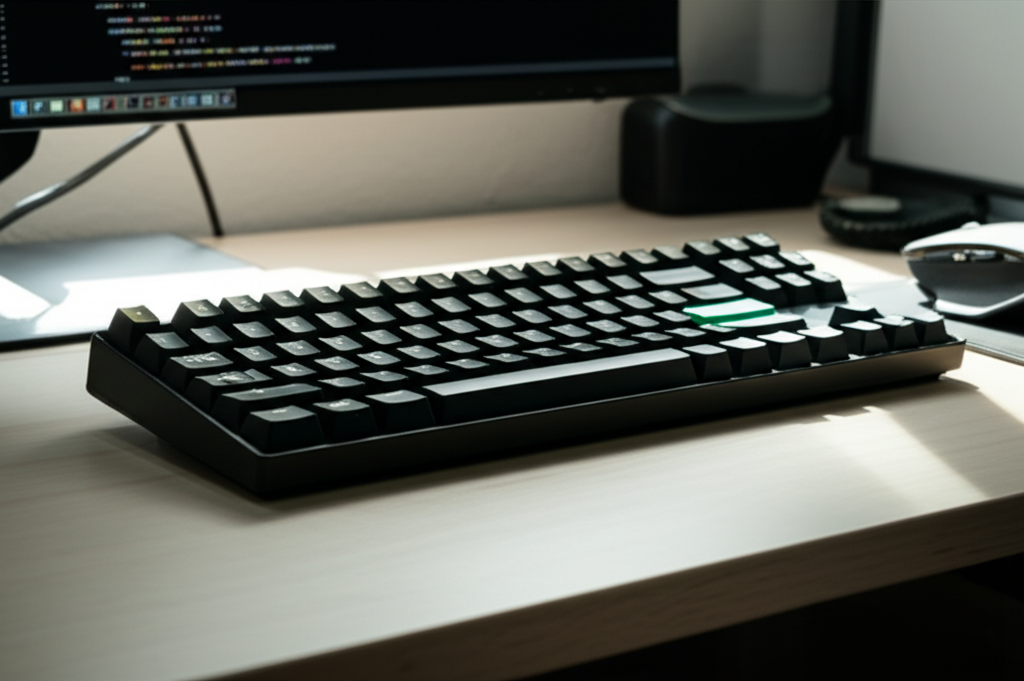
- Versatile wireless connectivity (Bluetooth and 2.4GHz).
- Hot-swappable switches for easy customization.
- Compact 96% layout with a number pad.
- Customizable RGB lighting.
- Solid build quality for the price.
- Affordable entry into mechanical keyboards.
- Good battery life reported by many users.
Cons:
- ABS keycaps may develop shine over time.
- Stabilizers could be improved with lubing for enthusiasts.
- The 96% layout takes some getting used to.
- Software can sometimes be less polished than premium brands.
- Onboard controls for RGB might be less intuitive than software.
Frequently Asked Questions (FAQ)
Q1: Is the Royal Kludge RK96 good for gaming?
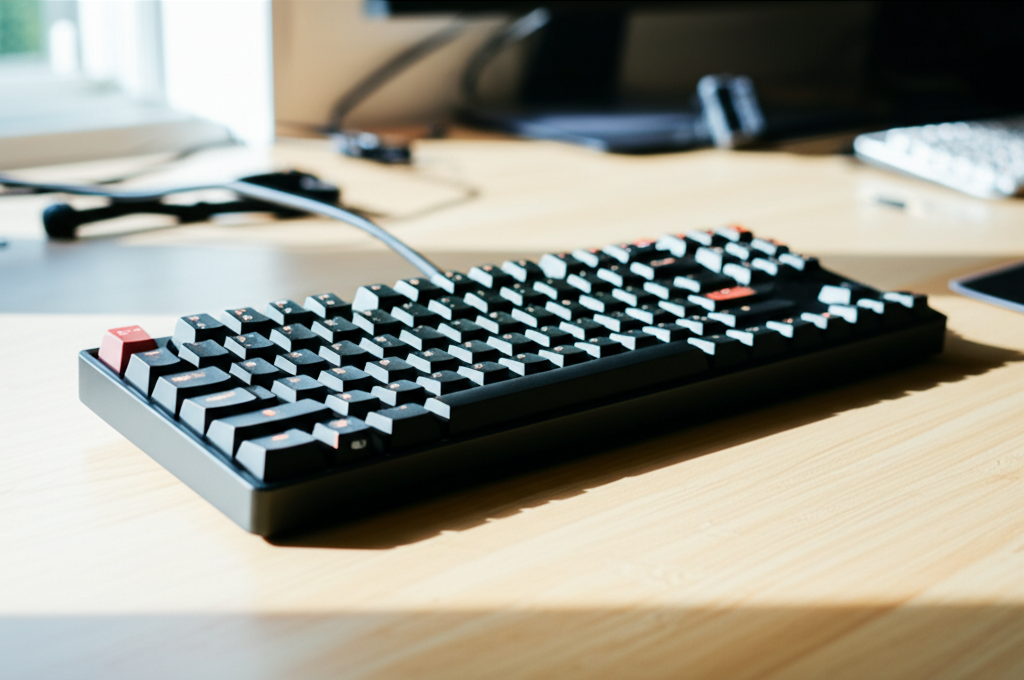
Yes, the RK96 can be very good for gaming, especially when using the 2.4GHz wireless connection for low latency. The 96% layout keeps your mouse space open, and the hot-swappable switches allow you to choose switches that cater to gaming preferences, such as linear switches for faster actuation.
Q2: What kind of switches does the RK96 typically come with?
The RK96 is usually available with various mechanical switches, most commonly linear red, tactile brown, and clicky blue switches from brands like Gateron or Royal Kludge’s own brand. The exact options can vary by retailer and specific model.
Q3: How do I connect the RK96 via Bluetooth?
First, ensure the keyboard is charged or plugged in. Then, typically, you’ll hold down a function key (often Fn + a number key like 1, 2, or 3) for a few seconds to enter pairing mode. Your device (computer, tablet, phone) should then detect the keyboard. Select it from your Bluetooth device list to connect.
Q4: Can I use any mechanical switches with the RK96?
The RK96 is generally compatible with standard 3-pin and 5-pin MX-style mechanical switches. However, it’s always best to check the specific model’s specifications to confirm compatibility before purchasing new switches.
Q5: What is the battery life like on the RK96?
Battery life can vary depending on usage, particularly how bright the RGB lighting is. With RGB off or at low brightness, many users report several days to over a week of use on a single charge. With RGB on full blast, expect significantly less.
Q6: Is the software for the RK96 easy to use?
The software interface for the RK96 is generally functional but might not be as polished or intuitive as software from more premium brands. It allows for RGB customization and key remapping, but beginners might find the initial setup a bit less straightforward. However, many essential functions can be controlled directly on the keyboard.
Conclusion
The Royal Kludge RK96 review reveals a keyboard that punches well above its weight class. It masterfully combines a space-saving 96% layout, versatile wireless connectivity, and the exciting potential of hot-swappable switches, all wrapped in a solid build and complemented by customizable RGB lighting. For beginners looking to dive into the world of mechanical keyboards, or for anyone seeking a functional, adaptable, and aesthetically pleasing keyboard without a hefty price tag, the RK96 is an outstanding choice. While minor tweaks might appeal to dedicated enthusiasts, the out-of-the-box experience is compellingly good. It’s a keyboard that adapts to your needs, whether you’re gaming, working, or simply seeking a more satisfying typing experience.
