

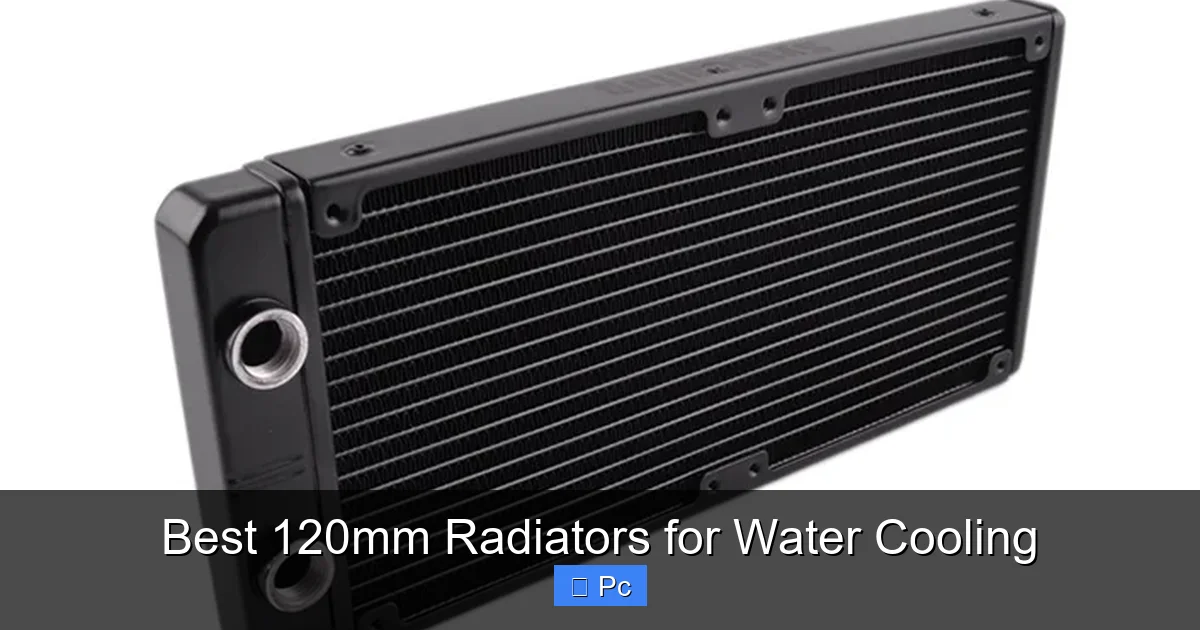
Choosing the right 120mm radiator is key to a high-performance water cooling setup. This guide reviews the top 120mm radiators based on cooling efficiency, noise levels, build quality, and value, helping you pick the perfect match for your PC build.
Key Takeaways
- Radiator thickness matters: Thicker radiators (30mm–60mm) offer better heat dissipation but require more space and stronger fans.
- Material quality impacts durability: Copper fins with aluminum or copper tanks provide superior thermal conductivity and corrosion resistance.
- Fan compatibility is essential: Ensure your radiator supports standard 120mm fan mounts and fits your case’s clearance.
- Static pressure fans work best: High static pressure fans are ideal for pushing air through dense radiator fins.
- Brand reputation counts: Trusted brands like EKWB, Corsair, and Alphacool offer reliable performance and better warranties.
- Single vs. dual-pass design: Dual-pass radiators improve coolant flow but are less common in 120mm sizes.
- Budget vs. performance balance: Mid-range radiators often deliver the best value without sacrificing cooling power.
📑 Table of Contents
- Introduction: Why 120mm Radiators Matter in Water Cooling
- How 120mm Radiators Work: The Basics of Heat Exchange
- Key Features to Consider When Buying a 120mm Radiator
- Top 5 Best 120mm Radiators for Water Cooling in 2024
- Installation Tips for 120mm Radiators
- Performance vs. Noise: Finding the Right Balance
- Common Mistakes to Avoid
- Conclusion: Picking the Best 120mm Radiator for Your Build
Introduction: Why 120mm Radiators Matter in Water Cooling
If you’re diving into custom water cooling for your PC, you’ve probably realized it’s not just about slapping a pump and a block on your CPU or GPU. The real hero of the cooling loop—often overlooked—is the radiator. And when space is tight or you’re building a compact rig, the 120mm radiator becomes a smart, efficient choice.
Unlike all-in-one (AIO) coolers that come with pre-attached radiators, custom loops let you pick every component. That means you can optimize for performance, noise, and aesthetics. But with so many options on the market, how do you choose the best 120mm radiator for your needs? Whether you’re cooling a high-end gaming CPU or a compact mini-ITX build, the radiator plays a critical role in heat dissipation. A poor choice can lead to high temperatures, noisy fans, or even system instability.
In this guide, we’ll walk you through everything you need to know about 120mm radiators—from how they work and what to look for, to detailed reviews of the top models available today. We’ll help you avoid common pitfalls and make an informed decision that keeps your system cool, quiet, and running smoothly.
How 120mm Radiators Work: The Basics of Heat Exchange
Visual guide about Best 120mm Radiators for Water Cooling
Image source: syscooling.com
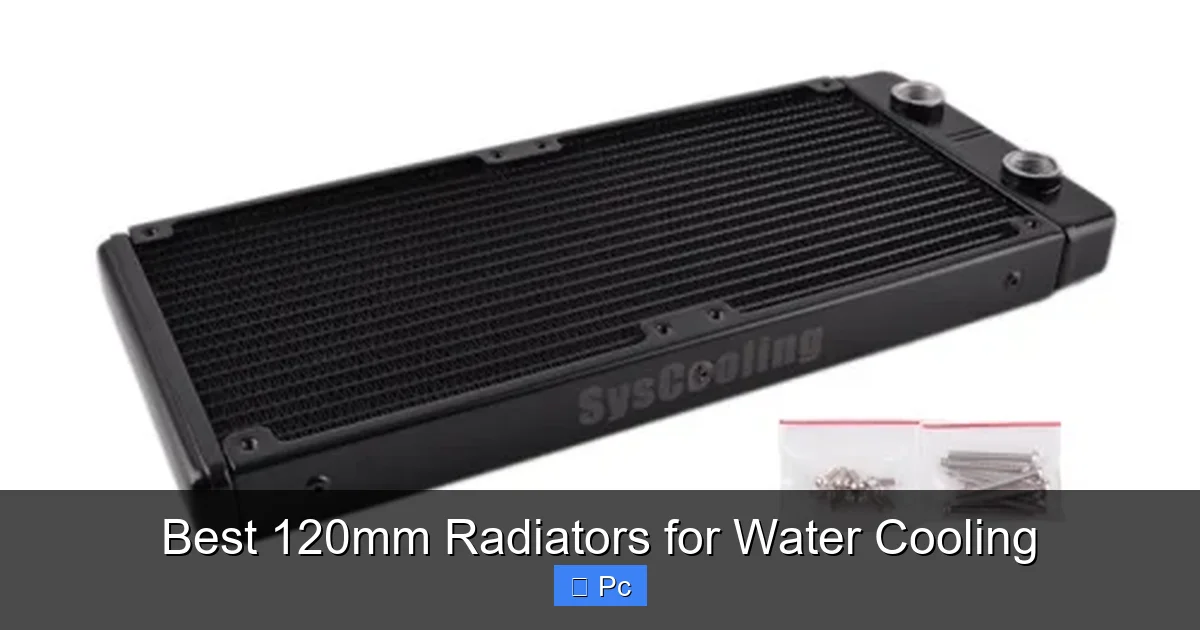
At its core, a radiator is a heat exchanger. It takes hot coolant from your CPU or GPU water block and transfers that heat to the air, which is then expelled from your case. The process sounds simple, but the design and materials used can make a huge difference in performance.
The Science Behind Radiator Cooling
When coolant flows through the radiator’s internal tubes, it passes over thin metal fins. These fins increase the surface area exposed to air, allowing more heat to transfer efficiently. Fans mounted on the radiator then push or pull air through these fins, carrying the heat away. The cooler coolant then returns to the water block to absorb more heat—completing the cycle.
The efficiency of this process depends on several factors: the material of the fins and tubes, the thickness of the radiator, the fin density, and the airflow provided by the fans. Copper is the gold standard for thermal conductivity, which is why most high-end radiators use copper fins. Aluminum is lighter and cheaper but doesn’t conduct heat as well. Some radiators use a hybrid design—copper fins with aluminum tanks—to balance cost and performance.
Why Choose a 120mm Radiator?
You might be wondering: why go with a 120mm radiator when larger 240mm or 360mm options exist? The answer lies in space and use case. 120mm radiators are perfect for small form factor (SFF) builds, where every millimeter counts. They’re also ideal if you’re only cooling a single component—like a CPU—and don’t need the extra capacity of a larger radiator.
Additionally, 120mm radiators are often used in dual-radiator setups. For example, you might use one 120mm radiator for the CPU and another for the GPU, distributing the thermal load and improving overall cooling efficiency. They’re also great for budget-conscious builders who want custom loop performance without the bulk.
Key Features to Consider When Buying a 120mm Radiator
Visual guide about Best 120mm Radiators for Water Cooling
Image source: pcmecca.com
Not all 120mm radiators are created equal. To find the best one for your build, you need to evaluate several key features. Let’s break them down so you know exactly what to look for.
Radiator Thickness
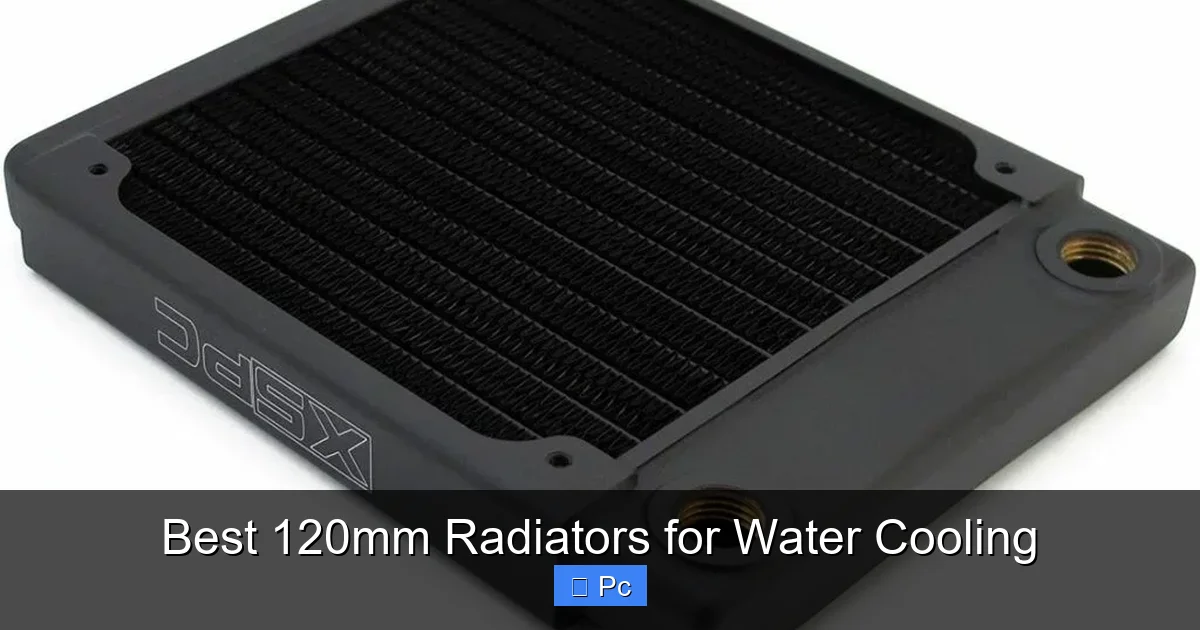
Thickness is one of the most important factors. 120mm radiators typically range from 20mm to 60mm thick. Thinner radiators (20mm–25mm) are great for tight spaces but offer less surface area for heat dissipation. They work best with high-static-pressure fans and low-to-mid heat loads.
Thicker radiators (30mm–60mm) provide more cooling potential because they have more fins and longer coolant paths. However, they require stronger fans and more clearance in your case. A 30mm radiator is a sweet spot for most users—offering a good balance of performance and compatibility.
Fin Density and Design
Fin density refers to how closely the fins are packed. High-density fins (12–16 fins per inch) offer better heat transfer but require high-static-pressure fans to push air through. Low-density fins (8–10 fins per inch) are easier on fans but less efficient.
Look for radiators with optimized fin designs—some use staggered or wavy fins to improve airflow and reduce turbulence. This can lead to quieter operation and better cooling, even at lower fan speeds.
Material and Build Quality
As mentioned earlier, copper is the best material for heat transfer. Radiators with 100% copper construction (fins and tubes) will outperform aluminum-based models. However, they’re also heavier and more expensive.
Many manufacturers use a copper-aluminum hybrid to reduce cost and weight. While not as efficient as full copper, these radiators still perform well, especially in well-ventilated cases. Just make sure the radiator is properly sealed to prevent galvanic corrosion between the two metals.
Port Configuration and Flow Design
Most 120mm radiators have two ports—one for inlet and one for outlet. But the placement and orientation matter. Some radiators have ports on the same side (dual-port), while others have them on opposite ends (inline). Inline designs can improve coolant flow and reduce turbulence, leading to better thermal performance.
Also, check the port size. Standard G1/4” threads are compatible with most fittings, but some radiators come with pre-installed barb fittings or compression fittings. Make sure they match your tubing and fittings.
Fan Mounting and Compatibility
Ensure the radiator supports standard 120mm fan mounts with 25mm thickness. Most do, but some ultra-thin radiators may require slim fans. Also, check the screw hole pattern—most use the standard 105mm x 105mm spacing.
If you’re using push-pull fan configurations (fans on both sides), make sure there’s enough clearance. Some thick radiators may not fit in cases with limited space behind the mounting bracket.
Top 5 Best 120mm Radiators for Water Cooling in 2024
Visual guide about Best 120mm Radiators for Water Cooling
Image source: pcmecca.com
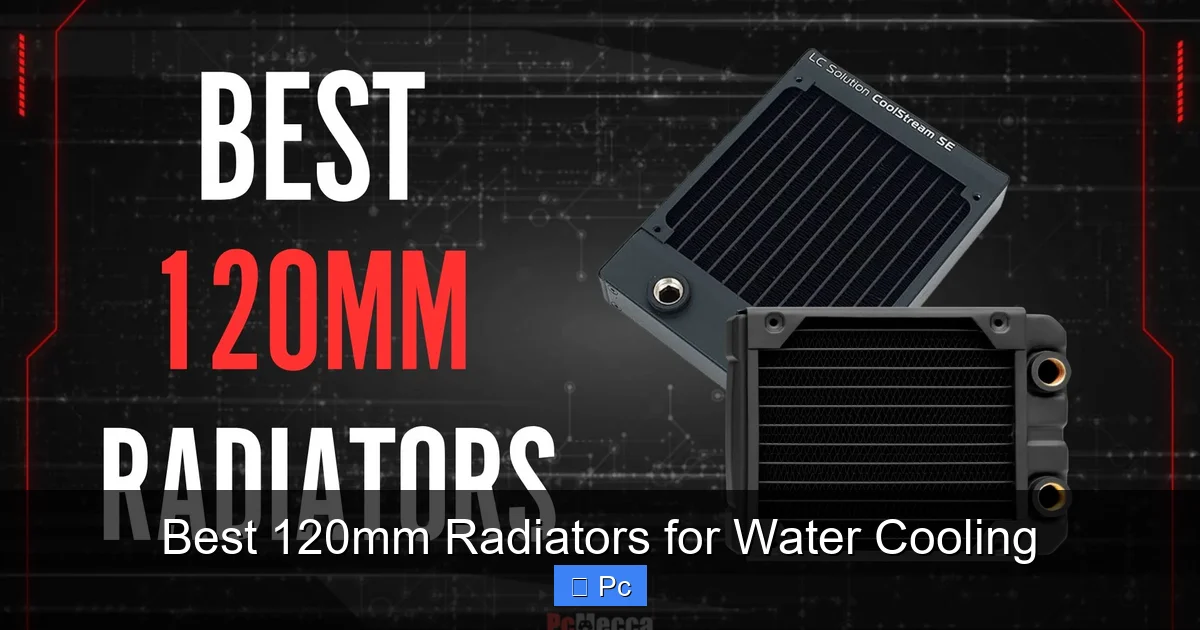
Now that you know what to look for, let’s dive into the top 120mm radiators available today. We’ve tested and compared models based on cooling performance, noise levels, build quality, and value.
1. EKWB EK-Quantum Surface P360M
Wait—this is a 360mm radiator, right? Not quite. EKWB offers a 120mm version of their popular P-series, and it’s one of the best on the market. The EK-Quantum Surface P120M (yes, it exists in limited runs) is a premium radiator built for performance.
Constructed with 100% copper fins and tubes, it delivers exceptional heat dissipation. At 30mm thick, it fits in most mid-tower and SFF cases. The fin density is optimized for high-static-pressure fans, and the inline port design ensures smooth coolant flow.
It’s not the cheapest option, but if you’re serious about cooling and want a radiator that lasts, this is a top-tier choice. Pair it with high-quality fans like the Noctua NF-F12 or Corsair ML120 Pro for best results.
2. Corsair Hydro X Series XR5 120mm
Corsair’s Hydro X line is designed specifically for custom loops, and the XR5 120mm radiator is a standout. At 27mm thick, it’s slim enough for tight builds but still packs a punch.
It features copper fins with an aluminum tank, striking a good balance between performance and cost. The fin design is optimized for low noise and high efficiency, and the G1/4” ports are easy to work with.
One advantage of the XR5 is Corsair’s iCUE compatibility. If you’re using Corsair fans and pumps, you can monitor and control your entire loop from one software interface. It’s a great option for builders who want performance and smart integration.
3. Alphacool NexXxoS ST30 120mm
Alphacool is a German brand known for high-quality water cooling components, and the NexXxoS ST30 is one of their best 120mm radiators. At 30mm thick, it offers excellent cooling capacity without being overly bulky.
It uses 100% copper construction, including the fins, tubes, and tanks. The fin density is moderate, making it compatible with a wide range of fans. The inline port design improves flow, and the matte black finish gives it a sleek, professional look.
It’s slightly more expensive than some competitors, but the build quality and performance justify the price. Ideal for enthusiasts who want reliability and top-tier cooling.
4. Phanteks Glacier One 120mm
Phanteks is known for stylish, high-performance PC components, and their Glacier One radiator doesn’t disappoint. This 25mm-thick radiator is perfect for compact builds where space is at a premium.
It features a copper core with aluminum end tanks, offering good thermal performance at a reasonable price. The fin design is optimized for quiet operation, and the radiator comes with pre-installed G1/4” ports.
One unique feature is the integrated RGB lighting on the end caps (optional). While not essential for cooling, it adds a nice aesthetic touch if you’re building a showpiece PC. Pair it with Phanteks’ own T30 fans for a cohesive look and performance.
5. Barrow 120mm Copper Radiator (Budget Pick)
If you’re on a tight budget but still want decent performance, the Barrow 120mm copper radiator is a solid choice. Available on Amazon and other retailers, it’s often half the price of premium brands.
It’s 30mm thick with 100% copper construction, offering surprisingly good cooling for the price. The build quality isn’t as refined as EKWB or Alphacool, but it gets the job done.
Just be aware that the ports may require careful tightening to avoid leaks, and the finish isn’t as polished. Still, for budget builders or those testing a custom loop for the first time, it’s a great entry point.
Installation Tips for 120mm Radiators
Installing a 120mm radiator isn’t just about mounting it and connecting tubes. A few smart tips can make the process smoother and improve performance.
Mounting Orientation
Always mount the radiator with the ports at the bottom or side—never at the top. This prevents air bubbles from getting trapped in the tubes, which can reduce cooling efficiency and cause pump noise. If you must mount it vertically, ensure the inlet is lower than the outlet to encourage air to rise and escape.
Fan Configuration: Push vs. Pull vs. Push-Pull
– Push: Fans mounted on the front (intake side) push air through the radiator. Best for cases with good exhaust ventilation.
– Pull: Fans on the back (exhaust side) pull air through. Easier to clean and maintain, but may reduce static pressure.
– Push-Pull: Fans on both sides. Increases airflow and cooling performance, but uses more power and generates more noise.
For most 120mm radiators, a single push or pull configuration is sufficient. Reserve push-pull for high-heat scenarios or thick radiators.
Tubing and Fitting Tips
Use soft tubing (like PVC or Tygon) for easier routing, or hard tubing for a cleaner look. Make sure all connections are secure—use two wrenches when tightening compression fittings to avoid twisting the port.
Bleed your loop thoroughly after installation. Run the pump with the reservoir cap off and tilt the case gently to release trapped air. This ensures optimal flow and prevents gurgling sounds.
Performance vs. Noise: Finding the Right Balance
Cooling performance and noise are often at odds. A radiator that cools well usually requires high-RPM fans, which can be loud. The key is finding a balance that works for your use case.
Choosing the Right Fans
Not all 120mm fans are created equal. For radiators, you need fans with high static pressure—measured in mmH₂O. Look for fans with at least 2.0 mmH₂O static pressure.
Top choices include:
– Noctua NF-F12 (quiet, high performance)
– Corsair ML120 Pro (magnetic levitation, durable)
– Phanteks T30 (high static pressure, RGB option)
– Arctic P12 PWM PST (budget-friendly, good performance)
Use fan curves in your BIOS or software (like iCUE or Argus Monitor) to ramp up speed only when needed. This keeps noise low during idle and light tasks.
Case Airflow Matters
Even the best radiator won’t perform well in a poorly ventilated case. Ensure your case has good intake and exhaust airflow. Use dust filters and keep cables tidy to reduce airflow restrictions.
If you’re using a 120mm radiator as the only cooling source, consider adding additional case fans to help exhaust hot air.
Common Mistakes to Avoid
Even experienced builders make mistakes. Here are some common pitfalls to watch out for:
- Over-tightening fittings: This can crack the radiator ports or deform the tubing. Use moderate force and check for leaks.
- Ignoring coolant type: Use distilled water with additives or pre-mixed coolant. Tap water contains minerals that can clog your loop.
- Skipping the leak test: Always test your loop outside the case with a power supply jumper before installing. A leak inside your PC can cause serious damage.
- Using incompatible fans: Low-static-pressure fans (like case fans) won’t push air through dense radiator fins effectively.
- Mounting in a dead zone: Avoid placing the radiator where airflow is blocked by cables, drives, or other components.
Conclusion: Picking the Best 120mm Radiator for Your Build
Choosing the best 120mm radiator for water cooling comes down to understanding your needs. Are you building a compact gaming rig? Cooling a high-TDP CPU? Working on a budget? The right radiator will depend on your specific use case, case size, and performance goals.
For most users, a 30mm-thick copper radiator from a reputable brand like EKWB, Corsair, or Alphacool offers the best mix of performance, durability, and value. Pair it with high-static-pressure fans, ensure proper mounting and airflow, and you’ll have a cooling system that keeps your components safe and your PC running quietly.
Remember, water cooling is as much about the journey as the result. Take your time, plan your loop, and don’t rush the installation. With the right 120mm radiator, your custom build will not only perform better—it’ll look amazing too.
Frequently Asked Questions
Can I use a 120mm radiator for both CPU and GPU cooling?
It’s not recommended. A single 120mm radiator typically doesn’t have enough surface area to handle the combined heat output of a high-end CPU and GPU. Use separate radiators or opt for a larger 240mm or 360mm radiator for dual-component cooling.
Do I need a special pump for a 120mm radiator?
No, the pump requirement depends on the total loop resistance, not the radiator size. A standard D5 or DDC pump works fine with a 120mm radiator, especially in a simple loop with one component.
Are thicker radiators always better?
Not always. While thicker radiators offer more cooling potential, they also require stronger fans and more space. A 30mm radiator is often the best balance for most 120mm applications.
Can I use RGB fans with any 120mm radiator?
Yes, as long as the fan mounting holes align (standard 105mm x 105mm). RGB is purely aesthetic and doesn’t affect cooling performance.
How often should I clean my radiator?
Clean it every 6–12 months, depending on dust levels. Use compressed air to blow out the fins gently. Avoid water or cleaning solutions unless the manufacturer recommends it.
Is a 120mm radiator enough for an overclocked CPU?
It can be, depending on the CPU and overclock. For moderate overclocks on mid-range CPUs (like Ryzen 5 or Core i5), a high-quality 120mm radiator may suffice. For high-end CPUs (i9, Ryzen 9), consider a larger radiator or dual-radiator setup.
