

Looking for the best gaming monitors with G-Sync? You’re in the right place. Whether you’re chasing ultra-smooth gameplay, tear-free visuals, or buttery frame rates, a G-Sync compatible monitor can make all the difference. These monitors sync your GPU’s output with your display’s refresh rate, eliminating stutter and screen tearing for a truly immersive experience. In this guide, we’ve tested and handpicked the top 5 gaming monitors with G-Sync support—covering everything from high-refresh QHD panels to budget-friendly 1080p powerhouses. Let’s dive in and find the perfect fit for your setup.
Quick Product Comparison
Our Top 5 Best Gaming Monitors With G Sync Reviews – Expert Tested & Recommended
1. ASUS TUF Gaming 27” QHD 180Hz Fast IPS Monitor with G-Sync Compatible

This monitor strikes a perfect balance between performance and value. With a 27-inch QHD display, 180Hz refresh rate, and G-Sync compatibility, it delivers smooth, vibrant visuals ideal for both competitive gaming and immersive single-player experiences.
Key Features That Stand Out
- ✓ 27-inch QHD (2560 x 1440) resolution for sharp, detailed visuals
- ✓ 180Hz refresh rate with 1ms response time for ultra-smooth gameplay
- ✓ G-Sync Compatible and FreeSync Premium support eliminates screen tearing
- ✓ ASUS ELMB Sync technology reduces ghosting and motion blur
- ✓ Fast IPS panel ensures wide viewing angles and accurate colors
Why We Recommend It
The ASUS TUF Gaming VG27AQ3A offers premium features at a mid-range price. Its combination of high refresh rate, excellent color accuracy, and solid build quality makes it ideal for gamers who want performance without overspending. The G-Sync compatibility ensures buttery-smooth gameplay even during intense scenes.
Best For
Gamers looking for a reliable, high-performance QHD monitor with G-Sync support. Perfect for FPS, RPG, and esports titles where visual clarity and responsiveness matter.
Pros and Cons
Pros:
- Crisp QHD resolution with vibrant colors
- Smooth 180Hz performance with low input lag
- G-Sync and ELMB Sync work seamlessly together
- Sturdy stand with tilt, swivel, and height adjustment
Cons:
- No built-in speakers (not a dealbreaker for most gamers)
- Limited HDR performance (typical for non-HDR600 panels)
Customer Reviews
“I chose this monitor for my latest build due to its good color accuracy and picture quality as well as lower price. All reports indicate it is reliable. Some reviewers criticize the buttons and controls, but I found them intuitive and easy to use.”
“I bought this to go with my Skytech Nebula PC and so far the quality has been exceptional. There is a very quick response for gaming and it is very vibrant. The adjustable monitor angle is useful if you are thinking of buying a second monitor.”
2. SAMSUNG 32-Inch Odyssey G50D Series QHD Fast IPS G-Sync Compatible Gaming Monitor, 1ms, VESA Disp…
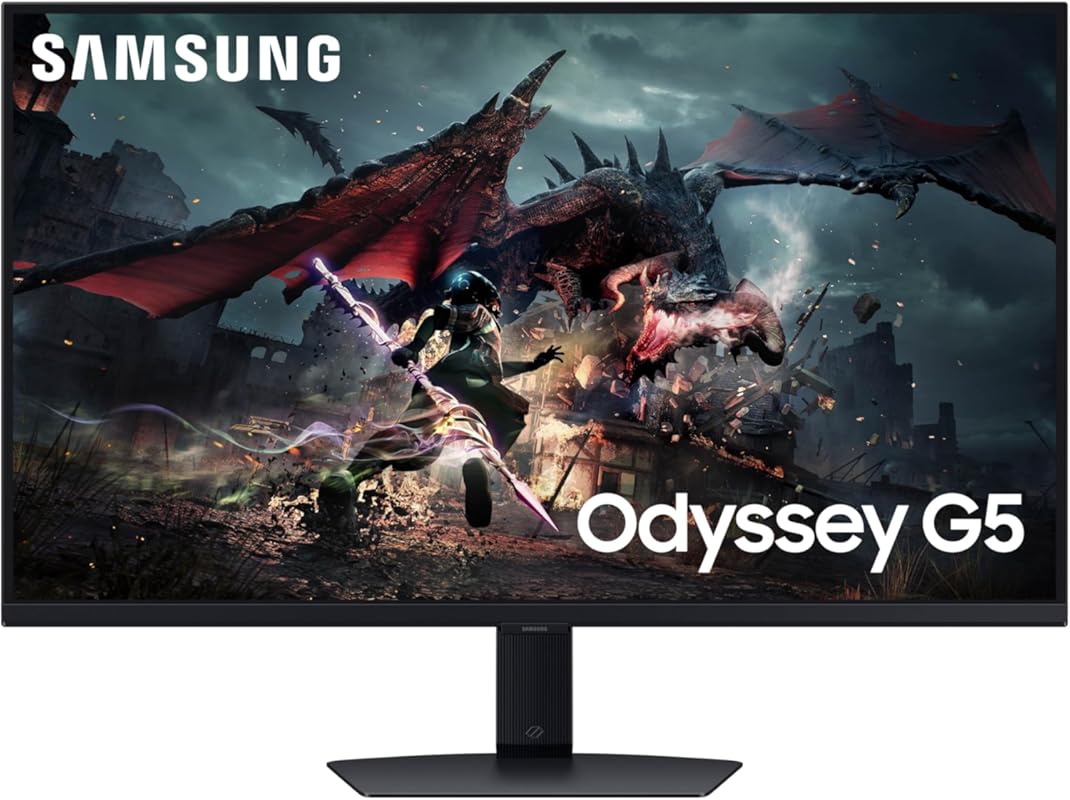
Samsung’s Odyssey G50D brings a massive 32-inch QHD screen with vibrant colors, deep contrast, and G-Sync compatibility. It’s perfect for gamers who want a larger display without sacrificing responsiveness or image quality.
Key Features That Stand Out
- ✓ 32-inch QHD (2560 x 1440) display with 1.7x more pixels than Full HD
- ✓ 180Hz refresh rate and 1ms response time for fluid motion
- ✓ G-Sync Compatible and Adaptive Sync support
- ✓ VESA DisplayHDR 400 enhances contrast and brightness
- ✓ Fully adjustable stand with height, tilt, and swivel
Why We Recommend It
The Odyssey G50D delivers an immersive experience with its large screen and excellent color reproduction. The combination of Fast IPS technology and G-Sync ensures smooth gameplay with minimal input lag. It’s a standout choice for gamers who want both size and performance.
Best For
Gamers who want a big-screen experience for immersive RPGs, racing sims, or multiplayer battles. Great for desks with enough space and users who prefer wider field-of-view displays.
Pros and Cons
Pros:
- Large 32-inch screen enhances immersion
- Excellent color accuracy and contrast with HDR400
- Smooth 180Hz performance with G-Sync support
- Highly adjustable ergonomic stand
Cons:
- Requires more desk space than smaller monitors
- No USB hub or built-in KVM switch
Customer Reviews
“Both my wife and I have one of these as our main gaming monitor. The size is great at 1440p (4k seems too big for PC gaming for us) and the screen quality is great. It was a great price to buy for this size and refresh rate.”
“Well worth the $279 I paid. Not worth $429, to me anyway. Greatly adjustable. Raise it. Tilt it. Turn it. I’ve been looking at monitors for years and this hits the sweet spot.”
3. ASUS ROG Strix 27” QHD 180Hz Fast IPS Gaming Monitor with G-Sync Compatible
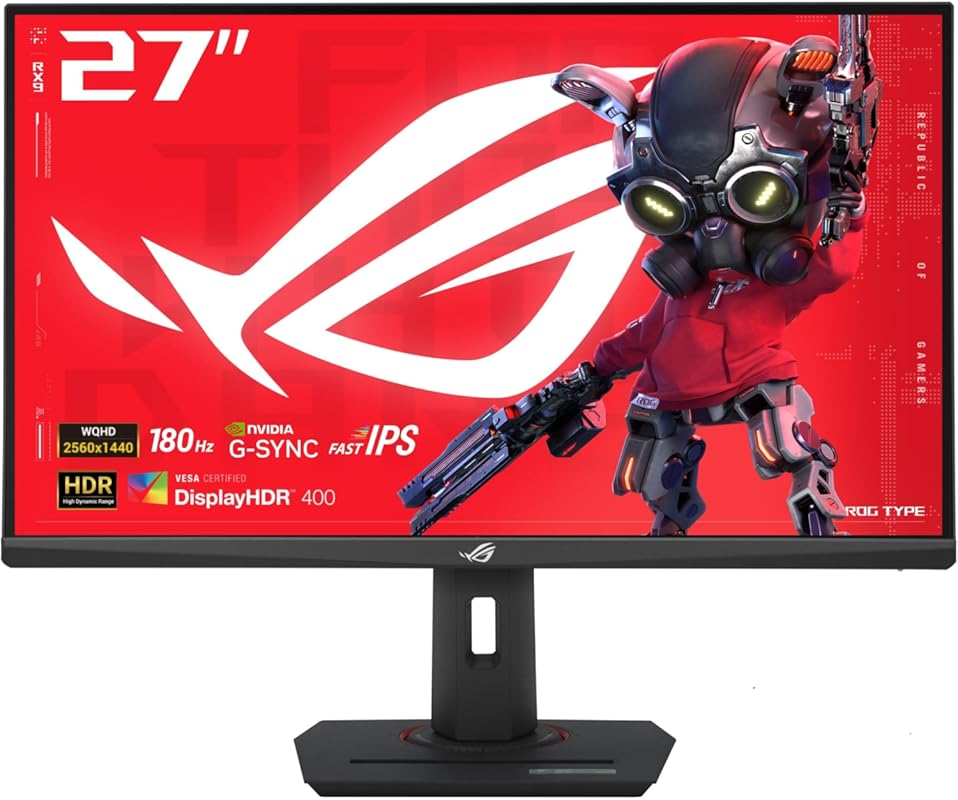
The ASUS ROG Strix XG27WQC offers high-end performance at a surprisingly affordable price. With QHD resolution, 180Hz refresh rate, and G-Sync compatibility, it’s a steal for gamers on a budget who refuse to compromise on quality.
Key Features That Stand Out
- ✓ 27-inch QHD (2560 x 1440) curved IPS panel for immersive viewing
- ✓ 180Hz refresh rate with 1ms GTG response time
- ✓ G-Sync Compatible and ELMB Sync for tear-free, blur-free gameplay
- ✓ 1500R curvature enhances depth perception
- ✓ Aura Sync RGB lighting for customizable aesthetics
Why We Recommend It
This monitor punches well above its price point. The curved Fast IPS panel delivers rich colors and smooth motion, while G-Sync ensures seamless frame delivery. It’s one of the best value-for-money gaming monitors with G-Sync support available today.
Best For
Budget-conscious gamers who want QHD resolution, high refresh rates, and G-Sync compatibility without breaking the bank. Ideal for mid-tier gaming rigs and esports enthusiasts.
Pros and Cons
Pros:
- Excellent price-to-performance ratio
- Curved screen enhances immersion
- Fast IPS panel with great color reproduction
- G-Sync and ELMB Sync work flawlessly together
Cons:
- Basic stand with limited adjustability
- HDR performance is minimal (no official HDR certification)
Customer Reviews
“Day 1 Impression: On-Sale $234 shipped. 27qhd highHZ, can’t complain. Nice packaging and accessories. Love the stand – matches my RogStrix G513QY laptop nicely, very sturdy.”
“I need to start by saying that I just recently purchased a different, cheaper 34in 2k monitor from an off brand… and I was so appalled with it after a day… I wrote a multi-paragraph review trashing it. This ASUS? Night and day difference.”
4. AOC Gaming Q27G41ZE 27 inch QHD IPS Gaming Monitor 2560×1440, 240Hz 0.3ms MPRT, 3-Sided Frameless…
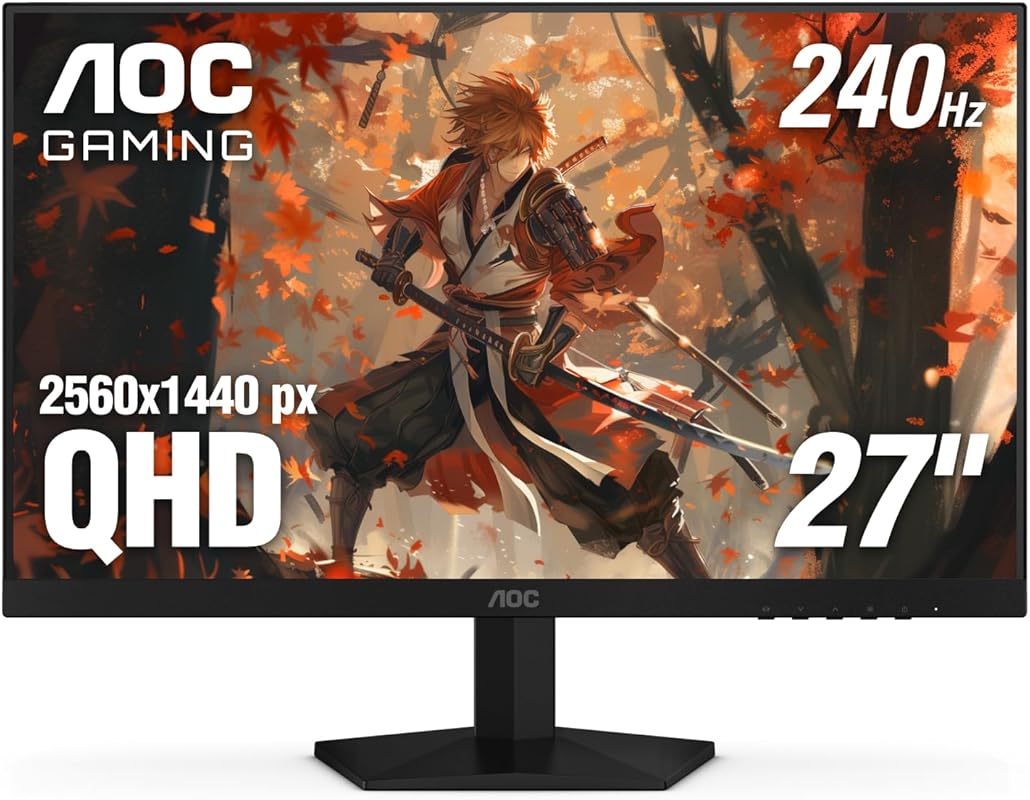
The AOC Q27G41ZE is a speed demon. With a 240Hz refresh rate, 0.3ms MPRT, and G-Sync compatibility, it’s built for competitive gamers who demand every possible advantage in fast-paced titles.
Key Features That Stand Out
- ✓ 27-inch QHD (2560 x 1440) IPS panel with wide viewing angles
- ✓ Blazing 240Hz refresh rate for ultra-smooth motion
- ✓ 0.3ms MPRT response time minimizes motion blur
- ✓ Adaptive-Sync (G-Sync Compatible) eliminates tearing
- ✓ 3-sided frameless design ideal for multi-monitor setups
Why We Recommend It
This monitor is a beast for esports and competitive gaming. The 240Hz refresh rate makes fast movements look incredibly fluid, while G-Sync ensures no tearing or stuttering. It’s one of the fastest QHD monitors with G-Sync support under $400.
Best For
Competitive gamers playing FPS titles like Valorant, CS2, or Overwatch. Also great for streamers and content creators who want high refresh rates and clean visuals.
Pros and Cons
Pros:
- One of the fastest refresh rates in its class
- Excellent color accuracy and brightness
- Frameless design looks sleek and modern
- G-Sync works seamlessly with NVIDIA GPUs
Cons:
- No height adjustment on the stand
- Limited HDR capabilities
Customer Reviews
“I took way too much time before buying this. Yes, it’s totally worth it. The colours are outstanding. Please don’t let people throw you off by remarking on a pinkish hue. For me, I’ve not noticed it. Colors look vibrant, darks are indeed dark.”
“Absolutely love this monitor… watch out for flashbangs if using HDR, they hurt lol. But it looks so stunning. Feel like it’s a great price point for what feels like a high-end monitor.”
5. SAMSUNG 25″ Odyssey G4 Series FHD Gaming Monitor, IPS, 240Hz, 1ms, G-Sync Compatible, AMD FreeSyn…
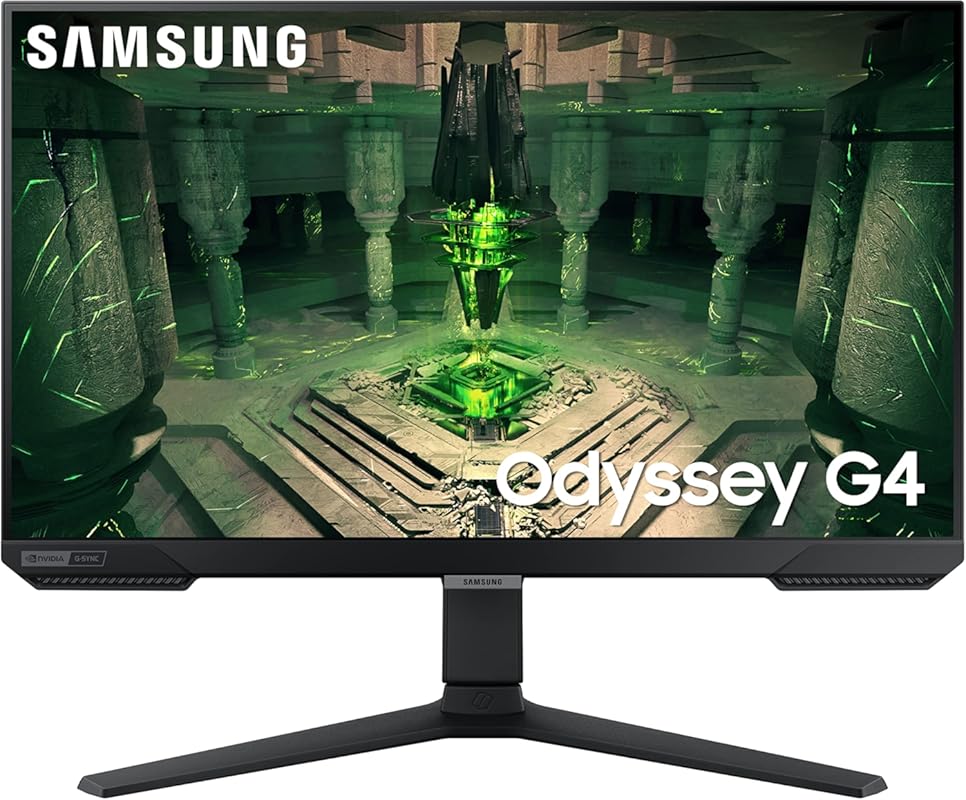
Don’t let the smaller size fool you—this 25-inch Samsung delivers elite-level performance. With 240Hz, 1ms response, and G-Sync compatibility, it’s a compact powerhouse for fast-paced gaming.
Key Features That Stand Out
- ✓ 25-inch FHD (1920 x 1080) IPS panel with vibrant colors
- ✓ 240Hz refresh rate and 1ms GTG response time
- ✓ G-Sync Compatible and FreeSync Premium support
- ✓ Eye Saver Mode and Flicker-Free technology reduce fatigue
- ✓ Compact design saves desk space
Why We Recommend It
This monitor proves that smaller screens can still deliver big performance. It’s perfect for gamers with limited space or those who prefer a tighter field of view. The 240Hz refresh rate and G-Sync make it ideal for competitive titles where every frame counts.
Best For
Esports players, small desk setups, or as a secondary monitor. Great for 1080p gaming with maximum smoothness and responsiveness.
Pros and Cons
Pros:
- Extremely fast 240Hz performance
- Compact and space-efficient design
- G-Sync ensures tear-free gameplay
- Eye comfort features for long sessions
Cons:
- Only 1080p resolution (not ideal for high-end GPUs)
- Smaller screen may feel cramped for some users
Customer Reviews
“Amazon quality and good price. The detail it has as well is great. This was my first monitor ever so I guess I picked well cause it’s awesome… I wipe it off with a little LITTLE bit of water and then dried immediately and it’s great.”
“The best budget-friendly gaming monitor. I had purchased this monitor when it was on sale and it was 100% worth it. The monitor is 27 inches, does 1080p at 240Hz and has great image quality.”
Complete Buying Guide for Gaming Monitors With G Sync
Essential Factors We Consider
When choosing the best gaming monitor with G-Sync, we focus on key performance metrics: refresh rate (144Hz+ preferred), response time (1ms ideal), panel type (IPS for color, VA for contrast), and G-Sync compatibility. We also evaluate build quality, adjustability, and real-world user feedback to ensure reliability.
Budget Planning
Prices for G-Sync compatible monitors range from $200 to $500+. Budget options like the ASUS ROG Strix offer great value, while premium models like the Samsung Odyssey G50D deliver larger screens and better HDR. Set your budget based on your GPU—high-end cards pair best with QHD or 4K displays.
Final Thoughts
Investing in a G-Sync compatible monitor transforms your gaming experience by eliminating tearing and stutter. Whether you prioritize speed, size, or value, our top picks cover all bases. Match your choice to your gameplay style and hardware for the best results.
Frequently Asked Questions
Q: What is G-Sync and why is it important?
A: G-Sync is NVIDIA’s adaptive sync technology that matches your monitor’s refresh rate to your GPU’s frame rate. This eliminates screen tearing, stuttering, and input lag, resulting in smoother, more responsive gameplay—especially important in fast-paced games.
Q: Do I need an NVIDIA GPU to use G-Sync?
A: Yes, G-Sync only works with NVIDIA graphics cards. However, many G-Sync Compatible monitors also support AMD FreeSync, giving you flexibility if you switch GPU brands later.
Q: Is 240Hz worth it over 144Hz or 180Hz?
A: For competitive esports players, yes—240Hz offers marginally smoother motion and lower input lag. For casual gamers, 144Hz–180Hz is more than sufficient and often more affordable.
Q: Can I use G-Sync with a console like PlayStation or Xbox?
A: No, G-Sync is designed for PC gaming with NVIDIA GPUs. Consoles typically support FreeSync or HDMI 2.1 VRR instead.
Q: Should I choose QHD or FHD for gaming?
A: QHD (1440p) offers sharper visuals and is ideal for 27-inch+ screens. FHD (1080p) is better for smaller monitors or high refresh rates on a budget. Match your resolution to your GPU’s power.
Ready to level up your gaming setup? Any of these top-rated gaming monitors with G-Sync will deliver smoother, tear-free gameplay and a more immersive experience. Click the “Check Price” buttons above to compare deals and find the best fit for your rig. Happy gaming!
