

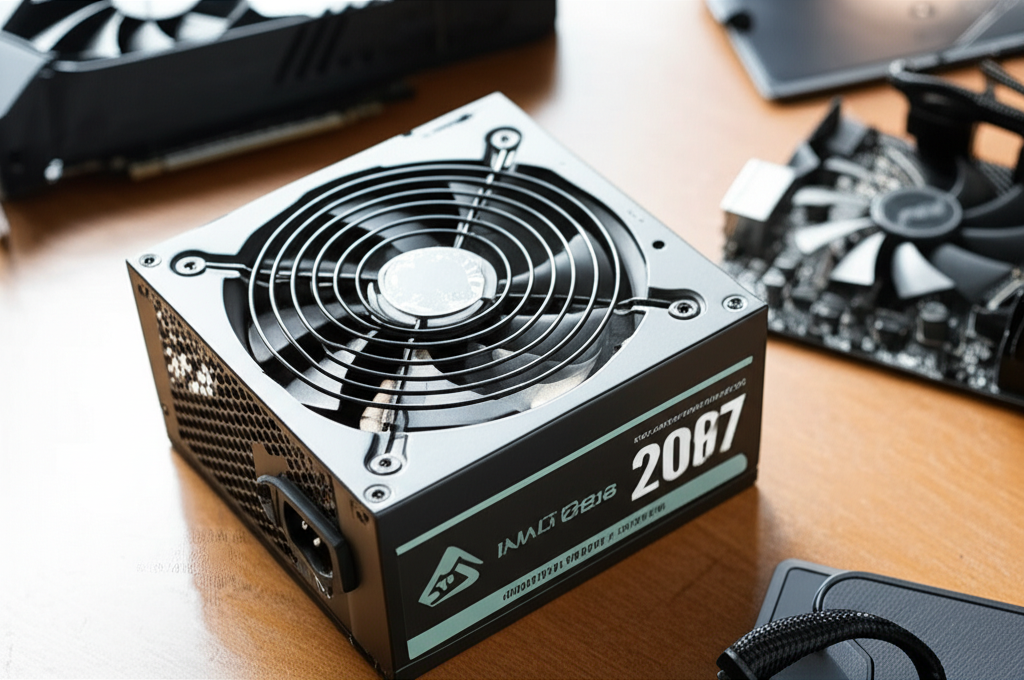
The cost of a PSU can range from $50 to over $200. For most beginners, aiming for a quality PSU between $70 and $120 offers excellent value and reliability for a standard gaming or general-use PC.
Key Takeaways
- Invest in a reliable PSU for PC longevity.
- Budget $70-$120 for a solid beginner’s PSU.
- Consider wattage based on your PC components.
- Prioritize 80 Plus Bronze or Gold efficiency ratings.
- Future-proof your build with a slightly higher wattage.
- Factor in brand reputation and warranty for PSU choices.
Building a new PC is an exciting journey, and one of the most crucial components, often overlooked by beginners, is the power supply unit (PSU). You might be wondering, “How much should I spend on a PSU?” It’s a common question, and the answer isn’t a simple dollar amount. The PSU is the unsung hero of your computer, quietly distributing power to every single part. Spending too little can lead to instability and even damage components, while overspending might not be necessary for your needs. Don’t worry, though! This guide will break down everything you need to know to make an informed decision about your PSU budget.
Why Your PSU Budget Matters
Think of your PSU as the heart of your computer. It’s responsible for taking the electricity from your wall outlet and converting it into the specific voltages your various components need to operate. If your heart isn’t strong or reliable, the rest of your body suffers, right? The same applies to your PC. A cheap, poorly made PSU can cause:
- System Instability: Random shutdowns, reboots, and freezing are common symptoms of an inadequate PSU struggling to provide consistent power.
- Component Damage: In the worst-case scenarios, a faulty PSU can send dirty or excessive voltage to your other expensive parts, like your graphics card or motherboard, frying them permanently.
- Performance Bottlenecks: Even if it doesn’t fail completely, a weak PSU might not be able to deliver enough power under load, preventing your components, especially your graphics card, from reaching their full potential.
- Increased Noise and Heat: Lower-quality PSUs are often less efficient, meaning they waste more energy as heat. This can lead to hotter components and louder fan noise as the PSU struggles to keep cool.
On the flip side, a good PSU ensures stable power delivery, protects your components, and can even contribute to a quieter and more efficient system. So, understanding how much to spend on a PSU is about protecting your investment and ensuring your PC performs as it should.
Understanding PSU Basics: Wattage, Efficiency, and Form Factor
Before we dive into the cost, let’s quickly cover a few essential PSU terms. Knowing these will help you understand why certain PSUs cost more than others.
Wattage: The Power It Needs
Wattage refers to the maximum amount of power your PSU can supply. Your PC components, especially the CPU and graphics card, draw a certain amount of power. You need a PSU that can comfortably meet the combined power needs of all your components, with a little extra headroom for good measure.
Example: A high-end graphics card might require 300W on its own, while a CPU could need 150W. Add in the motherboard, RAM, storage drives, and fans, and you can quickly see how the total power draw adds up.
Using an online PSU calculator is a great way to estimate your needs. Websites like PCPartPicker or OuterVision have excellent tools for this.
Efficiency Ratings: 80 Plus Certification
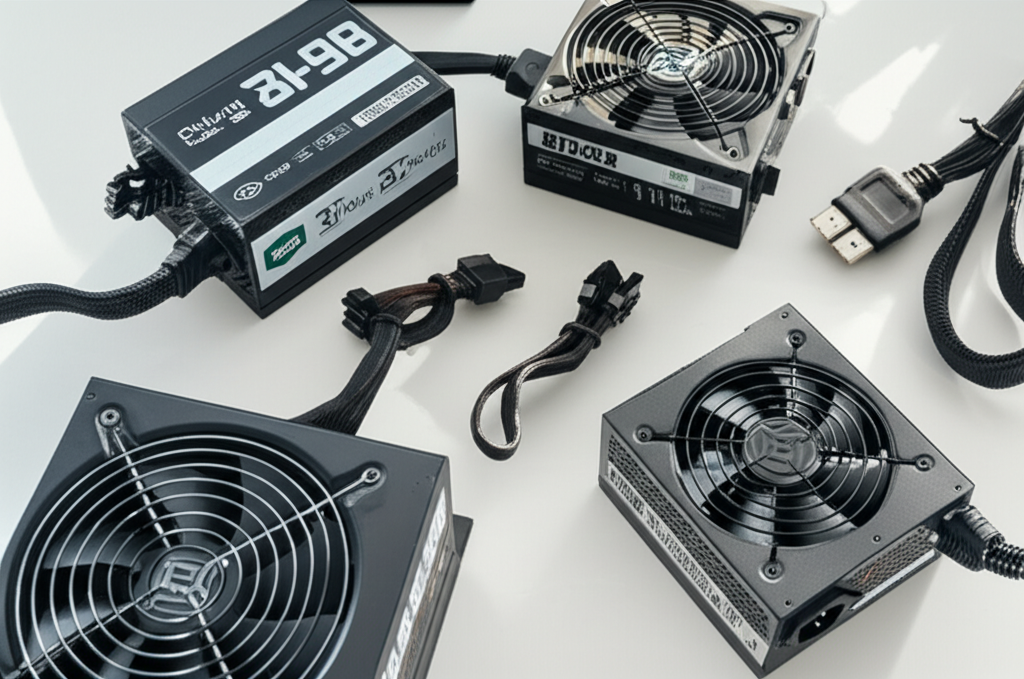
PSUs aren’t 100% efficient; they convert AC power from your wall to DC power for your PC, and some energy is lost as heat during this process. The 80 Plus certification program tests PSUs to ensure they meet certain efficiency levels at different load percentages.
Here’s a quick rundown of the common 80 Plus ratings:
| Rating | Efficiency at 20% Load | Efficiency at 50% Load | Efficiency at 100% Load |
|---|---|---|---|
| 80 Plus Standard | 80% | 80% | 80% |
| 80 Plus Bronze | 82% | 85% | 82% |
| 80 Plus Silver | 85% | 88% | 85% |
| 80 Plus Gold | 87% | 90% | 87% |
| 80 Plus Platinum | 90% | 92% | 89% |
| 80 Plus Titanium | 92% | 94% | 90% |
Higher efficiency means less wasted energy, lower electricity bills, and less heat generated. For most users, 80 Plus Bronze is the minimum acceptable standard, while 80 Plus Gold offers a fantastic balance of efficiency and cost.
Form Factor: Does it Fit?
PSUs come in different sizes, or form factors, to fit various PC cases. The most common for desktop PCs is ATX. Smaller form factors like SFX (Small Form Factor) are used in compact builds and are often more expensive due to their specialized design and smaller components.
Ensure the PSU you choose matches the form factor supported by your PC case. For most standard builds, ATX is what you’ll need.
How Much to Spend on a PSU: A Beginner’s Guide
Now, let’s get to the budget. The cost of a PSU is influenced by its wattage, efficiency rating, brand reputation, modularity, and build quality.
Entry-Level Builds (Basic Office/Home Use)
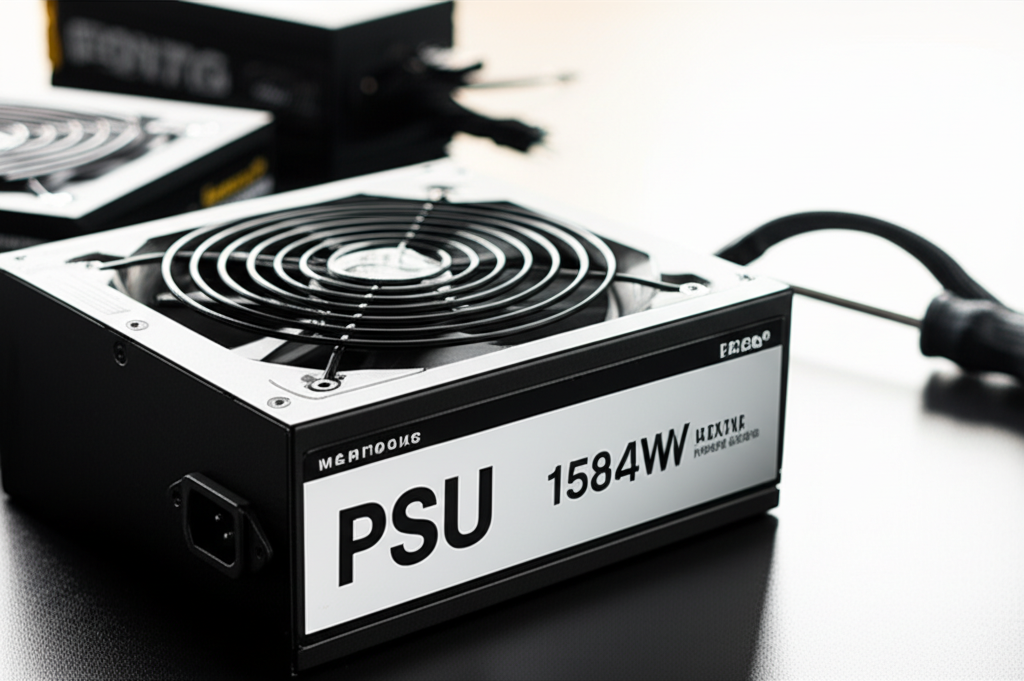
If your PC is primarily for web browsing, email, word processing, and light media consumption, you won’t need a powerhouse PSU. These builds typically have lower-power CPUs and integrated graphics (no dedicated graphics card).
- Estimated Cost: $40 – $70
- Recommended Wattage: 350W – 500W
- Efficiency: 80 Plus Standard or Bronze
At this price point, you can find reliable PSUs from reputable brands. It’s still crucial to opt for at least an 80 Plus Bronze rating to ensure reasonable efficiency and component protection. Don’t be tempted by unbranded, ultra-cheap options, as they often cut corners on safety and reliability.
Mid-Range Builds (General Gaming/Everyday Use)
This is where most PC builders fall. Whether you’re building a PC for casual gaming, moderate multitasking, or creative work like photo editing, you’ll need a bit more power and better quality.
- Estimated Cost: $70 – $120
- Recommended Wattage: 500W – 750W
- Efficiency: 80 Plus Bronze or Gold
This budget allows you to purchase a quality PSU that can comfortably power a mid-range CPU and a dedicated graphics card. An 80 Plus Gold rating becomes a very attractive option here, offering excellent efficiency and often indicating better internal components. Semi-modular or fully modular PSUs (where you only connect the cables you need) are also common in this range, making cable management much easier.
Performance/Gaming Builds (High-End Gaming/Demanding Tasks)
If you’re building a PC for high-fidelity gaming, demanding video editing, 3D rendering, or live streaming, your components will draw significantly more power. This is where investing in a robust PSU becomes non-negotiable.
- Estimated Cost: $120 – $200+
- Recommended Wattage: 750W – 1000W+
- Efficiency: 80 Plus Gold, Platinum, or Titanium
High-end builds require PSUs with higher wattage to support powerful CPUs and top-tier GPUs. These PSUs often feature superior build quality, more advanced ripple suppression for cleaner power, and longer warranties. Fully modular designs are standard, and higher efficiency ratings (Gold, Platinum) are highly recommended to handle the significant power draw efficiently and quietly.
Factors Influencing PSU Price Beyond Wattage and Efficiency
While wattage and efficiency are primary drivers of cost, several other features can affect a PSU’s price tag:
Modularity
- Non-Modular: All cables are permanently attached. Cheaper, but makes cable management difficult and can restrict airflow.
- Semi-Modular: Essential cables (like the 24-pin ATX and CPU power) are fixed, while others (like PCIe and SATA power) are detachable. Offers a good balance of cost and ease of use.
- Fully-Modular: All cables are detachable. Easiest for cable management and airflow, but typically the most expensive.
For beginners building mid-range to high-end PCs, semi-modular or fully-modular PSUs are highly recommended for a cleaner build and better airflow.
Brand Reputation and Quality
Established PSU manufacturers like Seasonic, Corsair, EVGA, Cooler Master, and be quiet! generally command higher prices because they are known for reliability, quality components, and robust testing. Cheaper, lesser-known brands might offer similar wattage at a lower price, but often compromise on internal component quality and safety features.
Reputable brands often back their products with longer warranties, sometimes 5-10 years, which is a good indicator of their confidence in the product’s longevity.
Warranty Length
A longer warranty period (5, 7, or even 10 years) usually signifies a manufacturer’s confidence in the PSU’s durability. This can be a valuable indicator of quality and can offer peace of mind, especially for higher-priced units.
Build Quality and Features
Higher-end PSUs may include features like:
- Japanese capacitors (known for durability and reliability)
- FDB (Fluid Dynamic Bearing) fans for quieter operation
- Advanced protection circuitry (OCP, OVP, UVP, SCP, OPP, OTP)
- Fanless modes at low loads
These premium features contribute to a higher price but also enhance longevity, reliability, and user experience.
A Practical Example: Budgeting for a Gaming PC
Let’s imagine you’re building a mid-range gaming PC. You’ve chosen a CPU like an AMD Ryzen 5 5600X and a graphics card like an NVIDIA GeForce RTX 3060 Ti. Using a PSU calculator (like the one on PCPartPicker or OuterVision), you estimate your system’s total recommended PSU wattage to be around 550W.
Here’s how your PSU budget might look:
| Option | Estimated Cost | Wattage | Efficiency | Modularity | Pros | Cons |
|---|---|---|---|---|---|---|
| Budget Pick | $60 – $80 | 550W – 600W | 80 Plus Bronze | Non-Modular or Semi-Modular | Affordable, meets basic needs. | May lack premium features, potentially lower build quality. |
| Recommended Pick | $80 – $120 | 600W – 750W | 80 Plus Gold | Semi-Modular or Fully-Modular | Excellent balance of price, performance, and efficiency. Easier cable management. | Slightly higher upfront cost. |
| Premium Pick | $120 – $150+ | 750W | 80 Plus Gold/Platinum | Fully-Modular | Top-tier components, very quiet, easy cable management, longer warranty. | Higher cost, might be overkill for this specific build (but great for future upgrades). |
For this scenario, spending between $80 and $120 on a 600W-750W 80 Plus Gold, semi-modular or fully-modular PSU from a reputable brand would be the sweet spot. It provides enough power, excellent efficiency, easier building experience, and room for future upgrades without breaking the bank.
If you were planning to add a more powerful GPU later or overclock your CPU, you’d lean towards the higher wattage and potentially a slightly higher budget.
Pro Tip: Don’t Skimp on the PSU
It’s tempting to save money by buying a cheaper PSU, especially when you’re excited about a new graphics card or CPU. However, the PSU is the foundation of your system’s stability and longevity. Think of it as an investment in protecting all your other components. A good PSU can last through multiple PC upgrades, making its initial cost worthwhile.
Should You Future-Proof Your PSU?
Future-proofing is a smart strategy, especially with PSUs. Components tend to become more power-hungry over time, and having a PSU with more wattage than you currently need can save you from needing a PSU upgrade when you eventually upgrade other parts of your system.
How to Future-Proof:
- Add Headroom: If your current build needs 550W, consider a 650W or 750W PSU. This gives you room for a more powerful GPU or CPU in the future.
- Invest in Quality: A high-quality PSU from a reputable brand with a good efficiency rating (like Gold or Platinum) is more likely to be compatible with future hardware standards and will likely last longer.
- Consider Modularity: A fully-modular PSU makes future upgrades easier, as you can swap out older cables for new ones if needed and only connect what your new components require.
While you can’t predict the future perfectly, aiming for a PSU that’s one tier up in wattage from your current estimated need and ensuring it has a good efficiency rating and warranty is a solid approach to future-proofing.
Frequently Asked Questions (FAQ)
1. What is the most important factor when choosing a PSU?
While wattage is crucial, reliability and quality are paramount. A PSU from a reputable brand with a good efficiency rating (80 Plus Bronze or better) and a solid warranty is more important than just raw wattage. It ensures your components receive clean, stable power.
2. Can a PSU be too powerful?
Not really. Your components will only draw the power they need. A PSU with a higher wattage than required will simply operate more efficiently and quieter at lower loads and have more headroom for upgrades. It won’t force more power into your components than they can handle.
3. How do I know if my current PSU is failing?
Signs include random shutdowns or reboots during demanding tasks, instability (freezing, blue screens), audible buzzing or clicking from the PSU, or fans not spinning when they should be.
4. What does “modular” mean for a PSU?
Modular PSUs allow you to detach cables you don’t need. Fully modular means all cables are detachable, semi-modular means essential cables are attached, and non-modular means all cables are permanently fixed. Modularity helps with cable management and airflow.
5. Is an 80 Plus Bronze PSU good enough for a gaming PC?
Yes, an 80 Plus Bronze certified PSU is the minimum recommended for most gaming PCs. However, for mid-range to high-end gaming PCs, an 80 Plus Gold PSU is often preferred for better efficiency, less heat, and often higher-quality internal components.
6. How long should a good PSU last?
A quality PSU from a reputable brand, especially one with Japanese capacitors and backed by a 5-10 year warranty, can easily last 7-10 years or even longer under normal operating conditions. They often outlast other components in a PC.
7. Where can I find PSU wattage calculators?
Popular and reliable PSU wattage calculators can be found on websites like PCPartPicker, OuterVision, and the official sites of PSU manufacturers like Cooler Master or Seasonic.
Conclusion: Making the Right PSU Investment
Choosing the right PSU is a critical step in building or upgrading your PC. It’s not just about picking the cheapest option; it’s about finding a balance between cost, performance, and reliability. For most beginners and general users, a budget of $70 to $120 for an 80 Plus Bronze or Gold certified PSU with sufficient wattage is an excellent starting point.
Don’t be afraid to spend a little more on this essential component. A quality PSU protects your investment, ensures stability, and can even contribute to a quieter and more efficient system. By understanding wattage needs, efficiency ratings, and the importance of reputable brands, you can confidently spend your money on a PSU that will serve you reliably for years to come. Happy building!
