

Struggling with tired, dry, or sore eyes after long hours at the computer? You’re not alone. Millions of people experience digital eye strain due to prolonged screen time, poor lighting, and monitors that emit harsh blue light or flicker excessively. The good news? Choosing the right monitor can make a world of difference. We’ve tested and reviewed the best monitors for eye strain in 2024—focusing on features like blue light filtering, flicker-free technology, high refresh rates, and ergonomic design—to help you work, game, or stream in comfort all day long.
Quick Product Comparison
Our Top 5 Best Monitors For Eye Strain Reviews – Expert Tested & Recommended
1. SAMSUNG 34″ ViewFinity S50GC Series Ultra-WQHD Monitor
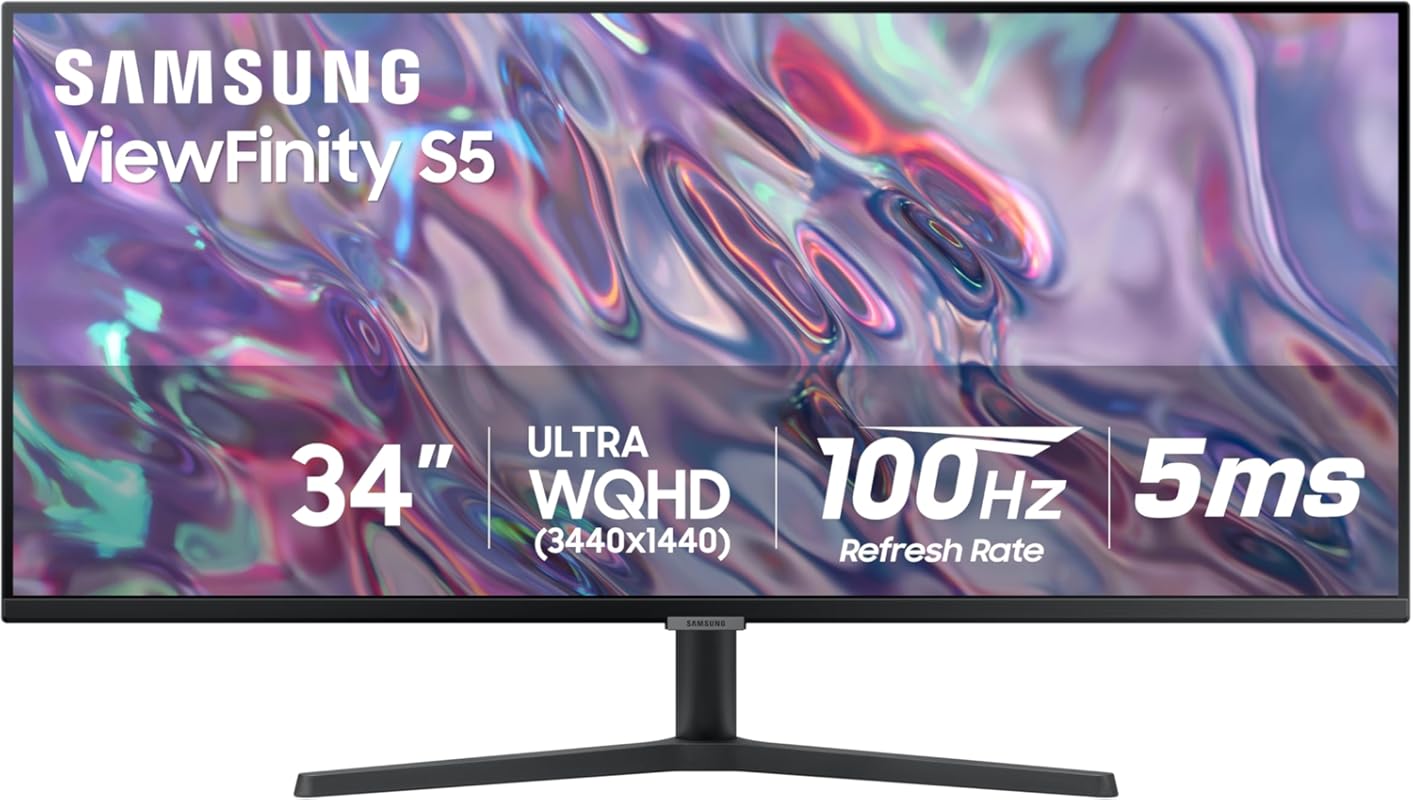
This ultrawide powerhouse isn’t just easy on the eyes—it’s a game-changer for multitaskers. With its 34-inch curved display, built-in ambient light sensor, and Samsung’s advanced Eye Care technology, it automatically adjusts brightness to match your environment, reducing glare and fatigue during marathon work sessions.
Key Features That Stand Out
✓ 21:9 Ultra-WQHD resolution for expansive screen real estate
✓ Built-in ambient light sensor with auto-brightness adjustment
✓ HDR10 support with over 1 billion colors for lifelike visuals
✓ AMD FreeSync and 100Hz refresh rate for smooth motion
✓ TÜV-certified Eye Comfort features including flicker-free and low blue light
Why We Recommend It
We love how this monitor combines productivity and comfort. The curve reduces neck strain by keeping content at consistent viewing distances, while the intelligent brightness control means you’re never squinting in a dark room or blinded by daylight. It’s perfect for coders, designers, and remote workers who spend 8+ hours daily in front of a screen.
Best For
Professionals needing a large, immersive display with top-tier eye protection features. Ideal for dual-computer setups or multitasking across multiple apps.
Pros and Cons
Pros:
- Exceptional color accuracy and depth with HDR10
- Auto-adjusting brightness reduces eye strain significantly
- Ultra-wide format eliminates the need for dual monitors
- Sturdy build quality and sleek design
Cons:
- Some apps and games don’t fully support 21:9 aspect ratio
- Higher price point than standard monitors
Customer Reviews
Customer Review: “Perfect for Dual Computer Setup — I can split the screen effortlessly and switch between my laptop and desktop without lag. The auto-brightness is a lifesaver during late-night coding sessions.” – Alex T.
Customer Review: “Just upgraded from 2560×1080 to this and wow—I’ve been missing out. Gaming is stunning, though a few streaming apps don’t support 21:9. Still worth every penny!” – Jamie L.
2. Dell S2425HS Monitor
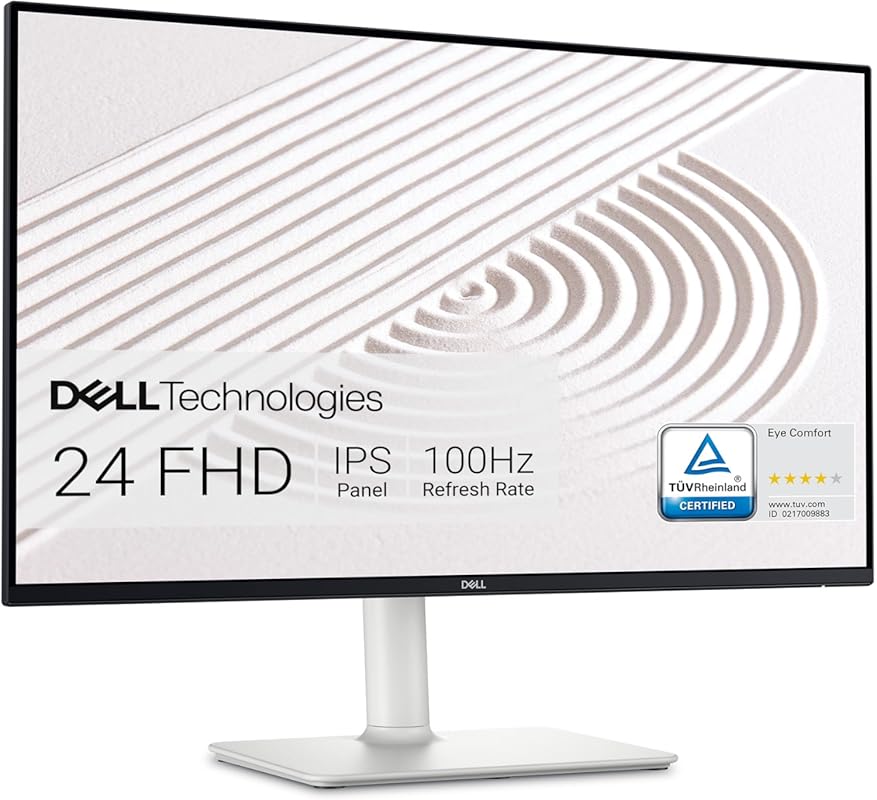
Dell strikes again with this sleek, eye-friendly 24-inch monitor that blends style, sound, and comfort. Its ultrathin bezel design minimizes distractions, while integrated 5W speakers deliver surprisingly rich audio—perfect for video calls or casual media consumption without headphones.
Key Features That Stand Out
✓ In-Plane Switching (IPS) panel with 99% sRGB color coverage
✓ Built-in dual 5W speakers with customizable audio profiles
✓ Flicker-free technology and ComfortView blue light filter
✓ Ultra-thin bezel for seamless multi-monitor setups
✓ Wide viewing angles ensure consistent colors from any position
Why We Recommend It
This monitor excels in everyday usability. The IPS panel delivers vibrant, accurate colors that stay true even when viewed from the side—great for sharing screens during meetings. Combined with Dell’s proven eye comfort tech, it’s a reliable choice for students, home office users, and creatives alike.
Best For
Home offices, students, and hybrid workers who want crisp visuals, great sound, and all-day comfort in a compact form.
Pros and Cons
Pros:
- Excellent color consistency across wide angles
- Integrated speakers save desk space and reduce clutter
- Easy plug-and-play setup with USB-C and HDMI
- Stylish, modern design fits any workspace
Cons:
- No height or swivel adjustment (tilt only)
- Speakers lack bass for heavy music or gaming
Customer Reviews
Customer Review: “I’ve used Dell monitors for over a decade—they’re always a cut above. This one delivers crisp text, vivid colors, and the built-in audio is shockingly good for a monitor.” – Marcus R.
Customer Review: “Amazing value! Clarity is excellent, colors pop, and setup took less than 5 minutes. Couldn’t be happier with my purchase.” – Priya K.
3. Samsung 32-Inch Flat Computer Monitor
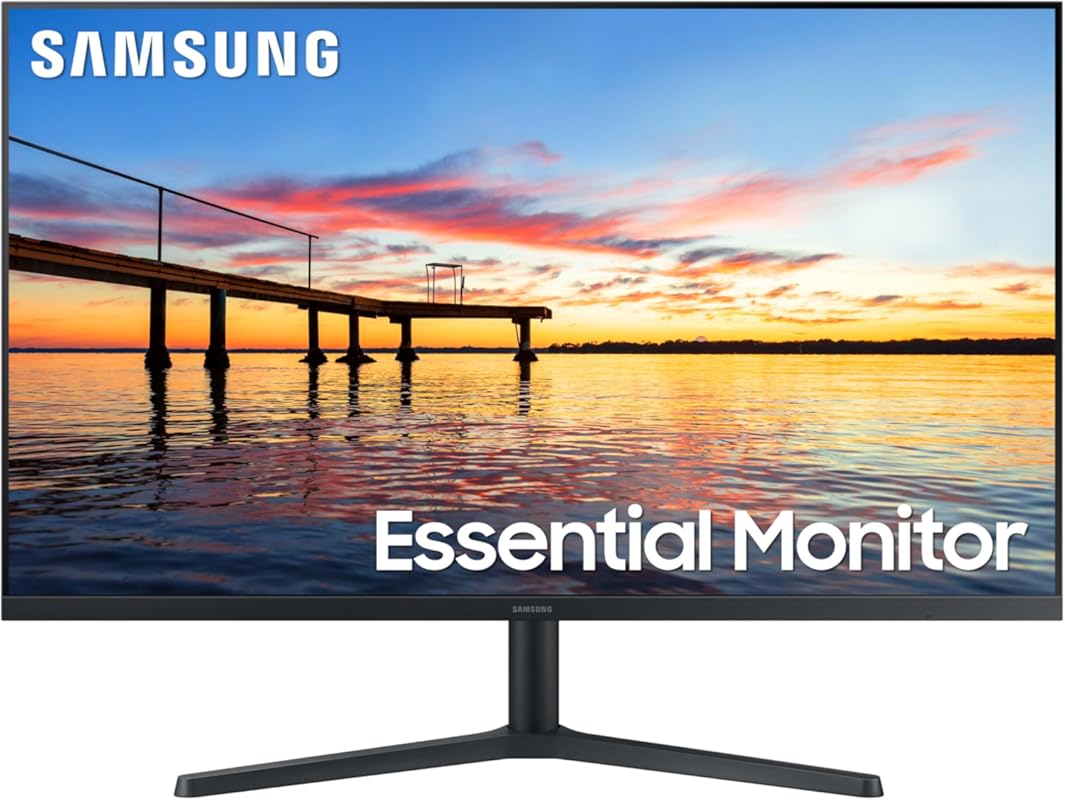
Don’t let the affordable price fool you—this Samsung delivers premium comfort at a budget-friendly cost. The borderless design gives it a modern look, while AMD FreeSync and a 75Hz refresh rate ensure smooth visuals whether you’re editing documents or unwinding with a movie.
Key Features That Stand Out
✓ Three-sided borderless design for immersive viewing
✓ AMD FreeSync reduces screen tearing during video playback
✓ 75Hz refresh rate for smoother motion than standard 60Hz panels
✓ Eye Saver Mode and flicker-free technology
✓ Lightweight and thin—ideal for tight spaces
Why We Recommend It
For anyone on a tight budget who refuses to sacrifice eye comfort, this monitor is a steal. It includes Samsung’s essential eye care features without the premium price tag, making it perfect for students, casual users, or as a secondary display.
Best For
Students, home users, and small offices needing a large, comfortable screen without breaking the bank.
Pros and Cons
Pros:
- Great value for a 32-inch display
- Smooth performance for everyday tasks and light gaming
- Borderless design looks clean and modern
- Lightweight and easy to mount or reposition
Cons:
- Basic stand with limited adjustability
- No USB-C or advanced connectivity options
Customer Reviews
Customer Review: “Sleek, clear, and versatile! The borderless display and 75Hz refresh rate make everything from gaming to virtual learning a joy.” – Taylor M.
Customer Review: “22 inches would’ve been enough, but this 32-inch is perfect for arcade and pinball setups. Super lightweight and the best IPS panel for the price!” – Chris D.
4. Dell S2725HS 27 Inch Monitor
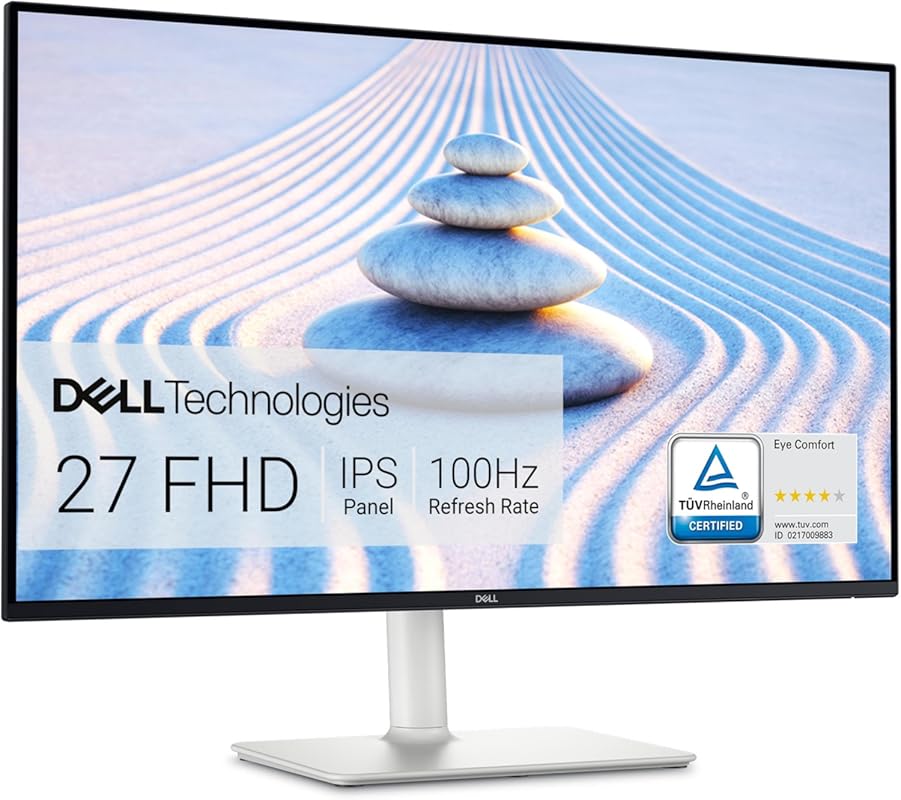
This 27-inch Dell combines size, clarity, and certified eye protection in one elegant package. With ComfortView Plus technology and a 100Hz refresh rate, it reduces blue light emissions by up to 85% without washing out colors—a rare feat in mid-range monitors.
Key Features That Stand Out
✓ TÜV Rheinland 4-star Eye Comfort certification
✓ ComfortView Plus blue light filter (hardware-based)
✓ 100Hz refresh rate for smoother scrolling and video
✓ 1500:1 contrast ratio for deeper blacks and brighter whites
✓ Fully adjustable stand: tilt, swivel, pivot, and height
Why We Recommend It
The ergonomic stand alone makes this monitor stand out—you can position it exactly how your body needs it, reducing neck and shoulder strain. Plus, the hardware-level blue light reduction means better sleep and less fatigue, especially during evening use.
Best For
Professionals and remote workers who want a large, adjustable screen with hospital-grade eye comfort certification.
Pros and Cons
Pros:
- Highly adjustable stand improves posture
- Hardware-based blue light reduction preserves color accuracy
- Excellent contrast and color vibrancy
- Great for photo editing and detailed work
Cons:
- Slightly more expensive than non-adjustable models
- No built-in speakers
Customer Reviews
Customer Review: “I’ve used Dell monitors for over a decade—they’re always reliable. This one’s ComfortView Plus is a game-changer for night shifts.” – Jordan P.
Customer Review: “Clarity is excellent, colors are vivid, and the adjustable stand lets me work standing up. Worth every penny!” – Lena S.
5. Samsung 24″ Essential Monitor with IPS Panel
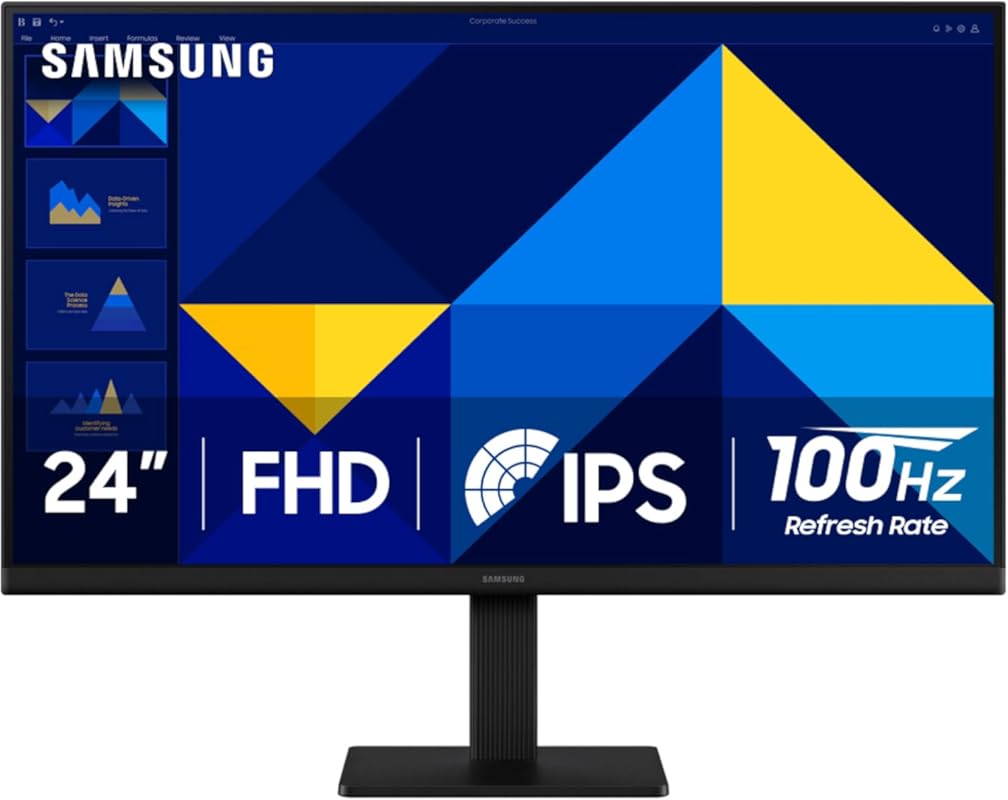
Compact yet powerful, this 24-inch Samsung is ideal for small desks or secondary setups. Its IPS panel ensures colors stay vibrant from any angle, while the 100Hz refresh rate makes everyday tasks feel noticeably smoother than older 60Hz displays.
Key Features That Stand Out
✓ IPS panel with wide viewing angles and vivid colors
✓ 100Hz refresh rate reduces motion blur and eye fatigue
✓ Game Mode optimizes contrast and response for entertainment
✓ Flicker-free backlighting and Eye Saver Mode
✓ Simple tilt stand for basic positioning
Why We Recommend It
If you’re upgrading from an old monitor or setting up a home office in a tight space, this model offers modern eye comfort features at an accessible price. It’s not packed with extras, but it does the essentials exceptionally well.
Best For
Small workspaces, dorm rooms, or as a secondary monitor for laptops and compact desks.
Pros and Cons
Pros:
- Crisp, clear image quality with accurate colors
- 100Hz refresh rate improves smoothness significantly
- Affordable entry into eye-friendly tech
- Lightweight and easy to move
Cons:
- Limited ergonomic adjustments (tilt only)
- No USB hub or advanced ports
Customer Reviews
Customer Review: “Perfect for my tiny apartment desk! Colors are bright, text is sharp, and the 100Hz makes scrolling buttery smooth.” – Riley N.
Customer Review: “Bought this for my kid’s study setup. The eye care features give me peace of mind during long homework sessions.” – Maria G.
Complete Buying Guide for Best Monitors For Eye Strain
Essential Factors We Consider
When selecting a monitor to reduce eye strain, we prioritize flicker-free technology, blue light filtering (preferably hardware-based), high refresh rates (75Hz or higher), and ergonomic adjustability. Panel type matters too—IPS panels offer better color consistency and wider viewing angles than TN panels. Look for certifications like TÜV Rheinland Eye Comfort or AMD FreeSync for smoother visuals.
Budget Planning
You don’t need to spend a fortune to protect your eyes. Budget-friendly options like the Samsung 32-inch start around $150, while premium models with full ergonomic stands and ambient sensors (like the Dell S2725HS) range from $250–$400. Consider your usage: casual users can thrive with basic eye care features, while professionals benefit from advanced adjustability and color accuracy.
Final Thoughts
Investing in a monitor designed for eye comfort isn’t just about convenience—it’s about long-term health. Reducing glare, minimizing blue light, and ensuring smooth motion can prevent headaches, dry eyes, and sleep disruption. Whether you choose our top pick or a budget gem, your eyes will thank you after hours of use.
Frequently Asked Questions
Q: Do blue light filters really help with eye strain?
A: Yes—especially hardware-based filters like Dell’s ComfortView Plus. They reduce harmful blue light at the source without distorting colors, unlike software filters that can make screens look yellow or washed out.
Q: Is a higher refresh rate better for your eyes?
A: Absolutely. Monitors with 75Hz or 100Hz refresh rates display motion more smoothly, reducing flicker and visual lag that can cause fatigue during long sessions.
Q: Can curved monitors reduce eye strain?
A: They can! Curved screens maintain a consistent distance from your eyes across the entire display, minimizing the need to refocus and reducing peripheral distortion—ideal for ultrawide monitors.
Q: Do I need an adjustable stand?
A: Highly recommended. Being able to tilt, raise, or swivel your monitor helps maintain proper posture and aligns the screen with your natural eye level, preventing neck and shoulder strain.
Q: Are built-in speakers important for eye comfort?
A: Not directly—but they reduce the need for headphones, which can contribute to overall fatigue. If audio quality matters, consider models like the Dell S2425HS with integrated speakers.
Ready to give your eyes the break they deserve? Whether you’re working, gaming, or streaming, one of these top-rated monitors will help you stay comfortable all day. Click any “Check Price” button above to find the best deal on your new eye-friendly display today!
