

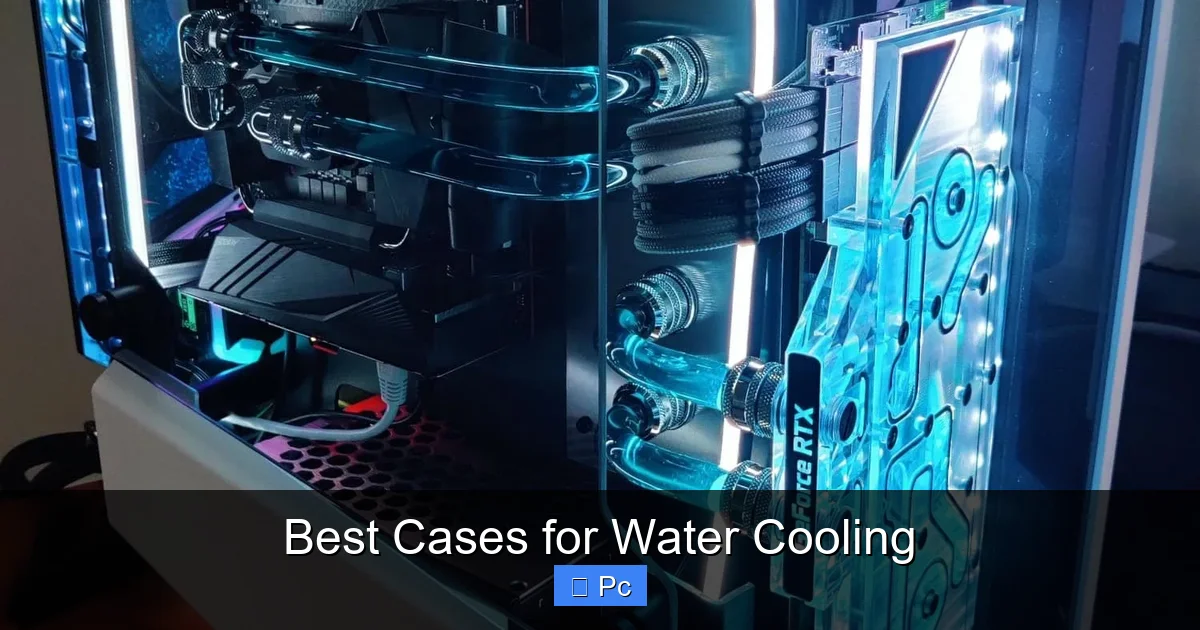
Choosing the right case is crucial for a successful water-cooled PC build. The best cases for water cooling offer ample space, excellent airflow, and dedicated mounting points for radiators, reservoirs, and pumps. Whether you’re building a high-end gaming rig or a silent workstation, the right chassis makes all the difference.
When it comes to building a high-performance PC, few upgrades deliver the same impact as water cooling. Whether you’re chasing extreme overclocks, silent operation, or simply the sleek look of a custom loop, liquid cooling transforms your system from a standard machine into a precision-engineered powerhouse. But here’s the catch: even the most advanced water cooling setup can underperform—or worse, overheat—if it’s housed in the wrong case.
That’s why selecting the best case for water cooling isn’t just a recommendation—it’s a necessity. A good case doesn’t just hold your components; it supports your cooling strategy. It provides the space for radiators, the airflow to dissipate heat, and the cable management to keep everything clean and efficient. Think of it as the foundation of your build. Without a solid base, even the most expensive parts can struggle to reach their full potential.
In this guide, we’ll walk you through everything you need to know about choosing the ideal case for your water-cooled PC. From radiator compatibility to airflow design, we’ll break down the key features that separate a good case from a great one. Whether you’re a first-time builder or a seasoned modder, this article will help you make an informed decision and avoid common pitfalls. Let’s dive in.
Key Takeaways
- Radiator Compatibility: Look for cases that support 240mm, 360mm, or larger radiators, especially if you’re cooling both CPU and GPU.
- Airflow and Ventilation: Mesh front panels and multiple fan mounts improve airflow, essential for maintaining low temperatures in water-cooled systems.
- Cable Management: Clean routing options and ample space behind the motherboard tray help maintain aesthetics and airflow.
- Build Quality and Materials: Durable steel frames with tempered glass panels offer both strength and visual appeal.
- Expandability: Consider future upgrades—cases with room for additional drives, pumps, or custom loops are ideal for enthusiasts.
- Noise Reduction: Some cases include sound-dampening materials to keep your water-cooled system whisper-quiet.
- Budget vs. Performance: High-end cases offer premium features, but mid-range options can still deliver excellent water cooling support.
📑 Table of Contents
Why Case Selection Matters for Water Cooling
Water cooling isn’t just about slapping a radiator on your CPU and calling it a day. It’s a holistic system that relies on balance—between heat generation, dissipation, and airflow. And the case you choose plays a pivotal role in maintaining that balance.
One of the biggest mistakes builders make is assuming that any mid-tower or full-tower case will work for water cooling. That’s simply not true. Water cooling components—especially radiators, reservoirs, and pumps—require specific mounting points and clearance. A case with poor radiator support or cramped internal space can force you into compromises, like using smaller radiators or routing tubes in awkward ways. These compromises can lead to higher temperatures, reduced performance, and even system instability.
For example, if you’re planning a dual-radiator setup—one for the CPU and one for the GPU—you’ll need a case that supports at least two 360mm radiators. That rules out many compact or budget cases right away. Similarly, custom loops with reservoirs and external pumps need extra space and dedicated mounting brackets. Without them, you might end up with a messy, inefficient build that’s hard to maintain.
Another often-overlooked factor is airflow. Water cooling doesn’t eliminate the need for good ventilation. Radiators still need cool air to pass through them, and components like the GPU, VRMs, and SSDs still generate heat. A case with solid panels and limited fan mounts will trap heat inside, reducing the effectiveness of your water cooling system. In contrast, a case with a mesh front panel and multiple fan positions allows for optimal airflow, helping your radiators work more efficiently.
Finally, consider long-term maintenance. Water cooling systems require periodic checks for leaks, coolant changes, and component upgrades. A case with easy access panels, tool-less drive bays, and removable dust filters makes these tasks much simpler. On the other hand, a case with tight spaces and complicated layouts can turn routine maintenance into a frustrating ordeal.
In short, the right case doesn’t just accommodate your water cooling setup—it enhances it. It gives you the flexibility to build, tweak, and upgrade with confidence. So before you invest in expensive water blocks and tubing, take the time to choose a case that’s built for the job.
Top Features to Look for in a Water Cooling Case
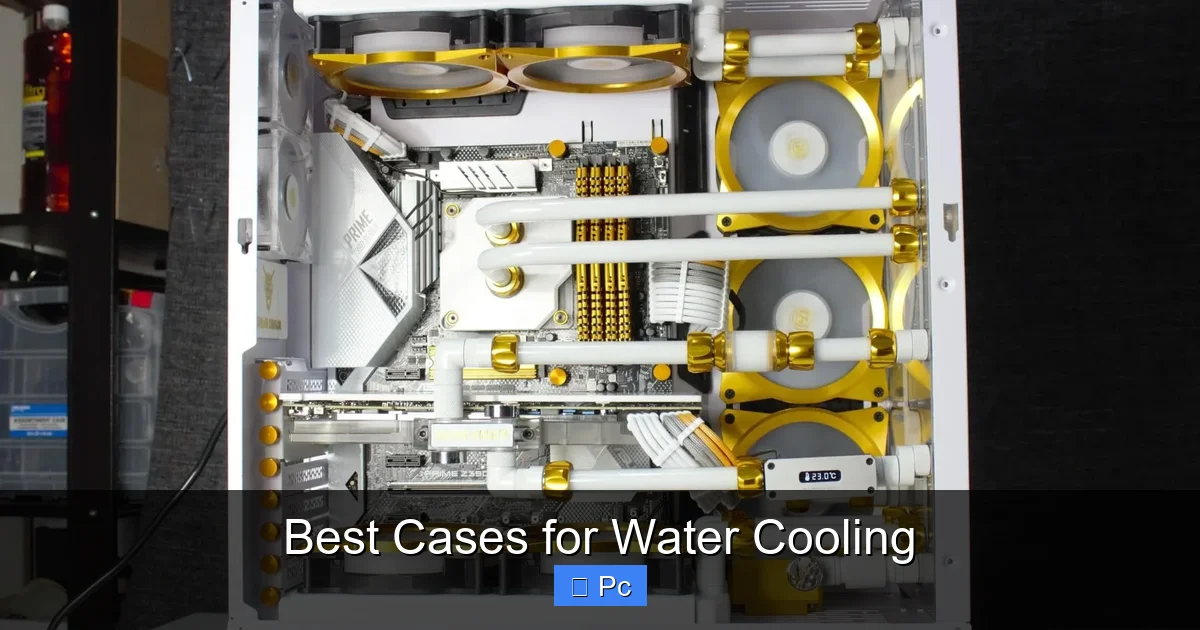
Visual guide about Best Cases for Water Cooling
Image source: voltcave.com
Now that we’ve established why the case matters, let’s talk about what to look for. Not all cases are created equal, and the best ones for water cooling share several key features. Here’s a breakdown of the most important ones.
Radiator Support and Mounting Options
This is the most critical feature for any water-cooled build. Radiators are the heart of your cooling system, and they need to be mounted securely and in the right position. Look for cases that support multiple radiator sizes—especially 240mm, 280mm, and 360mm. These are the standard sizes for most AIO (all-in-one) coolers and custom loops.
Pay attention to where the radiators can be mounted. Top, front, and rear mounts are common, but some cases also offer side or bottom mounts. Top mounting is ideal for exhaust, as it allows hot air to rise and exit the case naturally. Front mounting is great for intake, especially if the case has a mesh front panel. However, front-mounted radiators can restrict airflow to the GPU, so it’s a trade-off.
Also, check the thickness support. Some cases can accommodate thick radiators (up to 60mm or more), while others are limited to standard 25–30mm models. If you’re using high-performance radiators with dense fins, you’ll need that extra clearance.
Airflow and Ventilation Design
Even with water cooling, airflow remains essential. Radiators need cool air to function, and other components still generate heat. A case with poor airflow will cause your system to run hotter, reducing the effectiveness of your cooling setup.
Look for cases with mesh front panels instead of solid ones. Mesh allows more air to enter the case, improving overall ventilation. Cases like the Fractal Design Meshify C or the Lian Li Lancool III are excellent examples of airflow-focused designs.
Also, consider the number and placement of fan mounts. A good water cooling case should have at least three to four fan positions—front, top, rear, and sometimes side or bottom. This gives you flexibility to create a balanced airflow pattern: intake at the front and bottom, exhaust at the top and rear.
Cable Management and Interior Space
Water cooling adds complexity to your build, with tubing, pumps, and reservoirs taking up space. A cluttered interior not only looks messy but can also restrict airflow and make maintenance difficult.
Choose a case with ample space behind the motherboard tray for routing cables. Look for grommets, Velcro straps, and tie-down points to keep everything tidy. Some high-end cases even include dedicated channels for water cooling tubes.
Also, check the clearance around the motherboard and GPU. You’ll need room for water blocks, which are often taller than stock coolers. Similarly, ensure there’s enough space above the motherboard for a top-mounted radiator and fans.
Build Quality and Materials
A sturdy case protects your investment. Look for cases made from steel frames with aluminum or tempered glass side panels. Tempered glass is great for showing off your build, but make sure it’s thick enough (at least 4mm) to avoid cracking.
Avoid flimsy materials or cases with weak hinges and latches. These can break over time, especially if you frequently open the case for maintenance. Also, check the weight—lighter cases may be cheaper, but they often sacrifice durability.
Expandability and Future-Proofing
Water cooling is often a long-term commitment. You might start with a simple AIO cooler but later upgrade to a custom loop with dual radiators, a reservoir, and a D5 pump. Choose a case that can grow with your ambitions.
Look for extra drive bays, pump/reservoir mounting brackets, and room for additional fans or radiators. Some cases even include built-in fan controllers or RGB lighting hubs, which can simplify your setup.
Best Full-Tower Cases for Water Cooling
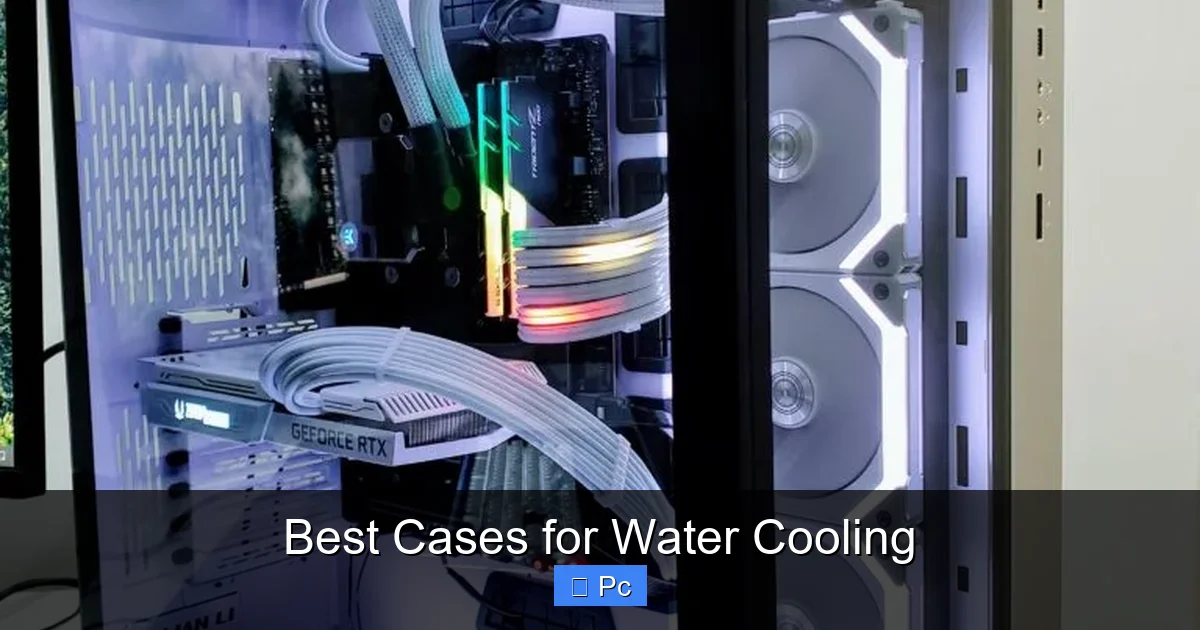
Visual guide about Best Cases for Water Cooling
Image source: tech4gamers.com
Full-tower cases are the go-to choice for serious water cooling enthusiasts. They offer the most space, the best radiator support, and the highest level of customization. If you’re building a high-end gaming rig, a workstation, or a showpiece PC, these cases are worth considering.
Lian Li PC-O11 Dynamic XL
The Lian Li PC-O11 Dynamic XL is a favorite among water cooling builders. It features a dual-chamber design, with the main compartment for components and a separate chamber for the power supply and cables. This keeps the interior clean and improves airflow.
It supports up to three 360mm radiators—front, top, and side—making it ideal for custom loops. The case also includes multiple pump and reservoir mounting options, including a dedicated bracket on the back panel. With its tempered glass panels and aluminum frame, it’s both stylish and durable.
One downside is the price—it’s one of the more expensive cases on the market. But for builders who want maximum flexibility and a clean aesthetic, it’s hard to beat.
Phanteks Enthoo Pro 2
The Phanteks Enthoo Pro 2 is a versatile full-tower case with excellent water cooling support. It can accommodate up to four radiators, including a 420mm front mount and a 360mm top mount. It also has a removable motherboard tray, making installation and maintenance easier.
The case includes a built-in fan controller and RGB lighting hub, which simplifies cable management. The front panel is fully mesh, ensuring great airflow. It’s also relatively affordable for a full-tower case, making it a great value option.
Corsair Obsidian 1000D
If you’re building a dual-system PC or a massive custom loop, the Corsair Obsidian 1000D is in a league of its own. It’s one of the largest cases available, supporting up to eight radiators and dual motherboards.
It includes multiple pump and reservoir mounts, as well as a built-in fan controller and RGB lighting. The case is built like a tank, with a steel frame and tempered glass panels. However, it’s also heavy and expensive, so it’s best suited for extreme builds.
Best Mid-Tower Cases for Water Cooling
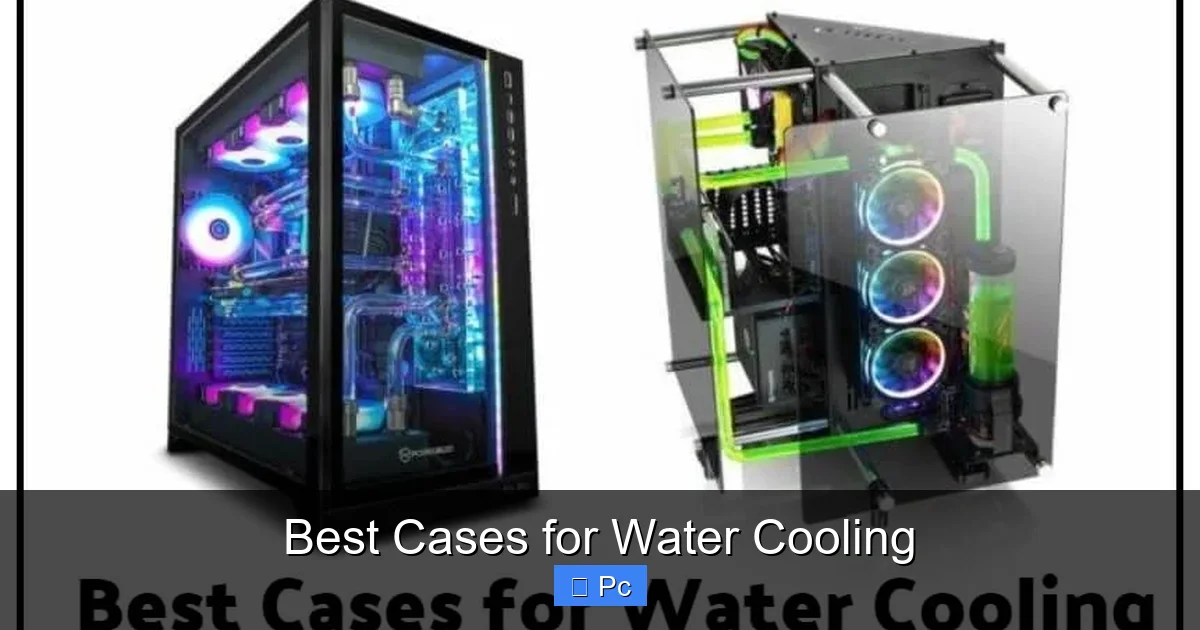
Visual guide about Best Cases for Water Cooling
Image source: electronicshub.org
Not everyone needs a full-tower case. Mid-tower cases offer a great balance of size, performance, and price, making them ideal for most water-cooled builds. Here are some of the best options.
Fractal Design Meshify C
The Fractal Design Meshify C is a compact mid-tower with excellent airflow and water cooling support. It features a mesh front panel and supports up to a 360mm radiator in the front and a 240mm radiator on top.
The case includes a removable PSU shroud and ample cable management space. It’s also relatively quiet, thanks to sound-dampening materials on the side panels. At under $100, it’s one of the best value cases for water cooling.
Lian Li Lancool III
The Lian Li Lancool III is a modern mid-tower with a focus on airflow and ease of use. It supports up to a 360mm radiator in the front and top, and includes multiple fan mounts and pump/reservoir brackets.
The case features a modular design, with removable drive cages and a rotatable motherboard tray. It also has a built-in fan controller and RGB lighting. With its sleek design and excellent build quality, it’s a top pick for mid-tower water cooling.
NZXT H7 Elite
The NZXT H7 Elite is a premium mid-tower case with a minimalist design and strong water cooling support. It supports up to a 360mm radiator in the front and top, and includes a built-in fan controller and RGB lighting.
The case has a tempered glass side panel and a steel frame, giving it a high-end look. It also includes sound-dampening materials and excellent cable management options. While it’s on the pricier side, it’s a great choice for builders who want style and performance.
Budget-Friendly Options That Still Deliver
You don’t need to spend a fortune to get a great water cooling case. Several budget-friendly options offer solid radiator support and good airflow without breaking the bank.
Cooler Master MasterBox TD500 Mesh
The Cooler Master MasterBox TD500 Mesh is a sub-$100 case with a mesh front panel and support for up to a 360mm radiator. It includes three pre-installed ARGB fans and has ample space for cable management.
The case has a tempered glass side panel and a steel frame, giving it a premium look at a budget price. It’s a great option for first-time water cooling builders.
Phanteks Eclipse P400A
The Phanteks Eclipse P400A is another affordable case with excellent airflow. It features a mesh front panel and supports up to a 360mm radiator in the front and top.
The case includes two pre-installed fans and has good cable management options. It’s also available in a digital version with RGB lighting. At around $80, it’s a solid choice for budget-conscious builders.
Custom Loop Considerations
If you’re planning a custom water cooling loop, your case needs to support more than just radiators. You’ll also need space for a reservoir, pump, and tubing.
Look for cases with dedicated pump and reservoir mounts. Some cases include brackets on the back panel or inside the PSU shroud. Others have removable drive cages that can be replaced with reservoir mounts.
Also, consider the tubing routing. You’ll need enough space to route tubes from the pump to the radiator, CPU block, and GPU block without kinking or restricting flow. Cases with wide channels and grommets make this easier.
Finally, think about maintenance. Custom loops require periodic checks for leaks and coolant changes. Choose a case with easy access panels and removable dust filters to simplify these tasks.
Conclusion
Choosing the best case for water cooling is about more than just looks—it’s about performance, flexibility, and long-term usability. The right case supports your radiators, improves airflow, and makes maintenance a breeze. Whether you’re building a compact mid-tower or a massive full-tower rig, there’s a case out there that fits your needs.
From the Lian Li PC-O11 Dynamic XL to the budget-friendly Cooler Master MasterBox TD500 Mesh, the options are plentiful. Focus on radiator support, airflow, and build quality, and you’ll be well on your way to a successful water-cooled build.
Remember, your case is the foundation of your system. Invest wisely, and your water cooling setup will reward you with lower temperatures, quieter operation, and stunning visuals.
Frequently Asked Questions
Can I use any PC case for water cooling?
No, not all cases are suitable for water cooling. You need a case with proper radiator support, good airflow, and enough space for components like pumps and reservoirs. Check the specifications before buying.
What size radiator do I need for water cooling?
It depends on your components and cooling needs. A 240mm radiator is good for a CPU-only setup, while a 360mm radiator is better for CPU and GPU cooling. Larger radiators offer better performance but require more space.
Do I need a full-tower case for water cooling?
Not necessarily. Many mid-tower cases support water cooling well, especially if you’re using AIO coolers. Full-tower cases are better for custom loops with multiple radiators and components.
How important is airflow in a water-cooled case?
Very important. Radiators need cool air to function, and other components still generate heat. A case with a mesh front panel and multiple fan mounts ensures optimal airflow.
Can I install a water cooling system in a small form factor case?
It’s possible, but challenging. SFF cases have limited space and radiator support. Look for models specifically designed for water cooling, like the Lian Li Q500 or the NZXT H1.
What’s the difference between AIO and custom water cooling?
AIO (all-in-one) coolers are pre-built and easy to install, while custom loops are built from individual components and offer better performance and customization. Custom loops require more maintenance and expertise.
