

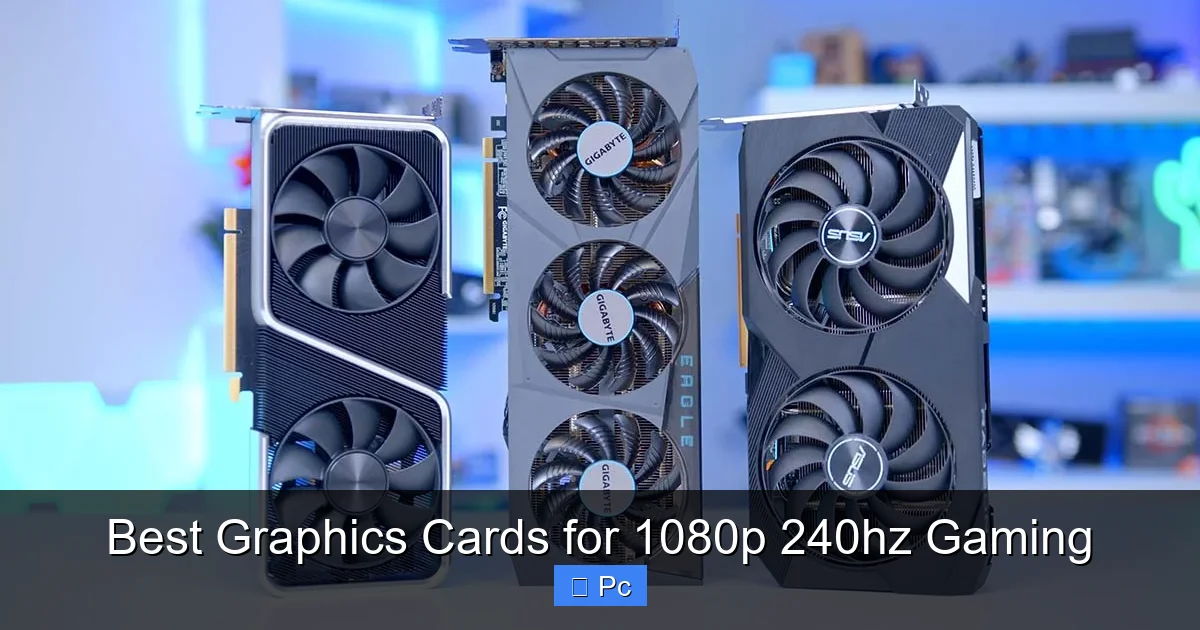
If you’re chasing buttery-smooth gameplay at 1080p with a 240Hz monitor, the right graphics card is essential. This guide breaks down the top GPUs that deliver consistent high frame rates, low input lag, and excellent value—perfect for competitive gamers and performance enthusiasts alike.
Key Takeaways
- AMD and NVIDIA dominate the 1080p 240Hz space: Both brands offer excellent options, with NVIDIA often leading in driver stability and AMD excelling in raw performance per dollar.
- Look for at least 8GB of VRAM: Modern games and high-refresh gaming benefit from ample memory to avoid stuttering and texture issues.
- Prioritize high frame rate consistency: A GPU that averages 200+ FPS with minimal dips ensures a smooth experience on 240Hz displays.
- Power efficiency matters: High-FPS gaming can be power-hungry; efficient cards run cooler and quieter, improving longevity.
- Future-proofing is smart: Even at 1080p, a slightly stronger GPU helps with upcoming game demands and potential monitor upgrades.
- Cooling and build quality count: Well-designed coolers and durable components ensure stable performance during long gaming sessions.
- Price-to-performance ratio is key: You don’t need a $1,000 card to crush 1080p 240Hz—several mid-range options deliver exceptional value.
📑 Table of Contents
- Why 1080p 240Hz Gaming Demands the Right Graphics Card
- Top Graphics Cards for 1080p 240Hz Gaming in 2024
- What to Look for in a 1080p 240Hz Graphics Card
- Esports vs. AAA Gaming: Matching Your GPU to Your Playstyle
- Future-Proofing Your 1080p 240Hz Setup
- Final Thoughts: Building the Ultimate 1080p 240Hz Gaming Rig
Why 1080p 240Hz Gaming Demands the Right Graphics Card
If you’ve ever watched a pro gamer dominate in Valorant, CS2, or Apex Legends with lightning-fast reflexes, you’ve seen the power of high refresh rate gaming. A 240Hz monitor refreshes the screen 240 times per second—four times faster than a standard 60Hz display. That means smoother motion, less motion blur, and a serious competitive edge. But here’s the catch: to actually *see* those benefits, your graphics card needs to keep up.
Most casual gamers are happy with 60 or 144 FPS, but competitive players demand more. At 240Hz, you want your GPU pumping out frame rates that match or exceed your monitor’s refresh rate. Otherwise, you’re not getting the full benefit of that expensive display. This is where choosing the right graphics card becomes critical. It’s not just about raw power—it’s about consistency, responsiveness, and efficiency.
The Sweet Spot for 1080p 240Hz
The ideal GPU for 1080p 240Hz gaming should consistently deliver 200+ FPS in popular esports titles and maintain high frame rates in demanding AAA games—even if you have to tweak a few settings. You don’t need a flagship RTX 4090 to hit these numbers, but you also can’t get away with a budget card from five years ago. The sweet spot lies in mid-to-high-tier modern GPUs that balance performance, price, and power consumption.
For example, in games like Fortnite, Overwatch 2, or Rainbow Six Siege, a good 1080p 240Hz GPU should easily push 250–300 FPS on high settings. In more demanding titles like Cyberpunk 2077 or Starfield, you might need to lower some visual effects, but the goal is still to stay above 144 FPS for smooth gameplay. The key is finding a card that doesn’t just peak high but maintains those frame rates without stuttering or thermal throttling.
Top Graphics Cards for 1080p 240Hz Gaming in 2024
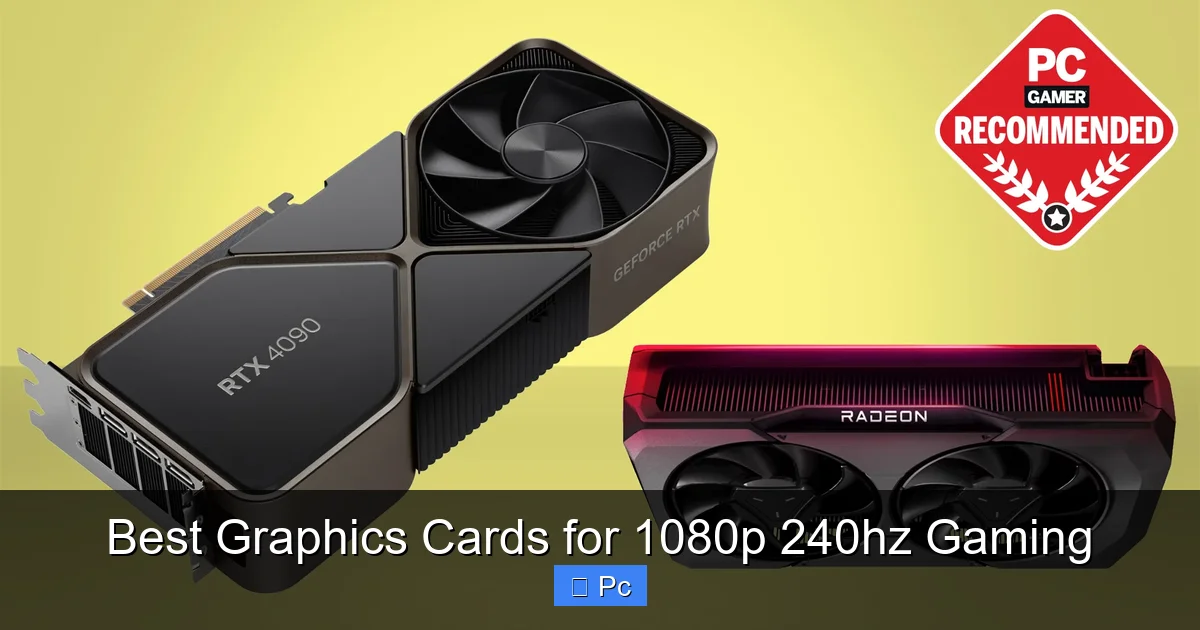
Visual guide about Best Graphics Cards for 1080p 240hz Gaming
Image source: cdn.mos.cms.futurecdn.net
Let’s dive into the best graphics cards that deliver exceptional performance at 1080p with 240Hz refresh rates. These picks are based on real-world benchmarks, price-to-performance ratios, and reliability. Whether you’re building a new PC or upgrading your current rig, these GPUs will keep you ahead of the curve.
NVIDIA GeForce RTX 4070
The RTX 4070 is one of the most balanced cards for 1080p 240Hz gaming. With 12GB of GDDR6X memory and NVIDIA’s efficient Ada Lovelace architecture, it delivers excellent frame rates in both esports and AAA titles. In games like CS2 or Valorant, it easily hits 300+ FPS, and even in demanding games like Hogwarts Legacy, you can expect 100–140 FPS on high settings with DLSS enabled.
One of the biggest advantages of the RTX 4070 is its power efficiency. It typically draws around 200 watts, which is significantly less than older high-end cards. This means lower electricity bills, less heat, and quieter operation. Plus, features like DLSS 3 with Frame Generation can boost performance in supported games, giving you an extra FPS boost when needed.
If you’re into streaming or content creation, the RTX 4070 also includes a powerful NVENC encoder, allowing you to stream at high quality without sacrificing in-game performance. It’s a great all-around card that’s more than capable of handling 1080p 240Hz gaming with room to grow.
AMD Radeon RX 7800 XT
AMD’s RX 7800 XT is a powerhouse that punches well above its price point. With 16GB of GDDR6 memory and strong rasterization performance, it’s one of the best value picks for high-FPS 1080p gaming. In esports titles, it consistently delivers 250–350 FPS, and in AAA games, it holds steady around 120–160 FPS on high settings.
One of the standout features of the 7800 XT is its large VRAM buffer. While 8GB is the minimum for modern gaming, 16GB gives you peace of mind for future titles and higher-resolution textures. This makes the card a solid investment if you plan to keep your system for several years.
AMD’s FSR (FidelityFX Super Resolution) technology also helps boost frame rates in supported games. While it’s not as advanced as NVIDIA’s DLSS, FSR 3 with Frame Generation is catching up and works well in many titles. The 7800 XT also supports AV1 encoding, which is great for streamers looking to future-proof their setup.
The only downside? It’s a bit more power-hungry than the RTX 4070, drawing around 263 watts under load. Make sure your power supply can handle it, and consider a well-ventilated case to keep temperatures in check.
NVIDIA GeForce RTX 4060 Ti (16GB)
Don’t let the “60” in the name fool you—the RTX 4060 Ti, especially the 16GB variant, is a solid choice for 1080p 240Hz gaming. While it’s not as powerful as the 4070 or 7800 XT, it’s more than capable of hitting high frame rates in most esports and lighter AAA titles.
In games like League of Legends, Dota 2, or Rocket League, the 4060 Ti easily exceeds 300 FPS. Even in more demanding games like Elden Ring or The Witcher 3, you can expect 90–120 FPS on high settings, especially with DLSS enabled. The 16GB of VRAM is a major advantage here, giving you extra headroom for texture-heavy games and future updates.
The RTX 4060 Ti is also incredibly efficient, drawing only about 165 watts. This makes it ideal for smaller builds or systems with limited cooling. It’s also one of the few cards in this range that supports DLSS 3, which can significantly boost performance in compatible games.
If you’re on a tighter budget but still want a card that can handle 240Hz gaming, the 4060 Ti 16GB is a smart pick. Just be aware that it may struggle with maxed-out settings in the most demanding titles.
AMD Radeon RX 7700 XT
The RX 7700 XT is AMD’s answer to the mid-range high-FPS market. With 12GB of GDDR6 memory and strong performance in rasterization, it’s a great alternative to NVIDIA’s offerings. In esports games, it delivers 200–300 FPS, and in AAA titles, it holds around 100–130 FPS on high settings.
One of the strengths of the 7700 XT is its price. It often costs less than the RTX 4070 while offering competitive performance in many games. It also supports FSR 3 and AV1 encoding, making it a solid choice for gamers who want AMD’s ecosystem benefits.
However, it does consume more power than the 4060 Ti—around 245 watts—so ensure your PSU is up to the task. Cooling is also important, as some models can run warm under heavy load. Look for a well-reviewed cooler design if you go this route.
NVIDIA GeForce RTX 4070 Super
For those willing to spend a bit more, the RTX 4070 Super is a fantastic upgrade over the standard 4070. It offers about 15–20% more performance, thanks to additional CUDA cores and higher clock speeds. This translates to even smoother gameplay at 1080p 240Hz, with frame rates often exceeding 300 FPS in esports titles.
The 4070 Super also includes 12GB of GDDR6X memory and full support for DLSS 3 and Frame Generation. This makes it ideal for gamers who want the best of both worlds: high frame rates today and future-proofing for upcoming games.
It’s still relatively power-efficient, drawing around 220 watts, and runs cool thanks to improved cooling solutions from most manufacturers. If you’re building a high-end 1080p gaming rig and want the best NVIDIA experience, the 4070 Super is hard to beat.
What to Look for in a 1080p 240Hz Graphics Card
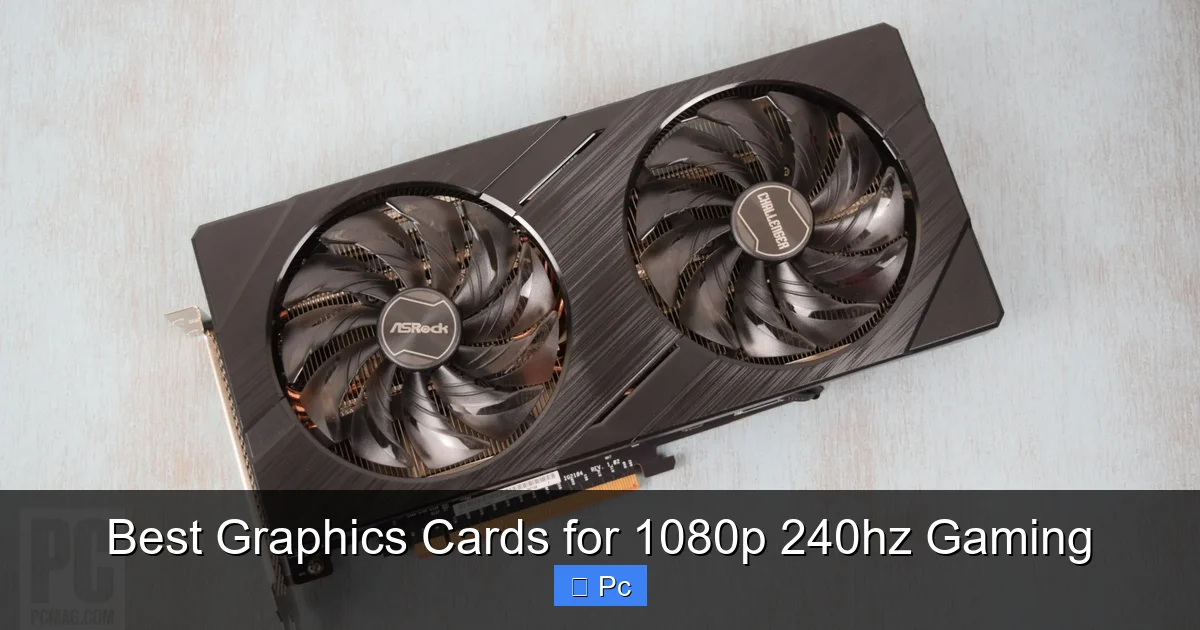
Visual guide about Best Graphics Cards for 1080p 240hz Gaming
Image source: i.pcmag.com
Choosing the right GPU isn’t just about picking the most powerful card on the market. For 1080p 240Hz gaming, you need to consider several factors to ensure you get the best experience without overspending.
Frame Rate Consistency
Raw average FPS is important, but consistency matters even more. A card that averages 250 FPS but dips to 120 during intense scenes will feel choppy on a 240Hz monitor. Look for GPUs with strong 1% and 0.1% low frame rates—these metrics show how well the card handles sudden spikes in demand.
For example, the RTX 4070 and RX 7800 XT both offer excellent frame time consistency, meaning your gameplay feels smooth even during chaotic moments. This is crucial in competitive games where every millisecond counts.
VRAM and Memory Bandwidth
At 1080p, you don’t need massive amounts of VRAM, but 8GB is the bare minimum. Many modern games, especially with high-resolution textures, can use 6–8GB just at 1080p. Going with 12GB or 16GB gives you more headroom and future-proofing.
Memory bandwidth also plays a role. Higher bandwidth allows the GPU to process data faster, which is important for maintaining high frame rates. Cards like the RX 7800 XT and RTX 4070 Super have wide memory buses and fast GDDR6(X) memory, giving them an edge in data-heavy scenarios.
Cooling and Acoustics
High-FPS gaming generates heat. A poorly cooled GPU can throttle performance, leading to frame rate drops and reduced lifespan. Look for cards with robust cooling solutions—dual or triple-fan designs, large heatsinks, and vapor chambers.
Also consider noise levels. Some cards sound like jet engines under load, which can be distracting during long sessions. Brands like ASUS, MSI, and Sapphire often offer quieter coolers with good thermal performance.
Power Consumption and PSU Requirements
High-performance GPUs need power. Check the recommended PSU wattage for your chosen card. The RTX 4060 Ti needs a 550W PSU, while the RX 7800 XT recommends 700W. Make sure your power supply is reliable and has the right connectors (usually 8-pin or 16-pin PCIe).
Efficiency also affects long-term costs. A more efficient card uses less electricity and runs cooler, saving you money and reducing wear on your system.
Driver Support and Software Features
NVIDIA and AMD both offer strong driver support, but NVIDIA tends to have more consistent updates and better optimization for new games. Features like NVIDIA Reflex reduce input lag, which is a huge advantage in competitive gaming.
AMD’s Adrenalin software is also excellent, with easy tuning, performance monitoring, and streaming tools. Both brands support HDR, variable refresh rate (G-Sync and FreeSync), and upscaling technologies.
Esports vs. AAA Gaming: Matching Your GPU to Your Playstyle
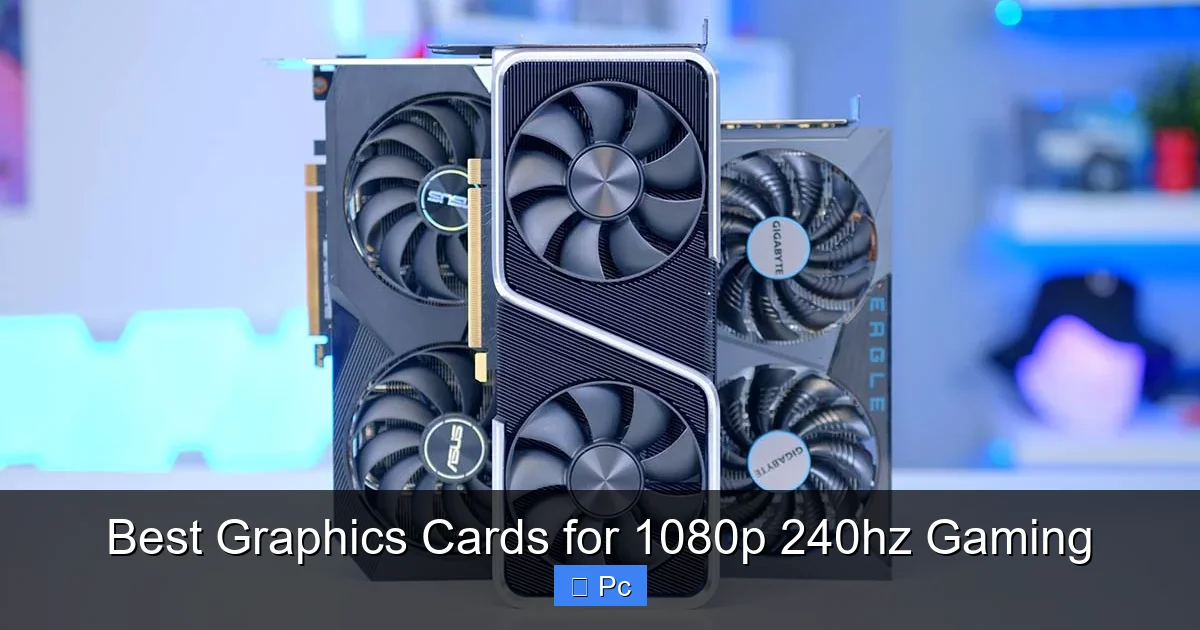
Visual guide about Best Graphics Cards for 1080p 240hz Gaming
Image source: geekawhat.com
Not all gamers have the same needs. If you primarily play fast-paced esports titles, your GPU requirements will differ from someone who enjoys story-driven AAA games. Let’s break it down.
Esports and Competitive Titles
Games like CS2, Valorant, Overwatch 2, and Apex Legends are optimized for high frame rates. They’re less demanding on the GPU but benefit greatly from high FPS and low input lag. For these games, even mid-range cards like the RTX 4060 Ti or RX 7600 can easily exceed 240 FPS.
However, if you want maximum performance and future-proofing, stepping up to the RTX 4070 or RX 7800 XT ensures you’ll stay ahead as games evolve. These cards also handle multitasking better—great if you stream or run Discord while gaming.
AAA and Single-Player Games
For games like Cyberpunk 2077, Starfield, or Assassin’s Creed Valhalla, you’ll need more GPU power. These titles are graphically intense and can struggle to maintain high frame rates even at 1080p.
Here, the RTX 4070 Super or RX 7800 XT shine. With DLSS or FSR enabled, you can boost performance significantly while maintaining visual quality. The extra VRAM also helps with texture loading and reduces stuttering in open-world games.
If you play a mix of both, aim for a balanced card like the RTX 4070 or RX 7700 XT. They offer strong performance across the board without breaking the bank.
Future-Proofing Your 1080p 240Hz Setup
Even though you’re gaming at 1080p today, it’s smart to think about the future. Game developers are pushing graphical boundaries, and new technologies like ray tracing and AI upscaling are becoming standard.
Upgradability and Monitor Plans
If you plan to upgrade to a 1440p or 4K monitor in the next few years, investing in a stronger GPU now saves you from needing another upgrade soon. The RTX 4070 or RX 7800 XT can handle 1440p gaming comfortably, giving you flexibility down the line.
Even if you stick with 1080p, newer games may demand more from your system. A card with 12GB+ VRAM and modern architecture will last longer and perform better over time.
Ray Tracing and Upscaling
Ray tracing adds realism but kills frame rates. If you want to enable it without sacrificing performance, look for cards with strong RT cores (NVIDIA) or ray accelerators (AMD). The RTX 4070 and 4070 Super handle ray tracing well, especially with DLSS.
Upscaling technologies like DLSS 3 and FSR 3 are game-changers. They let you render games at lower resolutions and upscale them to 1080p, boosting FPS without a noticeable drop in quality. This is especially useful for maintaining 240Hz in demanding titles.
Final Thoughts: Building the Ultimate 1080p 240Hz Gaming Rig
Choosing the best graphics card for 1080p 240Hz gaming comes down to balancing performance, price, and your specific needs. Whether you’re a competitive esports player or a casual gamer who loves smooth visuals, there’s a GPU out there that fits your budget and playstyle.
The RTX 4070 and RX 7800 XT stand out as top-tier options, offering excellent performance, efficiency, and future-proofing. For tighter budgets, the RTX 4060 Ti 16GB and RX 7700 XT deliver impressive frame rates without overspending. And if you want the absolute best, the RTX 4070 Super is a near-perfect blend of power and efficiency.
Remember, your GPU is just one part of the equation. Pair it with a fast CPU (like an Intel Core i5-13600K or AMD Ryzen 7 7700X), 16–32GB of DDR5 RAM, and a high-quality 240Hz monitor to get the full experience. With the right setup, you’ll enjoy buttery-smooth gameplay, lightning-fast response times, and a serious edge in every match.
Frequently Asked Questions
What graphics card is best for 1080p 240Hz gaming?
The NVIDIA RTX 4070 and AMD RX 7800 XT are among the best for 1080p 240Hz gaming. Both deliver consistent high frame rates, excellent efficiency, and strong future-proofing.
Do I need 16GB of VRAM for 1080p gaming?
While 8GB is the minimum, 12GB or 16GB is recommended for future-proofing and handling high-resolution textures in modern games.
Can a budget GPU handle 240Hz gaming?
Yes, cards like the RTX 4060 Ti or RX 7600 can hit 240+ FPS in esports titles, but may struggle in demanding AAA games without lowering settings.
Is DLSS or FSR better for high frame rates?
DLSS (NVIDIA) generally offers better image quality and performance, but FSR (AMD) is improving and works on both AMD and NVIDIA cards.
How important is cooling for a 240Hz gaming GPU?
Very important. Good cooling prevents thermal throttling, maintains performance, and extends the card’s lifespan during long gaming sessions.
Should I upgrade my PSU for a high-FPS GPU?
Yes, if your current PSU doesn’t meet the recommended wattage or lacks the necessary PCIe power connectors. A reliable 650W–750W PSU is ideal for most high-FPS builds.
