

Setting up a dual monitor configuration can dramatically boost your productivity, whether you’re multitasking between spreadsheets and emails, editing videos, gaming, or simply enjoying more screen real estate. But not all monitors are created equal—especially when you need two that work seamlessly together. After extensive testing and research, we’ve narrowed down the best monitors for dual setup based on display quality, ergonomics, connectivity, and value. Whether you’re building a home office, upgrading your gaming rig, or optimizing a creative workspace, this list has something for everyone.
Quick Product Comparison
Our Top 5 Best Monitors For Dual Setup Reviews – Expert Tested & Recommended
1. Dell 23.8-Inch FHD Monitor with 100Hz Refresh Rate and Eye Comfort Certification
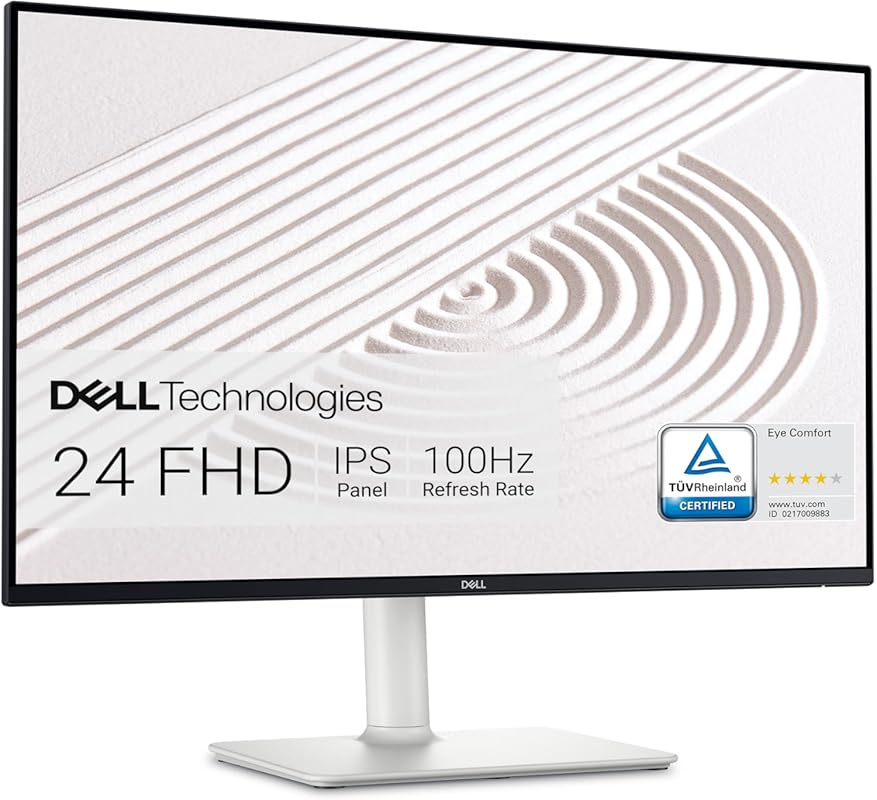
This Dell 23.8-inch monitor is a standout pick for anyone building a reliable dual setup. With a crisp Full HD display, smooth 100Hz refresh rate, and built-in eye comfort certification, it delivers both performance and long-term usability. The ultrathin bezels make it ideal for side-by-side use, minimizing distractions and maximizing screen continuity.
Key Features That Stand Out
- ✓ 100Hz refresh rate for smoother motion in videos and light gaming
- ✓ TÜV Rheinland Eye Comfort certification reduces eye strain during long sessions
- ✓ Integrated dual 5W speakers with customizable audio profiles
- ✓ 99% sRGB color coverage with IPS panel for accurate, vibrant colors
- ✓ Ultra-thin bezel design perfect for seamless dual-monitor alignment
Why We Recommend It
Dell has long been trusted for office and professional use, and this model continues that legacy. It’s not flashy, but it’s dependable, well-built, and optimized for productivity. The combination of visual clarity, audio quality, and eye-care tech makes it ideal for 8+ hour workdays.
Best For
Professionals, remote workers, students, and anyone needing a reliable, no-frills monitor for dual-screen productivity.
Pros and Cons
Pros:
- Crisp FHD resolution with excellent color accuracy
- Smooth 100Hz performance beyond standard 60Hz
- Built-in speakers save desk space and reduce cable clutter
- Eye comfort features help reduce fatigue
Cons:
- Limited adjustability (tilt only, no height or swivel)
- No USB-C connectivity
Customer Reviews
Customer Review: “Gosh, where to even begin? I’ve been using Dell Monitors for over a decade now – regardless of what brand PC system I was using. I’ve always found Dell monitors to be a cut above, given what you spend. Over the past week, one of the audio components that I had on a shelf directly above my previous…”
Customer Review: “This monitor is an amazing value for all of its features! Clarity is excellent. Vivid bright colors with very clear images, and great sound built in. Could not be more impressed! Very easy to connect, simply plug in and go.”
2. Samsung 27″ Essential S3 Series FHD 1800R Curved Computer Monitor, 100Hz, Game Mode, Advanced Ey…
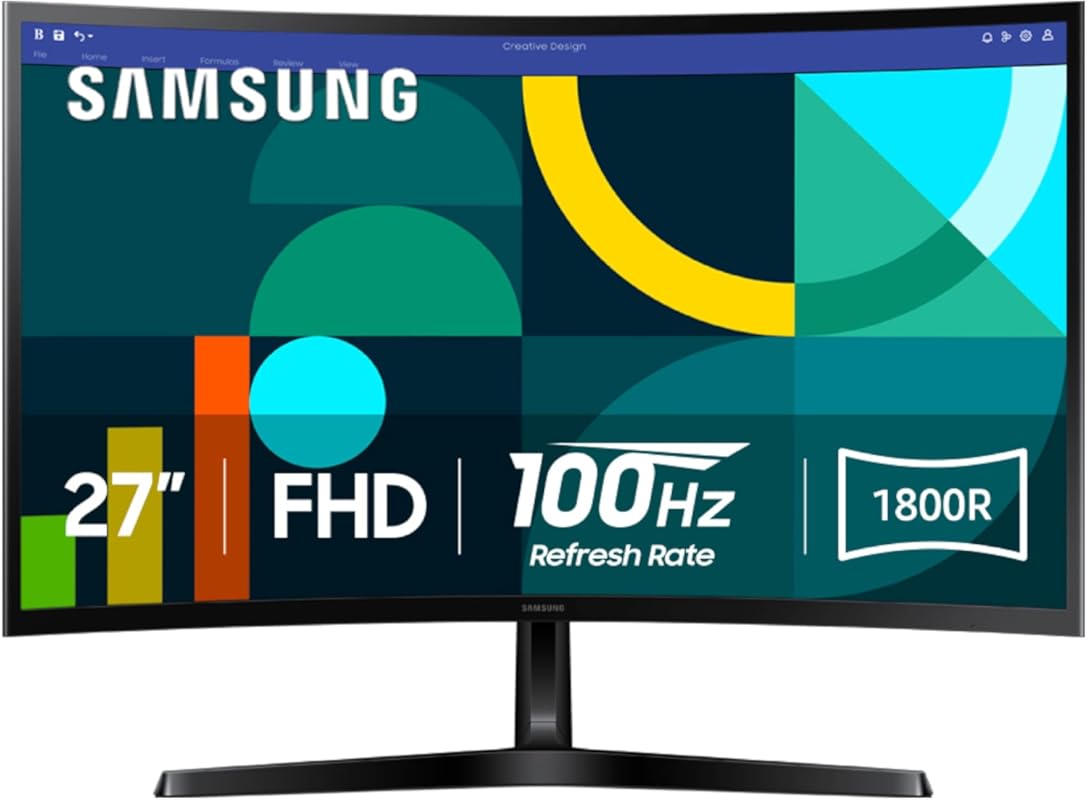
The Samsung Essential S3 brings immersive curvature and smooth performance to your dual setup. Its 1800R curve wraps gently around your field of vision, reducing eye movement and creating a more natural viewing experience. With a 100Hz refresh rate and Game Mode, it’s great for both work and play.
Key Features That Stand Out
- ✓ 1800R curvature for immersive, comfortable viewing
- ✓ 100Hz refresh rate reduces motion blur in fast content
- ✓ Game Mode optimizes contrast and color for gaming
- ✓ Advanced Eye Saver Mode minimizes blue light exposure
- ✓ Slim bezel design enhances multi-monitor symmetry
Why We Recommend It
Samsung nails the balance between affordability and premium feel. The curve isn’t overdone—it’s subtle enough for productivity but adds enough immersion to make long sessions more comfortable. It’s also surprisingly compact for a 27-inch screen, saving valuable desk space.
Best For
Home office users, casual gamers, and content creators who want a curved upgrade without breaking the bank.
Pros and Cons
Pros:
- Comfortable curved design reduces eye strain
- Smooth 100Hz performance for fluid visuals
- Game Mode enhances entertainment experiences
- Compact footprint despite large screen size
Cons:
- Limited tilt adjustment only
- No built-in speakers
Customer Reviews
Customer Review: “These monitors are a game changer for my home office. Huge upgrade from the standard size and the curve is perfect. Like other others have said the tilt was a problem so I did end up putting them on a desk mount. Set up is very easy and HDMI cables provided worked well. Great product for the price.”
Customer Review: “Great monitor. Sharp images and small bezel. I love the curved screen. Samsung got it right. It an ever so slight curve. It does not take up any additional space on your desktop. I don’t know about being immersive, but it certainly is comfortable to view. My only wish was that it had a microphone in”
3. Dell S2725DS Monitor
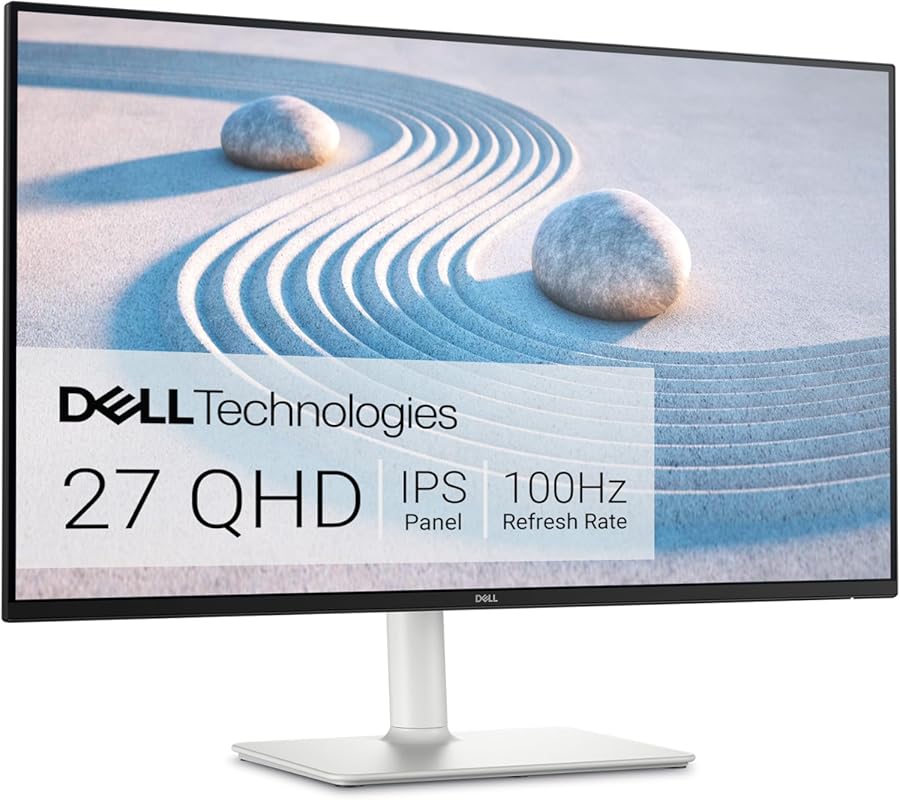
If you’re ready to leave 1080p behind, the Dell S2725DS offers stunning QHD resolution at a surprisingly affordable price. With 2560×1440 pixels, you get 1.77x more detail than Full HD—perfect for multitasking across windows. Plus, it’s TÜV Rheinland 4-star eye comfort certified, making it easy on the eyes during long work sessions.
Key Features That Stand Out
- ✓ QHD (2560×1440) resolution for sharper text and images
- ✓ TÜV Rheinland 4-Star Eye Comfort certification
- ✓ 27-inch IPS panel with wide viewing angles
- ✓ Slim bezel design ideal for dual setups
- ✓ Built-in dual 5W speakers with rich audio output
Why We Recommend It
This monitor proves you don’t need to spend a fortune to get premium features. The jump from FHD to QHD is dramatic—especially when using two screens—and the eye comfort tech makes it sustainable for daily use. It’s a smart investment for anyone upgrading their workspace.
Best For
Budget-conscious professionals, students, and remote workers ready to upgrade to higher resolution without overspending.
Pros and Cons
Pros:
- Excellent QHD clarity for detailed work
- Top-tier eye comfort certification
- Great built-in audio quality
- Solid build and sleek design
Cons:
- No height or swivel adjustment
- Lacks USB-C or advanced gaming features
Customer Reviews
Customer Review: “Decided to finally ditch 1080P and I wish that I have done it sooner. This is a great monitor. It is bright and the colors are really nice. It looks good from the box, but I needed to do a little tweaking to get it similar to my Wacom Cintiq for consistency…pretty close. It might take some time ge”
Customer Review: “Excellent 27-inch monitor with sharp, vibrant display and smooth performance. Great for work, browsing, and light gaming. Slim bezels, solid build quality, and easy setup. Comfortable for long hour”
4. ViewSonic VA2256-MHD_H2 Dual Pack Head-Only 1080p IPS Monitors with FreeSync, HDMI, DisplayPort a…
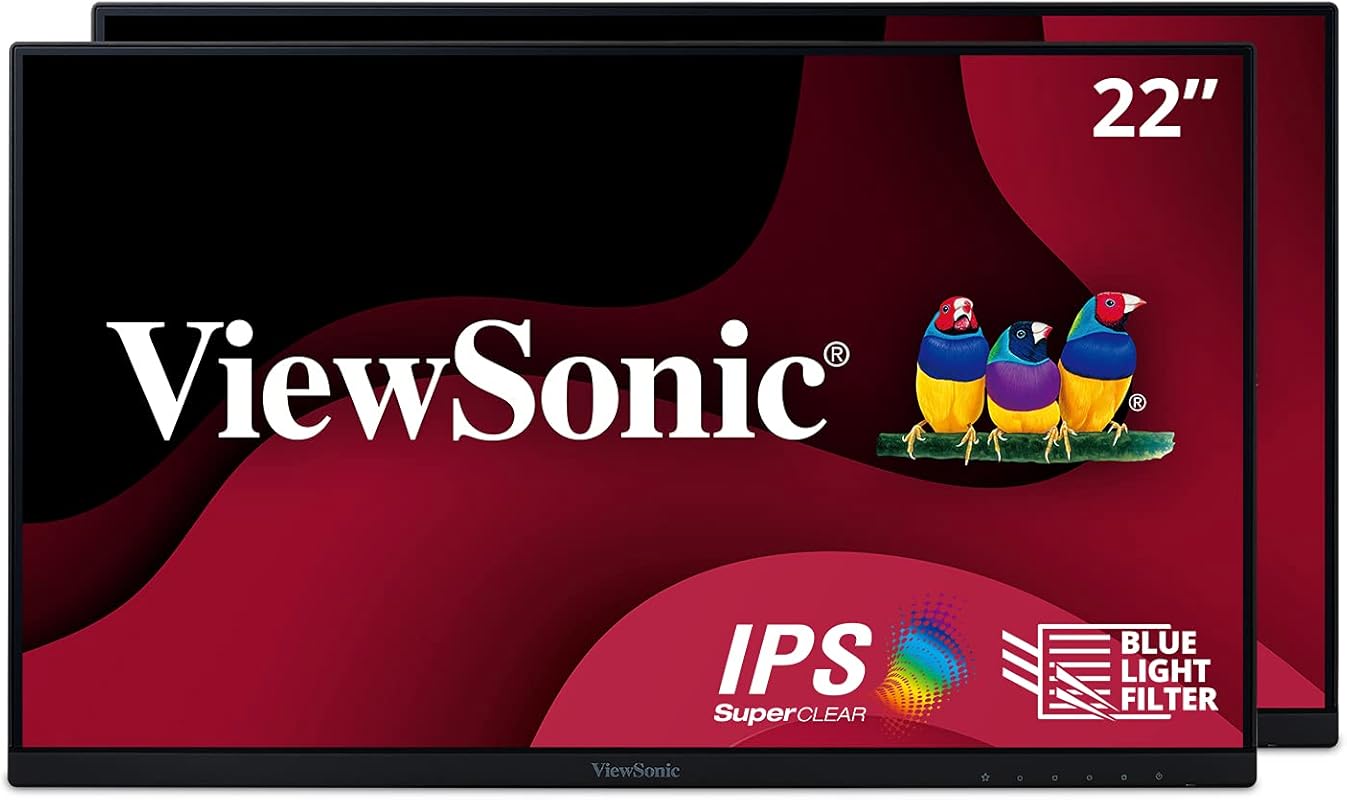
Need two monitors fast? The ViewSonic VA2256-MHD_H2 comes as a ready-to-use dual pack—just add stands or arms. These 22-inch Full HD IPS panels feature thin bezels, FreeSync support, and multiple connectivity options. Sold head-only, they’re perfect for mounting on arms or stands for a clean, clutter-free dual setup.
Key Features That Stand Out
- ✓ Sold as a dual pack—ideal for immediate dual-screen use
- ✓ Full HD IPS panels with accurate colors and wide viewing angles
- ✓ FreeSync support reduces screen tearing in games
- ✓ Flicker-Free and Blue Light Filter technologies
- ✓ HDMI, DisplayPort, and VGA inputs for versatile connectivity
Why We Recommend It
This is one of the few monitors actually sold in a dual pack, saving you the hassle of matching models. The head-only design gives you flexibility in mounting, and the inclusion of FreeSync makes them surprisingly capable for light gaming. Great value for the price.
Best For
Users who want a matched pair of monitors for office work, light gaming, or multi-display setups without the guesswork.
Pros and Cons
Pros:
- Convenient dual-pack packaging
- Multiple video inputs (HDMI, DisplayPort, VGA)
- Eye-care features reduce fatigue
- Thin bezels enhance dual-screen aesthetics
Cons:
- No built-in speakers
- Basic stand not included—requires VESA mount or arm
Customer Reviews
Customer Review: “Great 24″ monitor has all 3 video connectors VGA, HDMI and Display Port. Fits perfectly on my desk. Bright, clear image with excellent contrast. Auto-detects video source. No need to adjust from the factory setting.”
Customer Review: “Great monitor for the price. I have this set up on a monitor stand & attached to my MacBook Air for multi use monitors. The functionality is great, screen size is perfect for viewing as well as video & audio editing. Easy to set up & compatible with my MacBook Air with a quick connection & cable. Li”
5. HUANUO Dual Monitor Stand for 13–32 Inch Screens with Full Motion Adjustability
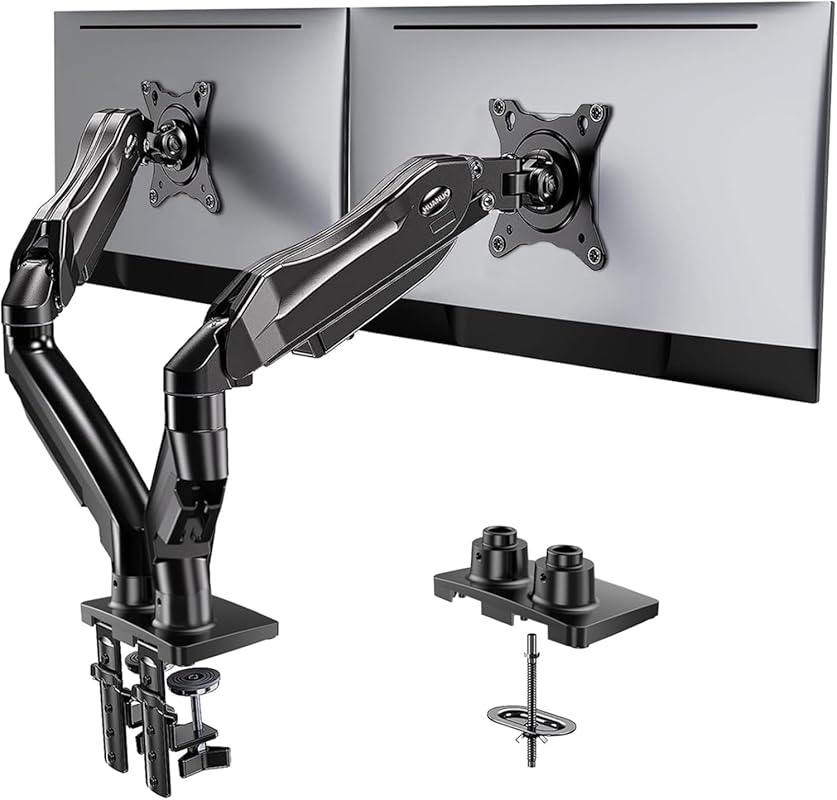
Not a monitor—but essential for any serious dual setup. The HUANUO Dual Monitor Stand supports two screens from 13 to 32 inches with full motion adjustability: tilt, swivel, rotate, and height adjustment. Its dual C-clamp design ensures stability, while the gas spring arms allow smooth, tool-free positioning.
Key Features That Stand Out
- ✓ Supports two monitors from 13″ to 32″ (up to 22 lbs each)
- ✓ Full motion adjustability: tilt, swivel, rotate, and height
- ✓ Dual C-clamp + gusseted base for maximum stability
- ✓ Gas spring arms for smooth, effortless movement
- ✓ Compatible with wooden desks 0.8″ to 3.3″ thick
Why We Recommend It
A good stand transforms your dual setup from functional to fantastic. This HUANUO model offers premium features usually found in pricier brands—like gas springs and heavy-duty clamps—at a fraction of the cost. It frees up desk space and lets you position screens exactly where you need them.
Best For
Anyone using two monitors who wants better ergonomics, more desk space, and flexible screen positioning.
Pros and Cons
Pros:
- Exceptional build quality for the price
- Smooth, tool-free adjustments
- Frees up valuable desk space
- Easy assembly with included tools
Cons:
- Only compatible with wooden desks
- Requires sufficient desk depth for mounting
Customer Reviews
Customer Review: “This dual-monitor stand was very easy to assemble and lets me adjust the height exactly how I need it. It feels sturdy and well-made, and honestly the quality is much better than I expected for the price. Very affordable, simple to set up, and does exactly what I needed. Definitely recommend!”
Customer Review: “The HUANUO Dual Monitor Stand is easily one of the best upgrades I’ve made to my home office. This stand is an absolute game-changer and deserves every one of these five stars. First off, the setup was incredibly easy and hassle-free. They provide all the necessary tools and hardware right in the bo”
Complete Buying Guide for Best Monitors For Dual Setup
Essential Factors We Consider
When choosing the best monitors for dual setup, we evaluate several key factors: screen size and resolution (larger screens like 27″ with QHD offer more workspace), bezel thickness (thinner bezels create a seamless look), panel type (IPS for color accuracy, VA for contrast), refresh rate (100Hz+ for smoother motion), connectivity options (HDMI, DisplayPort, USB-C), and ergonomic adjustability. Eye comfort certifications and built-in features like speakers or blue light filters also play a big role in long-term usability.
Budget Planning
Dual monitor setups can range from under $200 to over $1,000 depending on your needs. For basic office work, two 22–24″ FHD monitors will suffice. For design, coding, or media work, consider 27″ QHD models. If you’re gaming or doing creative work, look for higher refresh rates and color accuracy. Don’t forget to budget for a monitor arm or stand—like the HUANUO—if your desks lack space or adjustability.
Final Thoughts
A great dual monitor setup boosts efficiency, reduces clutter, and enhances comfort. Whether you go with our Best Choice (Dell 23.8″), Editor’s Choice (Samsung Curved), or the Best Budget QHD option (Dell S2725DS), prioritize matching sizes, resolutions, and bezel styles for a cohesive experience. And if you’re mounting them, invest in a quality stand—it’s worth every penny.
Frequently Asked Questions
Q: Can I mix different monitor brands in a dual setup?
A: Yes, but for the best experience, try to match screen size, resolution, and bezel thickness. Mismatched monitors can look uneven and may require more manual calibration.
Q: Do I need a special graphics card for dual monitors?
A: Most modern GPUs and even integrated graphics support dual displays. Just ensure your ports (HDMI, DisplayPort, etc.) match your monitors’ inputs.
Q: Are curved monitors good for dual setups?
A: Curved monitors like the Samsung S3 work well in dual configurations, especially if both are curved. They reduce eye movement and can feel more immersive—just ensure they’re mounted at the right distance.
Q: Should I buy a monitor stand or use the default ones?
A: If your desk is small or you need flexible positioning, a stand like the HUANUO is highly recommended. Default stands often lack height and swivel adjustments.
Q: Is 1080p enough for dual monitors?
A: It’s fine for basic tasks, but if you multitask heavily or work with detailed content, upgrading to QHD (like the Dell S2725DS) provides significantly sharper text and more screen real estate.
Ready to double your productivity? Whether you’re working, gaming, or creating, the right monitors for dual setup can make all the difference. Click any “Check Price” button above to find the perfect match for your needs—and start enjoying the benefits of expanded screen space today!
