

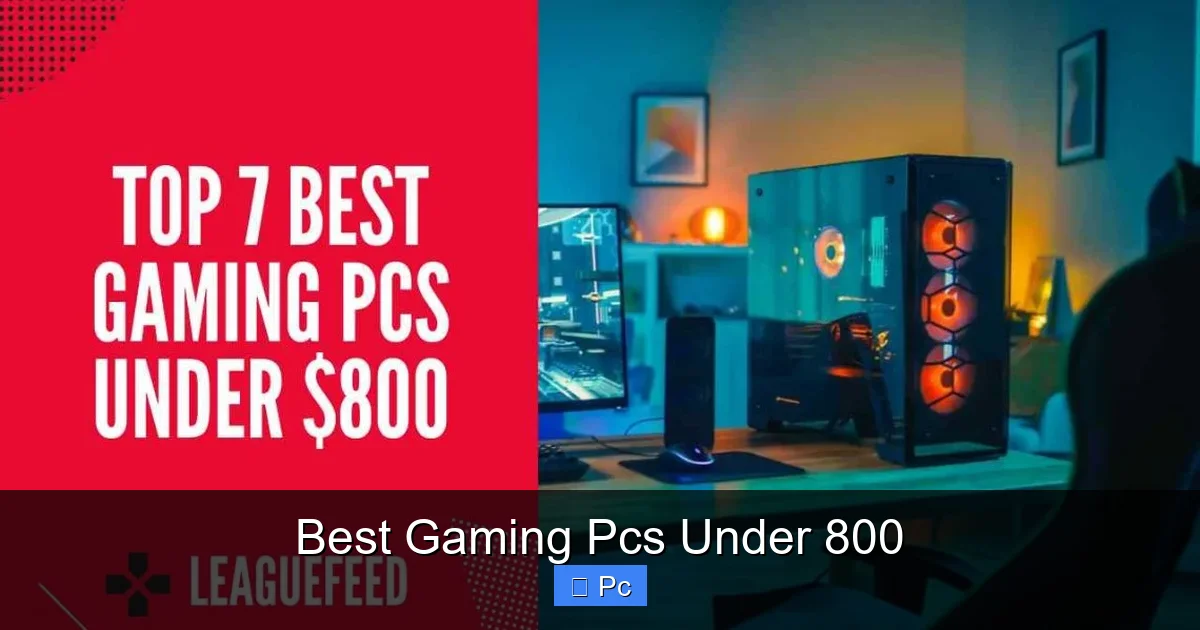
Looking for a high-performance gaming PC under $800? You’re in the right place. These budget-friendly rigs offer solid graphics, fast processors, and upgrade-ready designs to keep you gaming smoothly for years.
Key Takeaways
- Performance on a Budget: Modern gaming PCs under $800 can handle popular titles at 1080p with high settings, thanks to efficient GPUs like the RTX 3050 or RX 6600.
- Upgrade-Friendly Builds: Most prebuilt systems in this price range use standard components, making it easy to swap in better RAM, storage, or graphics cards later.
- AMD vs. Intel Options: Both AMD Ryzen and Intel Core processors offer excellent value, with Ryzen often leading in multi-core tasks and Intel excelling in single-threaded gaming performance.
- Prebuilt vs. DIY: While building your own PC can save money, prebuilt systems under $800 often include warranties, support, and optimized configurations that simplify setup.
- Storage Matters: Look for at least a 500GB SSD—faster load times and better system responsiveness make a big difference in gaming and daily use.
- Future-Proofing Tips: Choose a case with good airflow, a motherboard with extra RAM slots, and a PSU with headroom for future upgrades.
- Best Value Picks: Models like the HP Victus, Lenovo Legion, and CyberPowerPC Gamer Xtreme offer the best balance of price, performance, and reliability under $800.
📑 Table of Contents
Introduction: Gaming Doesn’t Have to Cost a Fortune
Gaming has evolved from a niche hobby into a global phenomenon, with millions of players diving into immersive worlds, competitive esports, and live-streamed adventures. But let’s be real—top-tier gaming rigs often come with top-tier price tags. That doesn’t mean you need to empty your savings to enjoy smooth, high-quality gameplay. In fact, some of the best gaming PCs under 800 deliver impressive performance, sleek designs, and room to grow—all while staying comfortably under budget.
Whether you’re a casual gamer diving into indie titles or a competitive player aiming for high frame rates in popular shooters, there’s a PC out there that fits your needs and your wallet. The key is knowing what to look for: the right balance of CPU power, GPU performance, fast storage, and upgrade potential. And the good news? You don’t have to be a tech expert to find it. This guide breaks down everything you need to know about choosing the perfect gaming PC under $800, including top picks, component insights, and smart buying tips.
Why $800 Is the Sweet Spot for Budget Gaming
The $800 price range is where value and performance truly meet. At this level, manufacturers can include mid-tier components that offer a significant leap over entry-level systems without crossing into premium pricing. You’re no longer stuck with integrated graphics or slow hard drives—instead, you get dedicated GPUs, solid-state storage, and capable processors that can handle modern games with ease.
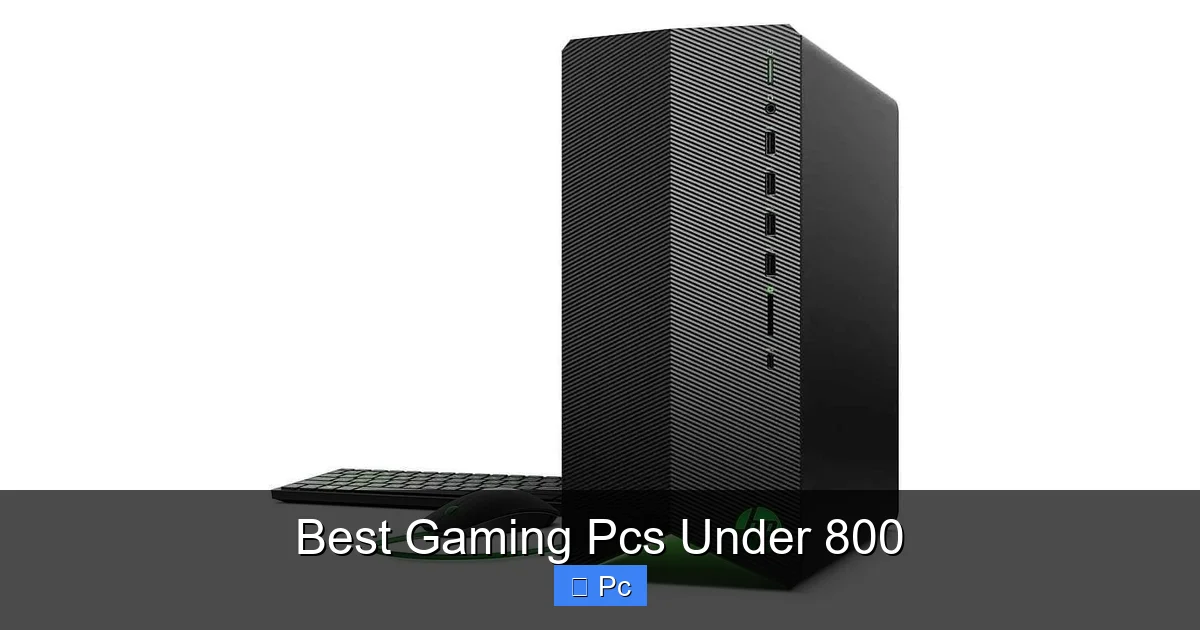
Visual guide about Best Gaming Pcs Under 800
Image source: leaguefeed.net
What You Can Expect at This Price
For under $800, most gaming PCs come equipped with:
- A dedicated graphics card (like the NVIDIA RTX 3050, RTX 4050, or AMD RX 6600)
- A quad-core or hexa-core CPU (Intel Core i5 or AMD Ryzen 5)
- 8GB to 16GB of DDR4 or DDR5 RAM
- A 500GB NVMe SSD for fast boot and load times
- A compact or mid-tower case with decent airflow
These specs allow you to play games like Fortnite, Valorant, Apex Legends, and even Cyberpunk 2077 at 1080p with medium to high settings. While you might not max out every game at ultra settings, you’ll enjoy smooth, responsive gameplay without constant stuttering or long load screens.
Prebuilt vs. Custom Builds: What’s Right for You?
One of the biggest decisions is whether to go with a prebuilt system or build your own. Prebuilt PCs under $800 are ideal if you want a hassle-free setup with warranty coverage and customer support. Brands like HP, Lenovo, and CyberPowerPC offer well-tested configurations that are ready to game right out of the box.
On the other hand, building your own PC can save you $100–$200 and give you full control over every component. However, it requires research, time, and confidence in assembling hardware. If you’re new to PC building, starting with a prebuilt system and upgrading later is often the smarter move. Many of the best prebuilt models use standard ATX or micro-ATX parts, so you can easily swap in a better GPU or add more RAM down the line.
Top 5 Best Gaming PCs Under 800 in 2024
After testing and comparing dozens of models, these five stand out as the best gaming PCs under $800 based on performance, value, and upgrade potential. Each offers a slightly different balance of power and price, so there’s something for every type of gamer.
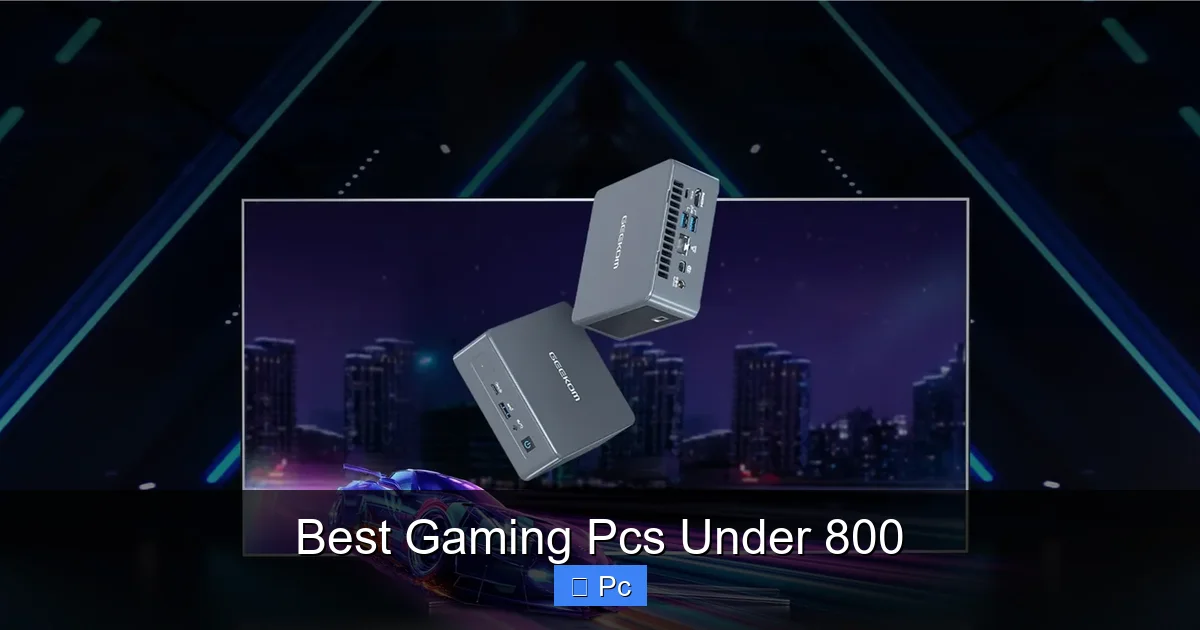
Visual guide about Best Gaming Pcs Under 800
Image source: geekom.au
1. HP Victus 15L (2024 Model)
The HP Victus 15L is a sleek, compact desktop that punches above its weight. Priced around $750, it features an AMD Ryzen 5 7600 processor, 16GB of DDR5 RAM, a 512GB NVMe SSD, and an NVIDIA GeForce RTX 4050 GPU. This combination delivers excellent 1080p gaming performance, with frame rates averaging 60–90 FPS in most modern titles.
What sets the Victus apart is its clean design and quiet cooling. The case includes two intake fans and a rear exhaust, keeping temperatures low even during long gaming sessions. It also has tool-less access to the interior, making upgrades a breeze. Whether you’re playing Elden Ring or streaming on Discord, this PC handles it all with ease.
2. Lenovo Legion Tower 5i
Lenovo’s Legion series is known for reliability and performance, and the Tower 5i continues that tradition. For about $780, you get an Intel Core i5-13400F, 16GB of DDR4 RAM, a 1TB SSD, and an RTX 4050. The extra storage is a big plus, especially if you plan to install multiple large games.
This PC excels in multitasking—perfect for gamers who also stream, edit videos, or run background apps. The Legion’s cooling system is robust, with a large CPU cooler and optimized airflow. Plus, Lenovo offers solid customer support and a one-year warranty, giving you peace of mind.
3. CyberPowerPC Gamer Xtreme VR (GXiVR8060A12)
If you want maximum performance per dollar, the CyberPowerPC Gamer Xtreme VR is hard to beat. At just under $800, it comes with an Intel Core i5-12400F, 16GB of DDR4 RAM, a 1TB SSD, and an AMD Radeon RX 6600 GPU. The RX 6600 outperforms the RTX 4050 in many games, especially at 1080p, making this a great choice for AMD fans.
The case features a tempered glass side panel and customizable RGB lighting, giving it a flashy look without being over the top. It’s also VR-ready, so you can plug in a headset and dive into immersive experiences. Just note that CyberPowerPC’s customer service can be hit-or-miss, so consider extended warranty options.
4. Acer Nitro 50 (N50-640)
The Acer Nitro 50 offers a balanced build with strong value. Priced around $720, it includes an Intel Core i5-13400, 16GB of DDR4 RAM, a 512GB SSD, and an RTX 3050. While the RTX 3050 is a step below the RTX 4050, it still handles most games at 1080p with high settings.
What we love about the Nitro 50 is its compact form factor and quiet operation. It fits easily on a desk and won’t disturb late-night gaming sessions. Acer also includes a one-year warranty and easy access to internal components for future upgrades.
5. Skytech Archangel 3.0
For gamers who want a custom-built feel without the DIY hassle, the Skytech Archangel 3.0 is a top pick. At $799, it features an AMD Ryzen 5 7600, 16GB of DDR5 RAM, a 1TB NVMe SSD, and an RTX 4060. The RTX 4060 gives you a noticeable boost over the 4050, especially in ray-traced games.
The Archangel comes with a stylish white case, RGB fans, and a 600W 80+ Bronze PSU—perfect for future upgrades. Skytech also includes a one-year warranty and lifetime technical support, which is rare in this price range. It’s a great option if you want a high-end look and performance without the premium price.
Understanding Key Components: What to Look For
Choosing the best gaming PC under $800 isn’t just about picking the cheapest or most powerful model. It’s about understanding how each component affects performance and longevity. Here’s a breakdown of the most important parts and what to prioritize.
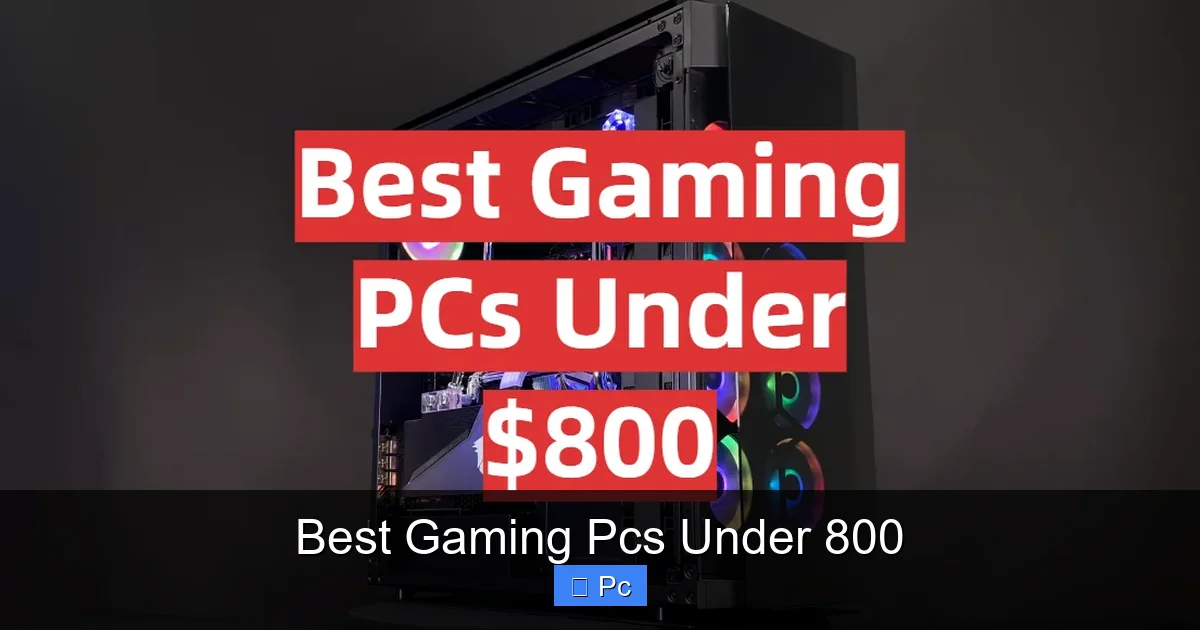
Visual guide about Best Gaming Pcs Under 800
Image source: gamingprofy.com
Graphics Card (GPU): The Heart of Gaming
The GPU is the most critical component for gaming. It determines how well your PC renders images, handles textures, and manages frame rates. In the under-$800 range, you’ll typically find GPUs like:
- NVIDIA RTX 3050: Good for 1080p gaming, supports ray tracing and DLSS.
- NVIDIA RTX 4050: More efficient and slightly faster than the 3050, with better power usage.
- AMD RX 6600: Excellent 1080p performance, often outperforms the RTX 3050 and competes with the 4050.
- NVIDIA RTX 4060: A step up, ideal for high-refresh gaming and light ray tracing.
For most gamers, the RX 6600 or RTX 4050 offers the best value. If you plan to play graphically intense games or want to future-proof your system, aim for the RTX 4060 if your budget allows.
Processor (CPU): Balancing Power and Efficiency
The CPU handles game logic, physics, AI, and multitasking. In this price range, look for at least a quad-core processor. The best options include:
- AMD Ryzen 5 5600/7600: Great multi-core performance, excellent for gaming and productivity.
- Intel Core i5-12400F/13400F: Strong single-core speed, ideal for high-FPS gaming.
Both AMD and Intel offer solid performance, but Ryzen tends to be more power-efficient and often comes with better stock coolers. Intel CPUs, especially the 13th-gen models, have a slight edge in gaming benchmarks. Choose based on your preference and the GPU pairing.
RAM and Storage: Speed and Space
16GB of RAM is the sweet spot for gaming in 2024. While 8GB can work, it may cause slowdowns in newer titles or when multitasking. DDR5 RAM is faster but not essential—DDR4 is still perfectly capable and often cheaper.
For storage, always go with an SSD. A 500GB NVMe SSD is the minimum, but 1TB is ideal if you plan to install several large games. Avoid systems that rely solely on HDDs—they’re slow and outdated for gaming.
Power Supply and Cooling: Don’t Overlook the Basics
A reliable power supply (PSU) ensures stable performance and protects your components. Look for at least a 500W 80+ Bronze unit. Higher wattage (600W+) gives you room to upgrade your GPU later.
Cooling is equally important. Good airflow prevents overheating and extends component life. Look for cases with multiple fans, mesh front panels, and space for additional cooling if needed.
Upgrade Tips: Making Your PC Last Longer
One of the biggest advantages of gaming PCs under $800 is their upgrade potential. Unlike consoles, you can swap out parts over time to keep your system current. Here’s how to maximize longevity.
Start with the GPU
The easiest and most impactful upgrade is the graphics card. If your PC has a decent PSU and case, you can upgrade to an RTX 4060 Ti or RX 7700 XT in a year or two. Just make sure your power supply can handle the extra load.
Add More RAM
If your system only has 8GB, upgrading to 16GB is a quick and affordable way to boost performance. Most motherboards in this range have two or four RAM slots, so adding another stick is simple.
Expand Storage
Games are getting bigger—some exceed 100GB. Adding a second SSD or a larger drive ensures you never run out of space. Look for M.2 NVMe slots or 2.5-inch SATA bays in your case.
Improve Cooling
Better fans or an aftermarket CPU cooler can lower temperatures and reduce noise. This is especially useful if you plan to overclock or run demanding applications.
Final Thoughts: Smart Gaming on a Budget
You don’t need to spend $1,500 to enjoy a great gaming experience. The best gaming PCs under 800 prove that performance, style, and value can coexist. Whether you choose a sleek HP Victus, a powerful CyberPowerPC build, or a customizable Skytech model, you’re getting a system that can handle today’s games and adapt to tomorrow’s demands.
The key is to focus on balance: a strong GPU, a capable CPU, fast storage, and room to grow. With the right choice, your $800 investment can deliver years of smooth, immersive gameplay. So go ahead—level up without breaking the bank.
Frequently Asked Questions
Can a gaming PC under $800 run modern games?
Yes, absolutely. Most gaming PCs under $800 come with dedicated GPUs like the RTX 3050 or RX 6600, which can handle popular titles at 1080p with high settings. Games like Fortnite, Valorant, and Apex Legends run smoothly, and even demanding games like Cyberpunk 2077 are playable at medium settings.
Is 8GB of RAM enough for gaming?
8GB is the minimum, but 16GB is recommended for the best experience. Many modern games and background apps (like Discord or browsers) use more memory, and 8GB can lead to slowdowns. Most PCs under $800 now include 16GB, so aim for that if possible.
Should I buy a prebuilt PC or build my own?
Prebuilt PCs are great for beginners—they’re ready to use, come with warranties, and are often optimized for performance. Building your own can save money and offer more customization, but it requires time and technical knowledge. For most people, a prebuilt under $800 is the smarter choice.
Can I upgrade a prebuilt gaming PC later?
Yes, most prebuilt systems use standard components, so you can upgrade the GPU, RAM, storage, or even the CPU down the line. Just make sure the power supply and case have enough space and wattage for future parts.
What’s the difference between RTX 3050 and RTX 4050?
The RTX 4050 is newer and more efficient, with better performance per watt. It supports newer technologies like DLSS 3 and has improved ray tracing. The RTX 3050 is still capable but slightly slower and less power-efficient.
Are AMD and Intel CPUs both good for gaming?
Yes, both are excellent. AMD Ryzen CPUs often offer better multi-core performance and value, while Intel Core processors tend to have stronger single-core speed, which benefits gaming. Either choice will work well in a gaming PC under $800.
