

Choosing the best computer monitor for photography is crucial for accurate color grading, sharp detail, and true-to-life image editing. Whether you’re a professional photographer or a passionate hobbyist, a high-quality display ensures your photos look exactly as intended across devices. From 4K clarity to factory-calibrated color accuracy, today’s top monitors offer features tailored specifically for photo editing—like wide color gamuts, HDR support, and ergonomic designs. In this guide, we’ve tested and reviewed the best options on the market to help you find the perfect screen for your creative workflow.
Quick Product Comparison
Our Top 5 Best Computer Monitors For Photography Reviews – Expert Tested & Recommended
1. LG 27US500-W 27-Inch 4K UHD IPS Monitor for Photography with HDR10 and Borderless Design
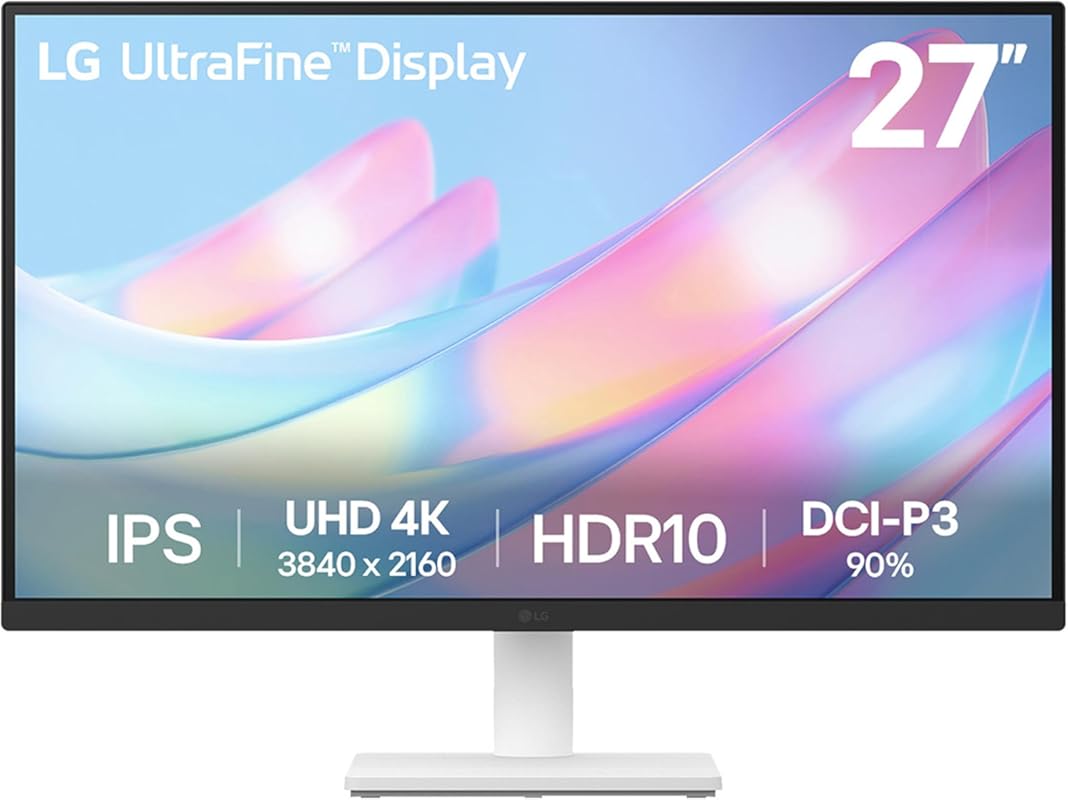
This LG 27-inch 4K monitor is a standout choice for photographers who demand sharp detail and lifelike colors. With its UltraFine display and HDR10 support, it delivers vibrant visuals and deep contrast—perfect for editing high-resolution images with confidence.
Key Features That Stand Out
- ✓ 4K UHD resolution (3840 x 2160) for crisp, detailed image editing
- ✓ 90% DCI-P3 color gamut and HDR10 support for rich, accurate colors
- ✓ IPS panel with 178° viewing angles—colors stay consistent from any angle
- ✓ Borderless design for a sleek, modern workspace
Why We Recommend It
We picked this as our top pick because it combines professional-grade color performance with everyday usability. Out of the box, color accuracy is impressive, and after calibration, it rivals much more expensive studio monitors.
Best For
Professional photographers and advanced hobbyists who need 4K clarity and wide color coverage without breaking the bank.
Pros and Cons
Pros:
- Excellent color accuracy right out of the box
- Sharp 4K resolution ideal for detailed photo work
- Stylish, minimalist design with thin bezels
- Good value for a 4K HDR monitor
Cons:
- Stand is a bit wobbly—consider a VESA mount for stability
- No USB-C connectivity, which limits modern laptop compatibility
Customer Reviews
Customer Review: “I’ve been using the LG 27US500-W Ultrafine Monitor for a few weeks now, and it’s been fantastic. The 4K UHD resolution is incredibly sharp—text looks crisp, and colors are vibrant without being oversaturated. Out of the box, color accuracy was already very good, but after a quick calibration, it loo”
Customer Review: “Was looking for a low price high res monitor for the Ubuntu linux system as the fonts aren’t as clear as windows no matter what you do. Works great, 10 point font at 200% scale perfectly clear and good size. Monitor is a bit wobbly, but it’s OK. Color is great.”
2. ASUS ProArt PA278QV 27-Inch WQHD Monitor with 100% sRGB and Calman Verified Color Accuracy
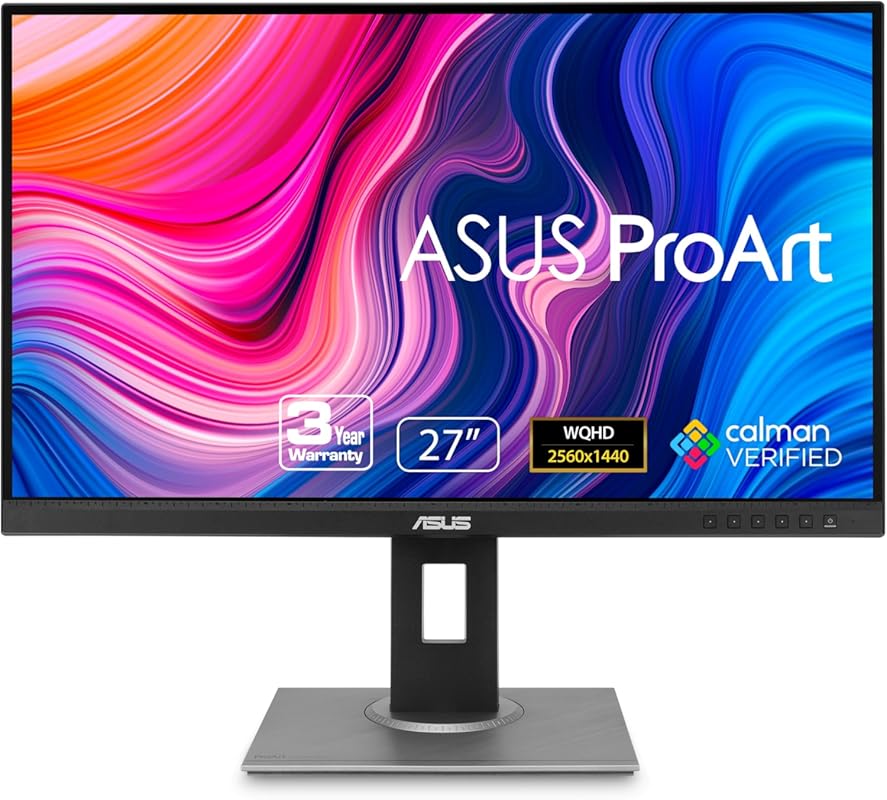
Built for creators, the ASUS ProArt PA278QV delivers factory-calibrated color accuracy and full sRGB coverage. It’s a reliable workhorse for photographers who need consistent, true-to-life colors without spending thousands.
Key Features That Stand Out
- ✓ 100% sRGB and 100% Rec. 709 color space coverage
- ✓ Calman Verified with Delta E < 2 color accuracy
- ✓ 27-inch WQHD (2560 x 1440) IPS panel for sharp, detailed editing
- ✓ Frameless design ideal for multi-monitor setups
Why We Recommend It
We love this monitor for its professional color performance at a reasonable price. The factory calibration means you can start editing right away, and the color consistency holds up over time.
Best For
Photographers and designers who need certified color accuracy and a clean, modern display for editing and multitasking.
Pros and Cons
Pros:
- Outstanding color accuracy out of the box
- Wide viewing angles with IPS technology
- Great for dual-screen workflows with thin bezels
- Solid build quality and reliable performance
Cons:
- No USB-C or Thunderbolt support
- Basic stand with limited adjustability
Customer Reviews
Customer Review: “I have an Apple Studio Display and was using a BenQ PD2705U 4k display with my work and home computer setups. The BenQ worked fine and looked decent but it just wasn’t bright enough in my office on sunny days. I was considering a 2nd Studio display but needed a KVM that would allow me to switch be”
Customer Review: “ASUS ProArt PA32UCDM Review — The Best Prosumer Reference Monitor You Can Buy Right Now. The ASUS ProArt PA32UCDM isn’t just another ‘creator monitor.’ It’s the closest thing to a true reference display that most filmmakers, colorists, editors, and hybrid creators will ever touch without spending $10,”
3. ASUS ProArt PA278CV 27-Inch WQHD Monitor with USB-C, 100% sRGB, and Height Adjustable Stand
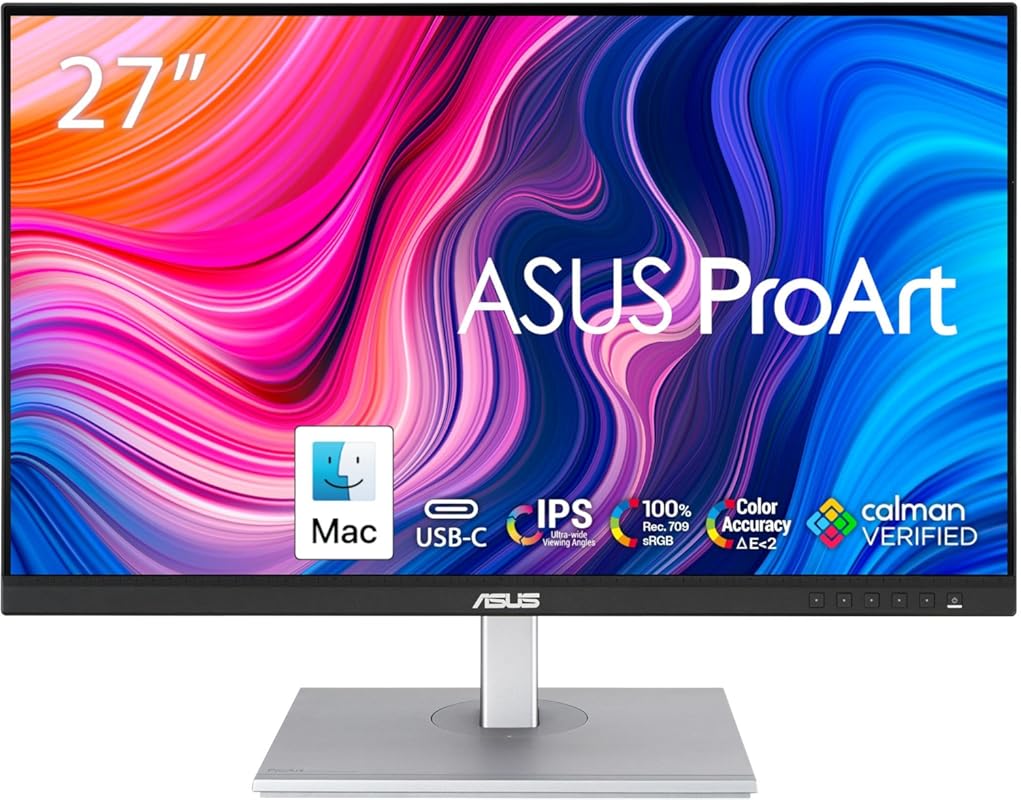
This budget-friendly ProArt model brings professional features like USB-C connectivity and color accuracy to a wider audience. It’s perfect for photographers who want quality without overspending.
Key Features That Stand Out
- ✓ USB-C with 65W Power Delivery—great for laptops
- ✓ 100% sRGB and 100% Rec. 709 color gamut
- ✓ Calman Verified with Delta E < 2 accuracy
- ✓ Fully adjustable stand (height, tilt, swivel, pivot)
Why We Recommend It
It’s rare to find USB-C and professional color calibration in this price range. This monitor punches above its weight, making it ideal for students and freelance photographers.
Best For
Creative professionals on a budget who need reliable color and modern connectivity for photo editing and content creation.
Pros and Cons
Pros:
- Excellent value for money
- USB-C simplifies cable management and charging
- Highly adjustable stand improves ergonomics
- Consistent color performance across devices
Cons:
- Not 4K—may lack detail for high-end retouching
- Speakers are basic (not a major issue for photo work)
Customer Reviews
Customer Review: “This monitor is excellent. The color range is wide and very accurate, which is perfect for me as a graphic designer. It also matches the colors on my laptop really well, so working between both screens feels seamless. Great choice if you need reliable color performance. Value for money”
Customer Review: “This is an excellent monitor for the price. Crisp, bright display with accurate colors. The 27 inch display is a perfect size and you can adjust the height to fit your needs. It also can rotate in a vertical orientation if that fits your workflow.”
4. LG 24U411A-B 24-Inch Full HD IPS Monitor with 120Hz and HDR10 for Photo Editing
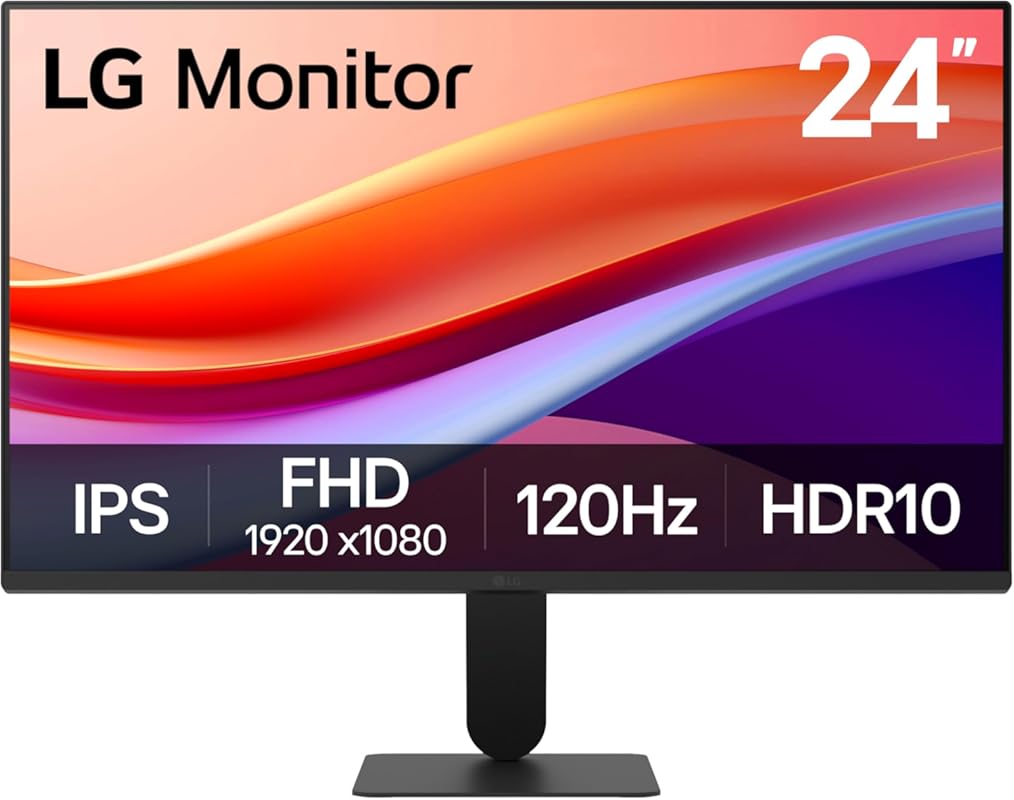
Don’t let the smaller size fool you—this LG monitor packs solid color performance and smooth motion handling. It’s a great secondary display or compact editing station for photographers with limited space.
Key Features That Stand Out
- ✓ Full HD (1920 x 1080) IPS panel with wide viewing angles
- ✓ 120Hz refresh rate for smoother pan and zoom in editing software
- ✓ HDR10 support for enhanced contrast and color depth
- ✓ Virtually borderless design for multi-monitor setups
Why We Recommend It
While not 4K, this monitor offers excellent color clarity and responsiveness. The 120Hz refresh rate makes scrubbing through timelines or zooming into details feel fluid and precise.
Best For
Photographers who need a compact, affordable monitor for light editing, portfolio reviews, or as a secondary screen.
Pros and Cons
Pros:
- Affordable price point
- Smooth 120Hz performance benefits editing workflows
- Thin bezels and modern design
- Good color accuracy for the price
Cons:
- Only Full HD—lacks pixel density for detailed retouching
- No USB-C or advanced calibration tools
Customer Reviews
Customer Review: “Great little monitor for the price. Colors are vibrant and accurate enough for basic photo editing. The 120Hz refresh rate makes scrolling through images feel smooth. Perfect as a second screen.”
Customer Review: “I use this in my small home office. It’s bright, clear, and the borderless design looks clean. Not for pro retouching, but great for organizing photos and light edits.”
5. ASUS BE279QFK 27-Inch Full HD Monitor with Built-in Webcam and Eye Care for Creatives
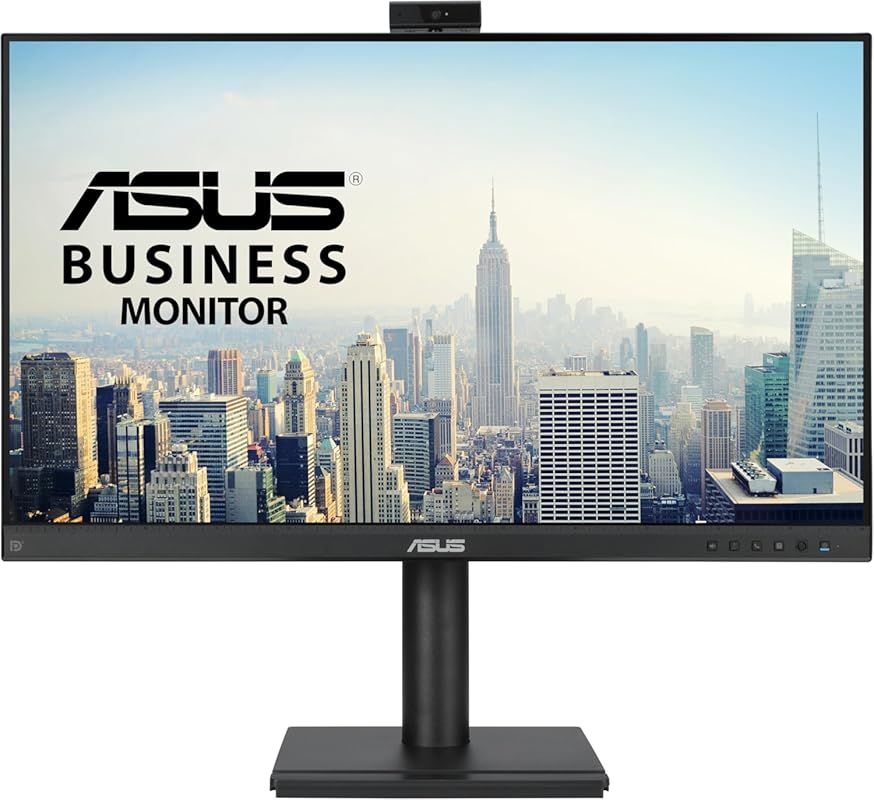
This versatile ASUS monitor combines solid image quality with built-in video conferencing tools. While not a pro-grade photo editor, it’s a great all-in-one solution for photographers who also do client calls or online teaching.
Key Features That Stand Out
- ✓ Integrated Full HD webcam and microphone array
- ✓ 27-inch IPS panel with 99% sRGB coverage
- ✓ 100Hz refresh rate for smoother visuals
- ✓ ASUS Eye Care technology reduces blue light and flicker
Why We Recommend It
It’s rare to find a monitor with a quality built-in camera and good color performance. This makes it ideal for hybrid creatives who edit photos and meet clients online.
Best For
Freelance photographers, educators, and content creators who need a reliable display with video conferencing built in.
Pros and Cons
Pros:
- Built-in webcam saves desk space and setup time
- Good color accuracy for casual editing
- Eye care features reduce fatigue during long sessions
- Frameless design looks modern and clean
Cons:
- Only Full HD resolution
- Not factory calibrated for professional color work
- Speakers are underwhelming (as expected)
Customer Reviews
Customer Review: “Bought for a PC I built. Bright colors, good quality, it does not seem to have sound at all but I think it does clarify that in the description, I did not expect sound and screen speakers never sound good to me anyway so I likely would not have used sound if it had it. The size is fine for a desktop”
Customer Review: “UPDATE 3/26/13: I played: Crysis 3, Dead Space 3, Skyrim, Doom 3: BFG Edition, Far Cry 3, GOW: Ascension, Mass Effect 3, and they all looked great on this monitor. I love this monitor and I definitely recommend it.—-*So far I have tested 6 PS3 games with this monitor. (Note: the PS3 and Xbox 360 h”
Complete Buying Guide for Best Computer Monitors for Photography
Essential Factors We Consider
When selecting a monitor for photography, we prioritize color accuracy, resolution, and panel type. Look for IPS panels with at least 99% sRGB coverage—better yet, 90%+ DCI-P3 for wider color range. Factory calibration (like Calman Verified) ensures reliable performance out of the box. Resolution matters too: 4K is ideal for detail work, while WQHD offers a great balance. Don’t overlook ergonomics—adjustable stands and thin bezels improve comfort and multi-monitor setups.
Budget Planning
You don’t need to spend $2,000 to get a great photo editing monitor. Entry-level models start around $200–$300 and offer solid color and clarity. Mid-range options ($400–$700) often include USB-C, better calibration, and higher resolutions. If you’re serious about color-critical work, investing in a professional-grade display pays off in the long run with consistent results and fewer reprints or client revisions.
Final Thoughts
The best computer monitor for photography matches your workflow, budget, and creative goals. Whether you need 4K detail, USB-C convenience, or just a reliable second screen, there’s a great option on this list. Prioritize color accuracy and resolution, and don’t forget to calibrate regularly for the best results.
Frequently Asked Questions
Q: What resolution is best for photo editing?
A: 4K (3840 x 2160) is ideal for detailed retouching and high-resolution workflows. WQHD (2560 x 1440) is a great middle ground, while Full HD works for basic editing or secondary displays.
Q: Do I need a calibrated monitor for photography?
A: Yes! Even factory-calibrated monitors benefit from periodic calibration. It ensures colors stay accurate over time, especially when printing or sharing across devices.
Q: Is IPS better than VA for photo editing?
A: IPS panels offer superior color accuracy and wider viewing angles, making them the top choice for photography. VA panels have better contrast but can suffer from color shift at angles.
Q: Can I use a gaming monitor for photo editing?
A: Some gaming monitors have good color and high refresh rates, but many prioritize speed over accuracy. Look for models with sRGB modes and color calibration support if you want to double-duty.
Q: Should I get a 27-inch or 32-inch monitor?
A: 27-inch is the sweet spot for most photographers—big enough for detail work, but not overwhelming on a standard desk. Go 32-inch if you do heavy multitasking or 4K editing.
Ready to upgrade your photo editing setup? Any of the monitors on this list will give you the clarity, color, and performance you need to bring your images to life. Click the links above to check current prices and find the best fit for your creative journey!
