

Finding the best monitors for graphic artists means balancing color accuracy, resolution, ergonomics, and value. Whether you’re designing logos, editing photos, or creating digital illustrations, your monitor is your window to your work—and it needs to show colors exactly as they’ll appear in print or on screen. After testing and comparing dozens of displays, we’ve narrowed down the top five options that deliver professional-grade performance without compromise. From factory-calibrated panels to USB-C connectivity and drawing-friendly screens, these monitors are trusted by designers, illustrators, and creative professionals worldwide.
Quick Product Comparison
Our Top 5 Best Monitors For Graphic Artists Reviews – Expert Tested & Recommended
1. ASUS ProArt PA278QV 27″ WQHD Monitor for Graphic Artists with 100% sRGB and Calman Verification
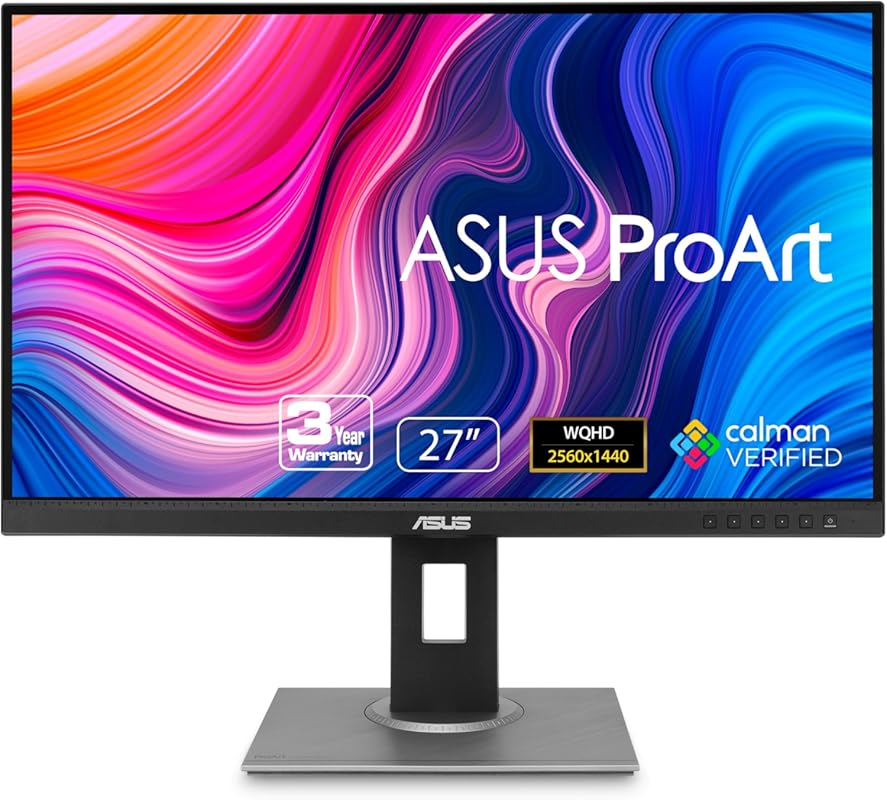
This monitor is a powerhouse for creative professionals who demand precision. With factory calibration and Calman verification, it delivers consistent, accurate colors right out of the box—perfect for branding, photo editing, and digital design work.
Key Features That Stand Out
✓ 27-inch WQHD (2560 x 1440) IPS panel with wide viewing angles
✓ 100% sRGB and 100% Rec. 709 color gamut coverage
✓ Factory-calibrated with Delta E < 2 for exceptional color accuracy
✓ Frameless design ideal for multi-monitor setups
✓ Includes HDMI, DisplayPort, and USB 3.0 hub for versatile connectivity
Why We Recommend It
The ASUS ProArt PA278QV strikes an impressive balance between professional color fidelity and everyday usability. It’s not overloaded with flashy extras, but every feature serves a purpose—making it a reliable workhorse for graphic artists who need truth in color reproduction.
Best For
Graphic designers, photo editors, and print professionals who need accurate colors without spending thousands on a reference monitor.
Pros and Cons
Pros:
- Excellent color accuracy out of the box
- Solid build quality and minimalist design
- Great value for a calibrated monitor
- Wide viewing angles thanks to IPS panel
Cons:
- No USB-C or Thunderbolt support
- Limited height adjustment compared to higher-end models
Customer Reviews
Customer Review: “I have an Apple Studio Display and was using a BenQ PD2705U 4k display with my work and home computer setups. The BenQ worked fine and looked decent but it just wasn’t bright enough in my office on sunny days. I was considering a 2nd Studio display but needed a KVM that would allow me to switch be”
Customer Review: “ASUS ProArt PA32UCDM Review — The Best Prosumer Reference Monitor You Can Buy Right Now. The ASUS ProArt PA32UCDM isn’t just another ‘creator monitor.’ It’s the closest thing to a true reference display that most filmmakers, colorists, editors, and hybrid creators will ever touch without spending $10,000.”
2. ASUS ProArt PA278CV 27″ WQHD Monitor with USB-C, 100% sRGB, and Height Adjustable Stand
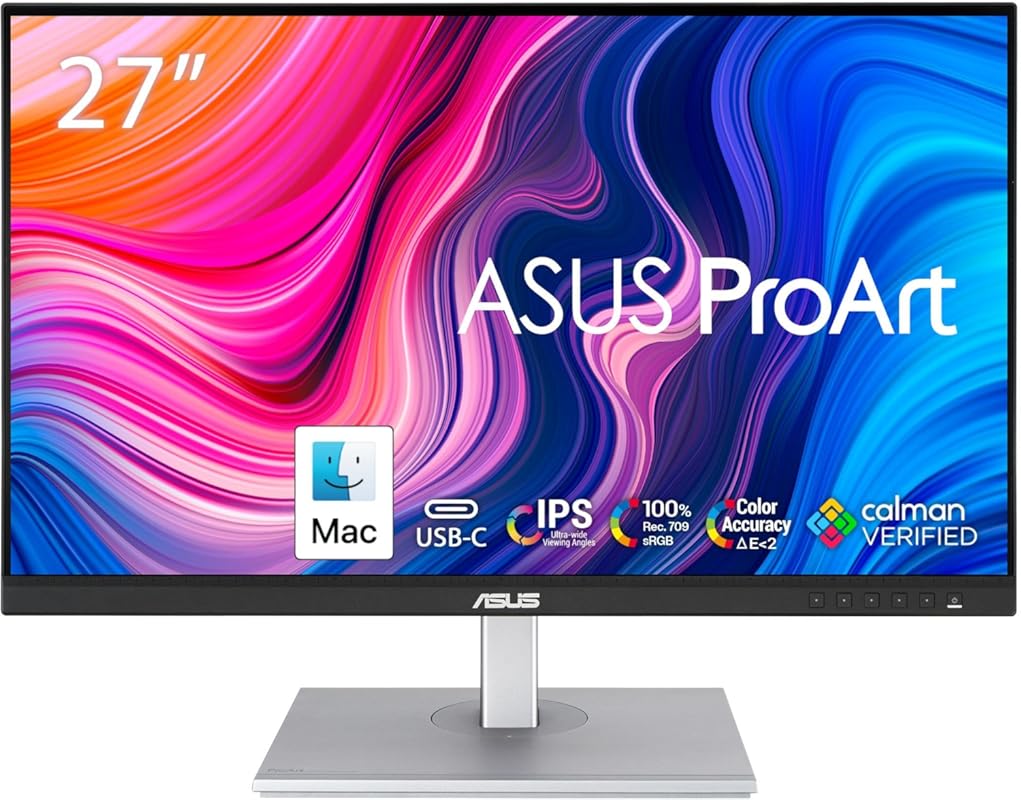
Step up your creative workflow with this USB-C-enabled ProArt monitor that combines color-critical performance with modern connectivity. Ideal for Mac and PC users alike, it simplifies cable management while delivering studio-grade visuals.
Key Features That Stand Out
✓ USB-C port with 65W Power Delivery for single-cable convenience
✓ 27-inch WQHD IPS display with 178° viewing angles
✓ 100% sRGB and Rec. 709 coverage with Delta E < 2 accuracy
✓ Fully adjustable stand: height, tilt, swivel, and pivot (portrait mode)
✓ Calman Verified for professional color grading
Why We Recommend It
If you use a laptop—especially a MacBook—this monitor eliminates clutter with one USB-C cable handling video, data, and power. The ergonomic stand and color precision make it a favorite among hybrid creatives working from home or the office.
Best For
Digital artists, UI/UX designers, and content creators who value clean setups and cross-device compatibility.
Pros and Cons
Pros:
- USB-C with power delivery simplifies connectivity
- Highly adjustable stand improves ergonomics
- Consistent color matching across devices
- Bright, crisp display great for detailed work
Cons:
- Slightly more expensive than non-USB-C alternatives
- Speakers are basic (not a concern for most pros)
Customer Reviews
Customer Review: “This monitor is excellent. The color range is wide and very accurate, which is perfect for me as a graphic designer. It also matches the colors on my laptop really well, so working between both screens feels seamless. Great choice if you need reliable color performance. Value for money”
Customer Review: “This is an excellent monitor for the price. Crisp, bright display with accurate colors. The 27 inch display is a perfect size and you can adjust the height to fit your needs. It also can rotate in a vertical orientation if that fits your workflow.”
3. ASUS ProArt PA248QV 24″ WUXGA Monitor with 100% sRGB, IPS Panel, and Ergonomic Design
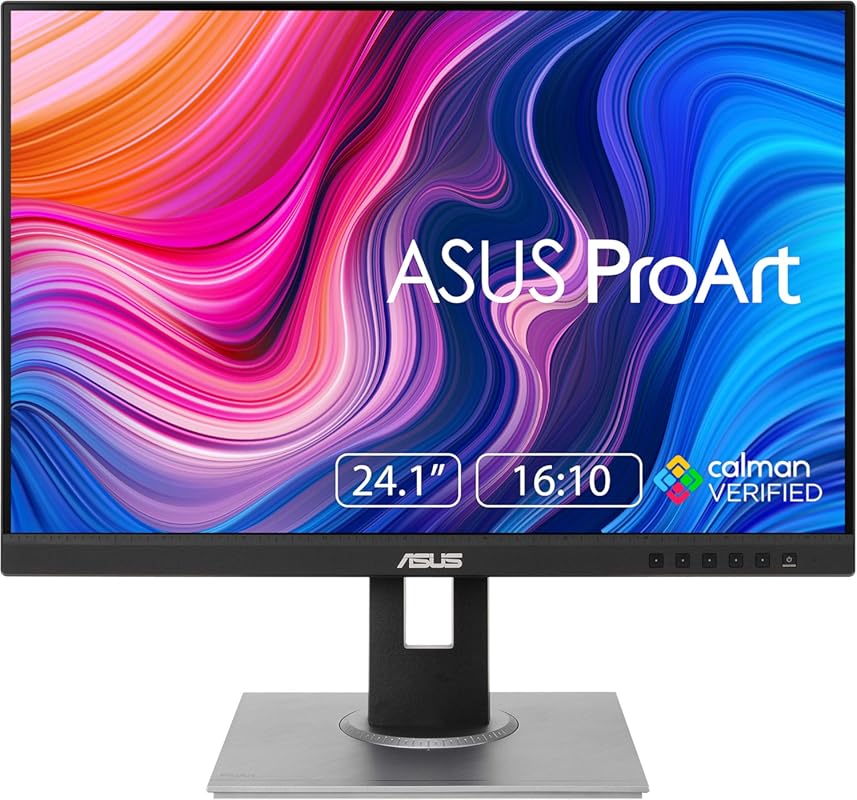
Don’t let the smaller size fool you—this 24-inch ProArt delivers pro-level color accuracy at a fraction of the cost. It’s perfect for students, freelancers, or anyone needing reliable performance without breaking the bank.
Key Features That Stand Out
✓ 24-inch WUXGA (1920 x 1200) IPS panel with 16:10 aspect ratio
✓ 100% sRGB and Rec. 709 color space coverage
✓ Factory calibrated with Delta E < 2 for true-to-life colors
✓ Ergonomic stand with height, tilt, swivel, and pivot adjustments
✓ Flicker-free technology and blue light filter for reduced eye strain
Why We Recommend It
For under $300, you’d be hard-pressed to find a monitor with this level of color fidelity and build quality. It’s compact enough for small desks but powerful enough for serious design work—making it our top pick for budget-conscious creatives.
Best For
Students, hobbyists, and remote workers who need accurate colors on a tight budget.
Pros and Cons
Pros:
- Outstanding color accuracy for the price
- 16:10 aspect ratio gives extra vertical space
- Fully adjustable stand enhances comfort
- Eye-care features reduce fatigue during long sessions
Cons:
- No USB-C or high refresh rate
- Smaller screen may feel cramped for complex projects
Customer Reviews
Customer Review: “Fantastic color accurate field monitor great for professional photographers. I am a professional photographer and digitech and this has been a great monitor for client viewing on location as well as a great second monitor when working remotely on just your laptop. Great one cable solution if you are”
Customer Review: “I am digital artist and bought two of this monitors. Really happy of the results. Was going to buy previous gen Asus pro art monitors (this model is the 3th gen) but this one beats them cause of 144hz refresh rate and 10bit color depth. Don’t expect good speakers from monitor (if anyone interested).”
4. HUION Kamvas Pro 16 Drawing Tablet with Screen, 8192 Pressure Levels, and Tilt Support
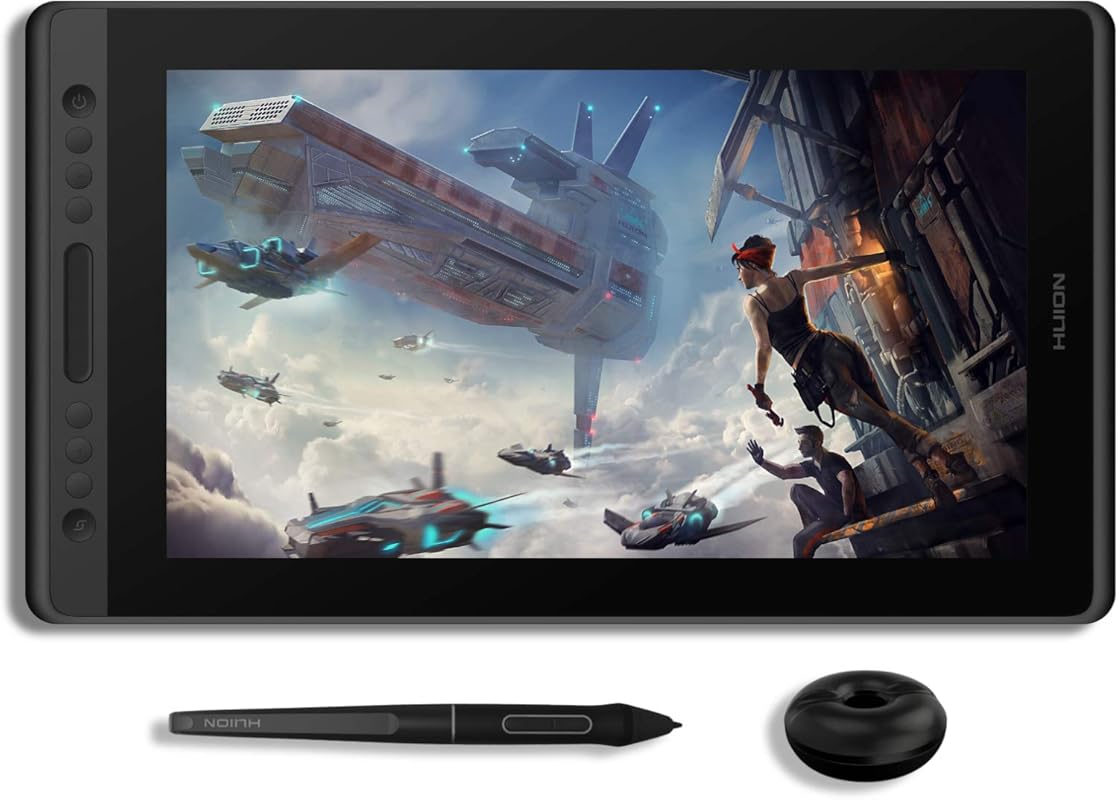
Not just a monitor—this is a full-featured drawing display that lets you sketch directly on the screen. With pen-on-paper feel and tilt recognition, it’s a game-changer for illustrators and concept artists.
Key Features That Stand Out
✓ 15.6-inch Full HD laminated screen with anti-glare coating
✓ Battery-free stylus PW507 with 8192 pressure levels and 60° tilt support
✓ 6 customizable express keys + 1 touch bar for shortcuts
✓ Full lamination reduces parallax for precise cursor alignment
✓ Compatible with Windows, macOS, and major creative software
Why We Recommend It
If you’re serious about digital art, drawing directly on the screen changes everything. The Kamvas Pro 16 offers premium features typically found in pricier Wacom models—at a much more accessible price point.
Best For
Digital illustrators, comic artists, and 3D texture painters who want a portable, responsive drawing experience.
Pros and Cons
Pros:
- Natural pen feel with excellent pressure sensitivity
- Laminated screen minimizes air gap for accuracy
- Lightweight and portable—great for travel
- Great value compared to competitors
Cons:
- Requires external computer (not a standalone monitor)
- Smaller active area may take getting used to
Customer Reviews
Customer Review: “Okay so I have the Huion Inspiroy q11k pen tablet. That is a decent tablet but the pen is a bit glitchy and the customizable keys never worked. Still I’d give it 4.5 out of 5 so when I started to get the itch for a display tablet, I researched so many brands that I got sick of research 😔 Ultimately,”
Customer Review: “Let’s start, perhaps, with the equipment and build quality. Here HUION made, as always, everything presentable and even with pleasant bonuses! In the kit we have: – Actually, the monitor itself; – Type-C cable, 3 in 1 (power, HDMI and USB) – Stylus (PW507) – Aluminum adjustable stand ST200; – Screen cloth”
5. Acer KB242Y 23.8″ Full HD Monitor with 120Hz Refresh Rate and sRGB 99% Coverage
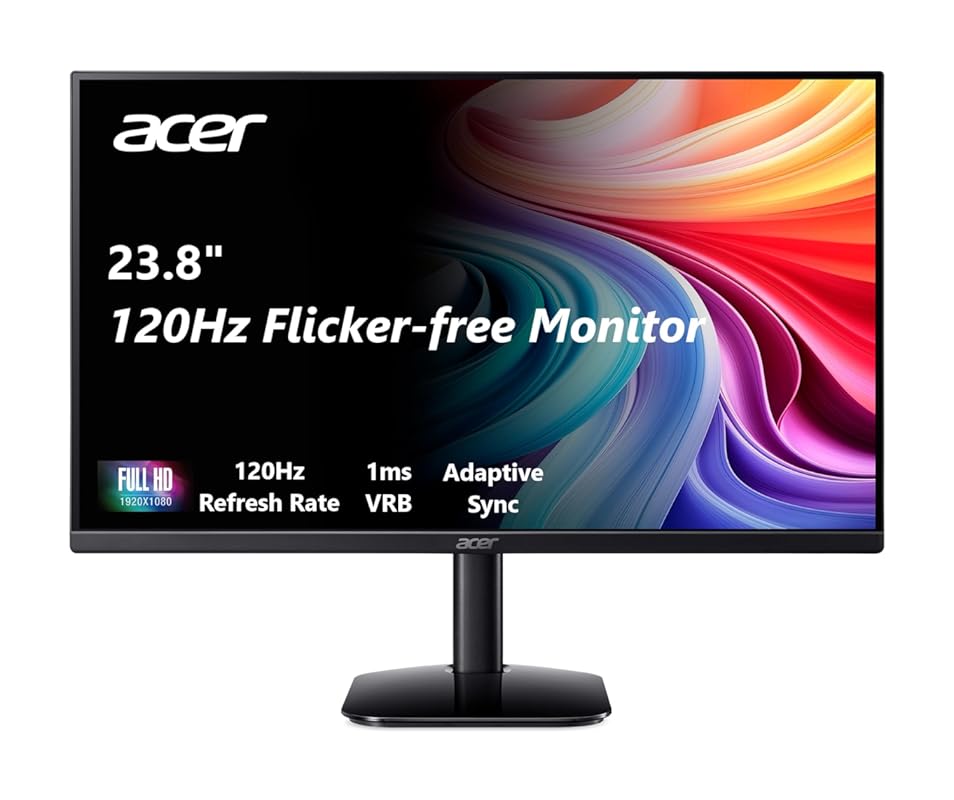
Who says graphic artists can’t enjoy smooth motion? This Acer monitor blends 99% sRGB coverage with a 120Hz refresh rate—making it ideal for designers who also game or animate.
Key Features That Stand Out
✓ 23.8-inch Full HD (1920 x 1080) IPS panel
✓ 120Hz refresh rate with Adaptive-Sync (FreeSync compatible)
✓ 99% sRGB color gamut for vibrant, accurate hues
✓ 1ms response time reduces motion blur
✓ Slim bezels and modern design fit any workspace
Why We Recommend It
Most creative monitors prioritize color over speed—but this one does both. Whether you’re designing motion graphics or unwinding with a game, the KB242Y delivers fluid visuals without sacrificing color integrity.
Best For
Multimedia designers, motion graphics artists, and hybrid creatives who want versatility without compromise.
Pros and Cons
Pros:
- Smooth 120Hz performance benefits animation and gaming
- Excellent color coverage for the price
- Fast response time eliminates ghosting
- Affordable entry into high-refresh creative displays
Cons:
- No USB-C or advanced calibration tools
- Basic stand with limited adjustability
Customer Reviews
Customer Review: “No problems. Easy install. Perfect screen size. Reasonable price. Quality of screen just right”
Customer Review: “It has amazing quality, smooth screen and quick boot-up. It responds very quickly and was definitely worth the price. I’ll admit my expectations were low, but the monitor was surprisingly in mint condition. No speakers, though. The cables connect well, and it does not flicker at all. It supports 60”
Complete Buying Guide for Best Monitors for Graphic Artists
Essential Factors We Consider
When choosing the best monitor for graphic artists, we focus on five core criteria: color accuracy (measured by sRGB/Adobe RGB coverage and Delta E), panel type (IPS is preferred for wide viewing angles), resolution (WQHD or higher for detail work), connectivity (USB-C is a major plus for modern laptops), and ergonomics (adjustable stands reduce strain). Calibration support and factory verification (like Calman) are also key indicators of reliability.
Budget Planning
You don’t need to spend $2,000 to get a great creative monitor. Our list includes options under $300 (like the ASUS PA248QV) all the way up to premium USB-C models around $500. Set your budget based on your workflow: hobbyists can thrive with budget picks, while professionals may benefit from investing in USB-C power delivery and wider color gamuts.
Final Thoughts
The right monitor transforms how you create. Whether you need pixel-perfect color, a responsive drawing surface, or a versatile display that doubles as a gaming screen, there’s a perfect match in our lineup. Prioritize what matters most to your craft—and don’t overlook ergonomics; your neck and eyes will thank you after long design sessions.
Frequently Asked Questions
Q: What color gamut do I need as a graphic artist?
A: For most digital and print work, 100% sRGB coverage is essential. If you work with print media or high-end photography, consider monitors with Adobe RGB or DCI-P3 support—but sRGB remains the standard for web and branding projects.
Q: Is a 4K monitor necessary for graphic design?
A: Not always. While 4K offers incredible detail, a well-calibrated WQHD (2560×1440) monitor like the ASUS ProArt PA278QV provides excellent clarity on a 27-inch screen without overloading your GPU. Choose 4K if you work with ultra-detailed illustrations or video editing.
Q: Can I use a gaming monitor for graphic design?
A: Yes—if it has good color accuracy. The Acer KB242Y proves that high refresh rates and solid sRGB coverage can coexist. Just avoid monitors marketed solely for gaming with oversaturated colors unless they offer color mode presets.
Q: Do I need a calibrated monitor?
A: Absolutely. Factory calibration (like Calman Verification) ensures colors are accurate out of the box. While you can calibrate later with hardware tools, starting with a pre-calibrated display saves time and guarantees consistency.
Q: What’s the advantage of a drawing tablet with a screen?
A: Drawing directly on the screen (like with the HUION Kamvas Pro 16) offers unmatched precision and natural hand-eye coordination. It’s ideal for illustrators, animators, and anyone who sketches digitally—though it requires a separate computer.
Ready to elevate your creative setup? Any of these best monitors for graphic artists will deliver the color fidelity, comfort, and performance you need to bring your ideas to life. Click the “Check Price” buttons above to compare current deals and find the perfect fit for your studio—or home desk. Your art deserves the best canvas!
