

“`html
Looking for the best gaming monitors for Xbox Series X? You’re in the right place. The Xbox Series X delivers stunning 4K visuals, ultra-fast load times, and support for up to 120Hz refresh rates—but to truly unlock its power, you need a monitor that can keep up. Whether you’re chasing competitive edge with high refresh rates or immersive visuals with curved QHD displays, we’ve tested and reviewed the top options that deliver smooth, responsive, and vibrant gameplay. From budget-friendly picks to premium curved beasts, our list covers monitors optimized for speed, clarity, and Xbox compatibility.
Quick Product Comparison
Our Top 5 Best Gaming Monitors For Xbox Series X Reviews – Expert Tested & Recommended
1. Samsung 32″ Odyssey G55C QHD Curved Gaming Monitor for Xbox Series X
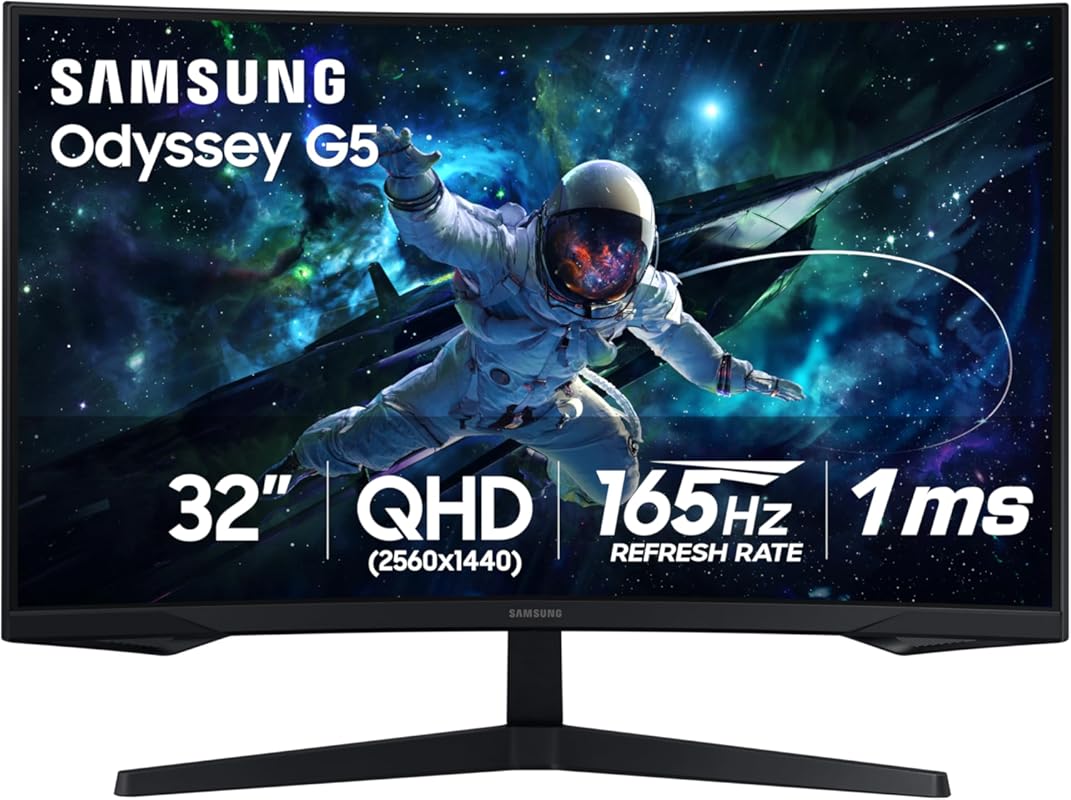
This 32-inch curved powerhouse brings your Xbox Series X games to life with sharp QHD resolution and a deeply immersive 1000R curve. With a 165Hz refresh rate and 1ms response time, it’s built for fast-paced action without blur or lag.
Key Features That Stand Out
- ✓ 32″ QHD (2560×1440) resolution for crisp, detailed visuals
- ✓ 1000R curvature wraps around your field of view
- ✓ 165Hz refresh rate and 1ms response time
- ✓ AMD FreeSync Premium for tear-free gameplay
- ✓ Eye Comfort Mode reduces blue light for long sessions
Why We Recommend It
The Odyssey G55C strikes the perfect balance between size, speed, and immersion. It’s large enough to feel cinematic but responsive enough for competitive gaming. The curve enhances depth perception, making it ideal for both single-player adventures and multiplayer battles on Xbox Series X.
Best For
Gamers who want a large, immersive display with high resolution and smooth performance without breaking the bank.
Pros and Cons
Pros:
- Stunning QHD clarity with vibrant colors
- 1000R curve enhances immersion
- 165Hz refresh rate feels incredibly smooth
- Great value for a 32″ gaming monitor
Cons:
- No HDMI 2.1 (limits 4K/120Hz on Xbox)
- Stand is basic—consider a VESA mount
Customer Reviews
“Love this monitor, looks are crispy and clear, colors are perfect, lots of adjustment options, love the curve, Samsung makes great product, nice and bright, got it on sale used for my Xbox.” – Customer Review
“Was wonderfully wrapped. My son loves it, its a great gaming monitor, fast speed, picture is beautiful and bright, works great for gaming and it’s nice and big, love the curved screen. He had a Samsung 27 inch before he loved. But this is even better.” – Customer Review
2. AOC C27G2Z 27″ Curved Frameless Ultra-Fast Gaming Monitor
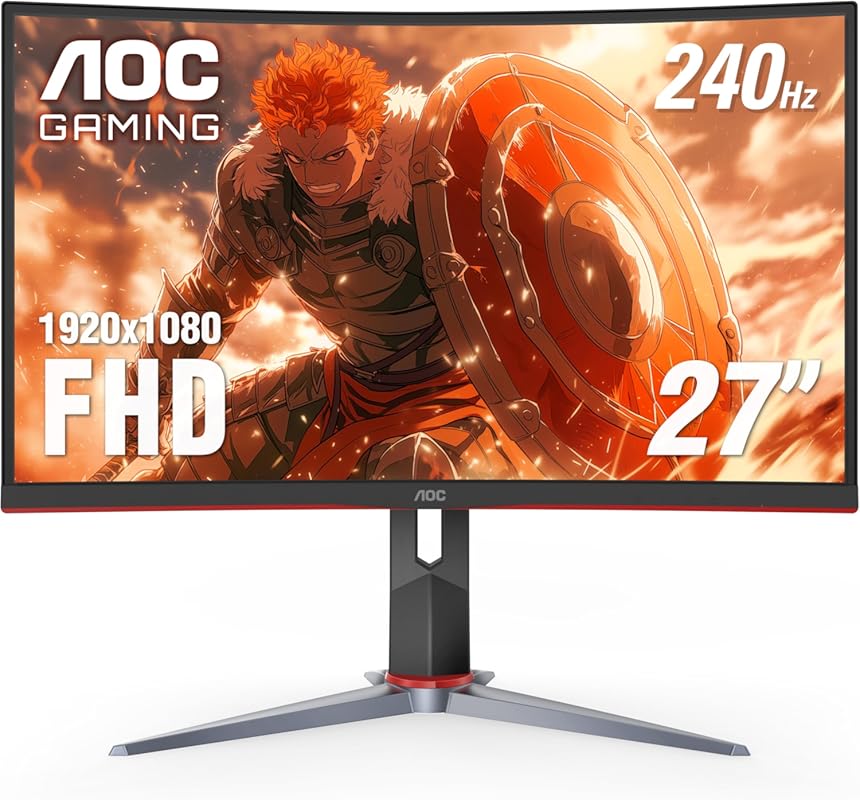
Speed demons, meet your match. The AOC C27G2Z delivers a blistering 240Hz refresh rate and near-instant 0.5ms response time, making it one of the fastest monitors for Xbox Series X gaming—especially in 1080p.
Key Features That Stand Out
- ✓ 240Hz refresh rate for ultra-smooth motion
- ✓ 0.5ms MPRT response time eliminates ghosting
- ✓ 1500R curvature for immersive wraparound view
- ✓ Frameless design with sleek, modern look
- ✓ AMD FreeSync for tear-free gameplay
Why We Recommend It
If you’re into fast-paced shooters like Halo Infinite or Call of Duty, this monitor gives you the edge. The 240Hz refresh rate makes every movement fluid, and the curved VA panel delivers deep blacks and strong contrast—perfect for spotting enemies in dark corners.
Best For
Competitive gamers who prioritize speed and responsiveness over resolution, especially in FPS and racing titles.
Pros and Cons
Pros:
- One of the fastest refresh rates available
- Excellent motion clarity with 0.5ms response
- Immersive 1500R curve
- Affordable for a 240Hz monitor
Cons:
- Only 1080p resolution (not ideal for 4K upscaling)
- VA panel can have slight motion smearing in rare cases
Customer Reviews
“VISUALS: I “upgraded” to this monitor due to some panel problems with my Pixio Px276. TN panels are known to be “dull” or not have the best colour accuracy so I expected this VA panel to provide a big visual difference and I wasn’t disappointed. The blacks are very dark and not as grey as they appear.” – Customer Review
“Bought two of these and they are wonderful. I am bed bound and needed upgrades from a TV I was forced to game on for years that was old. Husband got these mounted one to the wall and other setup on a stand they both work wonderful. I can see everything nicely now in great resolution. You can adjust.” – Customer Review
3. Samsung 25″ Odyssey G4 Series FHD Gaming Monitor
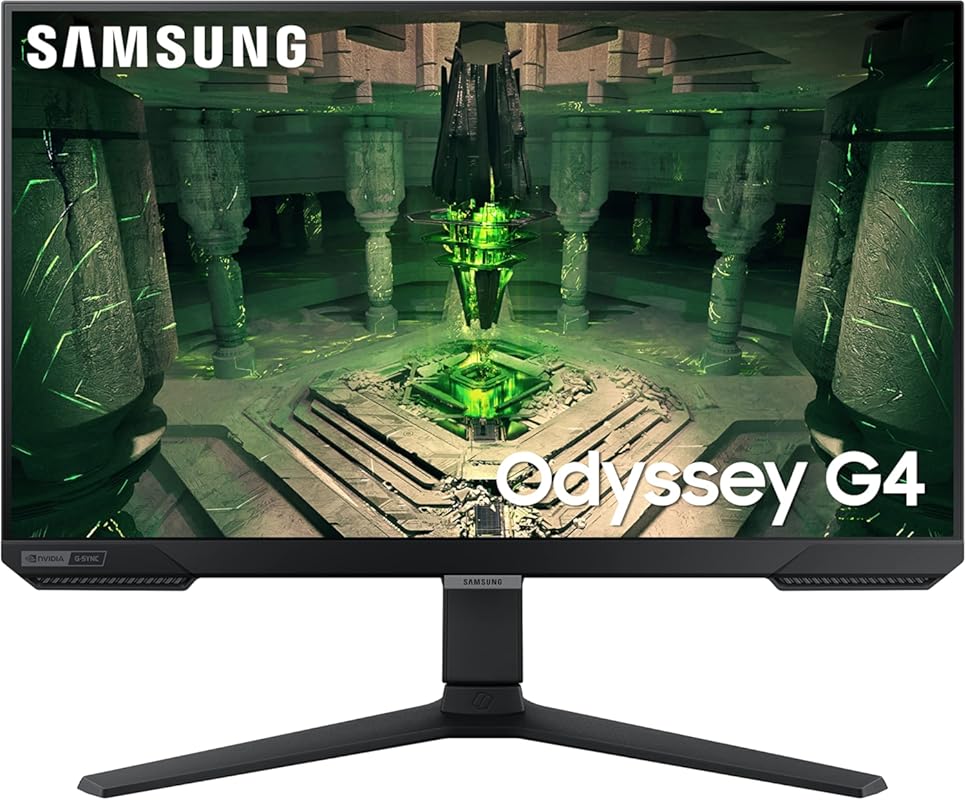
Don’t let the size fool you—this compact 25-inch monitor packs serious performance. With a 240Hz refresh rate, 1ms response, and IPS panel, it’s a steal for budget-conscious gamers who refuse to compromise on speed.
Key Features That Stand Out
- ✓ 240Hz refresh rate for ultra-smooth gameplay
- ✓ 1ms GTG response time
- ✓ IPS panel for accurate colors and wide viewing angles
- ✓ NVIDIA G-Sync Compatible and AMD FreeSync
- ✓ Compact 25″ size fits small desks
Why We Recommend It
This monitor proves you don’t need to spend a fortune for high-end performance. It’s perfect for Xbox Series X gamers who play competitive titles and want minimal input lag. The IPS panel ensures colors stay vivid even when viewed from the side—great for shared gaming sessions.
Best For
Entry-level gamers or those with limited desk space who still want high refresh rates and solid color quality.
Pros and Cons
Pros:
- Extremely affordable for 240Hz
- IPS panel offers better colors than TN
- 1ms response time feels instant
- Great for small setups
Cons:
- Only 1080p resolution
- 25″ may feel small for some users
Customer Reviews
“Amazon quality and good price the detail it has as well is great this was my first monitor ever so I guess I picked well cause it’s awesome however when I did get it the screen was a little dusty? I wipe it off with a little LITTLE bit of water and then dried immediately and it’s great the cables th” – Customer Review
“The best budget friendly gaming monitor. I had purchased this monitor when it was on sale and it was 100% worth it. The monitor is 27 inches, does 1080p at 240Hz and has great image quality. I also have the ls28ag700nnxza Samsung Odyssey and the build quality, color accuracy on this 1080p version is” – Customer Review
4. ASUS TUF 32″ QHD 165Hz Curved Gaming Monitor for Xbox Series X
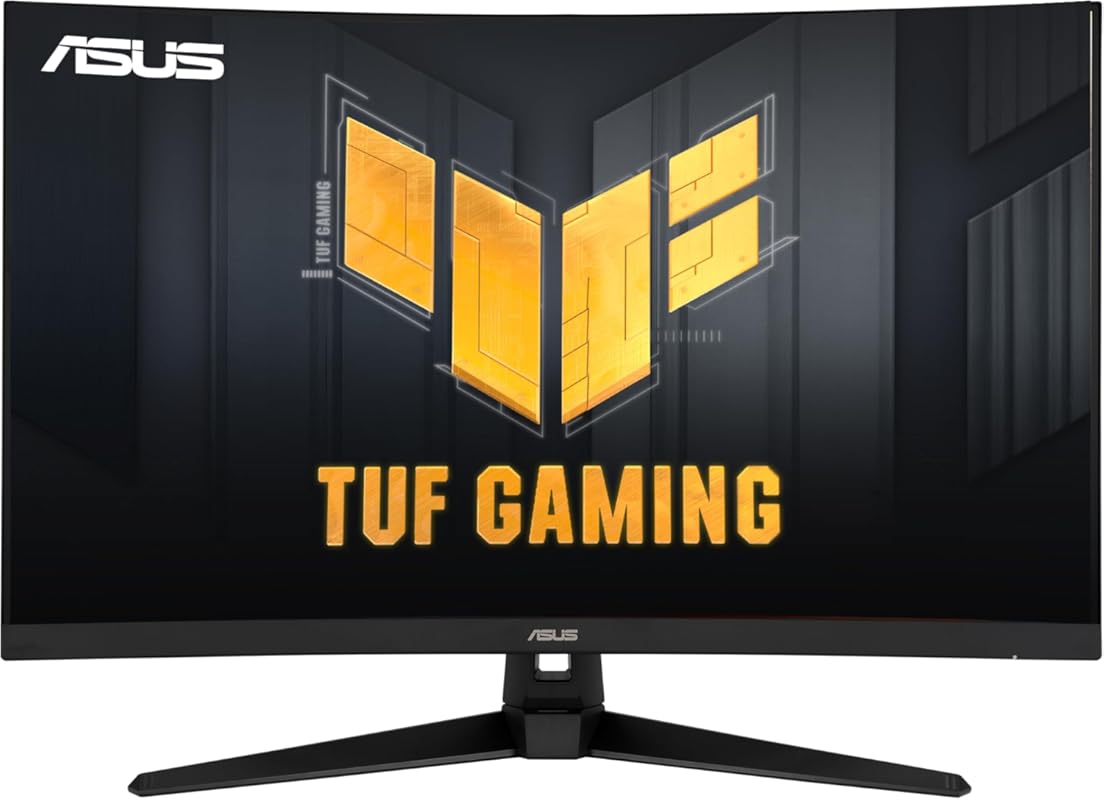
Built for durability and performance, the ASUS TUF Gaming monitor delivers QHD clarity, a 165Hz refresh rate, and a 1500R curve—all wrapped in a rugged design that lives up to its military-grade branding.
Key Features That Stand Out
- ✓ 32″ QHD (2560×1440) curved display
- ✓ 165Hz refresh rate with 1ms MPRT
- ✓ ASUS Extreme Low Motion Blur (ELMB)
- ✓ FreeSync Premium for smooth, tear-free gaming
- ✓ Shadow Boost enhances visibility in dark scenes
Why We Recommend It
This monitor is a great middle ground between size, speed, and price. The QHD resolution makes textures pop on Xbox Series X, while the 165Hz refresh rate keeps motion smooth. ELMB and FreeSync work together to eliminate ghosting and tearing—ideal for action-heavy games.
Best For
Gamers who want a large, high-resolution display with solid refresh rates and reliable build quality.
Pros and Cons
Pros:
- Excellent QHD image quality
- 165Hz is smooth for most games
- Robust build with useful gaming features
- Good value for a 32″ curved monitor
Cons:
- No HDMI 2.1 support
- Colors slightly less vibrant than premium panels
Customer Reviews
“You get what you pay for. This is a lower price point monitor for upgrading from 1080p to 1440p and higher refresh rate. Overall, it’s a good monitor for the price point if you’re looking to get into the 2K 1440p game experience with a decent and noticeable improvement when gaming with the higher re” – Customer Review
“The media could not be loaded. This is my very first monitor and it’s surprisingly good. I make music, commentaries and i game a lot, so I was in need of a monitor. It takes up a lot of space on my desk, my desk is about 5ft to 6 ft wide. I did a lot of research before I bought it (4 months before I ” – Customer Review
5. LG 32″ Ultragear QHD 180Hz Curved Gaming Monitor for Xbox Series X
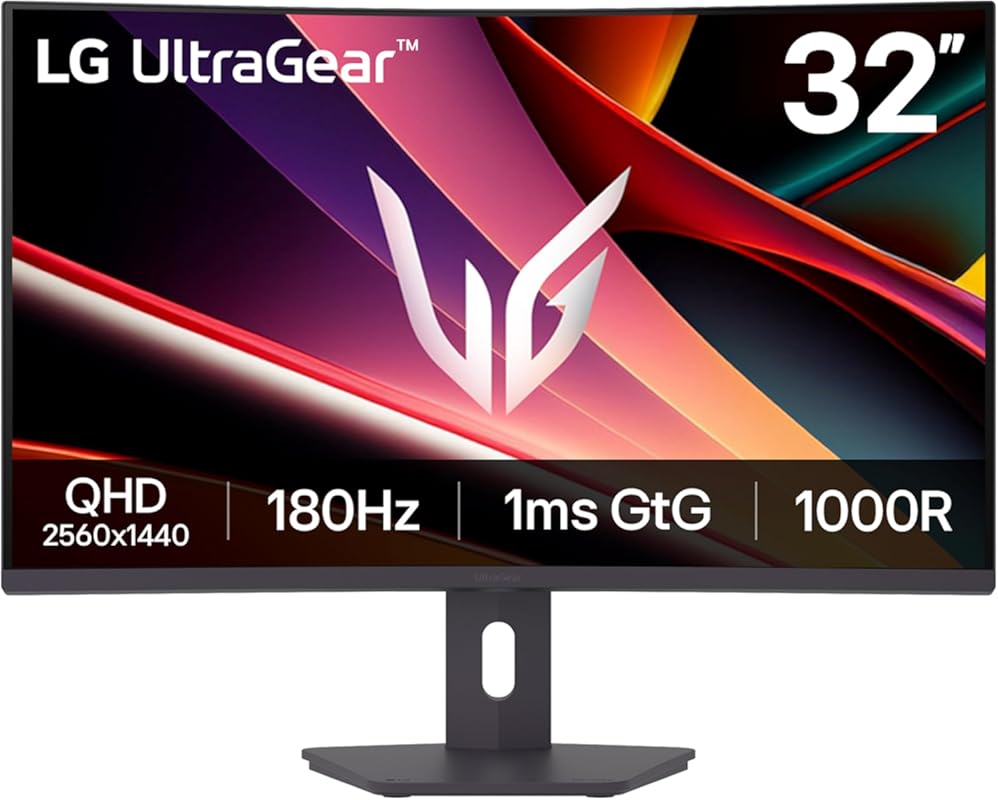
LG’s Ultragear lineup is known for speed and clarity, and this 32-inch curved model doesn’t disappoint. With 180Hz refresh rate, 1ms response, and HDR10 support, it’s a premium pick for immersive Xbox Series X gaming.
Key Features That Stand Out
- ✓ 32″ QHD (2560×1440) 1000R curved display
- ✓ 180Hz refresh rate and 1ms response time
- ✓ HDR10 and 99% sRGB color gamut
- ✓ AMD FreeSync Premium
- ✓ OnScreen Control for easy settings adjustment
Why We Recommend It
This monitor delivers a near-perfect blend of immersion, speed, and color accuracy. The 1000R curve pulls you into the game, while HDR10 adds depth to lighting and shadows. It’s especially great for story-driven games like Forza Horizon 5 or Starfield.
Best For
Gamers who want a premium curved experience with strong color performance and high refresh rates.
Pros and Cons
Pros:
- Beautiful QHD visuals with HDR10
- 180Hz feels incredibly smooth
- 1000R curve is deeply immersive
- Excellent color coverage (99% sRGB)
Cons:
- Higher price point
- No HDMI 2.1 (limits 4K/120Hz)
Customer Reviews
“MY STORY: I am someone who works in software development, and my favorite pastime is playing video games. I had a disastrous experience with Gigabyte. I owned the Gigabyte M27Q IPS monitor, which was good initially, but as I used it more, I realized that 27 inches was too small for my needs. So, I de” – Customer Review
“I was reading into the bottleneck issue on the ps5 graphics capabilities and monitor/screen selection. I really wasn’t sure because I know the ps5 is hdmi 2.1 compatible as well. So I was torn between this screen and perhaps a more expensive one with 2.1 hdmi capabilities vs hdmi 2.0. I’ll be Frank,” – Customer Review
Complete Buying Guide for Best Gaming Monitors for Xbox Series X
Essential Factors We Consider
When picking the best gaming monitor for Xbox Series X, we focus on refresh rate, response time, resolution, panel type, and compatibility. Aim for at least 120Hz to match Xbox’s 120fps capability, 1ms response time for minimal lag, and QHD or 4K resolution for sharp visuals. VA panels offer great contrast, while IPS provides better colors. Always check for FreeSync support—it’s essential for smooth gameplay.
Budget Planning
You can find excellent Xbox Series X monitors from $200 to $500+. Budget picks like the Samsung Odyssey G4 offer 240Hz at 1080p, while mid-range options like the ASUS TUF or Samsung G55C deliver QHD and 165Hz. Premium models with HDR and 1000R curves cost more but enhance immersion. Set your budget based on whether you prioritize speed, size, or visual fidelity.
Final Thoughts
The right monitor transforms your Xbox Series X experience. Whether you’re chasing high scores or exploring vast open worlds, investing in a quality display pays off in smoother gameplay, richer colors, and deeper immersion. Our top picks balance performance, price, and features to suit every gamer.
Frequently Asked Questions
Q: Can I use any monitor with Xbox Series X?
A: Yes, but for the best experience, choose a monitor with at least 1080p resolution, 120Hz refresh rate, and FreeSync support. HDMI 2.0 is sufficient for most, but HDMI 2.1 is needed for 4K at 120Hz.
Q: Do I need HDMI 2.1 for Xbox Series X?
A: Only if you want to play in 4K at 120Hz. Most games run at 60Hz, so HDMI 2.0 monitors work fine. However, future-proofing with HDMI 2.1 is ideal for next-gen titles.
Q: Is a curved monitor better for gaming?
A: Curved monitors reduce eye strain and enhance immersion by matching the natural curve of your vision. They’re especially effective at 27″ and larger.
Q: What’s the difference between FreeSync and G-Sync?
A: FreeSync works with AMD and Xbox, while G-Sync is NVIDIA-only. For Xbox Series X, FreeSync (or G-Sync Compatible) is what you need for tear-free gameplay.
Q: Can I use a gaming monitor as a TV?
A: Yes, many gaming monitors have built-in speakers or audio outputs. Just ensure it has HDMI and the right size for your space.
Ready to level up your Xbox Series X setup? Any of the monitors on this list will deliver smooth, responsive, and visually stunning gameplay. Click the “Check Price” buttons above to find the best deal and start gaming like a pro today!
“`
