

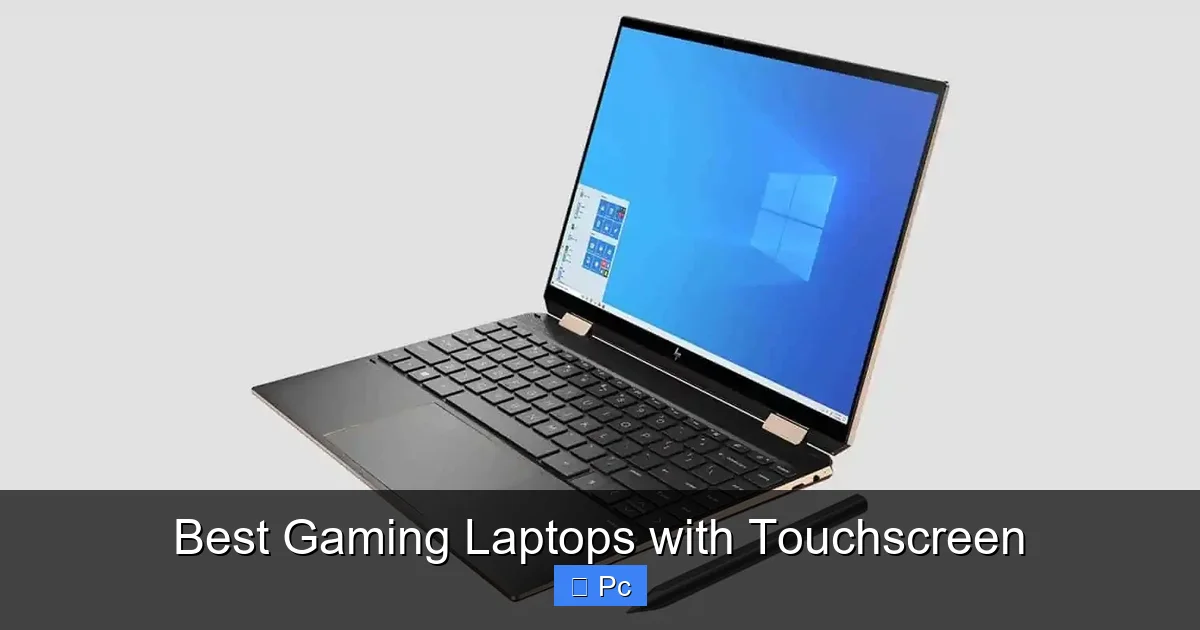
If you’re looking for a gaming laptop that blends high-end performance with the convenience of a touchscreen, you’re in the right place. These devices offer responsive displays, powerful GPUs, and sleek designs—perfect for gamers who want versatility without sacrificing power.
Key Takeaways
- Touchscreen adds versatility: Great for creative tasks, navigation, and casual gaming beyond traditional controls.
- High refresh rates matter: Look for 120Hz or higher displays to ensure smooth visuals during fast-paced games.
- GPU is king: Dedicated graphics cards like NVIDIA RTX 40-series are essential for modern gaming performance.
- Battery life is limited: Gaming laptops with touchscreens often drain faster due to power-hungry components.
- Build quality varies: Premium models offer better durability, cooling, and display clarity.
- Price reflects performance: Expect to invest $1,200+ for a solid touchscreen gaming laptop with strong specs.
- Future-proofing is key: Choose models with upgradeable RAM and storage for longevity.
📑 Table of Contents
- Why Choose a Gaming Laptop with Touchscreen?
- Top Features to Look for in a Touchscreen Gaming Laptop
- Best Gaming Laptops with Touchscreen in 2024
- Pros and Cons of Touchscreen Gaming Laptops
- How to Maximize Your Touchscreen Gaming Experience
- Future of Touchscreen Gaming Laptops
- Final Thoughts: Is a Touchscreen Gaming Laptop Worth It?
Why Choose a Gaming Laptop with Touchscreen?
Gaming laptops have come a long way from being bulky, single-purpose machines. Today’s models are sleek, powerful, and increasingly versatile—especially when they include a touchscreen. But why should you consider one over a traditional non-touch display?
First, touchscreens add a layer of interactivity that goes beyond gaming. Whether you’re sketching in Photoshop, navigating Windows 11 with gestures, or simply scrolling through social media, the touch feature makes everyday use more intuitive. For creative professionals who also game, this dual functionality is a major win.
Second, many modern games—especially indie titles, strategy games, and simulation apps—are designed with touch input in mind. Think of games like *Civilization VI*, *Cities: Skylines*, or even mobile ports like *Minecraft*—these play beautifully with touch controls. Even if you don’t use it for every game, having the option opens up new ways to interact with your content.
The Rise of 2-in-1 Gaming Laptops
While traditional clamshell laptops dominate the gaming space, 2-in-1 convertible models are gaining traction. These laptops can flip, fold, or detach to function as tablets, making them ideal for users who want flexibility. Brands like ASUS, Lenovo, and HP have started integrating high-refresh-rate touchscreens into their convertible designs, blending productivity and play.
However, it’s important to note that true 2-in-1 gaming laptops are still rare. Most high-performance gaming rigs stick to rigid designs to accommodate better cooling and larger GPUs. But hybrid models like the ASUS ROG Flow X13 or Lenovo Yoga 9i (with discrete graphics) show that the future of touchscreen gaming is evolving.
Top Features to Look for in a Touchscreen Gaming Laptop
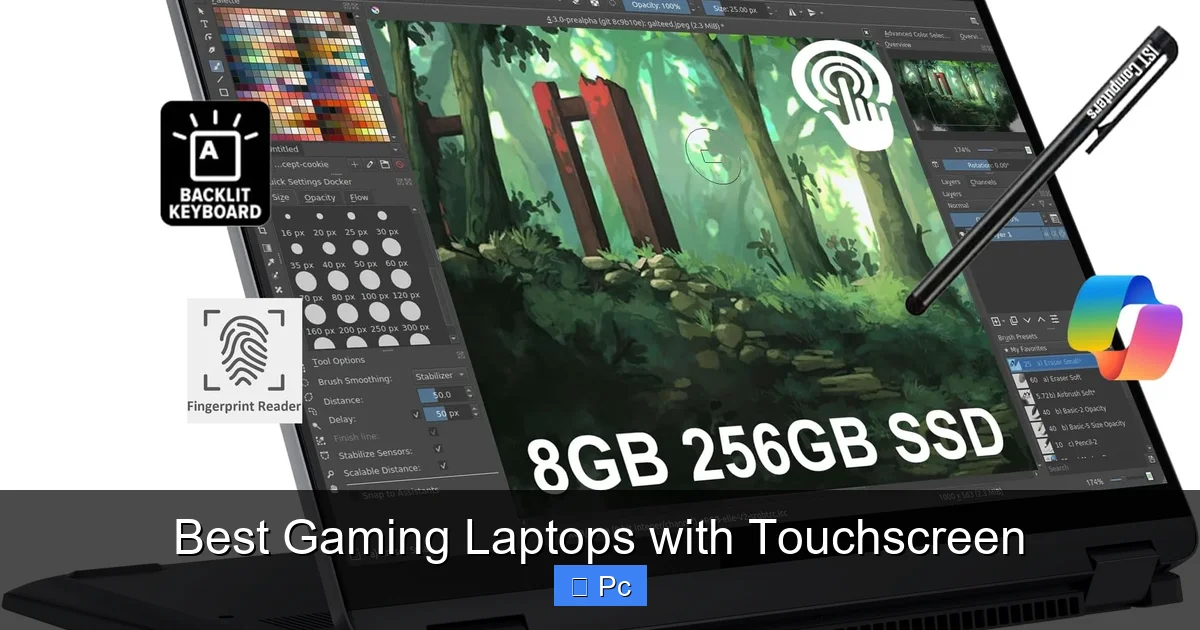
Visual guide about Best Gaming Laptops with Touchscreen
Image source: m.media-amazon.com
Not all touchscreen gaming laptops are created equal. To get the best experience, you need to focus on a few key specs and features. Let’s break down what matters most.
Display Quality and Refresh Rate
The screen is your window to the game world, so it deserves attention. For gaming, a high refresh rate—120Hz, 144Hz, or even 240Hz—is crucial. It reduces motion blur and makes fast-paced action feel smoother. Pair that with a touchscreen, and you get responsive input that keeps up with your movements.
Look for displays with at least Full HD (1920×1080) resolution. If you’re splurging, consider QHD (2560×1440) or 4K options, though these may impact battery life and require more GPU power. Also, check for color accuracy (100% sRGB or higher) and brightness (300 nits or more) for vibrant visuals.
Graphics Processing Unit (GPU)
This is the heart of any gaming laptop. A powerful GPU ensures you can run modern titles at high settings without lag. For touchscreen models, aim for at least an NVIDIA GeForce RTX 4060 or AMD Radeon RX 7600S. These mid-range cards handle 1080p gaming with ease and support ray tracing for realistic lighting.
If you’re aiming for 1440p or 4K gaming, consider the RTX 4070 or higher. These GPUs offer better performance and future-proofing, especially with DLSS 3.0 technology that boosts frame rates using AI.
Processor (CPU) and Cooling
Pair your GPU with a strong CPU—Intel Core i7 or i9 (13th or 14th Gen) or AMD Ryzen 7 or 9 (7000 series) are excellent choices. These processors handle multitasking, streaming, and demanding games without bottlenecking your graphics card.
Cooling is equally important. Touchscreen laptops often have slimmer designs, which can limit airflow. Look for models with advanced cooling systems—dual fans, vapor chambers, or liquid metal thermal paste—to prevent overheating during long sessions.
RAM and Storage
16GB of RAM is the sweet spot for gaming in 2024. It allows smooth gameplay, background apps, and multitasking. For heavy modding or content creation, 32GB is ideal.
Storage should be fast and spacious. A 1TB NVMe SSD is recommended, offering quick load times and ample space for games, which can easily exceed 100GB each. Some models support dual SSD slots, letting you expand later.
Battery Life and Portability
Gaming laptops aren’t known for long battery life, and touchscreens can drain power faster due to constant screen interaction. Expect 4–6 hours of mixed use—less when gaming. If portability is a priority, look for models under 5 pounds with efficient power management.
Best Gaming Laptops with Touchscreen in 2024
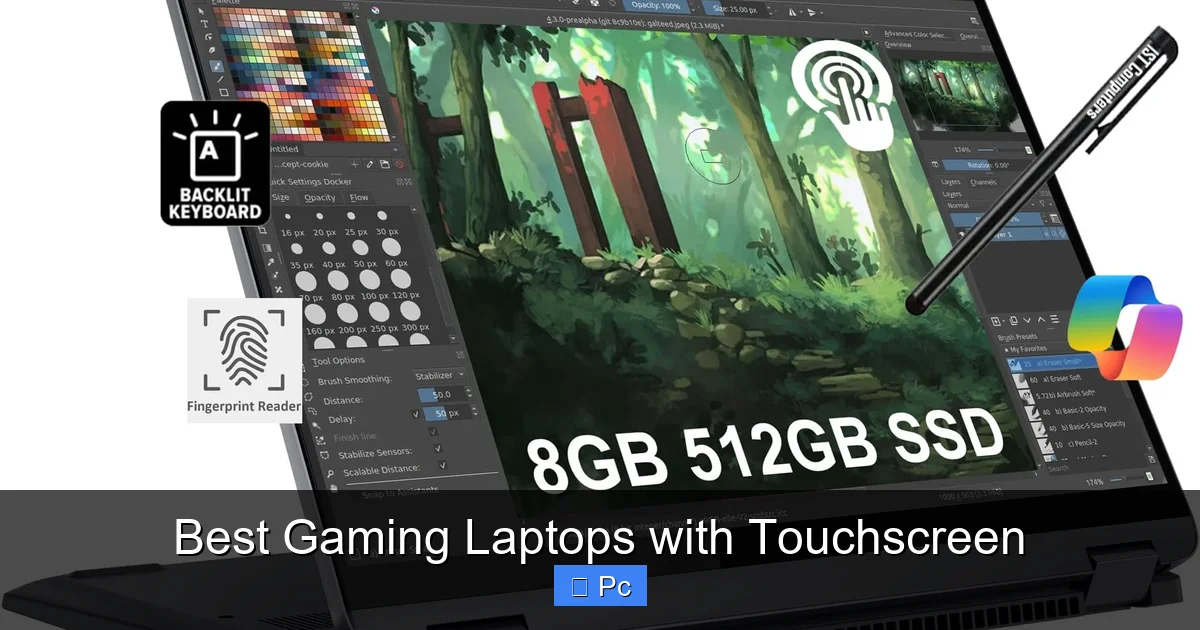
Visual guide about Best Gaming Laptops with Touchscreen
Image source: m.media-amazon.com
Now that you know what to look for, let’s dive into some of the top touchscreen gaming laptops available today. These models balance performance, display quality, and usability.
1. ASUS ROG Zephyrus G14 (2024 Model)
The ASUS ROG Zephyrus G14 is a standout in the compact gaming space. This 14-inch powerhouse features a 120Hz or 165Hz touchscreen display with AMD FreeSync, ensuring tear-free gameplay. Powered by an AMD Ryzen 9 7940HS and up to an RTX 4070, it delivers excellent performance in a lightweight chassis.
What makes it special? The AniMe Matrix LED lid (optional) adds flair, while the ErgoLift hinge improves airflow and typing comfort. The touchscreen is responsive and bright, perfect for both gaming and creative work. Battery life is surprisingly good for a gaming laptop—up to 8 hours with light use.
2. Lenovo Legion 5 Pro (Touchscreen Edition)
Lenovo’s Legion series is known for performance, and the Legion 5 Pro brings that power to a touch-enabled 16-inch QHD+ (2560×1600) display with a 165Hz refresh rate. It’s powered by up to an Intel Core i9-13900HX and RTX 4070, making it a beast for AAA titles.
The touchscreen is smooth and accurate, ideal for strategy games or design apps. The laptop also features a robust cooling system with Legion Coldfront 5.0, ensuring stable performance under load. With up to 32GB RAM and 2TB SSD, it’s built for serious gamers.
3. HP Omen 16 (2024)
The HP Omen 16 combines sleek design with strong performance. Its 16.1-inch QHD touchscreen runs at 165Hz and supports NVIDIA G-Sync for buttery-smooth visuals. Configurations include up to an Intel Core i9-13900HX and RTX 4080, making it one of the most powerful touchscreen options.
HP’s Omen Gaming Hub lets you customize performance, lighting, and fan speeds. The touchscreen is glossy and vibrant, great for media consumption. While it’s on the heavier side (around 5.5 lbs), the build quality is solid, and the keyboard is comfortable for long sessions.
4. Dell Alienware x16
Alienware’s x16 is a premium gaming laptop with a stunning 16-inch QHD+ touchscreen (240Hz optional). It’s powered by up to an Intel Core i9-13900HK and RTX 4090, placing it at the top tier of performance. The display is bright, color-accurate, and incredibly responsive.
What sets it apart? The customizable RGB lighting (AlienFX), premium aluminum build, and advanced thermal design with Cryo-Tech cooling. The touchscreen works well with Windows gestures and supports pen input (sold separately). It’s expensive, but ideal for enthusiasts who want the best.
5. ASUS ROG Flow X13
For those who want a 2-in-1 gaming laptop, the ROG Flow X13 is a game-changer. This 13.4-inch convertible features a 120Hz or 165Hz touchscreen and supports the XG Mobile external GPU (up to RTX 4090) for desktop-level performance.
With an AMD Ryzen 9 7940HS and integrated Radeon graphics (or XG Mobile), it’s perfect for travelers who need both portability and power. The touchscreen is excellent for drawing, note-taking, or casual gaming. Battery life is around 6–8 hours, and the design is sleek and modern.
Pros and Cons of Touchscreen Gaming Laptops
Like any tech choice, touchscreen gaming laptops come with trade-offs. Let’s weigh the benefits and drawbacks.
Advantages
- Enhanced usability: Touch makes navigation faster and more intuitive, especially in Windows 11.
- Creative flexibility: Artists and designers can draw directly on the screen with a stylus.
- Casual gaming support: Many mobile and indie games are optimized for touch.
- Modern aesthetics: Touchscreens often come with slimmer bezels and premium builds.
- Multitasking ease: Swipe, pinch, and tap to manage apps and windows efficiently.
Disadvantages
- Higher cost: Touchscreens add to the price, often by $100–$300.
- Reduced battery life: Constant screen interaction and backlighting drain power faster.
- Glare and fingerprints: Glossy touchscreens can be reflective and show smudges easily.
- Heavier designs: Some touchscreen models are bulkier to accommodate the digitizer layer.
- Limited gaming use: Most AAA games aren’t designed for touch, so the feature may go underused.
How to Maximize Your Touchscreen Gaming Experience
If you’ve invested in a touchscreen gaming laptop, here’s how to get the most out of it.
Optimize Windows Settings
Windows 11 is designed with touch in mind. Enable features like Touch Keyboard, Gesture Navigation, and Snap Layouts to streamline your workflow. Go to Settings > Bluetooth & devices > Touch to customize sensitivity and palm rejection.
Use a Stylus for Precision
For drawing, note-taking, or precise in-game actions, a stylus like the ASUS Pen or HP Rechargeable MPP 2.0 can make a big difference. Many touchscreen laptops support active pens with pressure sensitivity.
Adjust In-Game Settings
Some games allow you to enable touch controls in the settings menu. For example, Fortnite and Among Us support touch input on PC. Experiment with control schemes to find what works best.
Keep the Screen Clean
Use a microfiber cloth and screen-safe cleaner to remove fingerprints and smudges. A clean screen improves responsiveness and visual clarity.
Manage Battery Usage
To extend battery life, lower screen brightness, disable touch when not needed, and use battery saver mode. Consider carrying a portable charger for long sessions.
Future of Touchscreen Gaming Laptops
The future looks bright for touchscreen gaming laptops. As game developers embrace cross-platform play and cloud gaming, touch controls are becoming more relevant. Services like Xbox Cloud Gaming and NVIDIA GeForce NOW allow you to stream console-quality games to your laptop—many of which support touch input.
Additionally, advancements in display technology—like OLED touchscreens with HDR and higher refresh rates—will make visuals even more immersive. We may also see more 2-in-1 gaming laptops with detachable keyboards and external GPU support, offering the best of both worlds.
AI integration could further enhance the experience. Imagine a laptop that adapts touch sensitivity based on the game you’re playing or uses machine learning to predict your gestures. While still emerging, these innovations point to a more interactive and intuitive gaming future.
Final Thoughts: Is a Touchscreen Gaming Laptop Worth It?
So, should you buy a gaming laptop with a touchscreen? The answer depends on your needs.
If you’re a hardcore gamer who plays fast-paced shooters or RPGs, the touchscreen may not be essential—but it’s a nice bonus for navigation and casual use. On the other hand, if you’re a content creator, student, or multitasker who values versatility, the added functionality is well worth the investment.
Ultimately, the best gaming laptops with touchscreen offer a balance of power, portability, and innovation. They’re not just for gaming—they’re for living, creating, and exploring digital worlds in new ways.
When choosing one, prioritize performance first, then consider how much you’ll actually use the touch feature. With the right model, you’ll get a device that’s not only a gaming powerhouse but also a reliable daily driver.
Frequently Asked Questions
Are touchscreen gaming laptops good for competitive gaming?
Touchscreens aren’t ideal for competitive gaming like FPS or MOBA titles, which rely on keyboard and mouse precision. However, they’re great for strategy, simulation, or casual games where touch controls enhance the experience.
Do touchscreen laptops have worse battery life?
Yes, generally. Touchscreens consume more power due to constant sensor activity and brighter displays. Expect 1–2 hours less battery life compared to non-touch models under similar use.
Can I disable the touchscreen if I don’t use it?
Absolutely. You can disable the touchscreen in Windows by going to Device Manager > Human Interface Devices > HID-compliant touch screen, then right-click and select “Disable device.”
Are touchscreen gaming laptops more fragile?
Not necessarily. Modern touchscreens use durable glass (like Gorilla Glass) and are built to withstand daily use. However, they may be more prone to scratches, so a screen protector is recommended.
Do all touchscreen laptops support stylus input?
No. Only models with active digitizer technology (like ASUS Pen or HP Rechargeable MPP) support pressure-sensitive styluses. Check the specs before buying if you plan to draw or write.
Is a 2-in-1 laptop good for gaming?
It depends. Most 2-in-1s have integrated or low-power GPUs, limiting gaming performance. However, models like the ASUS ROG Flow X13 with external GPU support offer a compelling hybrid solution.
