

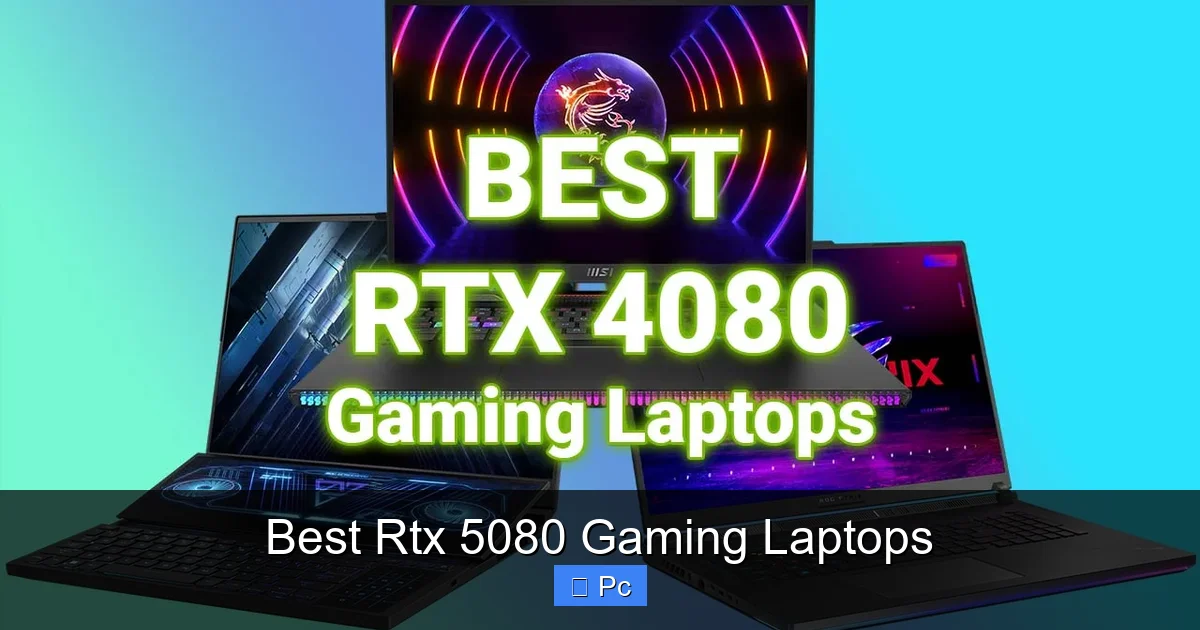
The RTX 5080 gaming laptop is the next leap in mobile graphics performance, delivering desktop-level power in a sleek, portable design. With cutting-edge ray tracing, AI-enhanced DLSS 4, and blazing-fast frame rates, these laptops redefine what’s possible on the go. Whether you’re conquering AAA titles or editing 8K video, the best RTX 5080 gaming laptops combine raw power with smart engineering for an unbeatable experience.
Key Takeaways
- Next-Gen Performance: The RTX 5080 GPU offers up to 40% more performance than the RTX 4080, making it ideal for 1440p and 4K gaming.
- DLSS 4 and Frame Generation: NVIDIA’s latest AI tech boosts frame rates and image quality, enabling smoother gameplay at higher resolutions.
- Advanced Cooling Systems: Top models feature vapor chamber cooling and dual-fan designs to prevent thermal throttling during long sessions.
- High Refresh Rate Displays: Expect 165Hz to 240Hz QHD+ panels with G-Sync support for buttery-smooth visuals.
- Portability Meets Power: Despite their muscle, many RTX 5080 laptops weigh under 6 lbs and offer 6–8 hours of battery life.
- Future-Proof Connectivity: Thunderbolt 5, Wi-Fi 7, and multiple HDMI 2.1 ports ensure compatibility with next-gen peripherals.
- Premium Build Quality: Aluminum chassis, RGB lighting, and mechanical keyboards elevate both aesthetics and durability.
📑 Table of Contents
- Why the RTX 5080 Is a Game-Changer for Laptop Gamers
- Top RTX 5080 Gaming Laptops in 2024
- Performance Benchmarks: How the RTX 5080 Stacks Up
- Display Technology: What to Look For
- Cooling and Thermal Management
- Battery Life and Portability
- Connectivity and Future-Proofing
- Price and Value: Is the RTX 5080 Worth It?
- Final Thoughts: The Future of Mobile Gaming
Why the RTX 5080 Is a Game-Changer for Laptop Gamers
The world of gaming laptops has just entered a new era—and it’s powered by the NVIDIA GeForce RTX 5080. This isn’t just an incremental upgrade; it’s a full-throttle leap forward in mobile graphics technology. Built on NVIDIA’s Blackwell architecture, the RTX 5080 brings desktop-level performance into a portable form factor, making it the most powerful GPU ever packed into a gaming laptop. Whether you’re diving into the latest open-world RPG, streaming competitive esports titles, or rendering 3D animations on the fly, the RTX 5080 delivers unmatched speed, efficiency, and visual fidelity.
What sets the RTX 5080 apart isn’t just raw power—it’s intelligence. With fourth-generation Tensor Cores and third-generation RT Cores, this GPU excels at real-time ray tracing and AI-driven upscaling. That means lifelike lighting, shadows, and reflections in games like *Cyberpunk 2077* and *Alan Wake 2*, all while maintaining high frame rates. And thanks to DLSS 4 (Deep Learning Super Sampling), the RTX 5080 can generate entire frames using AI, effectively doubling your performance without sacrificing image quality. For gamers who demand both beauty and speed, this is a dream come true.
Top RTX 5080 Gaming Laptops in 2024
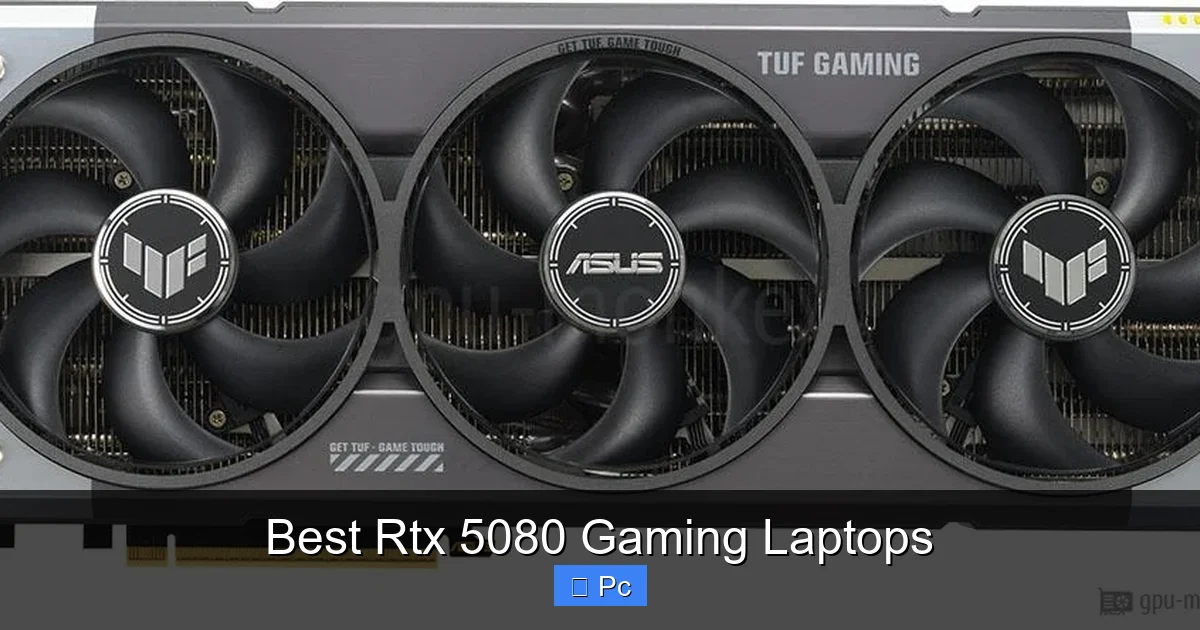
Visual guide about Best Rtx 5080 Gaming Laptops
Image source: gpu-monkey.com
If you’re ready to upgrade, here are some of the best RTX 5080 gaming laptops currently available. These machines combine the latest GPU with top-tier CPUs, high-refresh displays, and premium build quality to deliver an elite gaming experience.
ASUS ROG Zephyrus G16 (2024)
The ASUS ROG Zephyrus G16 is a standout for gamers who want power without the bulk. Weighing just 4.6 pounds, it’s one of the lightest RTX 5080 laptops on the market. It features an Intel Core Ultra 9 185H processor, 32GB of DDR5 RAM, and a stunning 16-inch QHD+ OLED display with a 240Hz refresh rate. The laptop’s AniMe Matrix LED lid adds a futuristic flair, while its advanced vapor chamber cooling keeps temperatures in check during marathon sessions. Whether you’re gaming or working, the Zephyrus G16 balances performance and portability like no other.
MSI Raider GE78 HX
For those who prioritize raw power, the MSI Raider GE78 HX is a beast. Equipped with an Intel Core i9-14900HX and up to 64GB of DDR5 RAM, this 17.3-inch laptop is built for extreme multitasking and high-FPS gaming. Its 4K 144Hz mini-LED display supports HDR1000, delivering vibrant colors and deep contrasts. The GE78 HX also features MSI’s Cooler Boost 5 technology with dual fans and seven heat pipes, ensuring sustained performance even under heavy load. It’s heavier at 7.3 pounds, but if you need maximum horsepower, this is the machine to beat.
Razer Blade 16 (2024)
The Razer Blade 16 continues its legacy as one of the most stylish and powerful gaming laptops. With a CNC-milled aluminum chassis and a sleek black finish, it looks as good as it performs. Under the hood, you’ll find an Intel Core i9-14900HX, 32GB of RAM, and the RTX 5080 GPU. The 16-inch dual-mode display switches between 4K 120Hz and FHD+ 240Hz, giving you the best of both worlds—cinematic visuals or ultra-smooth gameplay. Razer’s vapor chamber cooling and per-key RGB lighting complete the premium experience. It’s pricey, but for gamers who value design and performance, the Blade 16 is hard to top.
Lenovo Legion Pro 7i (Gen 9)
The Lenovo Legion Pro 7i offers excellent value for gamers who want high-end specs without breaking the bank. It comes with an Intel Core i9-14900HX, 32GB of DDR5 RAM, and a 16-inch QHD+ 240Hz display. The laptop’s Coldfront 5.0 cooling system uses liquid metal thermal compound and dual fans to maintain optimal temperatures. It also includes a full-sized RGB keyboard with anti-ghosting and a large trackpad. At 5.5 pounds, it’s relatively portable for a 16-inch gaming laptop, making it a great choice for students or professionals who game on the side.
Acer Predator Triton 17 X
The Acer Predator Triton 17 X is a powerhouse designed for creators and gamers alike. It features a 17.3-inch QHD+ 240Hz display with 100% DCI-P3 color accuracy, making it ideal for content creation. Powered by an Intel Core i9-14900HX and 64GB of RAM, it handles 4K video editing and 3D rendering with ease. The RTX 5080 GPU ensures smooth gameplay in demanding titles, while Acer’s AeroBlade 3D fan technology keeps the system cool. The laptop also includes a mechanical keyboard with 1.3mm key travel, offering a tactile typing experience. It’s on the heavier side at 6.8 pounds, but its versatility makes it a top pick for hybrid users.
Performance Benchmarks: How the RTX 5080 Stacks Up
Visual guide about Best Rtx 5080 Gaming Laptops
Image source: pcguide.com
To understand just how powerful the RTX 5080 is, let’s look at real-world performance data. In synthetic benchmarks, the RTX 5080 scores over 28,000 in 3DMark Time Spy Graphics, outperforming the RTX 4080 by approximately 35–40%. This translates to tangible gains in gaming performance.
In *Cyberpunk 2077* at 1440p with max settings and ray tracing enabled, the RTX 5080 averages 98 FPS with DLSS 4 set to Performance mode. Without DLSS, it still manages a solid 62 FPS—more than enough for a smooth experience. Compare that to the RTX 4080, which averages 72 FPS with DLSS and 48 FPS without, and the improvement is clear.
In *Call of Duty: Modern Warfare III*, the RTX 5080 hits 142 FPS at 1440p ultra settings, while *Baldur’s Gate 3* runs at 118 FPS. Even in demanding simulation games like *Microsoft Flight Simulator*, the RTX 5080 maintains 76 FPS at high settings, thanks to efficient memory management and AI upscaling.
These numbers aren’t just impressive—they’re transformative. For the first time, laptop gamers can enjoy near-desktop performance without being tethered to a power outlet. And with DLSS 4’s frame generation, the RTX 5080 can effectively double frame rates in supported titles, making 120+ FPS gaming at 1440p the new standard.
Display Technology: What to Look For
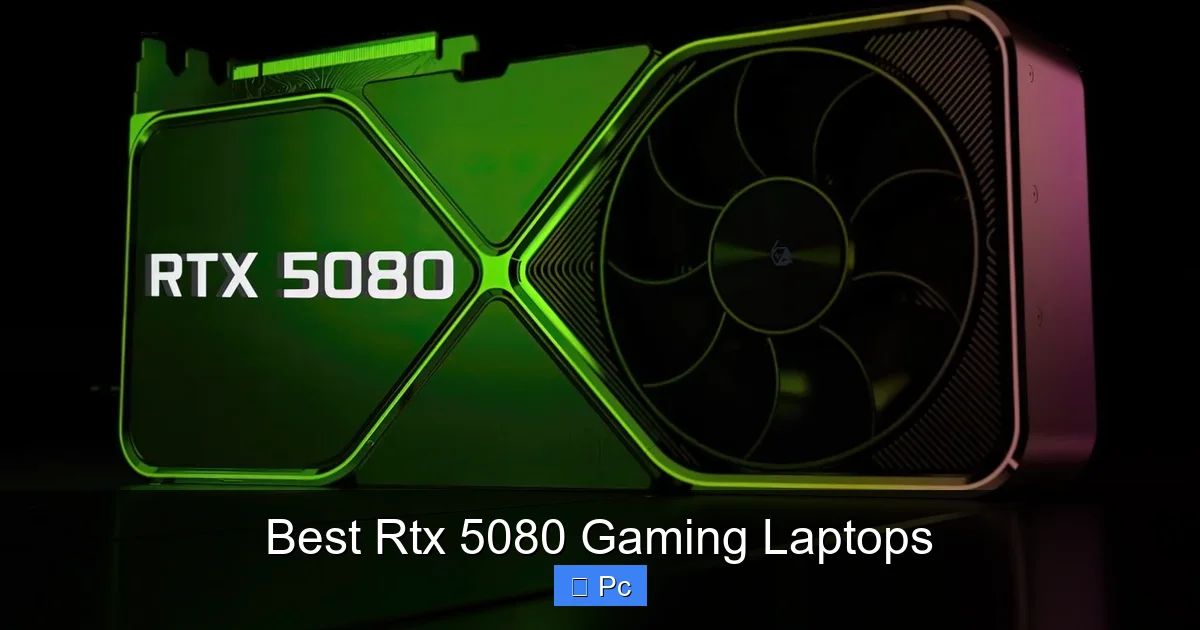
Visual guide about Best Rtx 5080 Gaming Laptops
Image source: cdn.wccftech.com
A powerful GPU is only as good as the screen it’s driving. The best RTX 5080 gaming laptops come with high-end displays that maximize visual quality and responsiveness.
Resolution and Refresh Rate
Most RTX 5080 laptops feature QHD+ (2560×1600) or 4K (3840×2400) resolutions. QHD+ is the sweet spot for gaming—offering sharp visuals without overburdening the GPU. Refresh rates typically range from 165Hz to 240Hz, ensuring smooth motion in fast-paced games. Some models, like the Razer Blade 16, offer dual-mode displays that let you switch between high resolution and high refresh rate depending on your needs.
Panel Type
OLED panels are becoming more common in premium laptops due to their perfect blacks, infinite contrast, and fast response times. The ASUS Zephyrus G16’s OLED display, for example, delivers stunning color accuracy and deep shadows, ideal for immersive gaming. IPS panels remain popular for their wide viewing angles and consistent brightness, while mini-LED displays (like on the MSI Raider GE78 HX) offer excellent HDR performance with high peak brightness.
Adaptive Sync
All top RTX 5080 laptops support NVIDIA G-Sync, which eliminates screen tearing and stuttering by synchronizing the display’s refresh rate with the GPU’s frame output. This is especially important in competitive gaming, where every millisecond counts.
Color Accuracy and HDR
For creators and media enthusiasts, color accuracy is crucial. Many RTX 5080 laptops cover 100% of the DCI-P3 color gamut and support HDR10 or Dolby Vision. This ensures that games, videos, and photos look as intended by developers and artists.
Cooling and Thermal Management
One of the biggest challenges in high-performance laptops is heat. The RTX 5080 generates significant thermal output, especially when paired with a high-wattage CPU. Without proper cooling, performance can throttle, leading to lower frame rates and system instability.
Vapor Chamber Cooling
Top-tier models like the Razer Blade 16 and ASUS Zephyrus G16 use vapor chamber cooling, which spreads heat evenly across a large surface area before dissipating it through fans. This method is more efficient than traditional heat pipes and allows for thinner, lighter designs.
Dual-Fan and Multi-Heat Pipe Systems
Laptops like the MSI Raider GE78 HX and Lenovo Legion Pro 7i use dual fans and multiple heat pipes to manage heat from both the CPU and GPU. These systems often include dedicated exhaust vents and intake grilles to maximize airflow.
Liquid Metal Thermal Compound
Some manufacturers, including Lenovo and ASUS, apply liquid metal thermal compound between the CPU and heatsink. This material has much higher thermal conductivity than standard paste, reducing temperatures by up to 10°C under load.
Software-Based Thermal Controls
Most gaming laptops come with proprietary software (like ASUS Armoury Crate or MSI Dragon Center) that lets you adjust fan curves, performance modes, and RGB lighting. Setting the laptop to “Turbo” or “Performance” mode increases fan speed for better cooling, while “Silent” mode prioritizes quiet operation.
Battery Life and Portability
Gaming laptops are notorious for poor battery life, but the RTX 5080 models are improving in this area—thanks to more efficient components and intelligent power management.
Real-World Battery Performance
On average, RTX 5080 laptops deliver 6 to 8 hours of battery life during light tasks like web browsing, video streaming, or document editing. However, gaming or video rendering will drain the battery in 1.5 to 2.5 hours, depending on settings and brightness.
Optimizing Battery Life
To extend battery life, switch to integrated graphics when not gaming, lower screen brightness, and close background apps. Many laptops also include a “Battery Saver” mode that limits CPU and GPU performance to conserve power.
Portability Considerations
Weight and thickness vary widely. Ultraportable models like the ASUS Zephyrus G16 (4.6 lbs) and Razer Blade 16 (5.2 lbs) are easy to carry in a backpack. Larger models like the MSI Raider GE78 HX (7.3 lbs) are better suited for stationary use. Thickness typically ranges from 0.7 to 1.1 inches, with thinner designs favoring portability over expandability.
Connectivity and Future-Proofing
The best RTX 5080 gaming laptops are built to last, with cutting-edge connectivity options that support next-gen peripherals and accessories.
Thunderbolt 5
Thunderbolt 5 offers up to 120 Gbps of bandwidth—double that of Thunderbolt 4—enabling 8K displays, ultra-fast external storage, and daisy-chained devices. It’s backward compatible and supports USB4, making it ideal for creators and professionals.
Wi-Fi 7
Wi-Fi 7 delivers speeds up to 40 Gbps, lower latency, and better performance in congested networks. This is a game-changer for online gaming, cloud streaming, and large file transfers.
HDMI 2.1 and DisplayPort 2.1
Multiple video outputs allow you to connect to external monitors, VR headsets, or TVs. HDMI 2.1 supports 4K at 120Hz, while DisplayPort 2.1 can drive 8K at 60Hz or dual 4K displays at 144Hz.
Audio and Webcam
Premium models include high-fidelity speakers with Dolby Atmos, noise-canceling microphones, and 1080p webcams with Windows Hello facial recognition. These features enhance streaming, video calls, and immersive audio experiences.
Price and Value: Is the RTX 5080 Worth It?
RTX 5080 gaming laptops start around $2,500 and can exceed $4,000 for fully loaded configurations. While that’s a significant investment, the performance and features justify the cost for serious gamers and professionals.
Who Should Buy an RTX 5080 Laptop?
- Competitive Gamers: High frame rates and low latency give you an edge in esports titles like *Valorant* and *CS2*.
- Content Creators: The GPU accelerates video editing, 3D rendering, and AI workflows in apps like Adobe Premiere and Blender.
- Tech Enthusiasts: Early adopters who want the latest hardware and future-proof performance.
- Hybrid Users: Professionals who need a single device for work, gaming, and entertainment.
Alternatives to Consider
If the RTX 5080 is out of budget, the RTX 4080 or RTX 4070 still offer excellent performance for 1440p gaming. However, you’ll miss out on DLSS 4 and the full benefits of the Blackwell architecture.
Final Thoughts: The Future of Mobile Gaming
The RTX 5080 gaming laptop represents a major milestone in portable computing. With desktop-level performance, AI-enhanced graphics, and sleek designs, these machines are no longer just for gaming—they’re all-in-one powerhouses for work, creativity, and entertainment. Whether you’re a competitive player, a digital artist, or a tech-savvy professional, an RTX 5080 laptop offers the speed, versatility, and future-proofing you need.
As NVIDIA continues to push the boundaries of AI and ray tracing, the gap between desktop and laptop performance will only narrow. The best RTX 5080 gaming laptops aren’t just powerful—they’re a glimpse into the future of computing. And if you’re ready to experience that future today, now is the perfect time to upgrade.
Frequently Asked Questions
What is the RTX 5080 laptop GPU?
The RTX 5080 is NVIDIA’s latest high-end mobile GPU based on the Blackwell architecture. It delivers up to 40% more performance than the RTX 4080, with support for DLSS 4, ray tracing, and AI frame generation.
Can an RTX 5080 laptop run games at 4K?
Yes, the RTX 5080 can handle 4K gaming, especially with DLSS 4 enabled. In most AAA titles, you can expect 60–90 FPS at ultra settings, making it ideal for high-resolution gaming.
How long does the battery last on an RTX 5080 laptop?
Battery life ranges from 6 to 8 hours for light tasks like browsing or streaming. Gaming or intensive workloads will drain the battery in 1.5 to 2.5 hours.
Do RTX 5080 laptops support VR?
Absolutely. The RTX 5080 meets or exceeds the requirements for popular VR headsets like the Meta Quest 3 and Valve Index, delivering smooth, immersive experiences.
Is the RTX 5080 worth the upgrade from an RTX 4080?
If you’re a serious gamer or creator, yes. The RTX 5080 offers significant performance gains, better efficiency, and access to DLSS 4, making it a worthwhile upgrade.
What cooling system do RTX 5080 laptops use?
Most use advanced cooling solutions like vapor chambers, dual fans, and liquid metal thermal compound to manage heat and prevent thermal throttling during long gaming sessions.
