

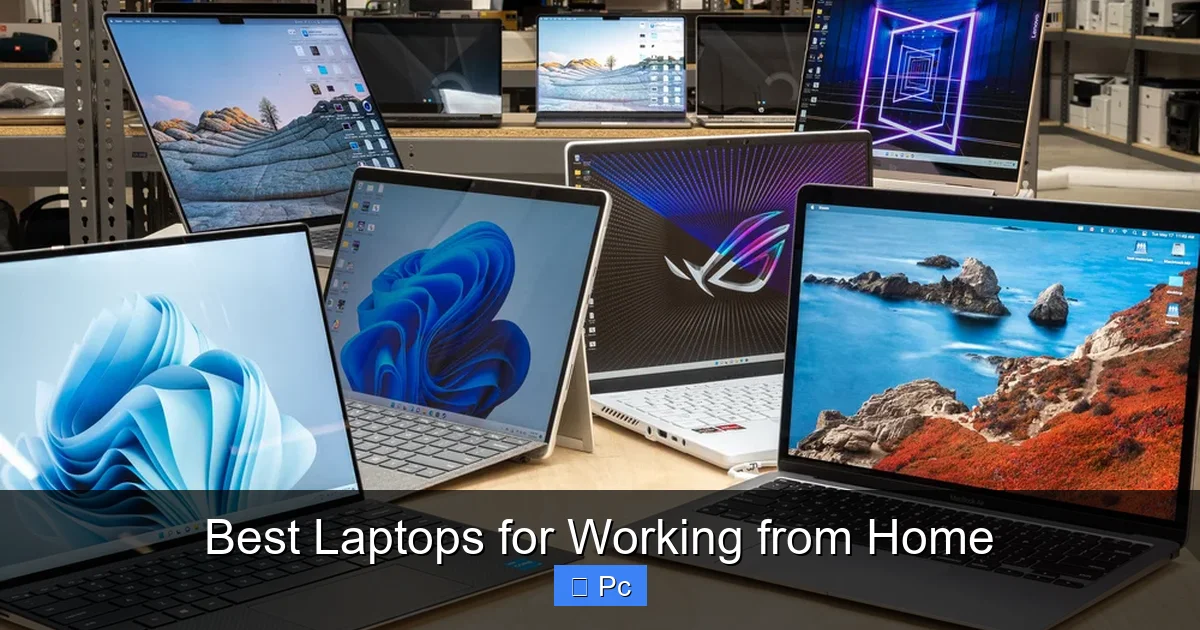
Choosing the right laptop for working from home can make or break your productivity. Whether you’re in video calls all day, crunching spreadsheets, or managing multiple apps, the best laptops for working from home offer reliability, comfort, and long battery life. We’ve tested and reviewed the top models to help you find the perfect fit for your remote work setup.
Key Takeaways
- Prioritize battery life: Look for laptops with at least 8–10 hours of real-world battery life to avoid constant charging during work hours.
- Keyboard and trackpad matter: A comfortable keyboard and responsive trackpad are essential for long typing sessions and smooth navigation.
- Consider display quality: A sharp, bright screen (1080p or higher) reduces eye strain and improves focus during extended use.
- Portability vs. performance: Balance weight and size with processing power—ultrabooks are great for travel, while larger laptops often offer better performance.
- Connectivity is key: Ensure your laptop has enough ports (USB-C, HDMI, USB-A) or supports docking stations for a seamless home office setup.
- Webcam and audio quality: With remote meetings being the norm, a good 720p or 1080p webcam and clear microphones are must-haves.
- Future-proof with RAM and storage: Aim for at least 16GB of RAM and 512GB SSD storage to keep your system running smoothly for years.
📑 Table of Contents
Why the Right Laptop Makes All the Difference for Remote Work
Working from home has become the new normal for millions of professionals around the world. Whether you’re a freelancer, a corporate employee, or running your own business, your laptop is more than just a tool—it’s your office, your conference room, and your lifeline to productivity. But not all laptops are created equal, especially when it comes to the unique demands of remote work.
Imagine starting your day with a fully charged laptop, only to have it die by lunch because the battery life is poor. Or worse, struggling through a video call with a grainy webcam and muffled audio while your colleagues look and sound crystal clear. These small frustrations add up, draining your focus and energy. That’s why choosing the best laptop for working from home isn’t just about specs—it’s about creating a comfortable, efficient, and stress-free work environment.
The ideal work-from-home laptop should handle multitasking with ease, keep you connected all day, and feel good to use for hours on end. It should support your workflow, not hinder it. From typing up reports to joining back-to-back Zoom meetings, your laptop needs to be a reliable partner. In this guide, we’ll walk you through everything you need to know to pick the perfect machine for your remote work life.
What to Look for in a Work-from-Home Laptop
Visual guide about Best Laptops for Working from Home
Image source: m.media-amazon.com
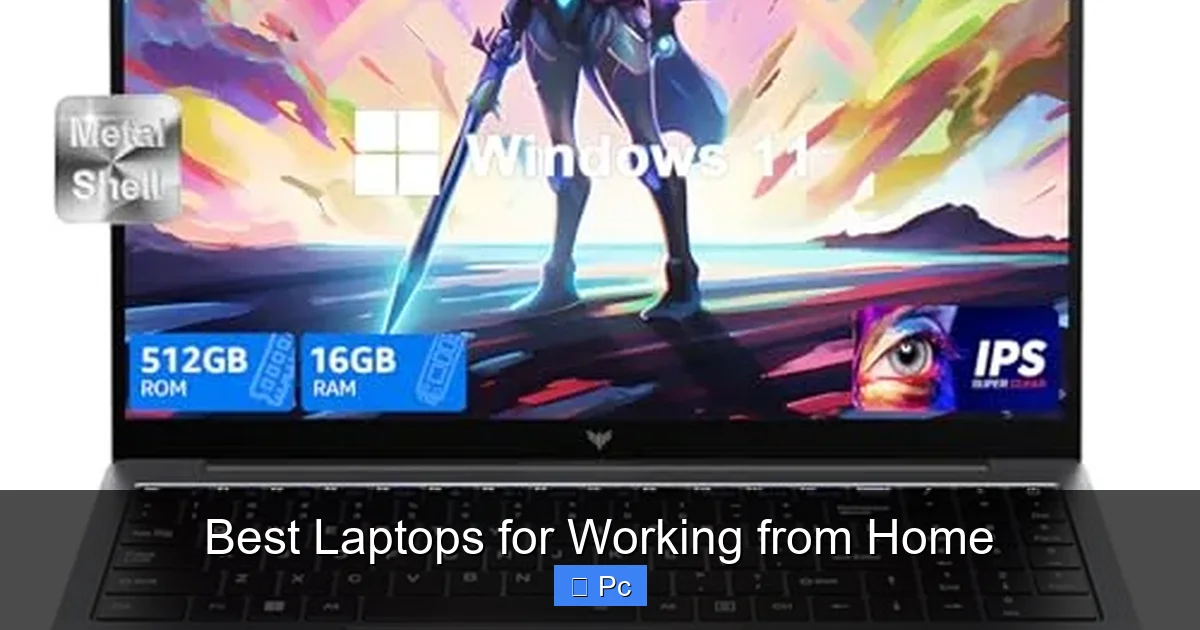
When shopping for a laptop for remote work, it’s easy to get overwhelmed by technical jargon and flashy marketing. But focusing on a few key features can simplify your decision and ensure you get real value for your money.
Battery Life: Stay Powered All Day
One of the biggest challenges of working from home is staying productive without being tethered to an outlet. A laptop with strong battery life lets you move freely—whether you’re working from your kitchen table, a cozy corner of the living room, or even your backyard on a sunny day.
Look for laptops that offer at least 8 to 10 hours of real-world battery life. This means actual usage—browsing, typing, video calls—not just idle time. Many manufacturers claim “up to 12 hours,” but real-world performance often falls short. Models like the Apple MacBook Air (M2) and Dell XPS 13 consistently deliver all-day battery life, making them top choices for remote workers.
Keyboard and Trackpad: Comfort Is Non-Negotiable
If you’re typing for hours each day, a comfortable keyboard isn’t a luxury—it’s a necessity. A shallow or mushy keyboard can lead to fatigue, typos, and even long-term strain. Look for laptops with well-spaced keys, good travel (the distance a key presses down), and a responsive feel.
The trackpad is just as important. A large, smooth, and accurate trackpad reduces the need for a mouse and makes navigation effortless. Apple’s MacBook trackpads are often praised for their precision, but Windows laptops like the Lenovo ThinkPad X1 Carbon and HP Spectre x360 also offer excellent input experiences.
Display Quality: Protect Your Eyes
Staring at a screen for 8+ hours a day takes a toll on your eyes. A high-quality display can make a huge difference in comfort and focus. Aim for at least a Full HD (1920×1080) resolution—anything lower will look pixelated on modern screens.
Brightness matters too. A display that gets up to 300–400 nits is ideal for most indoor environments. If you work near a window or in a bright room, consider a laptop with anti-glare coating or higher brightness. OLED screens offer deeper blacks and vibrant colors, but they can be more expensive and may cause eye strain for some users.
Size is another factor. A 13- to 14-inch screen is a sweet spot for portability and usability. Larger 15- or 16-inch laptops offer more screen real estate but are heavier and less convenient to carry around the house.
Performance: Handle Multitasking Like a Pro
Your laptop needs to keep up with your workload. Whether you’re running multiple browser tabs, editing documents, using design software, or joining video calls, a slow machine will frustrate you and waste time.
For most remote workers, an Intel Core i5 or AMD Ryzen 5 processor (or Apple’s M1/M2 chip) is more than enough. If you’re doing heavier tasks like video editing, programming, or data analysis, consider an Intel Core i7, AMD Ryzen 7, or Apple M2 Pro.
RAM is just as important. 8GB is the minimum, but 16GB is ideal for smooth multitasking and future-proofing. Storage should be SSD-based (not HDD) for faster boot times and app loading. A 512GB SSD is a good starting point, but 1TB is better if you store large files or media.
Connectivity and Ports: Stay Plugged In
Even in a wireless world, ports still matter. You’ll likely connect external monitors, keyboards, mice, hard drives, and charging cables. A laptop with a good mix of USB-A, USB-C, HDMI, and a headphone jack gives you flexibility.
Many modern laptops are moving toward USB-C only, which is great for charging and data transfer but can be inconvenient if you have older peripherals. Consider a laptop with at least one USB-A port or invest in a USB-C hub or docking station.
Wi-Fi 6 and Bluetooth 5.0 or higher ensure fast, stable wireless connections—important for video calls and large file transfers.
Webcam and Audio: Look and Sound Professional
Video calls are a staple of remote work. A 720p webcam is the bare minimum, but 1080p is much better for clarity. Some laptops, like the Dell XPS 13 and MacBook Pro, now include 1080p cameras, while others still use outdated 720p sensors.
Audio quality is just as important. Built-in microphones should pick up your voice clearly without background noise. Speakers should be loud and clear for listening to presentations or joining calls without headphones.
If your laptop’s audio or camera isn’t great, consider external options: a USB webcam like the Logitech C920 or a headset with a built-in mic can dramatically improve your call quality.
Top Laptops for Working from Home in 2024
Visual guide about Best Laptops for Working from Home
Image source: cdn.mos.cms.futurecdn.net
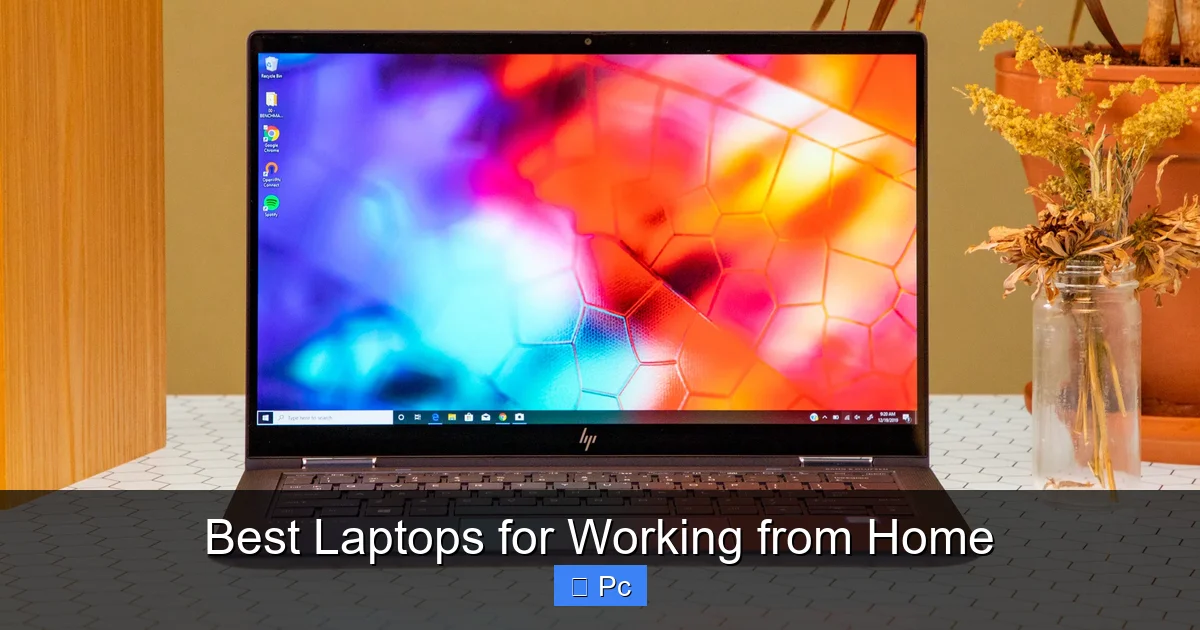
Now that you know what to look for, let’s dive into some of the best laptops for working from home. These models stand out for their performance, comfort, and reliability—perfect for remote professionals.
Apple MacBook Air (M2)
The MacBook Air with the M2 chip is a top pick for remote workers who value portability, battery life, and a premium experience. Weighing just 2.7 pounds and measuring 11.3mm thin, it’s incredibly easy to carry around the house or take on the go.
The M2 chip delivers excellent performance for everyday tasks—browsing, email, video calls, and even light photo editing. With up to 18 hours of battery life, you can work all day without hunting for an outlet. The 13.6-inch Liquid Retina display is bright and colorful, and the Magic Keyboard is one of the best in the business.
The only downside? Limited ports—just two Thunderbolt/USB 4 ports and a headphone jack. You’ll likely need a hub for connecting peripherals. But for Apple users or those willing to adapt, the MacBook Air M2 is a fantastic choice.
Dell XPS 13
The Dell XPS 13 is a Windows powerhouse that rivals the MacBook Air in design and performance. Its near-borderless 13.4-inch display gives you more screen in a compact body, and the build quality is top-notch with an aluminum chassis.
Powered by Intel’s latest processors, the XPS 13 handles multitasking with ease. It offers up to 12 hours of battery life and features a comfortable keyboard and large trackpad. The 1080p webcam is a nice upgrade over older models, and the audio quality is solid for built-in speakers.
Like the MacBook Air, it has limited ports (two Thunderbolt 4 and a headphone jack), so a dock may be necessary. But for Windows users who want a sleek, high-performance laptop, the XPS 13 is hard to beat.
Lenovo ThinkPad X1 Carbon Gen 11
The ThinkPad X1 Carbon is a favorite among business professionals for its durability, keyboard, and reliability. It’s lightweight (starting at 2.48 pounds) and built to MIL-STD-810H standards, meaning it can handle drops, spills, and extreme temperatures.
The keyboard is legendary—deep travel, excellent feedback, and perfect for long typing sessions. The 14-inch display options include Full HD and 4K, with touch and non-touch variants. Battery life ranges from 10 to 15 hours depending on configuration.
It also offers a great selection of ports: two USB-C, two USB-A, HDMI, and a headphone jack. The 1080p webcam includes a privacy shutter, and the audio is clear with Dolby Atmos support. If you want a no-nonsense workhorse, the X1 Carbon is a top contender.
HP Spectre x360 14
The HP Spectre x360 14 is a versatile 2-in-1 laptop that doubles as a tablet. Its 360-degree hinge lets you use it in laptop, tent, stand, or tablet mode—great for presentations or note-taking.
The 13.5-inch OLED display is stunning, with deep blacks and vibrant colors. It’s bright enough for indoor use and supports touch and pen input. Performance is strong with Intel Core i7 options, and battery life reaches up to 12 hours.
The keyboard is comfortable, and the trackpad is large and responsive. Ports include two Thunderbolt 4, one USB-A, and a headphone jack. The 1080p webcam and quad speakers with Bang & Olufsen tuning make video calls a pleasure. If you want flexibility and style, the Spectre x360 is a great pick.
Microsoft Surface Laptop 5
The Surface Laptop 5 combines sleek design with solid performance. Available in 13.5-inch and 15-inch sizes, it’s lightweight and stylish with an aluminum body and fabric-covered keyboard deck.
The PixelSense touchscreen is sharp and responsive, and the keyboard is quiet and comfortable. Battery life is around 11–12 hours, and performance is smooth for everyday tasks. It runs Windows 11 out of the box and integrates well with Microsoft 365.
Ports are limited to one USB-C, one USB-A, and a headphone jack, but the design is clean and minimal. The 720p webcam is a letdown compared to competitors, but audio quality is excellent. For Microsoft fans or those who prefer a clean Windows experience, the Surface Laptop 5 is worth considering.
Acer Swift 3
If you’re on a budget but still want a capable work laptop, the Acer Swift 3 is a great value. Starting under $700, it offers solid performance with AMD Ryzen or Intel Core processors, 8–16GB of RAM, and a 512GB SSD.
The 14-inch Full HD display is bright and clear, and the keyboard is comfortable for typing. Battery life is around 10 hours, and it’s lightweight at 2.65 pounds. Ports include USB-C, USB-A, HDMI, and a headphone jack—more than many premium laptops.
The build quality isn’t as premium as the MacBook or XPS, but for the price, the Swift 3 delivers excellent value. It’s a smart choice for students, freelancers, or anyone needing a reliable laptop without breaking the bank.
Setting Up Your Home Office for Maximum Productivity
Visual guide about Best Laptops for Working from Home
Image source: i.pcmag.com
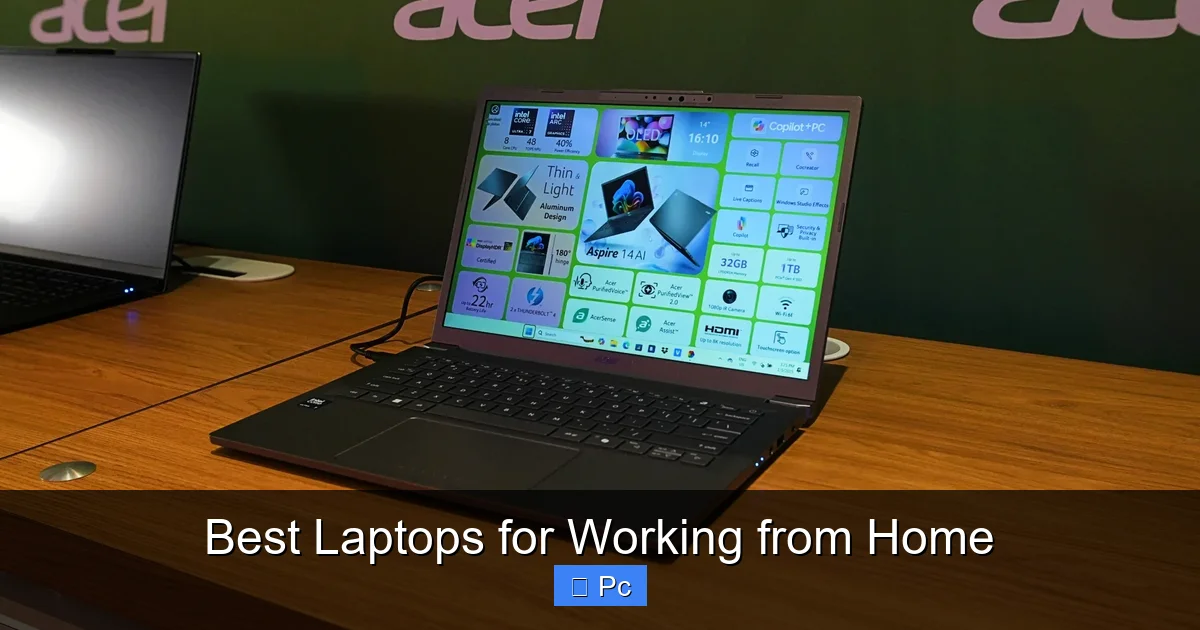
Your laptop is just one piece of the puzzle. To get the most out of your work-from-home setup, consider these tips:
Invest in a Good Chair and Desk
Sitting for long hours can lead to back pain and fatigue. A supportive ergonomic chair and a desk at the right height (elbows at 90 degrees when typing) can make a big difference. Consider a standing desk or a desk converter to alternate between sitting and standing.
Use an External Monitor
A larger external monitor reduces eye strain and improves productivity. Even a 24-inch screen gives you more space for multitasking. Many laptops support dual monitors, so you can extend your desktop for even more room.
Upgrade Your Internet Connection
A stable, fast internet connection is essential for video calls and file uploads. Use a wired Ethernet connection when possible, or invest in a high-quality Wi-Fi 6 router. If your home has dead zones, consider a mesh Wi-Fi system.
Reduce Distractions
Create a dedicated workspace, even if it’s just a corner of a room. Use noise-canceling headphones to block out background noise, and consider apps like Focus@Will or Freedom to stay on task.
Keep Your Laptop Cool and Clean
Dust and heat can slow down your laptop over time. Use a laptop stand with ventilation, clean the vents regularly, and avoid using your laptop on soft surfaces like beds or couches.
Final Thoughts: Choosing the Best Laptop for Your Needs
There’s no one-size-fits-all answer when it comes to the best laptop for working from home. Your ideal choice depends on your budget, workflow, and personal preferences. But by focusing on key features—battery life, keyboard comfort, display quality, performance, and connectivity—you can narrow down your options and find a machine that truly supports your remote work life.
Whether you go for the sleek MacBook Air, the durable ThinkPad X1 Carbon, or the budget-friendly Acer Swift 3, the right laptop will help you stay productive, comfortable, and connected. Remember, this is your office. Make it work for you.
Investing in a quality laptop isn’t just about specs—it’s about creating a work environment that helps you do your best work, day after day. So take your time, read reviews, and choose wisely. Your future self will thank you.
Frequently Asked Questions
What is the most important feature in a work-from-home laptop?
Battery life is one of the most critical features, as it allows you to work uninterrupted without constantly searching for an outlet. A comfortable keyboard and good display quality are also essential for long-term use.
Do I need a high-end laptop for remote work?
Not necessarily. Most remote work tasks—like email, video calls, and document editing—can be handled by mid-range laptops. Only consider high-end models if you’re doing intensive tasks like video editing or programming.
Is a 2-in-1 laptop worth it for working from home?
A 2-in-1 laptop like the HP Spectre x360 offers flexibility, allowing you to use it as a tablet for notes or presentations. If you value versatility, it’s a great option, but it’s not essential for most remote workers.
How much RAM do I need for working from home?
16GB of RAM is ideal for smooth multitasking and future-proofing. 8GB is the minimum, but you may experience slowdowns if you run many apps or browser tabs at once.
Should I prioritize portability or performance?
It depends on your needs. If you move around the house or travel often, a lightweight ultrabook is better. If you need more power for demanding tasks, a slightly heavier laptop with better specs may be worth the trade-off.
Can I use an older laptop for remote work?
Yes, if it meets basic requirements: decent processor, 8GB RAM, SSD storage, and good battery life. However, older models may lack modern features like 1080p webcams or USB-C charging, which could affect your experience.
